

Report builder
What it is
A tool for building your own report from school data.
Why it matters
Answers questions no standard report covers, without asking IT.
When to use it
Staff pick data, group and measure it, then open any total to see rows.
Who uses it
Administrator
How to get here
Section titled “How to get here”- Sign in as Administrator (see Signing in).
- In the left menu, click Reports to open it.
- Click Report builder.
What you see
Section titled “What you see”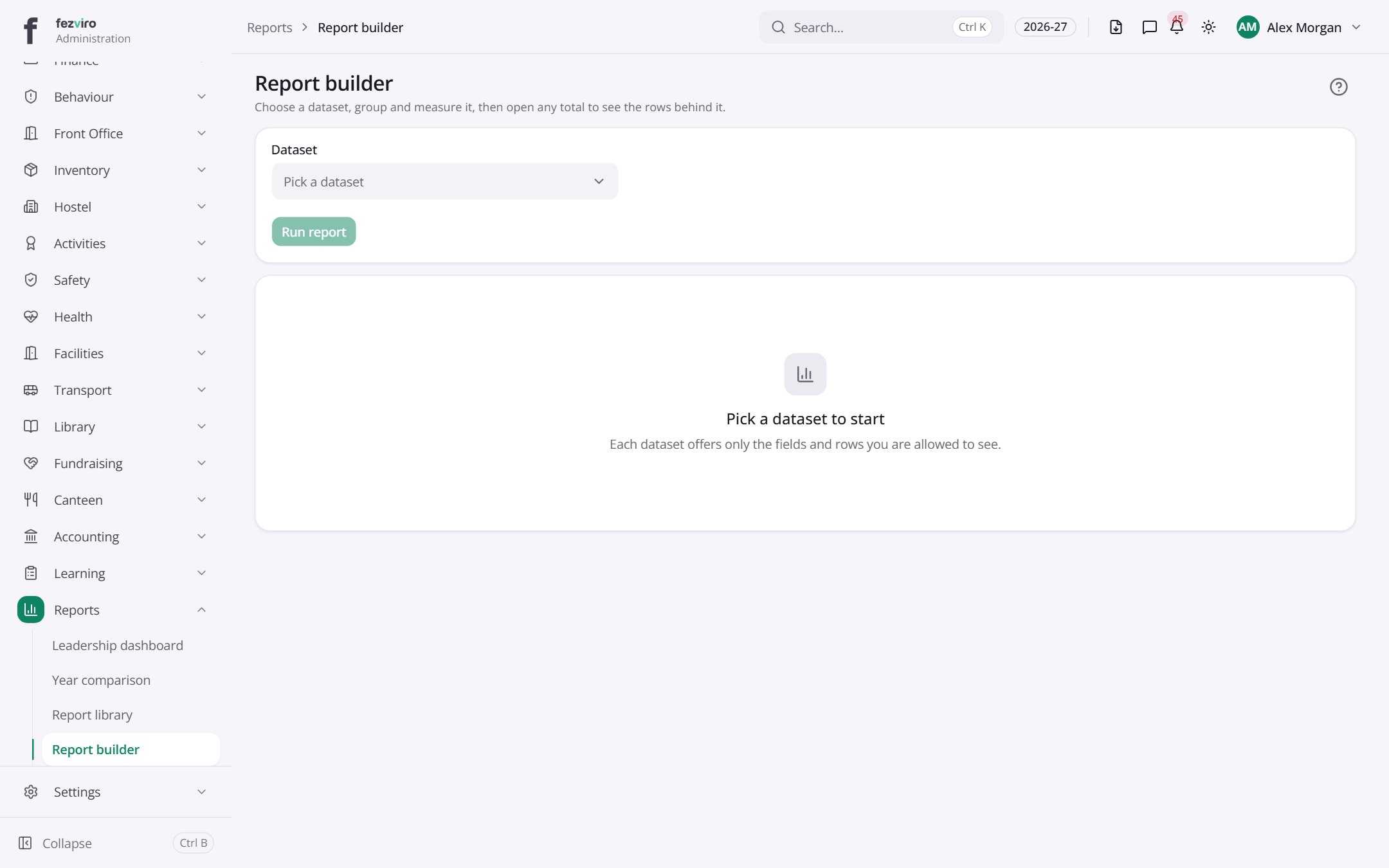
← Back to Reports & Analytics overview