

Timetable — by class
What it is
One class's weekly timetable, from the timetable currently published.
Why it matters
Gives each class a clear view of its lessons.
When to use it
Staff view or print a class's week from the published timetable.
Who uses it
Administrator
How to get here
Section titled “How to get here”- Sign in as Administrator (see Signing in).
- In the left menu, click Timetable to open it.
- Click Timetable — by class.
What you see
Section titled “What you see”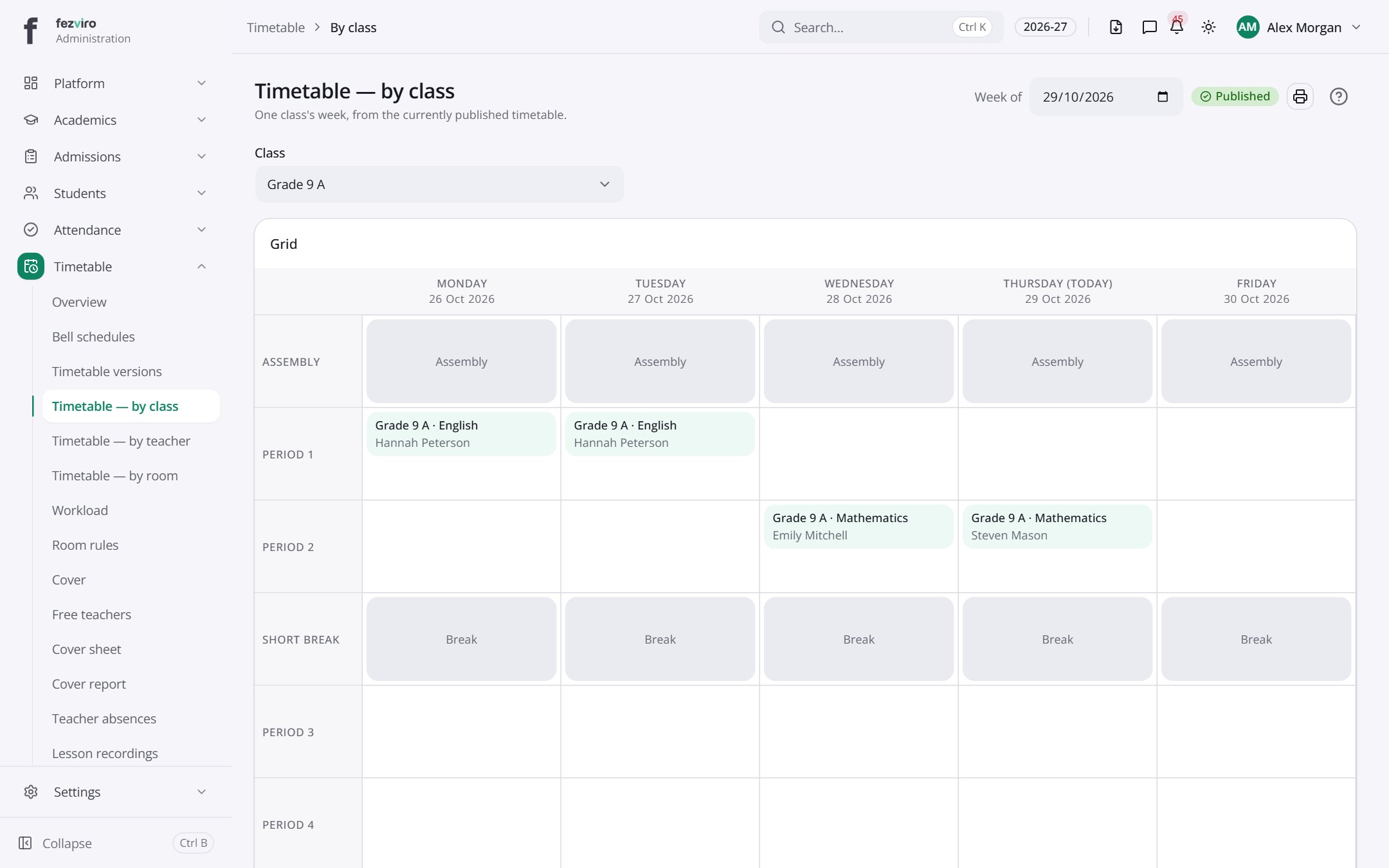
- Sections on the page: Grid.
← Back to Timetable overview