

Reports & Analytics
Standard reports, a self-service report builder, early warnings and dashboards, always limited to what the viewer may see.
👥 Principal, management, administrators🖥️ 7 screens

What it does
Section titled “What it does”- 15 standard reports
- Excel download
- Each user sees only permitted data
- Report builder with drill-down
- Saved and scheduled reports
- Year-on-year comparison
- Early-warning list for at-risk students
- Compliance reports
- BI extract for external tools
Its screens
Section titled “Its screens”Each screen has its own page: what it is for, how to reach it, a picture, its buttons and its form.
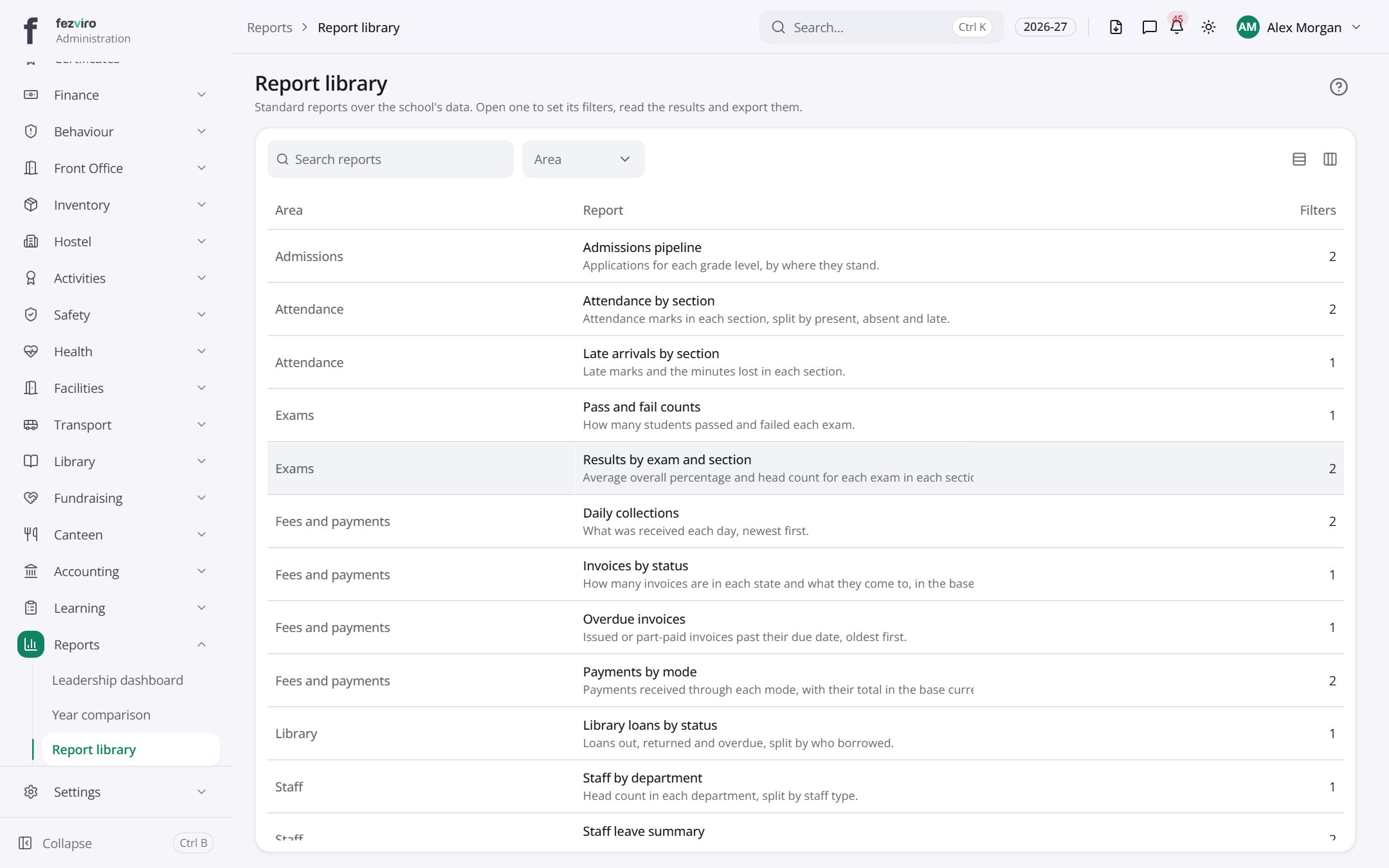 Report libraryThe library of standard reports built from school data.
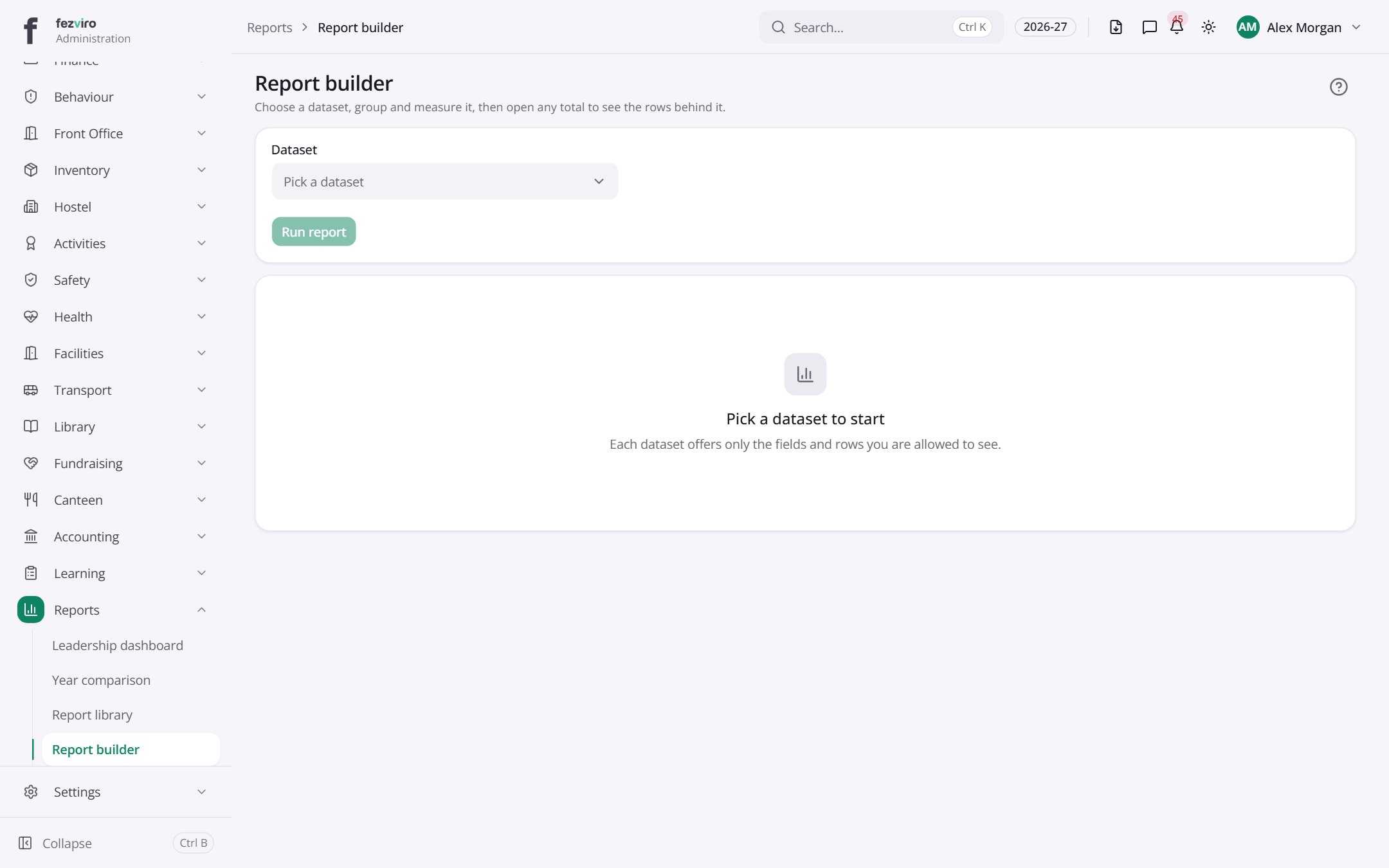 Report builderA tool for building your own report from school data.
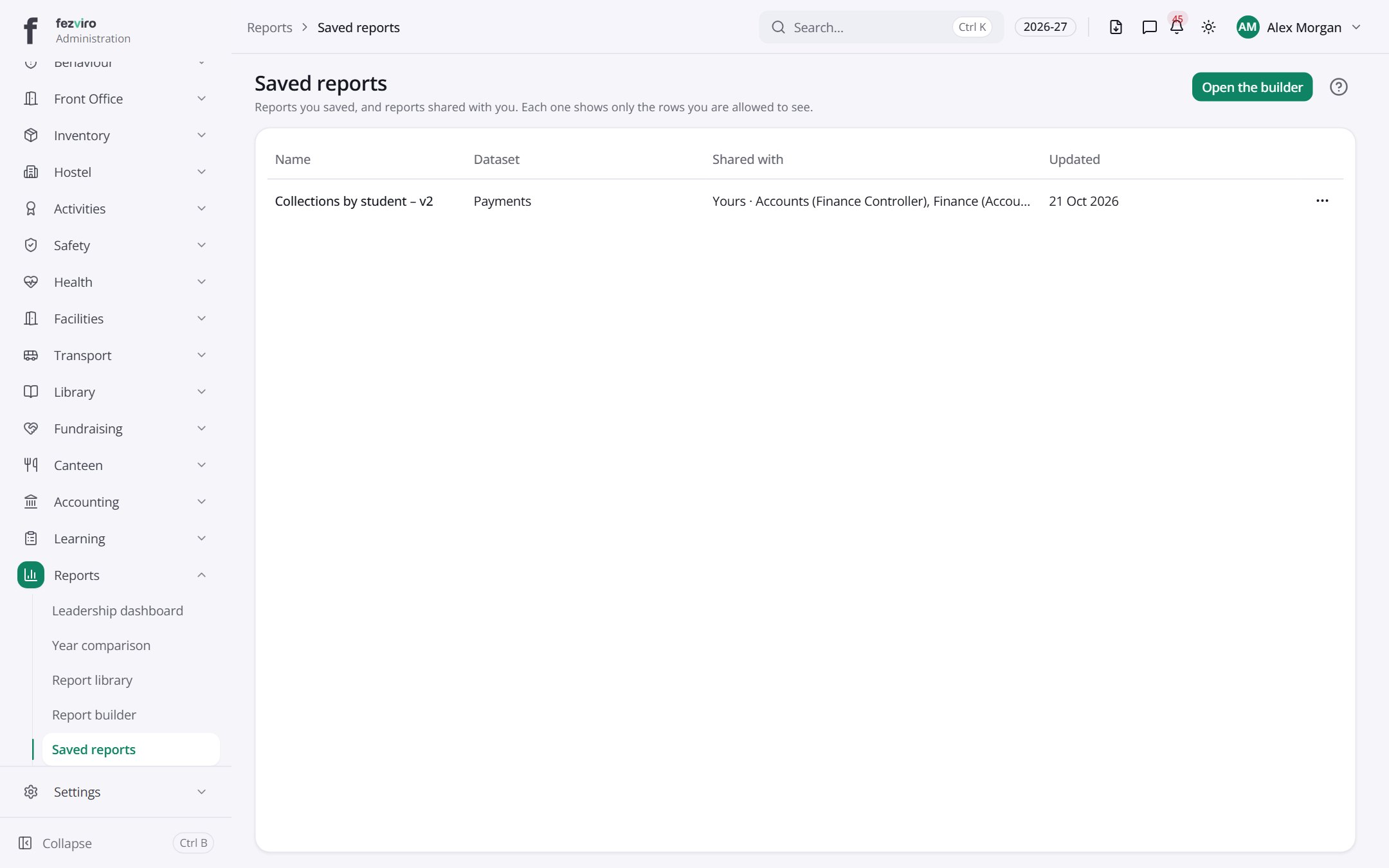 Saved reportsReports saved for reuse, and reports shared with you.
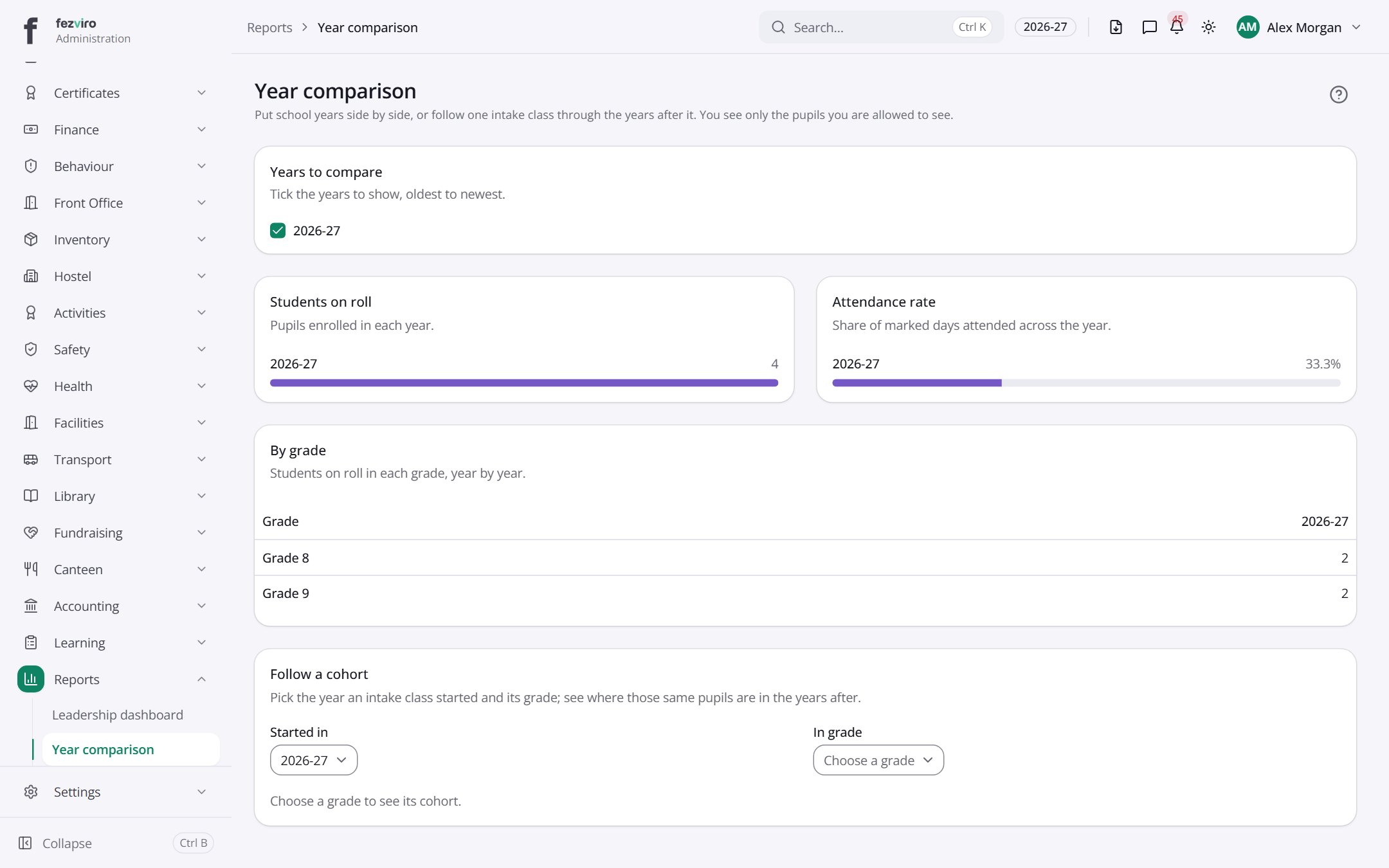 Year comparisonSchool years side by side, or one intake class followed over time.
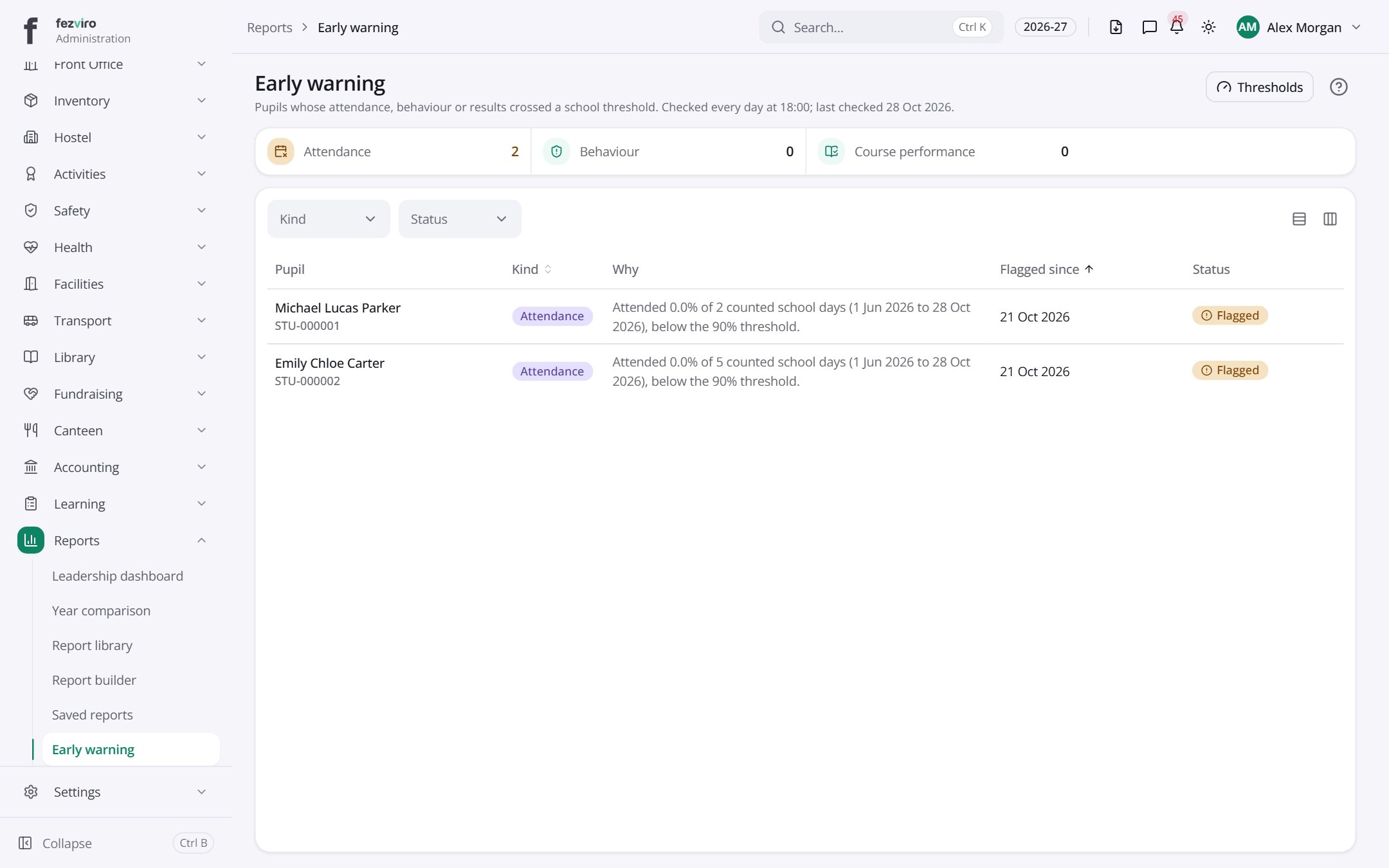 Early warningA list of students showing early signs of trouble.
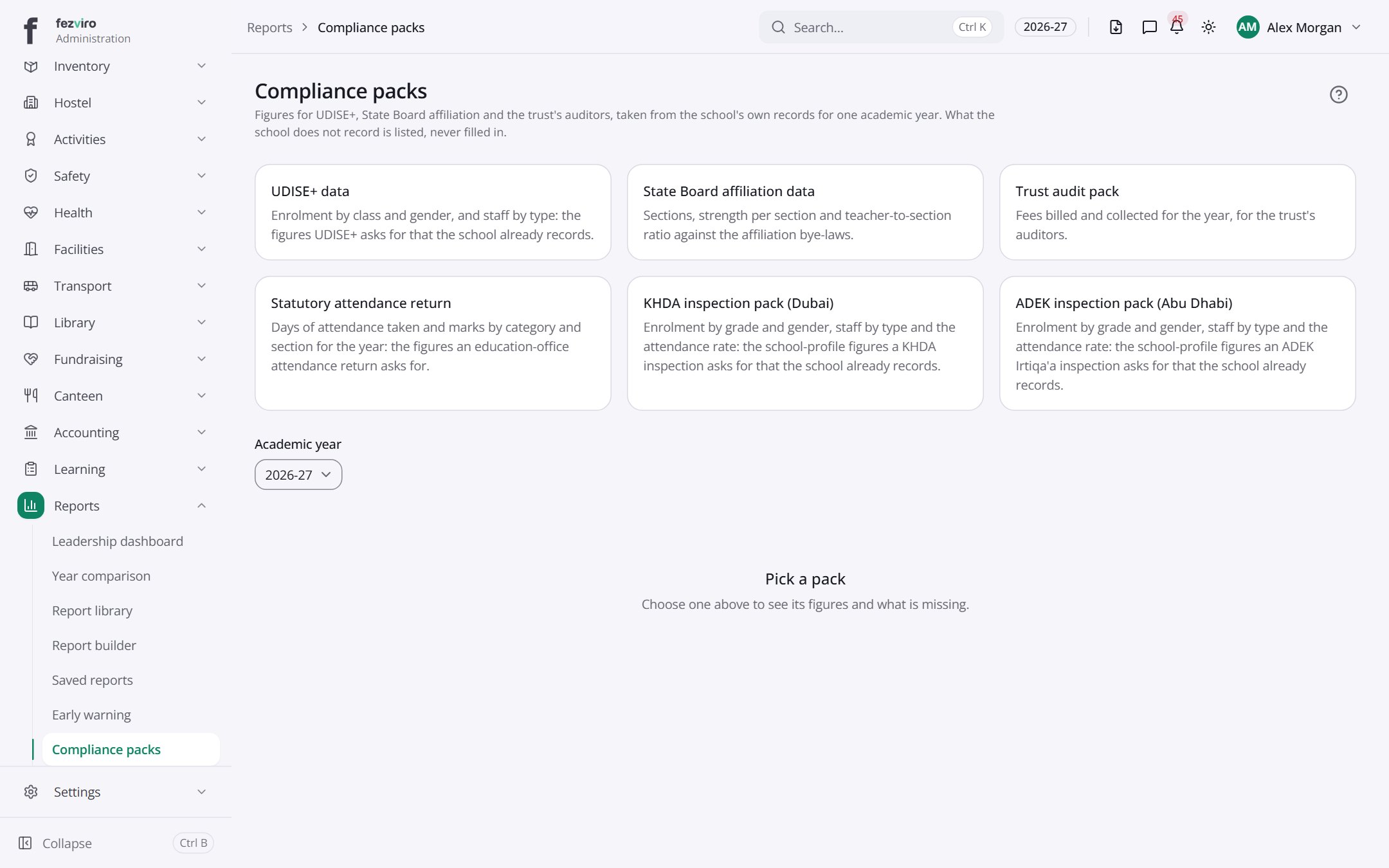 Compliance packsReady-made figures for government and audit returns, from school records.
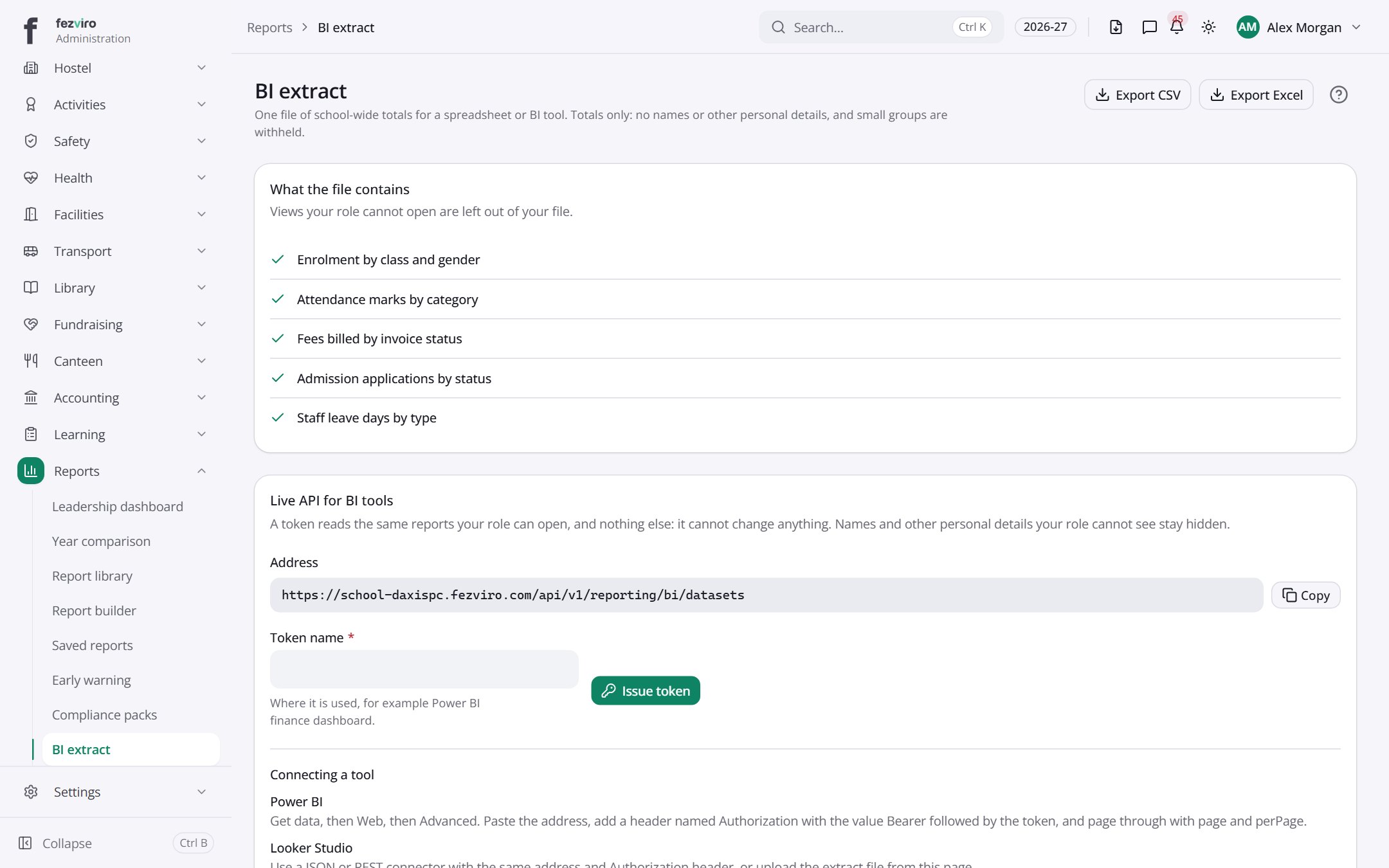 BI extractA secure, read-only data link for outside dashboards like Power BI.
Step by step
Section titled “Step by step”Build your own report
Section titled “Build your own report”- Open Reporting → Builder, pick a dataset and columns.
- Filter, group and drill into rows.
- Save it, schedule it, or download to Excel.
Questions
Section titled “Questions”Can a teacher see whole-school data in a report?
No. Reports only include rows the viewer is allowed to see.