

Work orders
What it is
Jobs sent to the team or a contractor, with time and parts used.
Why it matters
Tracks the true cost and progress of each repair.
When to use it
Facilities staff plan, record and close each job.
Who uses it
Administrator
How to get here
Section titled “How to get here”- Sign in as Administrator (see Signing in).
- In the left menu, click Facilities to open it.
- Click Work orders.
What you see
Section titled “What you see”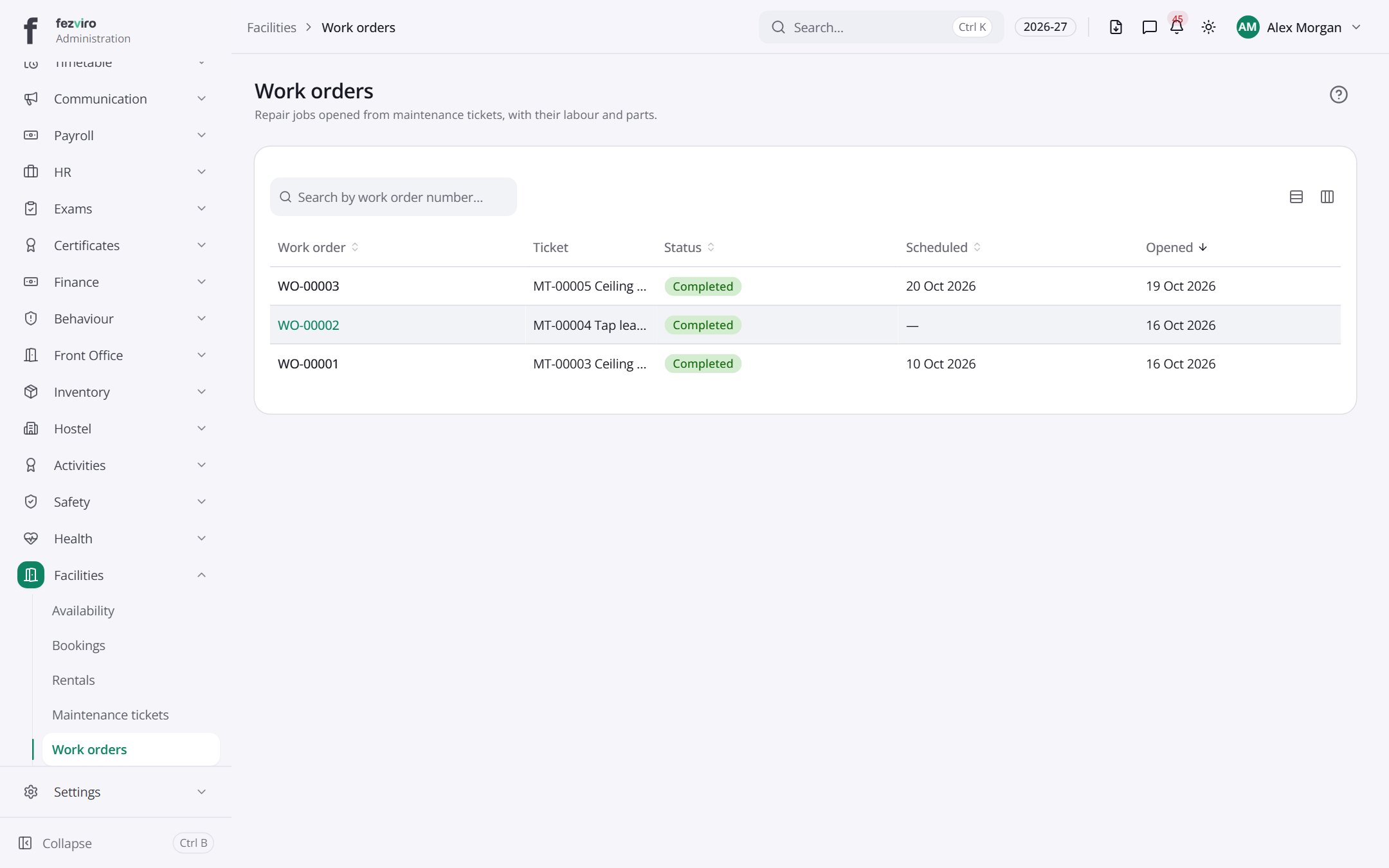
- The list has these columns: Work order, Ticket, Status, Scheduled, Opened. Click a column name to sort by it.
← Back to Facilities overview