

Audit log
What it is
A record of who changed what in the system, and when.
Why it matters
Lets the school answer questions about past changes with evidence.
When to use it
Leaders look back at what happened when something needs explaining.
Who uses it
Administrator
How to get here
Section titled “How to get here”- Sign in as Administrator (see Signing in).
- In the left menu, click Platform to open it.
- Click Audit log.
What you see
Section titled “What you see”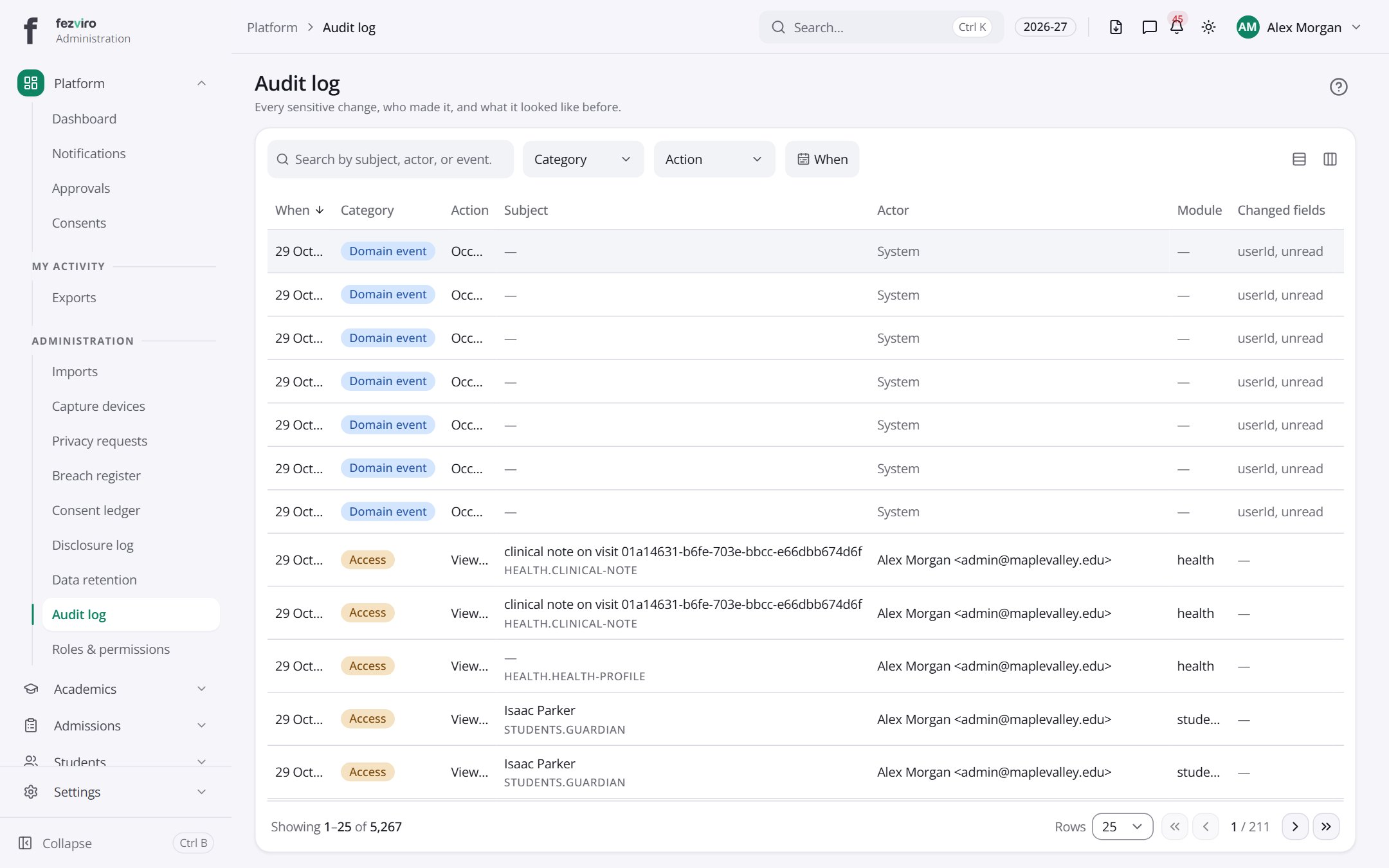
- The list has these columns: When, Category, Action, Subject, Actor, Module, Changed fields, Actions. Click a column name to sort by it.
← Back to Platform & Security overview