

Carry forward balances
What it is
Moves each student's balance from last year into the new year.
Why it matters
Keeps every family's outstanding amount correct across the year change.
When to use it
Finance staff run it once at year end; totals stay the same afterwards.
Who uses it
Administrator
How to get here
Section titled “How to get here”- Sign in as Administrator (see Signing in).
- In the left menu, click Fees to open it.
- Click Carry forward balances.
What you see
Section titled “What you see”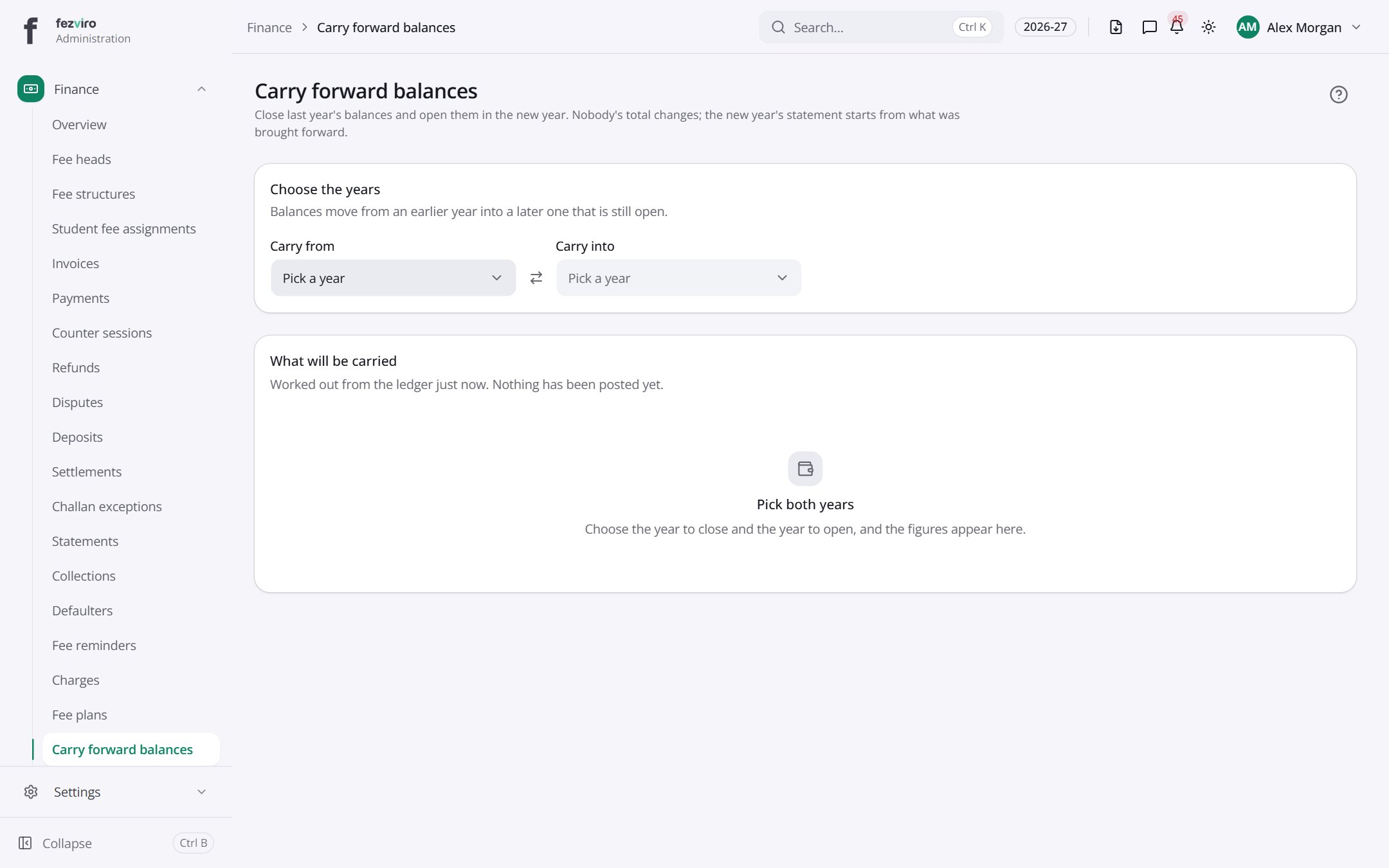
- Sections on the page: Choose the years, What will be carried.
← Back to Fees & Finance overview