

Cover sheet
What it is
A one-day sheet listing the cover needed and standby teachers.
Why it matters
Gives staff a printable plan for the day's gaps.
When to use it
Office staff view or print it each morning before lessons begin.
Who uses it
Administrator
How to get here
Section titled “How to get here”- Sign in as Administrator (see Signing in).
- In the left menu, click Timetable to open it.
- Click Cover sheet.
What you see
Section titled “What you see”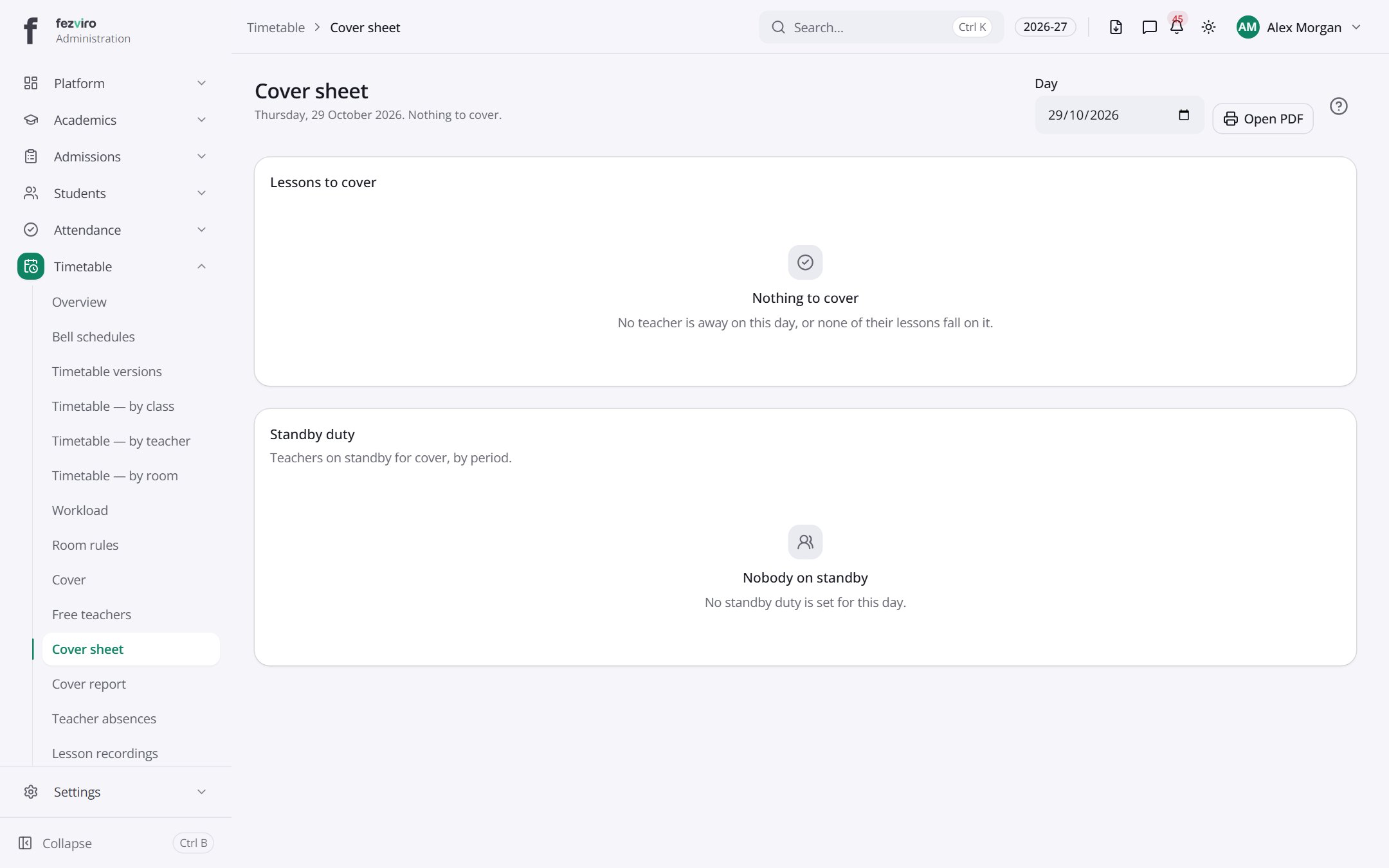
- Sections on the page: Lessons to cover, Standby duty.
Buttons on this screen
Section titled “Buttons on this screen”- Open PDF — opens a printable copy in a new tab.
← Back to Timetable overview