

Backups
What it is
The off-site copies of school data, and who is alerted when one fails.
Why it matters
Protects the school's records if something goes wrong.
When to use it
Senior leaders check copies are running and set who is emailed on failure.
Who uses it
Administrator
How to get here
Section titled “How to get here”- Sign in as Administrator (see Signing in).
- In the left menu, click Platform to open it.
- Click Settings.
What you see
Section titled “What you see”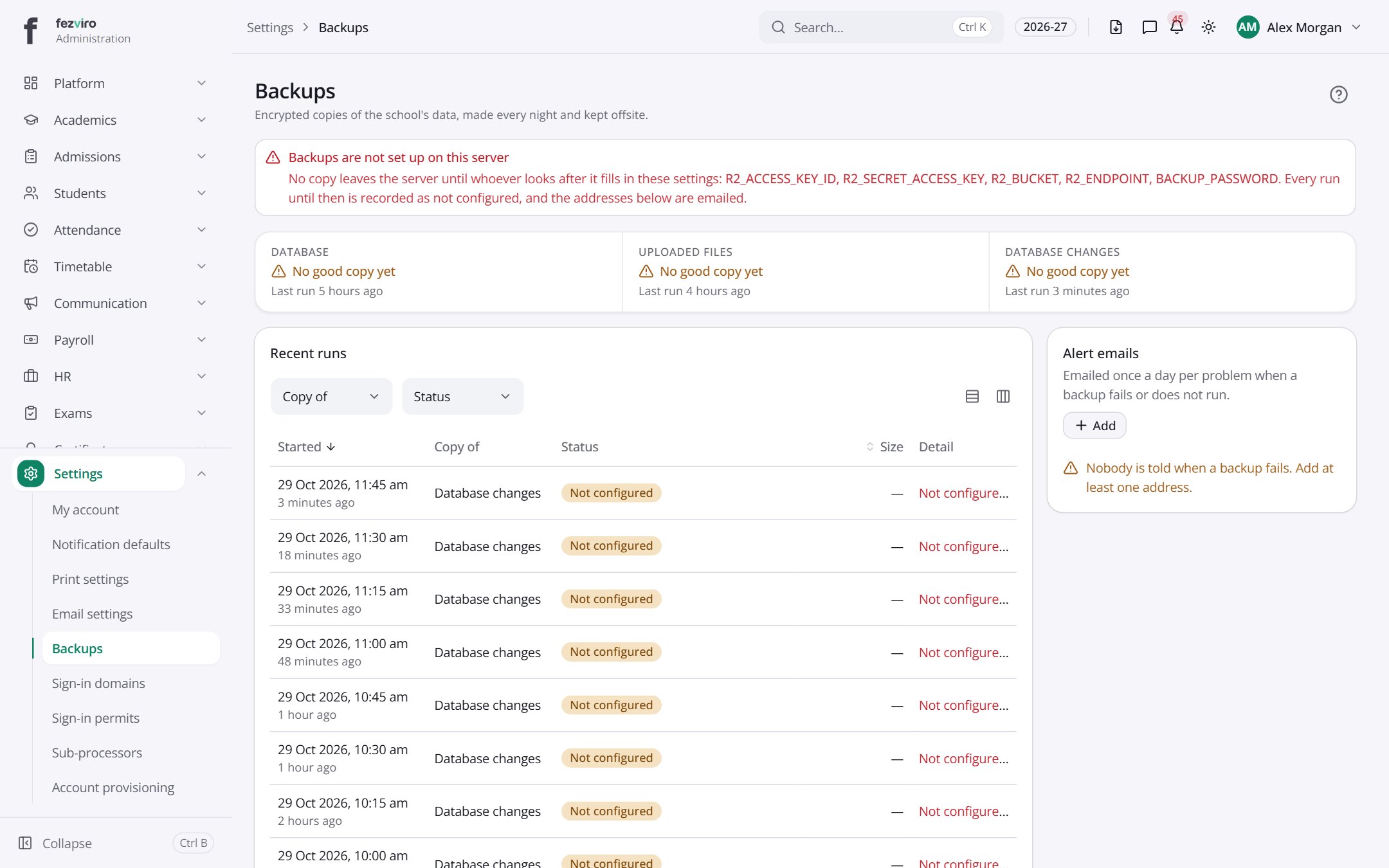
- Sections on the page: Recent runs, Alert emails.
- The list has these columns: Started, Copy of, Status, Size, Detail. Click a column name to sort by it.
← Back to Platform & Security overview