

Items
What it is
The master list of every item the school stocks or issues.
Why it matters
Makes sure every item is described and priced the same way everywhere.
When to use it
Store staff add items once; stock, orders and issues all draw from this list.
Who uses it
Administrator
How to get here
Section titled “How to get here”- Sign in as Administrator (see Signing in).
- In the left menu, click Inventory to open it.
- Click Inventory.
What you see
Section titled “What you see”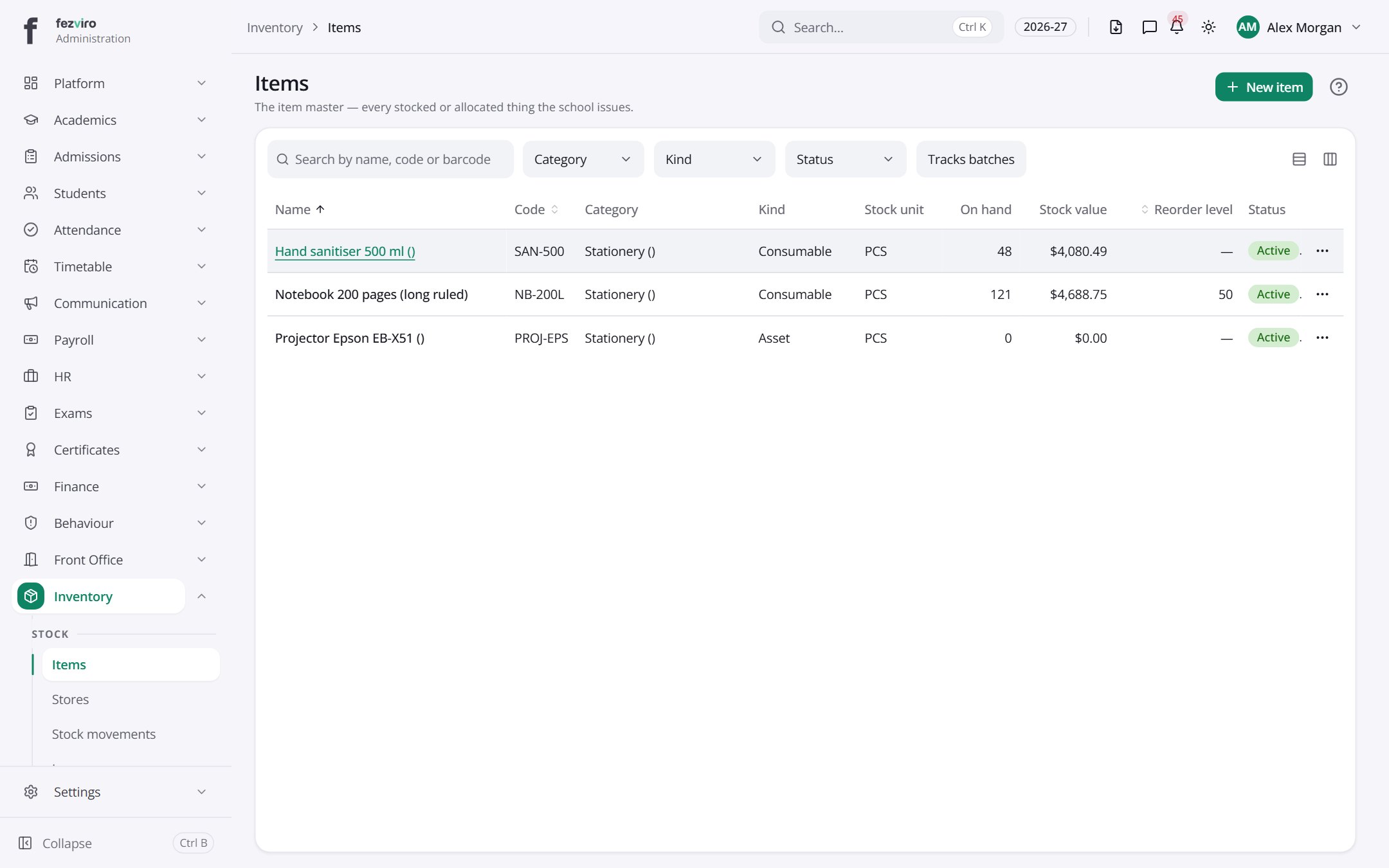
- The list has these columns: Name, Code, Category, Kind, Stock unit, On hand, Stock value, Reorder level, Status, Actions. Click a column name to sort by it.
Buttons on this screen
Section titled “Buttons on this screen”- New item — opens a form to add a new one. See Filling in the form below.
← Back to Inventory & Assets overview