

Admissions funnel
What it is
A summary of how many enquiries become applications and enrolments.
Why it matters
Shows where prospective families drop off, so the school can act.
When to use it
Leaders check it to judge which channels and stages work best.
Who uses it
Administrator
How to get here
Section titled “How to get here”- Sign in as Administrator (see Signing in).
- In the left menu, click Admissions to open it.
- Click Admissions funnel.
What you see
Section titled “What you see”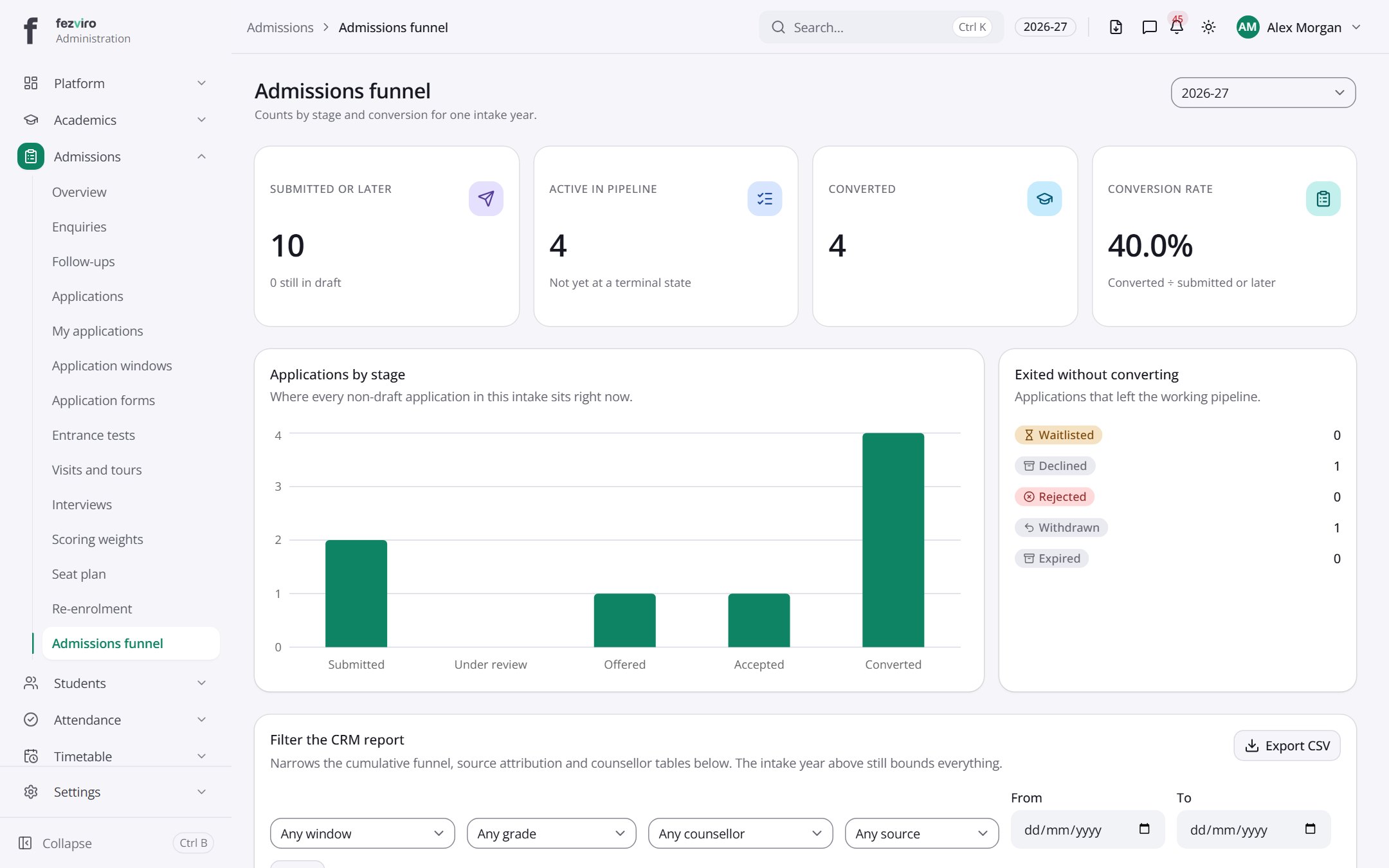
- Sections on the page: Applications by stage, Exited without converting, Filter the CRM report, Conversion funnel, Source attribution, Campaign ROI, Counsellor performance.
- The list has these columns: Stage, Reached, From previous, From enquiry, Source, Enquiries, Applications, Enrolments, Conversion, Median days to enrol, Campaign, Spend. Click a column name to sort by it.
Buttons on this screen
Section titled “Buttons on this screen”- 2026-27 — does what it says on the button.
← Back to Admissions overview