

Refunds
What it is
Money going back to families, awaiting or after approval.
Why it matters
Makes sure money goes back only once it has been properly approved.
When to use it
Finance staff raise refunds from a payment; the principal approves each one.
Who uses it
Administrator
How to get here
Section titled “How to get here”- Sign in as Administrator (see Signing in).
- In the left menu, click Fees to open it.
- Click Refunds.
What you see
Section titled “What you see”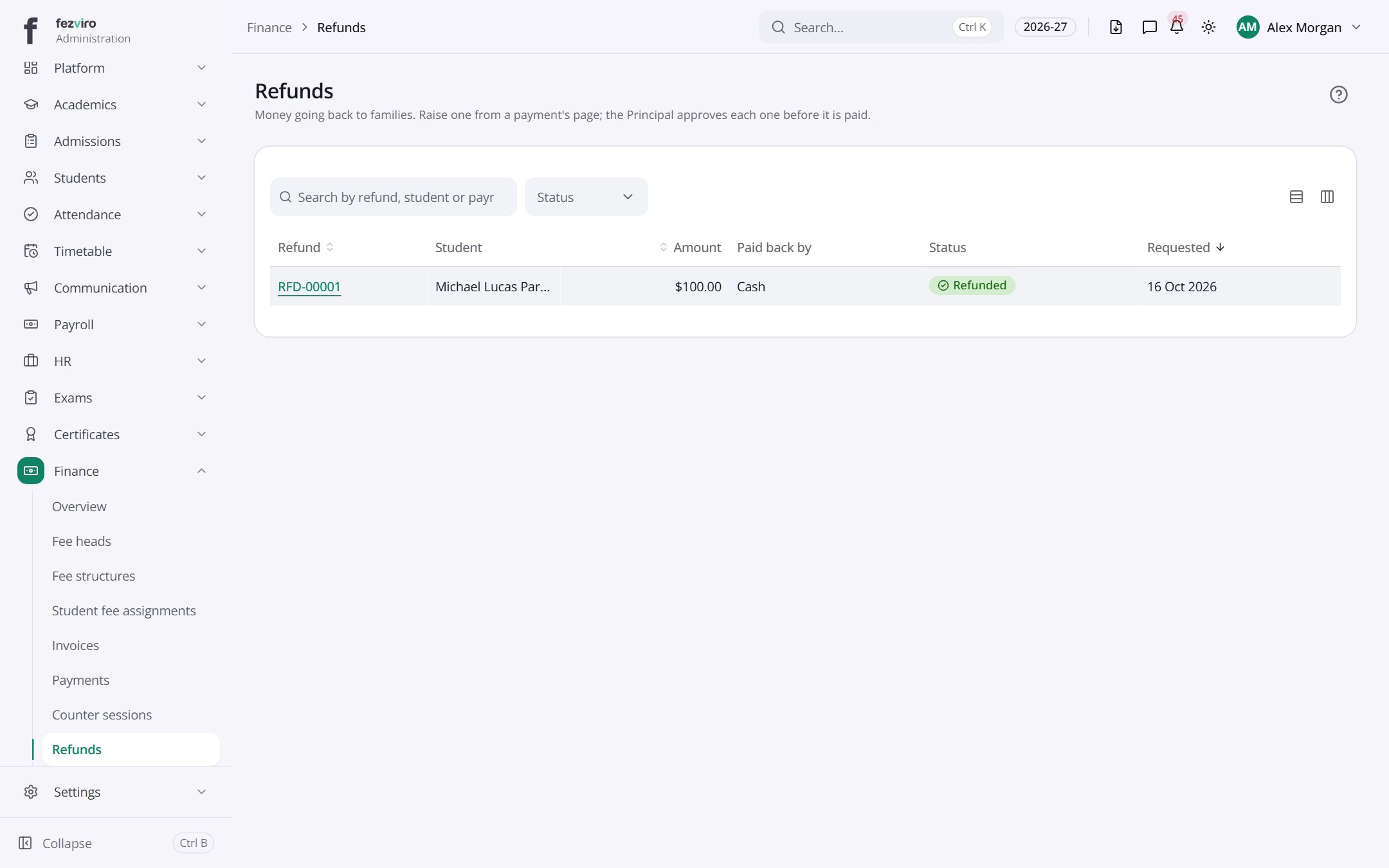
- The list has these columns: Refund, Student, Amount, Paid back by, Status, Requested. Click a column name to sort by it.
Opening a record
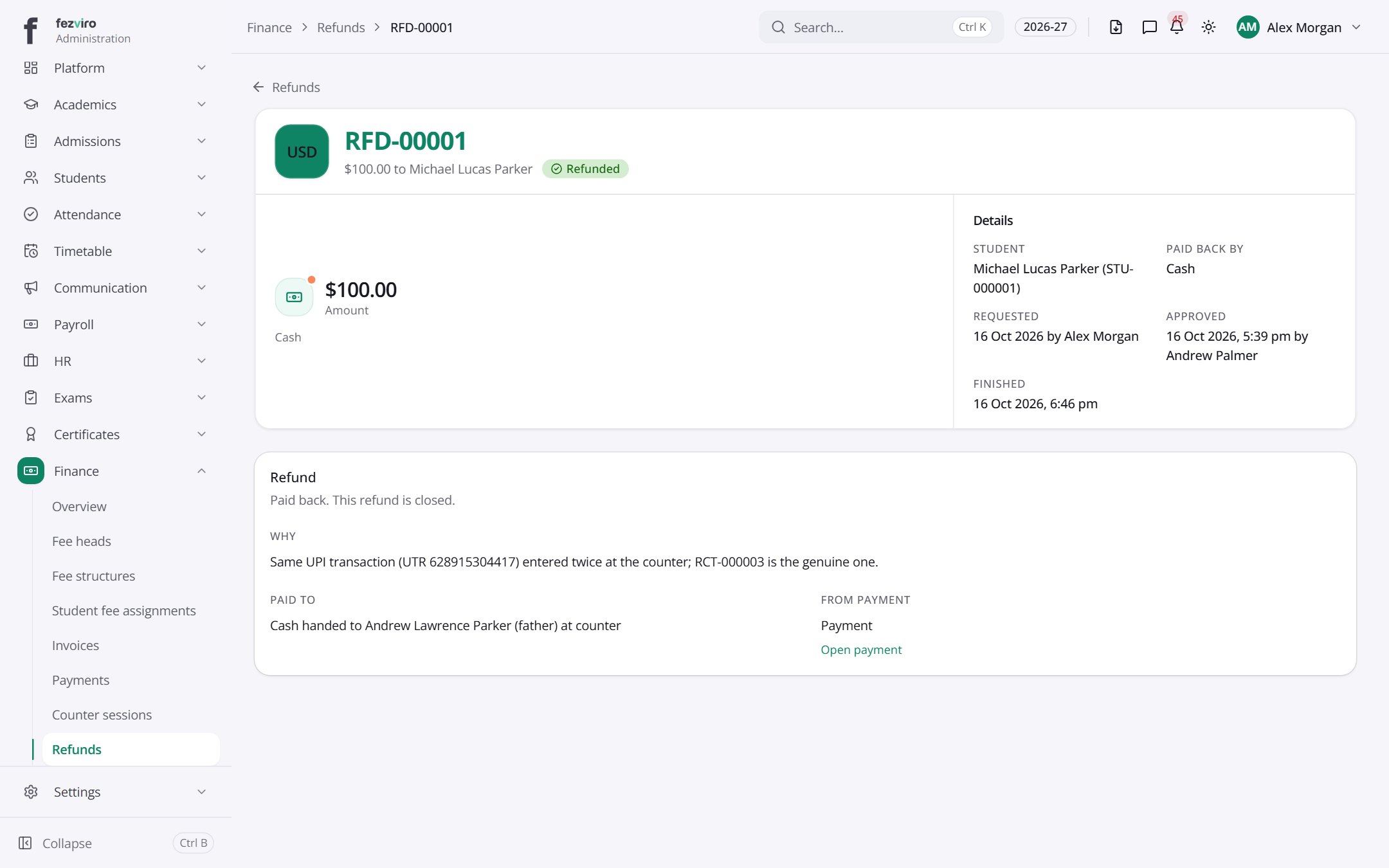
Section titled “Opening a record”Click any row in the list to see everything about it on one page.
← Back to Fees & Finance overview