

Message review
What it is
A review screen for reading parent and staff message threads.
Why it matters
Lets the school check conversations for safeguarding concerns.
When to use it
Authorised staff give a reason, then read the thread they need to see.
Who uses it
Administrator
How to get here
Section titled “How to get here”- Sign in as Administrator (see Signing in).
- In the left menu, click Communication to open it.
- Click Message review.
What you see
Section titled “What you see”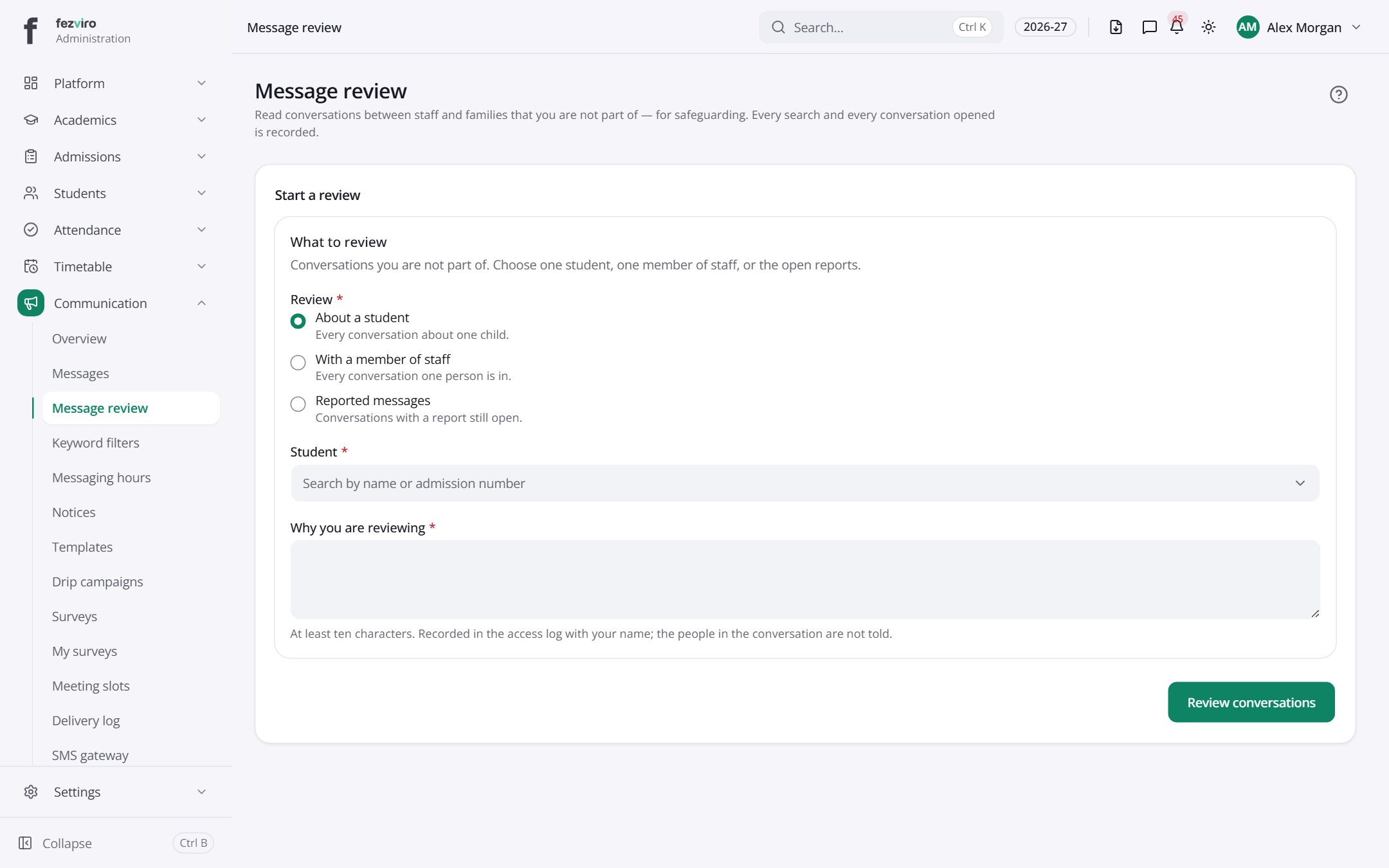
- Sections on the page: Start a review, What to review.
← Back to Communication overview