

Transport
Fleet, routes, stops, student allocation, bus fees, maintenance and live boarding with parent alerts.
👥 Transport manager, bus attendants, drivers, parents🖥️ 10 screens📝 3 forms

What it does
Section titled “What it does”- Vehicles with document expiry alerts
- Routes, stops and trips
- Driver and attendant assignment with licence check
- Student route allocation
- Parent bus requests
- Distance-based bus fees
- Servicing, breakdowns, fuel and mileage
- Trip logs
- Attendant phone boarding, works offline
- Parent board and drop alerts
- Occupancy and fee reports
Its screens
Section titled “Its screens”Each screen has its own page: what it is for, how to reach it, a picture, its buttons and its form.
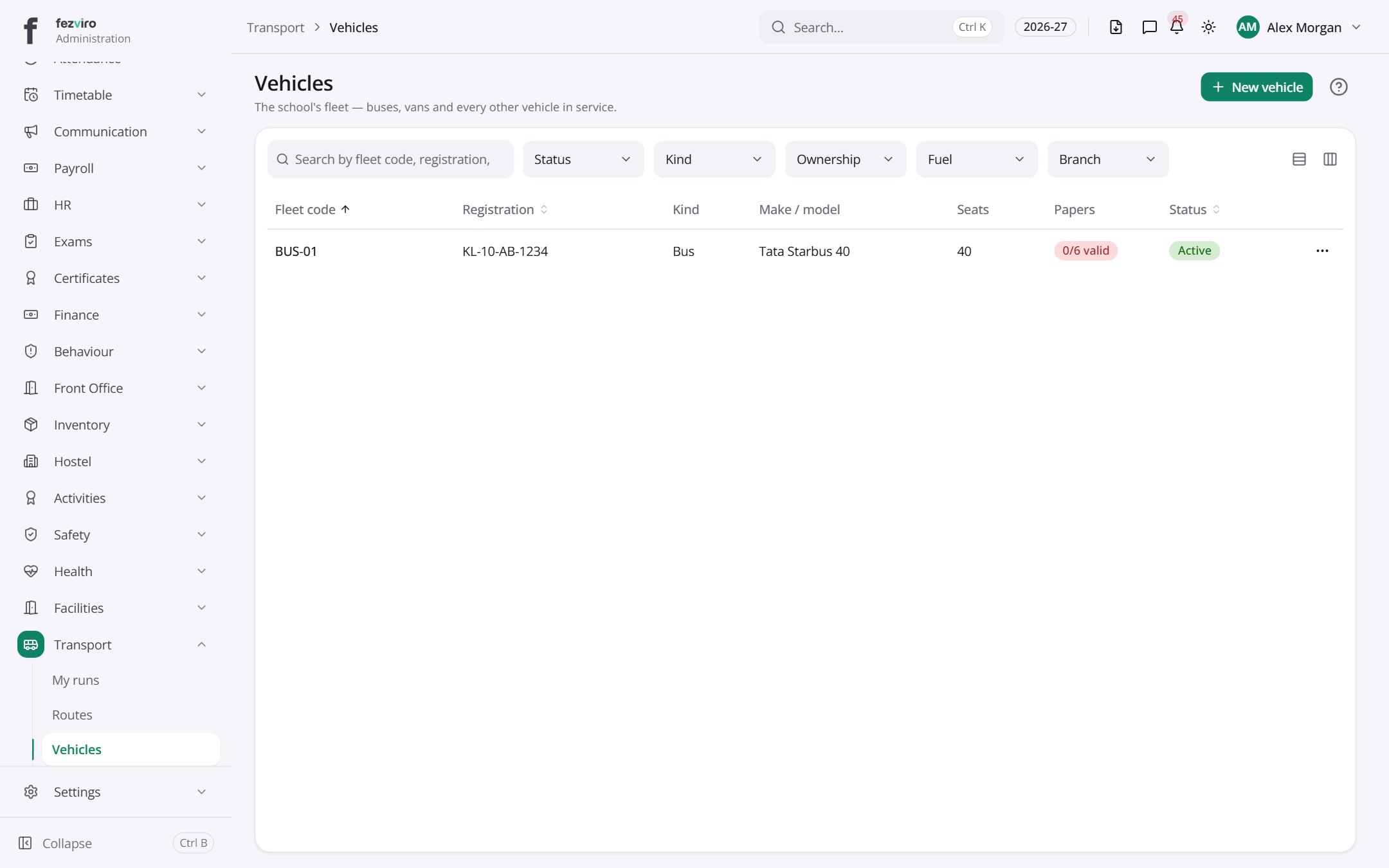 VehiclesThe list of school buses, with their documents and servicing.has a form
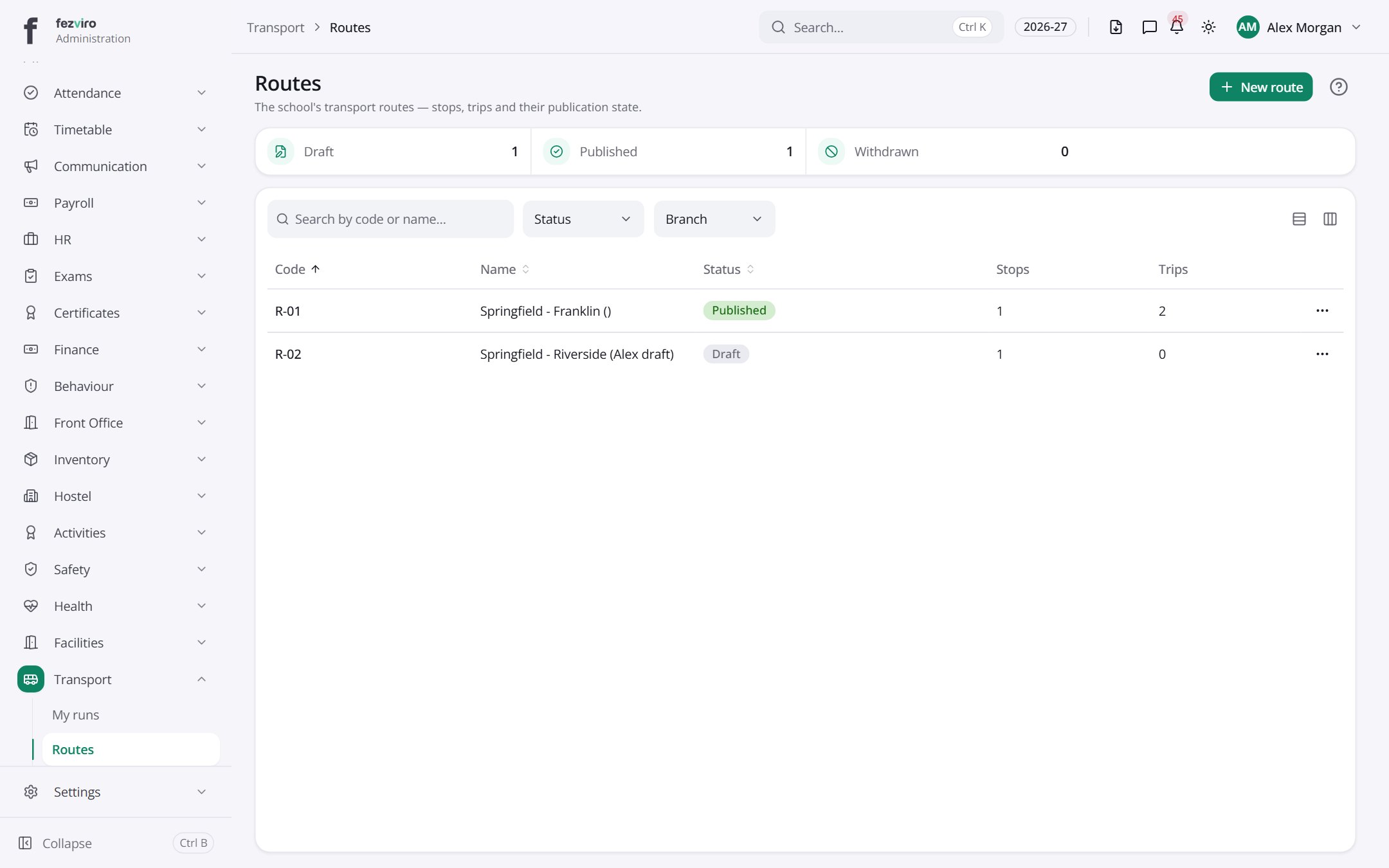 RoutesEach bus route, with its stops and timings.has a form
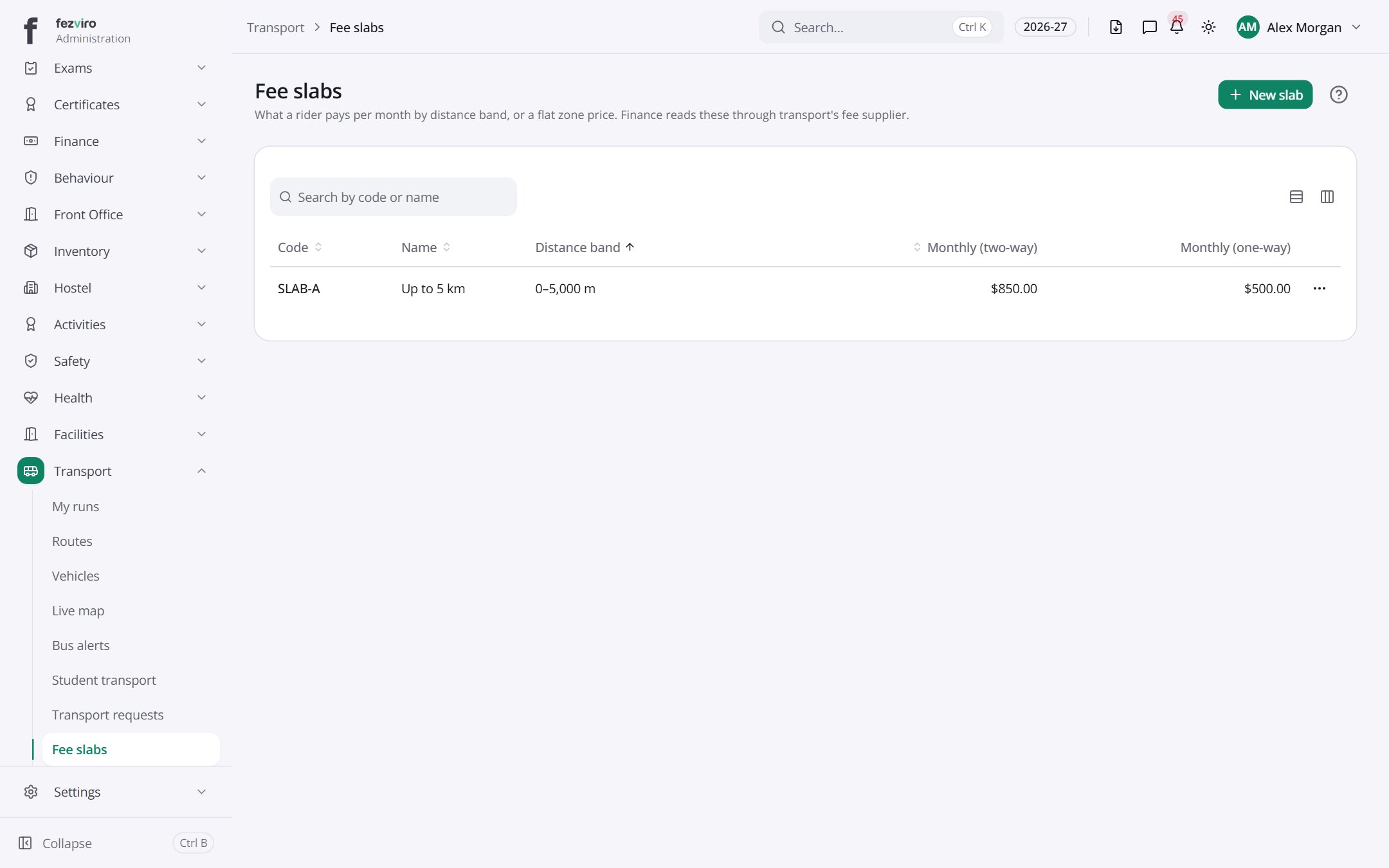 Fee slabsBus fee bands set by distance from school.
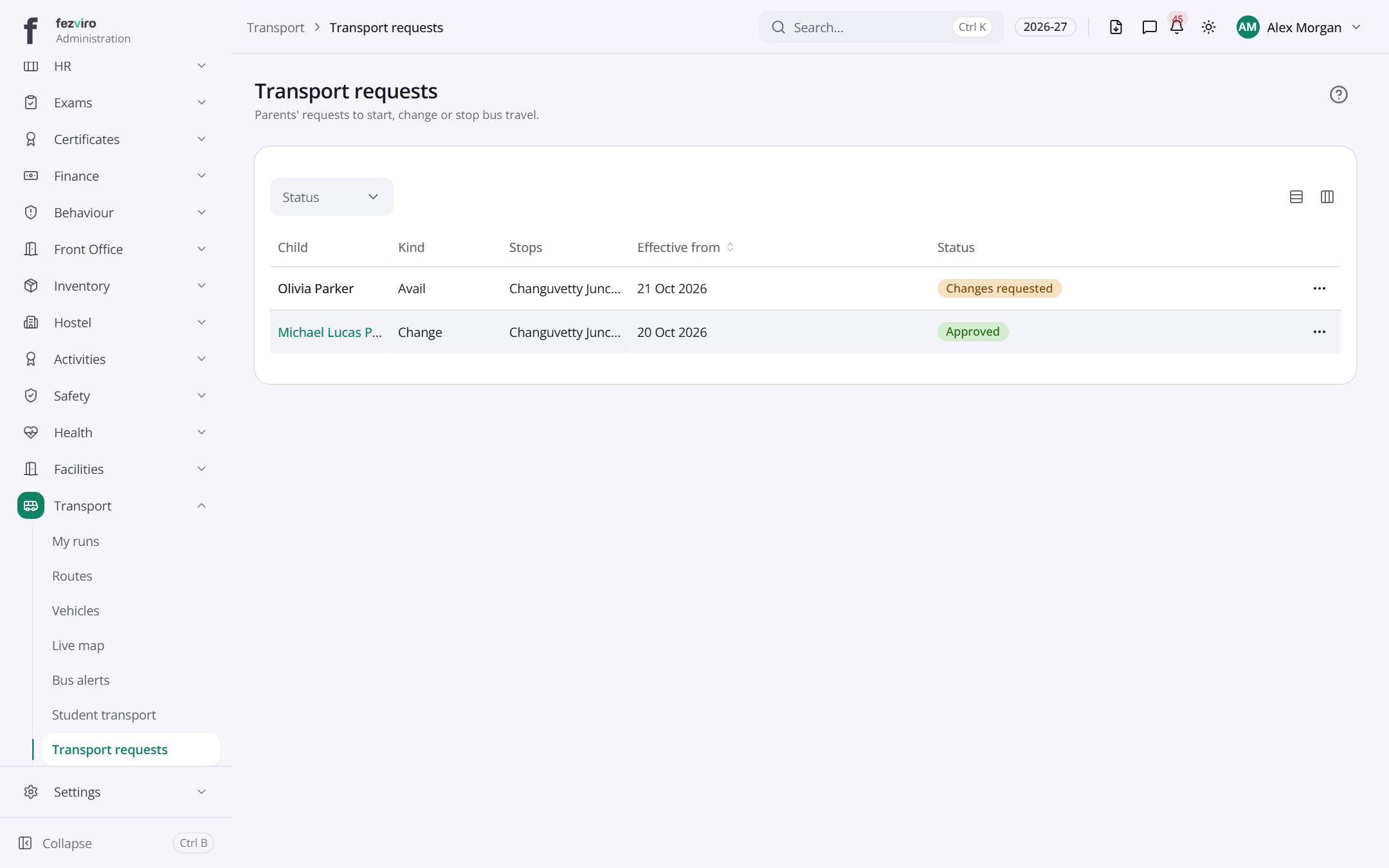 Transport requestsRequests from families for a bus place or a stop change.has a form
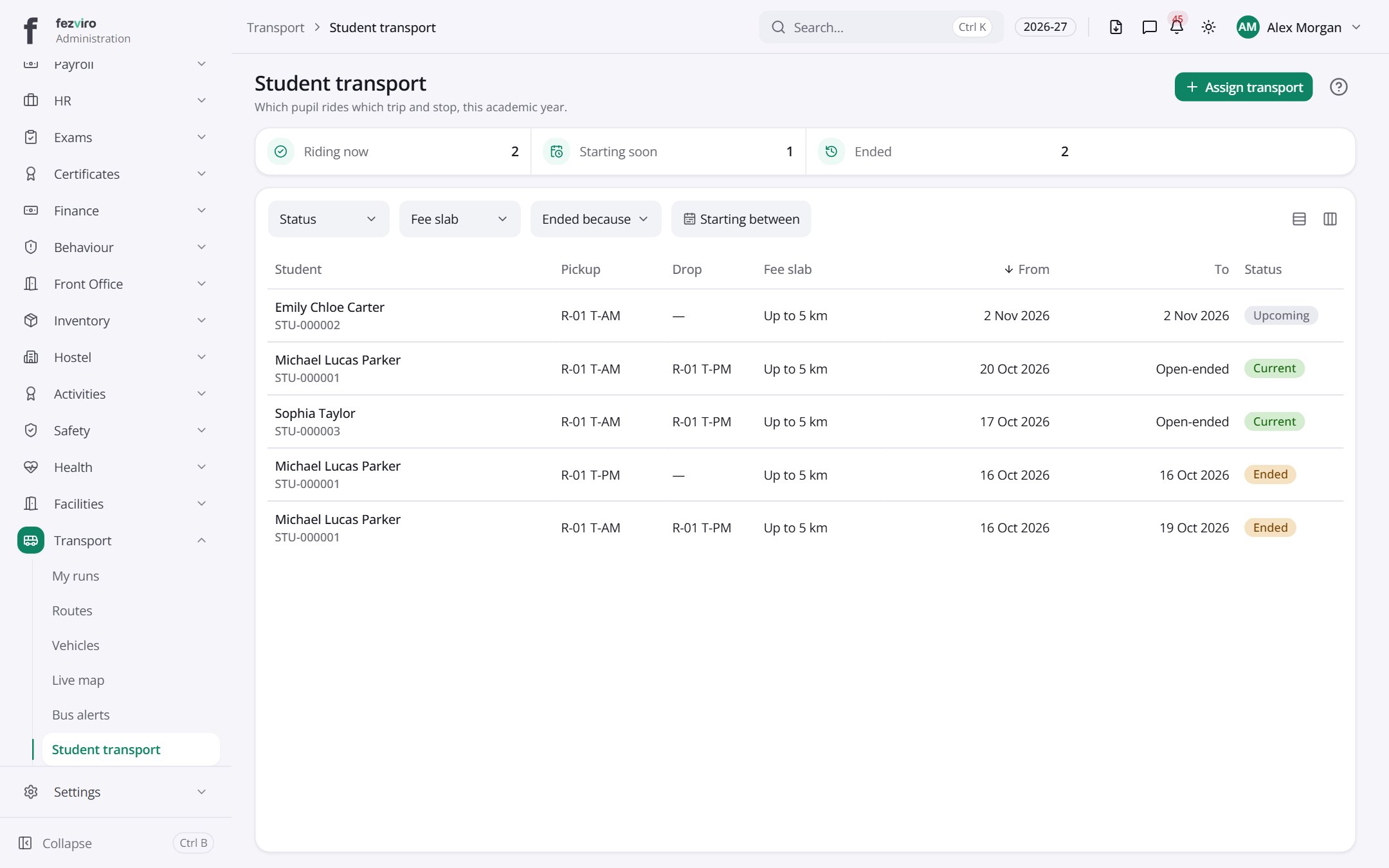 Student transportWhich child rides which bus route and stop.
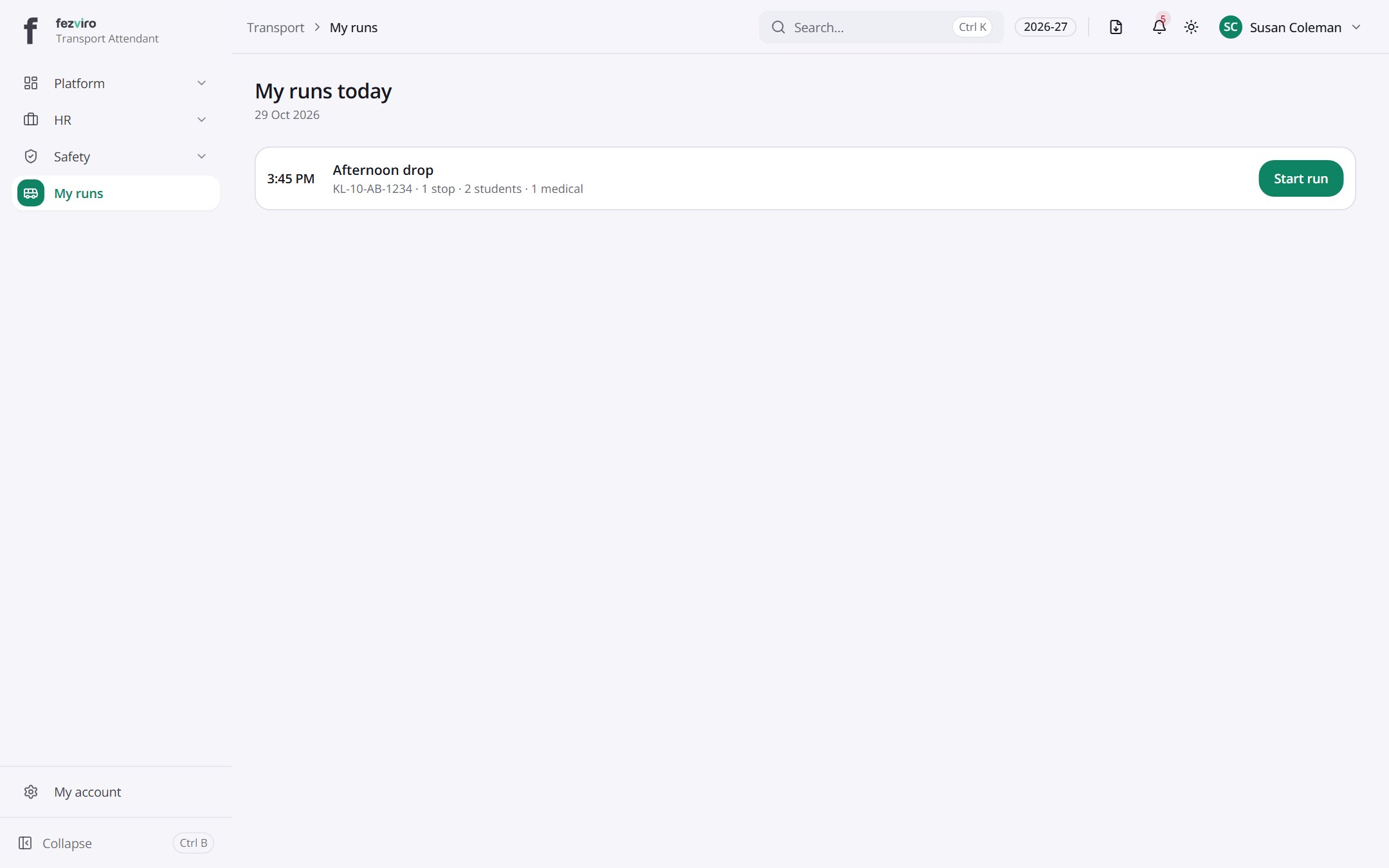 My runs todayThe bus attendant's boarding screen, which works without signal.Bus attendant
 My runs todayThe bus attendant's boarding screen, which works without signal.
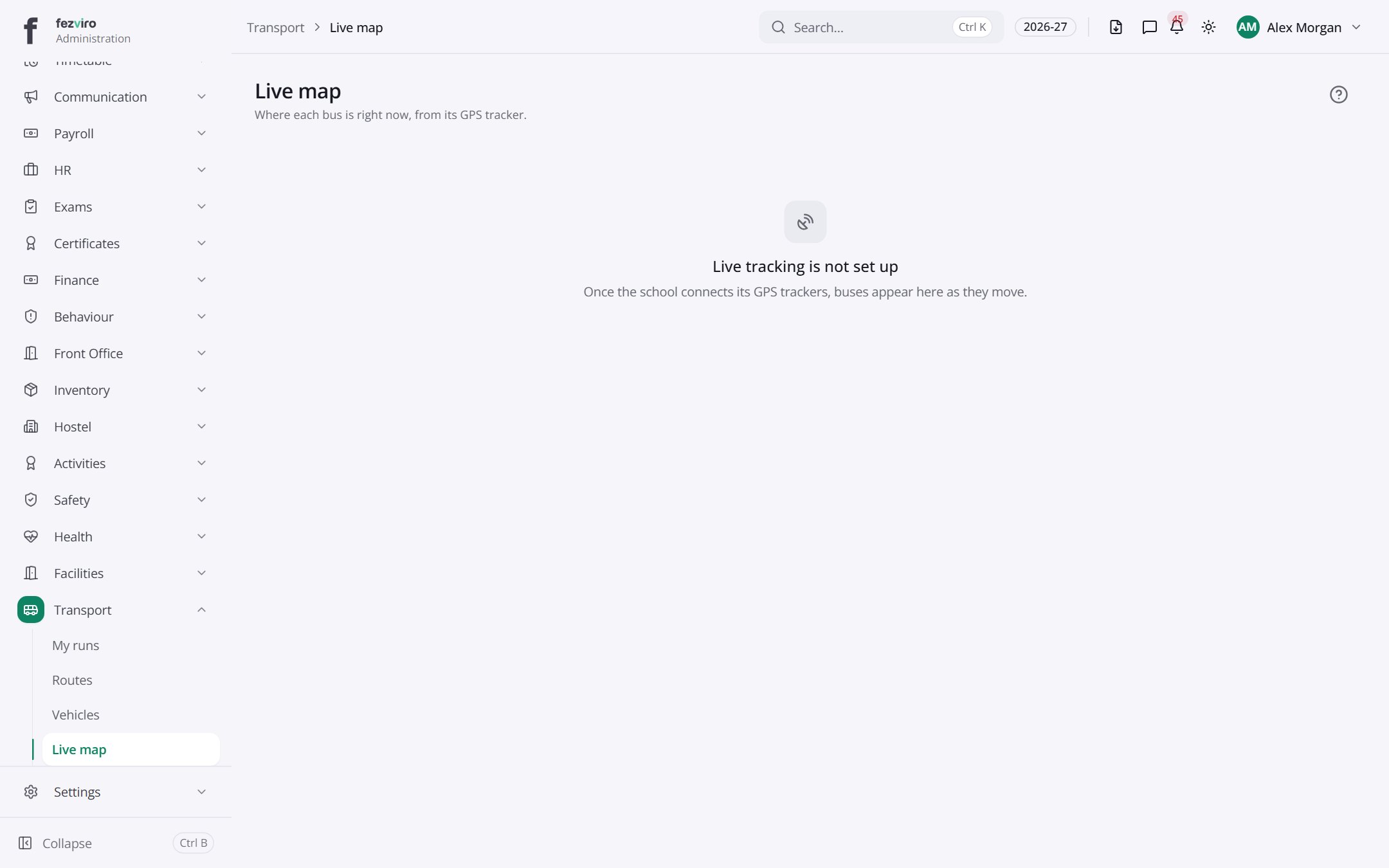 Live mapA live map showing where each bus is right now.
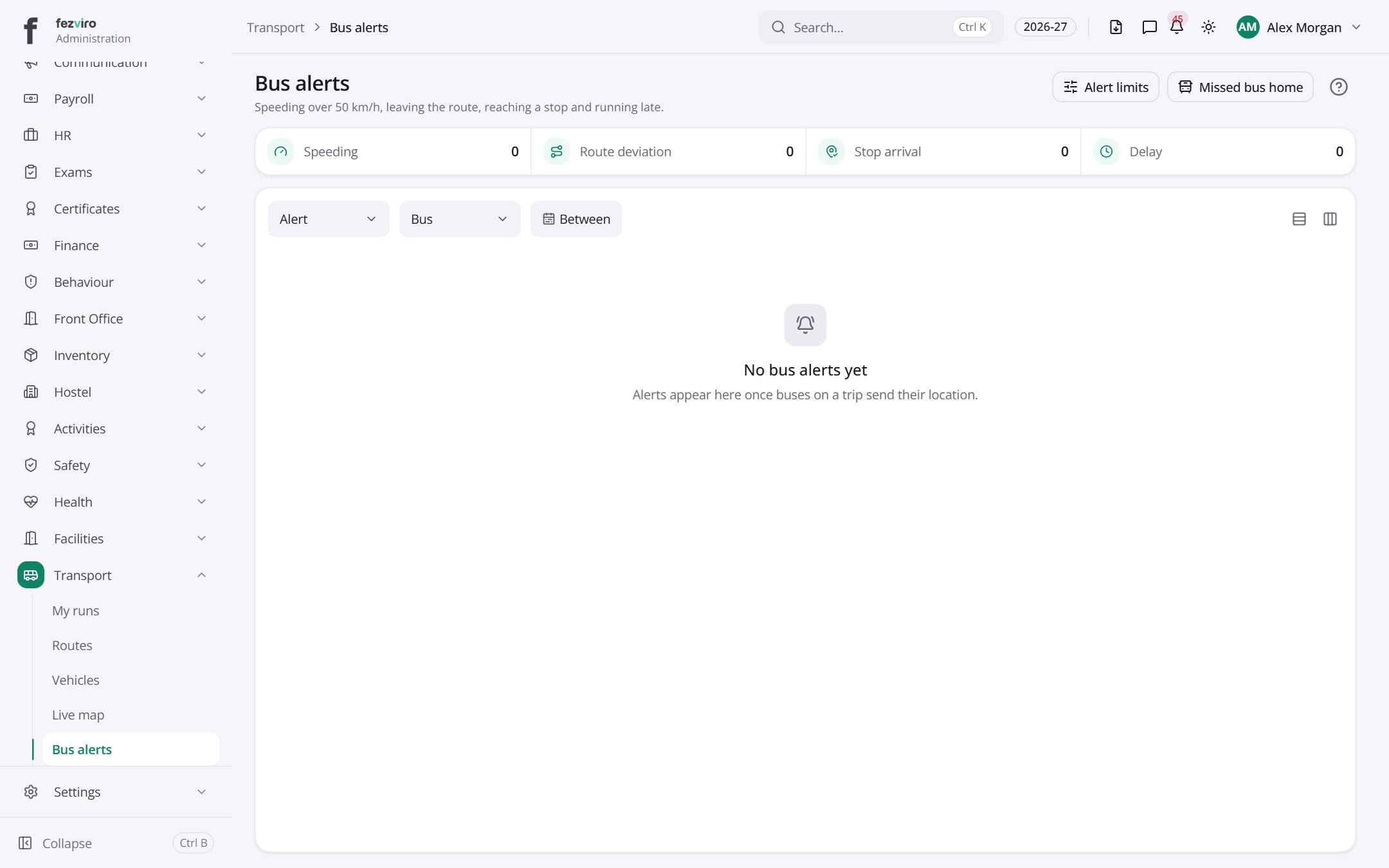 Bus alertsWarnings about buses, such as an expiring licence or insurance.
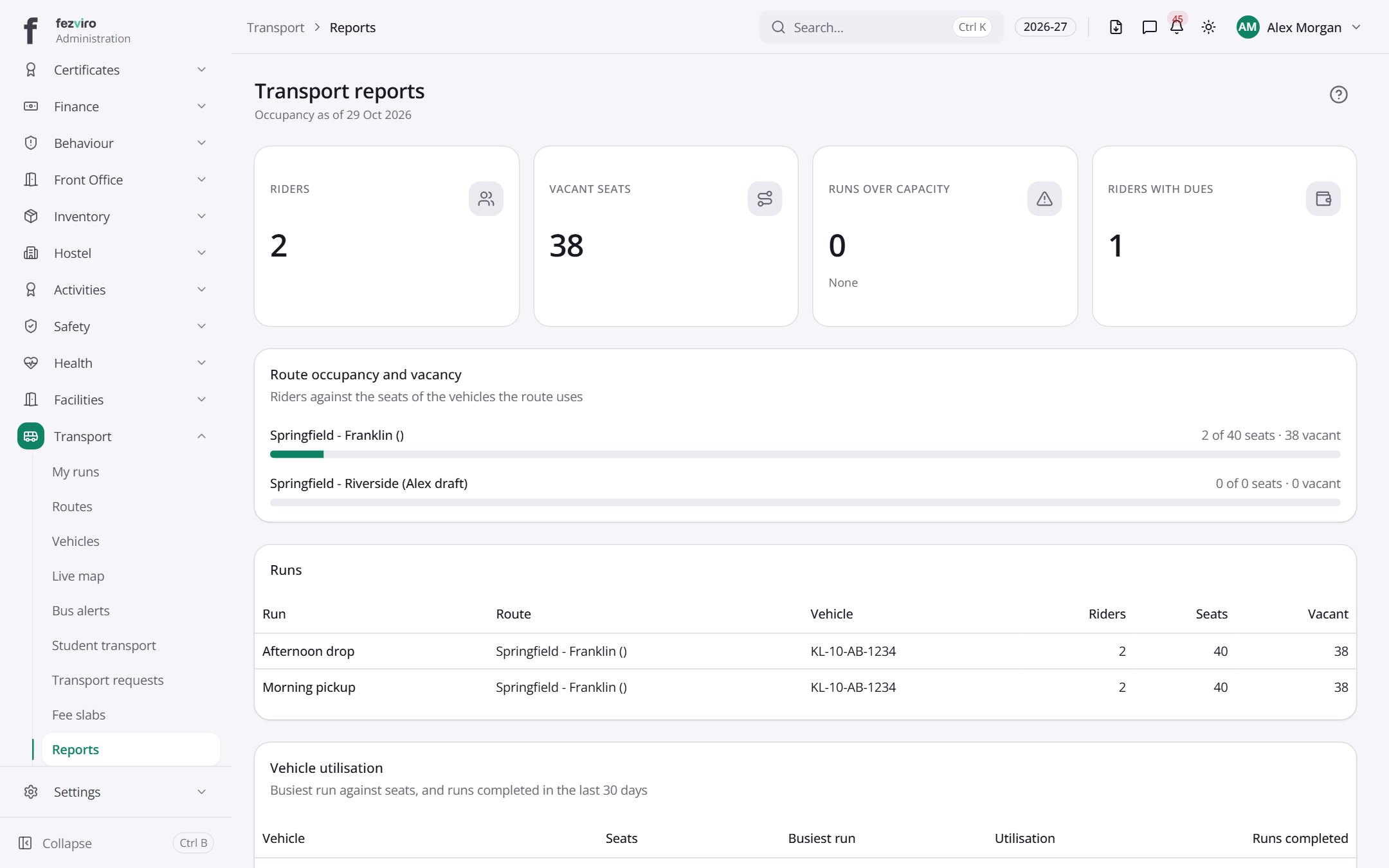 Transport reportsReports on bus numbers, seats used and fees.
Step by step
Section titled “Step by step”Set up a route
Section titled “Set up a route”- Add Vehicles with documents (expiry alerts follow).
- Create Routes with stops and trips; assign driver and attendant (licence is checked).
- Allocate students in Student assignments; distance-based Fee slabs set the bus fee.
Board students
Section titled “Board students”- The attendant opens the Attendant screen on a phone (works offline).
- Mark boarded and dropped; parents get an alert at each step.
Questions
Section titled “Questions”Can parents request a bus seat?
Yes, via Transport requests from their portal.
Is there a live map?
Yes, Live map shows vehicles in service.