

Front Office
Reception desk: visitors, gate passes, early pickup, calls, post, complaints and lost-and-found.
👥 Receptionist, security, office staff🖥️ 17 screens📝 13 forms
What it does
Section titled “What it does”- Visitor check-in, photo, badge
- Pre-invited visitors with QR code
- Watchlist alerts
- Gate passes for students, staff, vehicles
- Early pickup with authorised-person check
- Phone call log and call-backs
- Post register
- Complaints with deadlines and escalation
- Lost and found
Its screens
Section titled “Its screens”Each screen has its own page: what it is for, how to reach it, a picture, its buttons and its form.
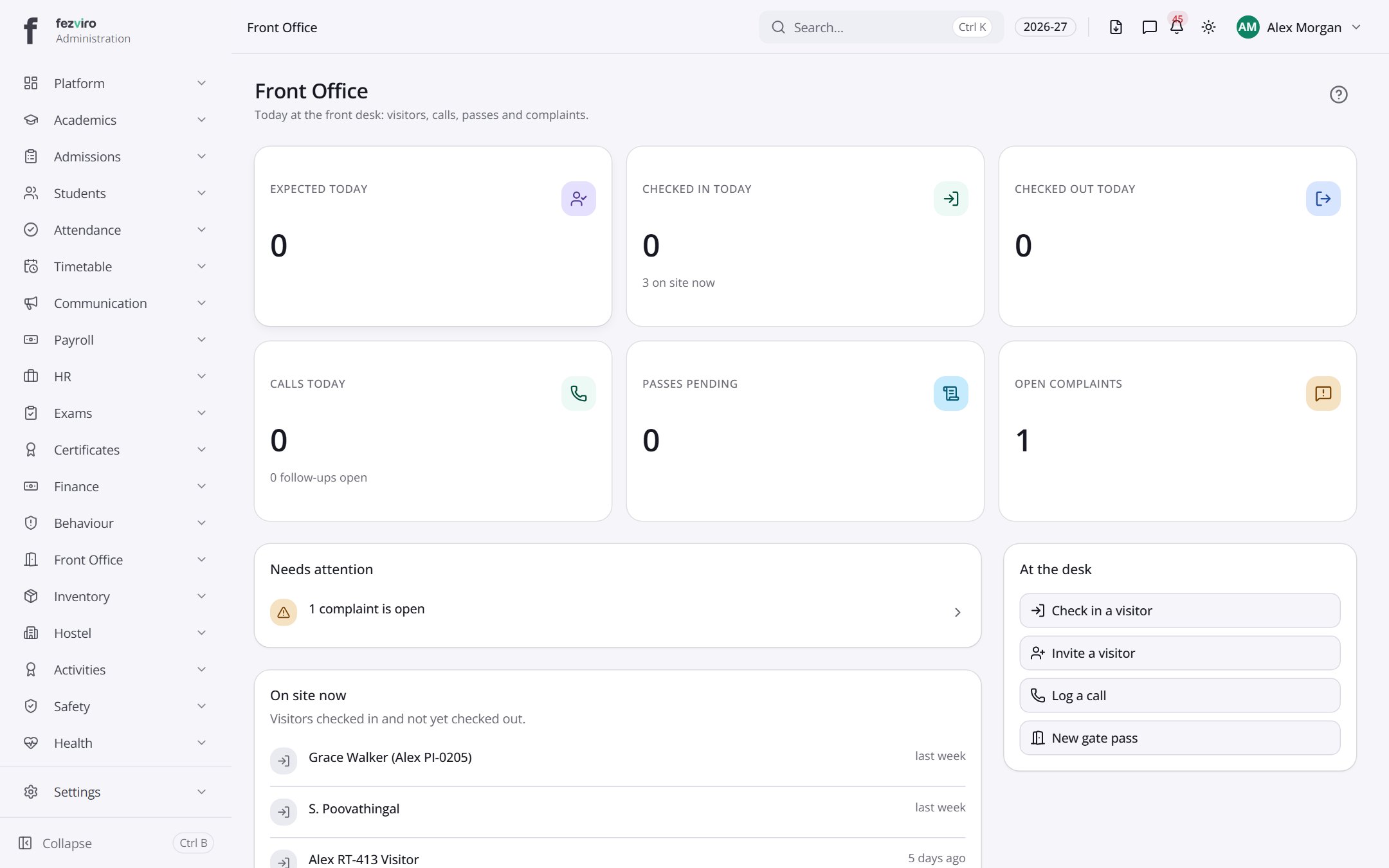 Front Office dashboardThe front desk's daily home page.
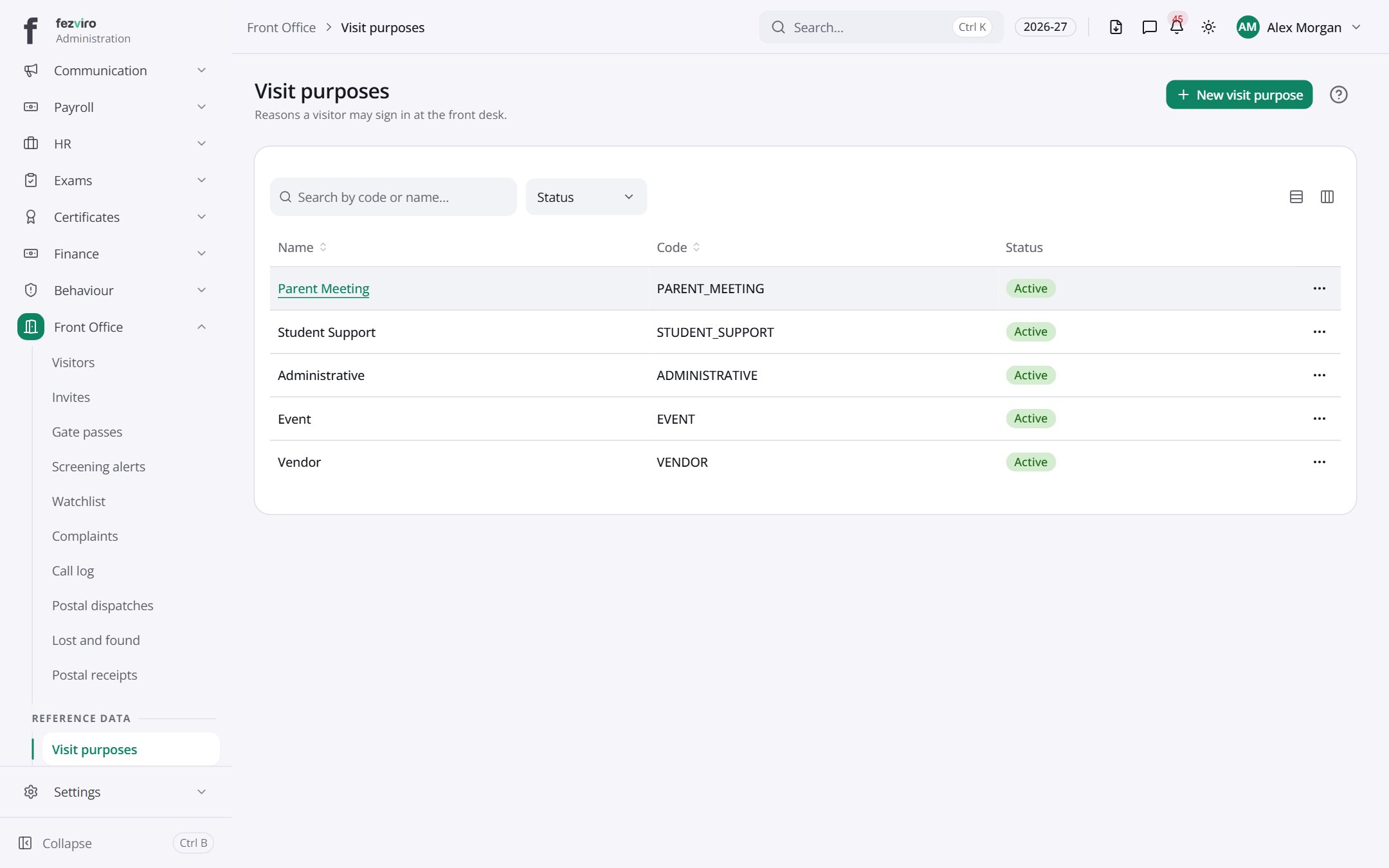 Visit purposesThe reasons people give for visiting, such as a meeting or delivery.has a form
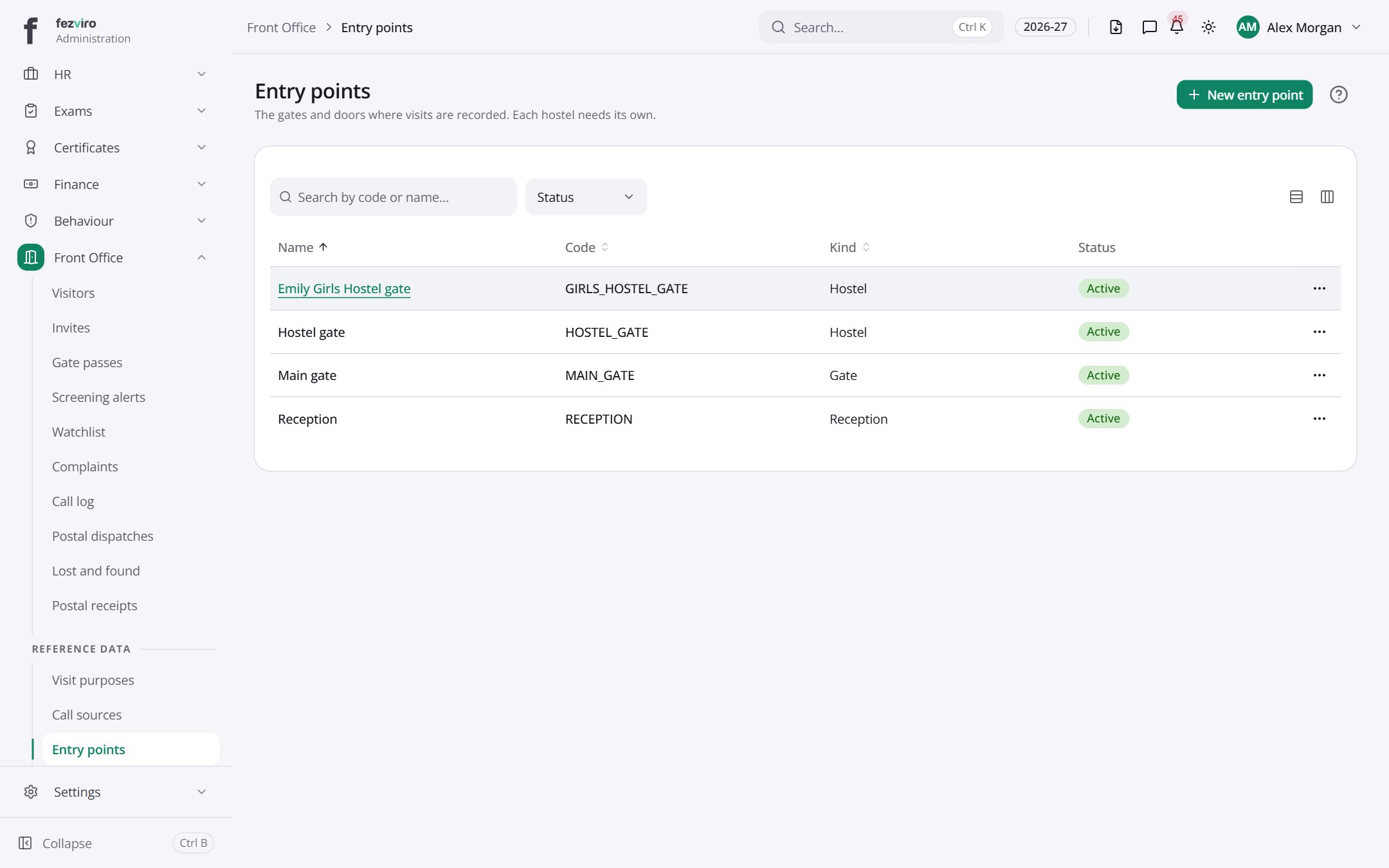 Entry pointsThe gates and doors where visitors are recorded.has a form
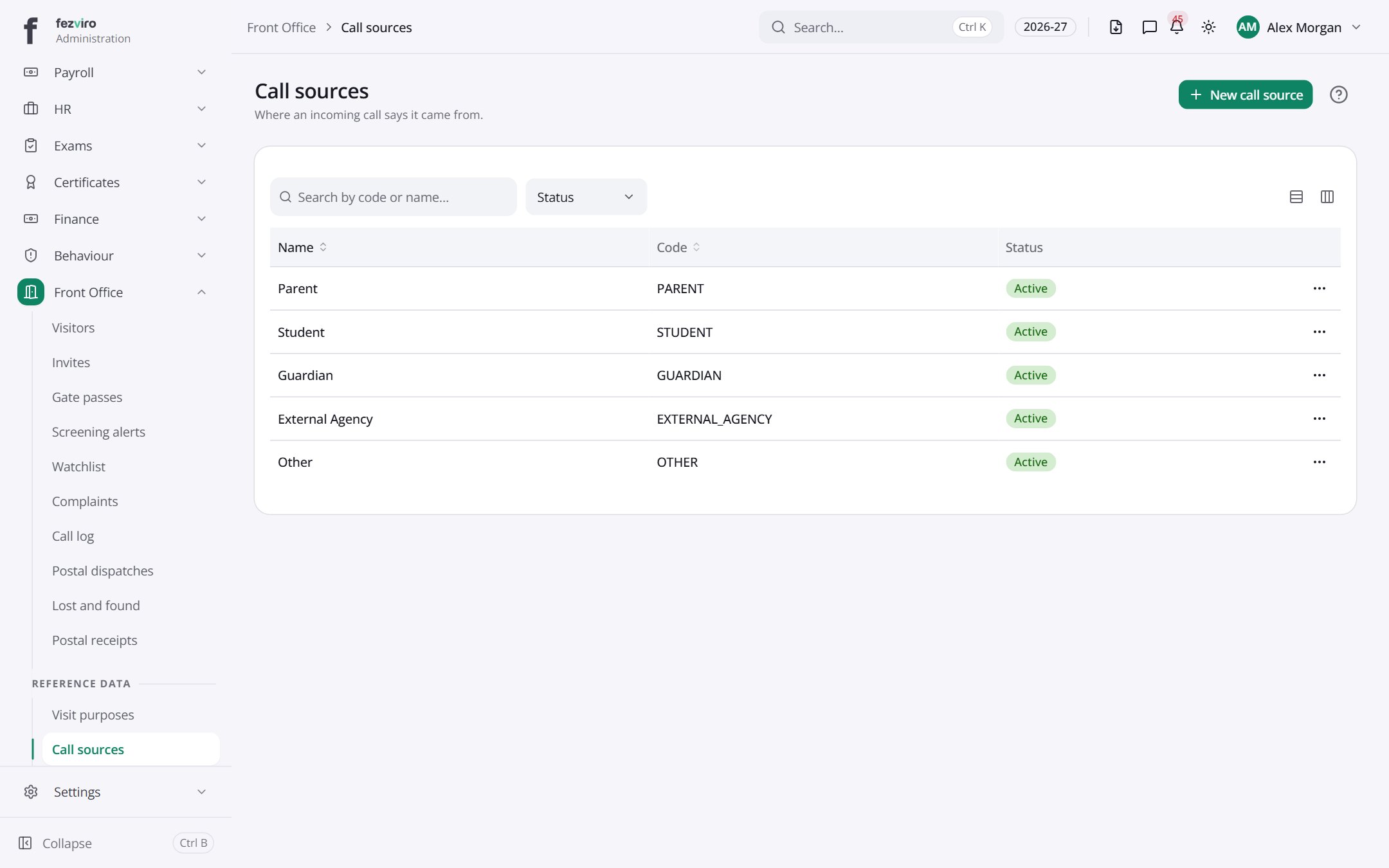 Call sourcesThe ways callers first reach the school, such as a website or a referral.has a form
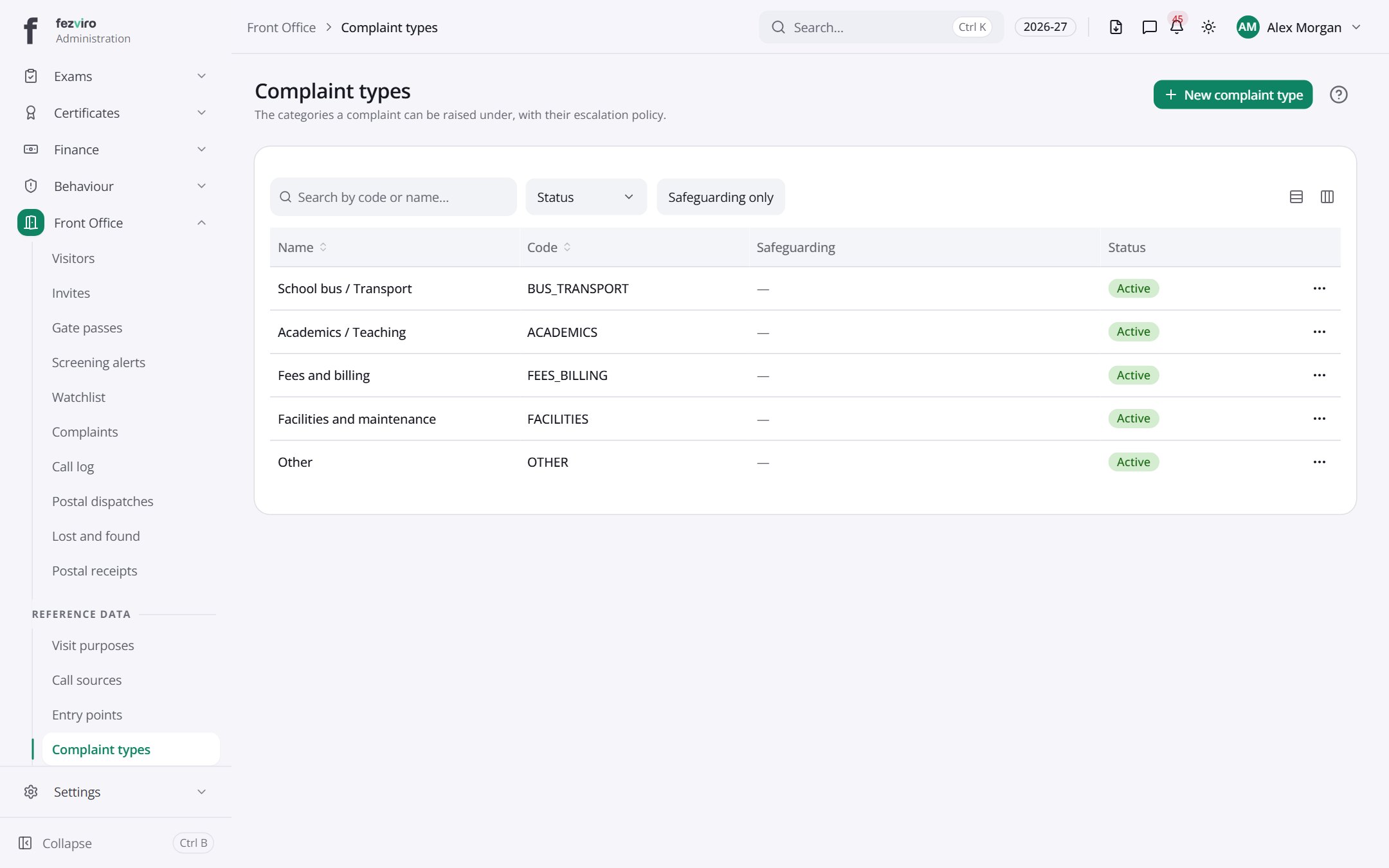 Complaint typesThe complaint categories and how long each should take to resolve.has a form
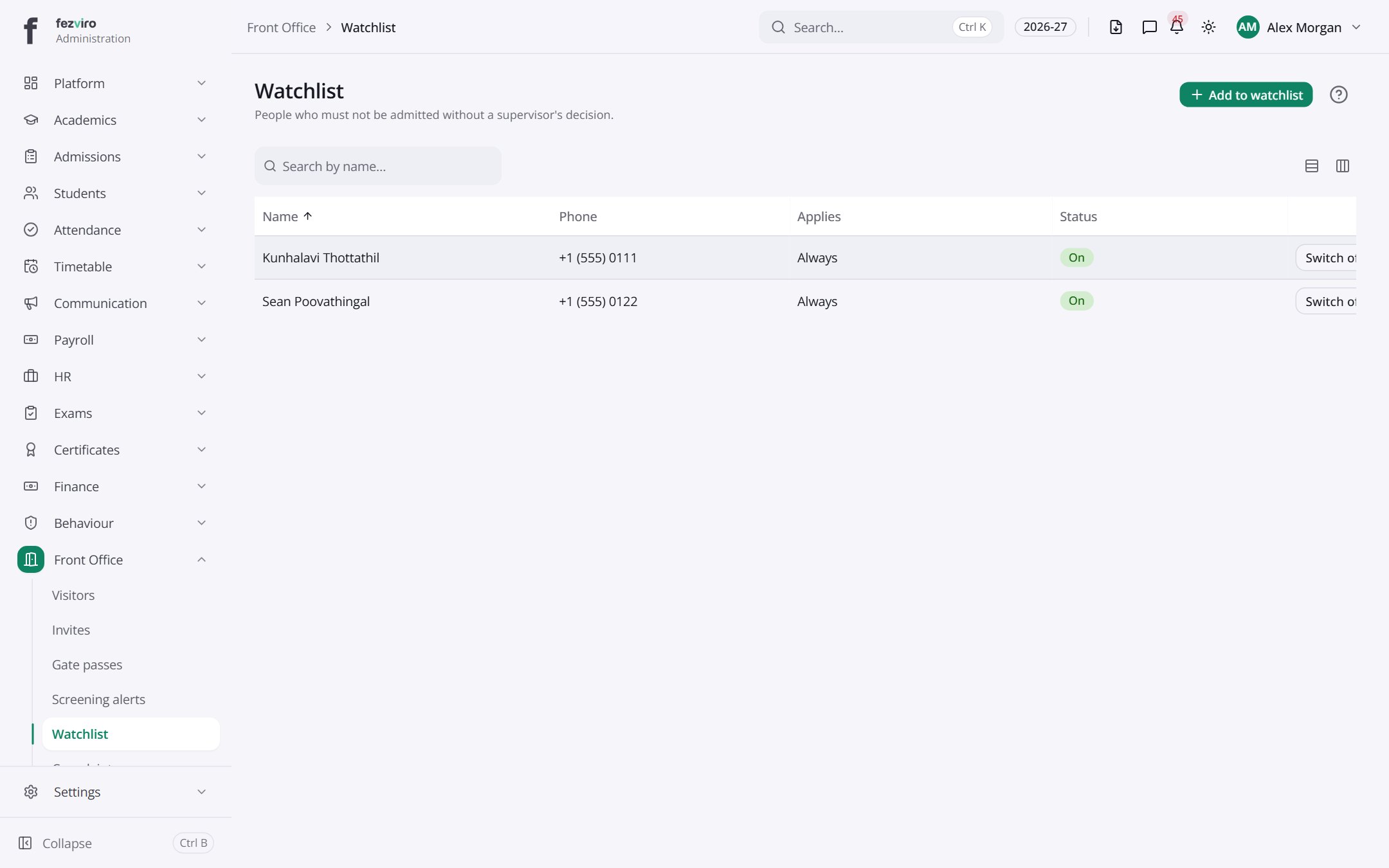 WatchlistA list of people the school must be alerted about when they arrive.has a form
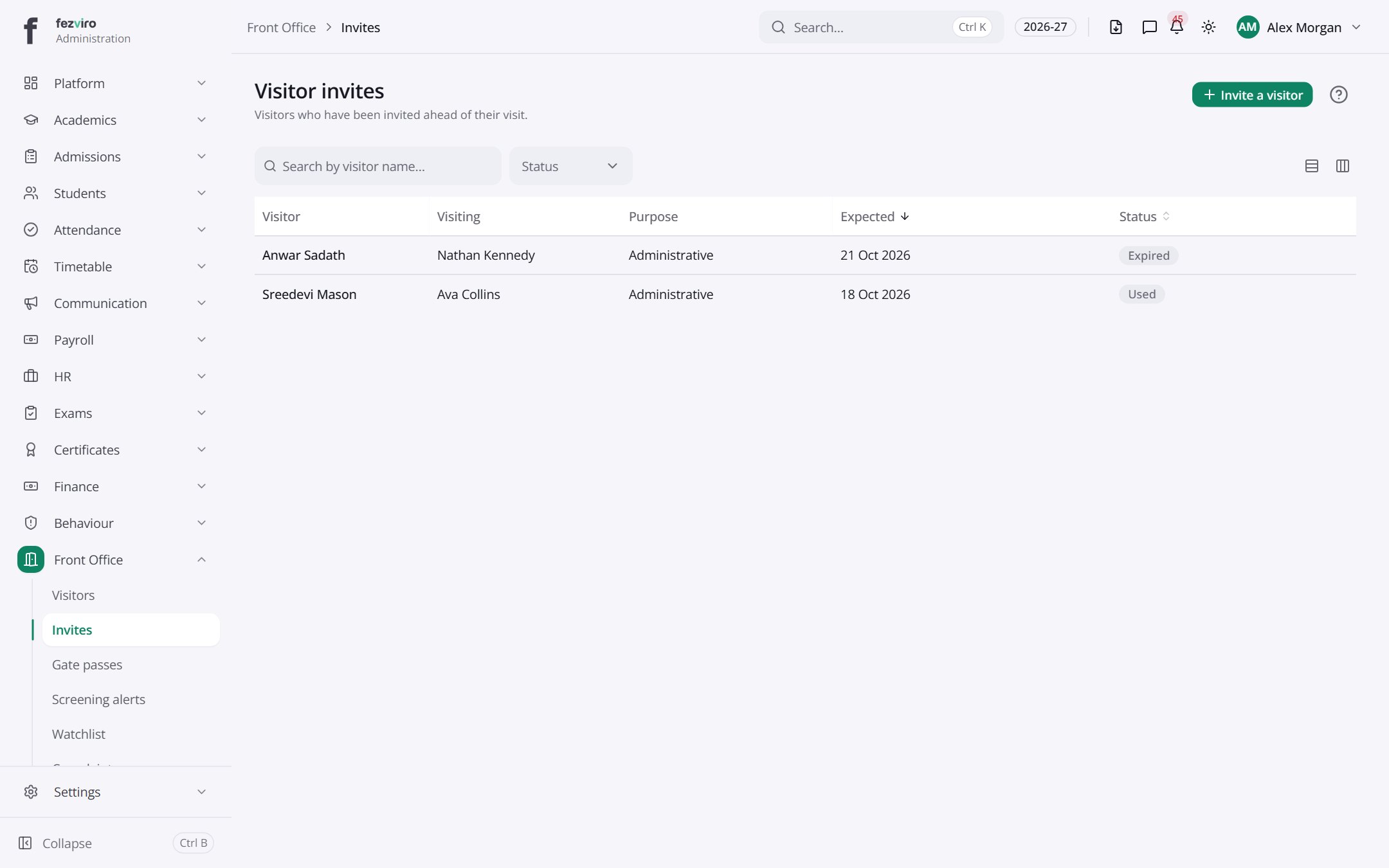 Visitor invitesVisitors booked in advance, with a code the gate can scan.has a form
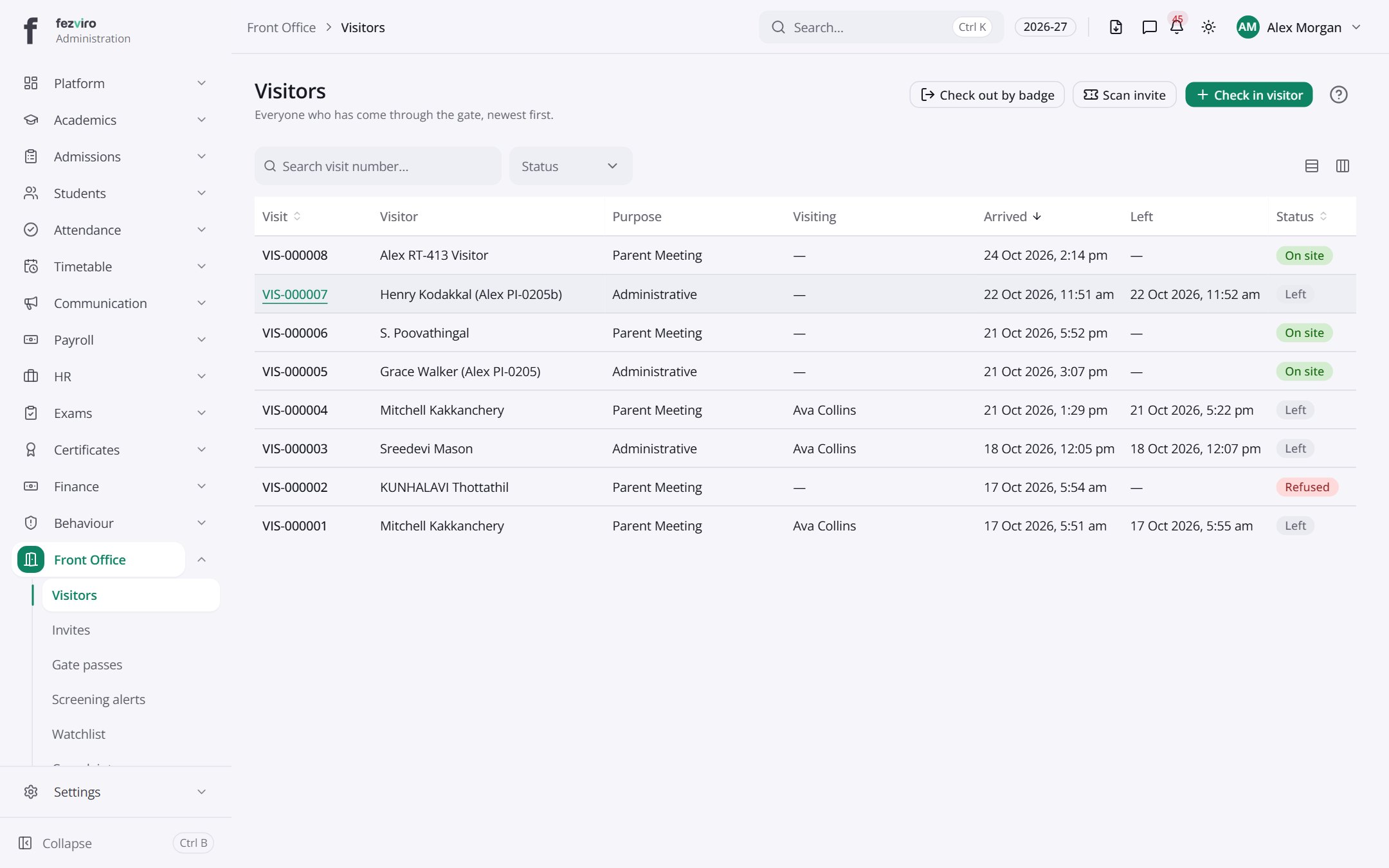 VisitorsThe visitor book, showing who came in, why and when they left.has a form
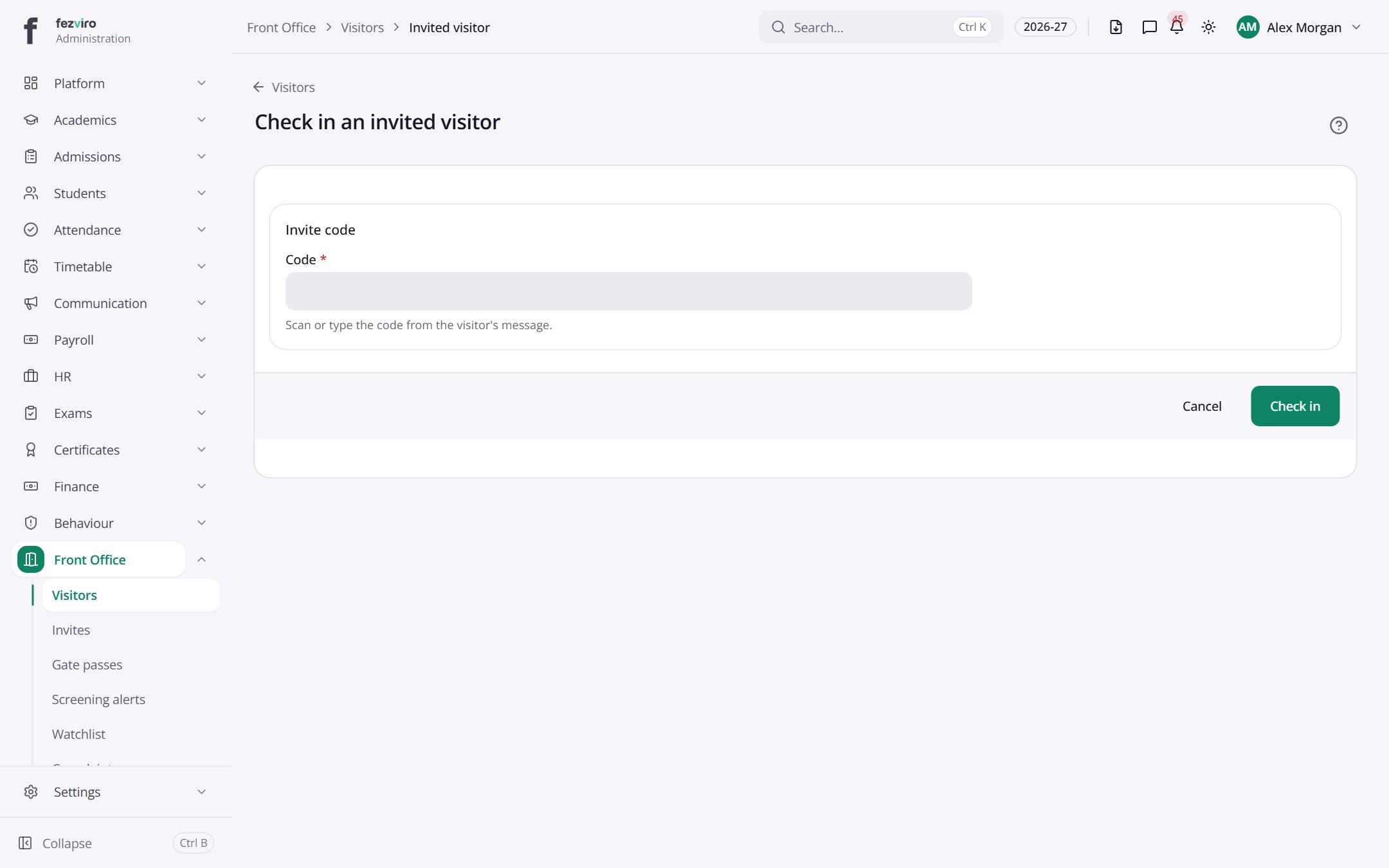 Check in an invited visitorStarts a visit from a pre-booked invite, using its details.
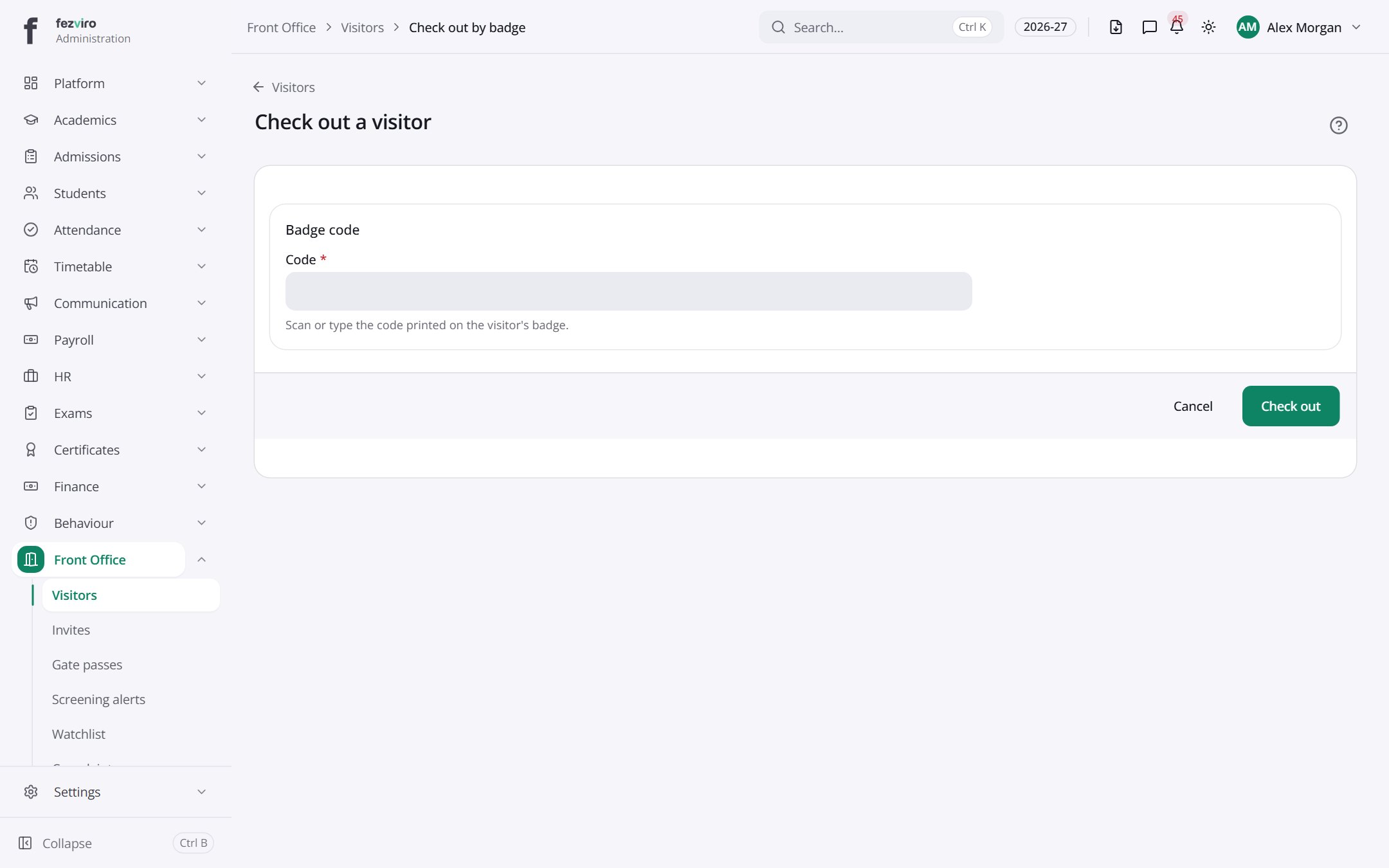 Check out a visitorStarts a visit from a badge already issued to a regular visitor.
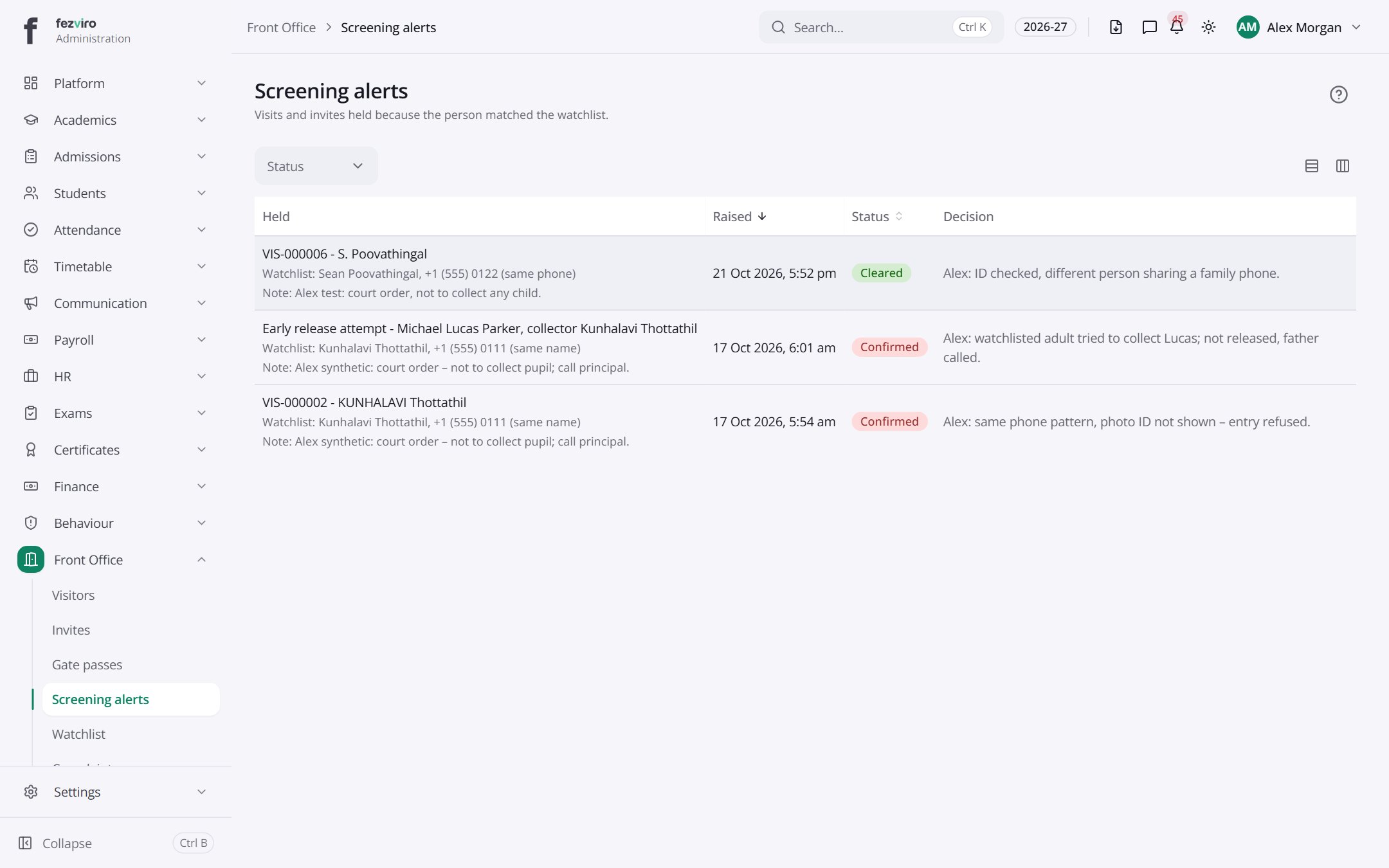 Screening alertsAlerts raised when a visitor matches a name or phone on the watchlist.
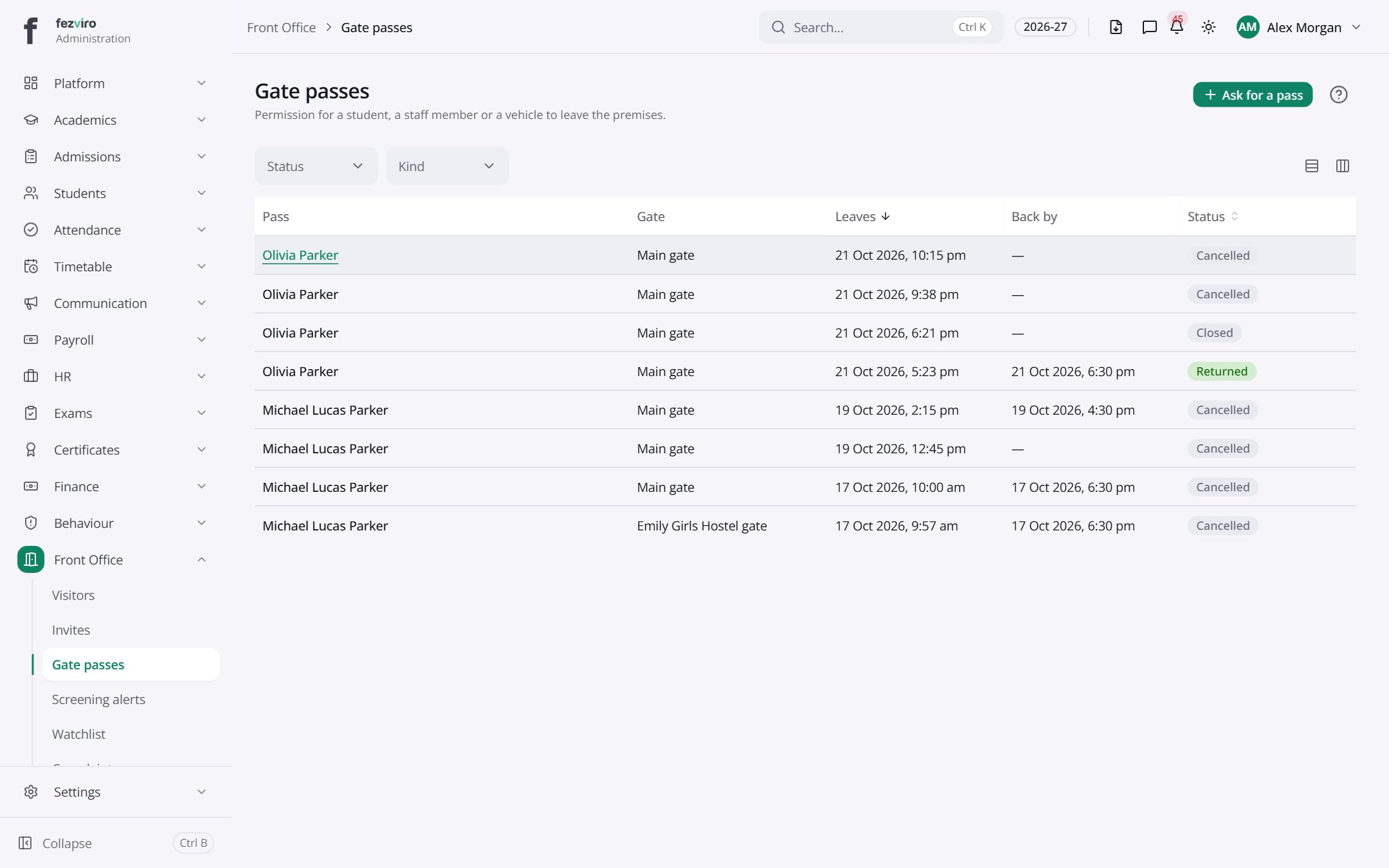 Gate passesPasses that let students, staff or vehicles leave or enter the site.has a form
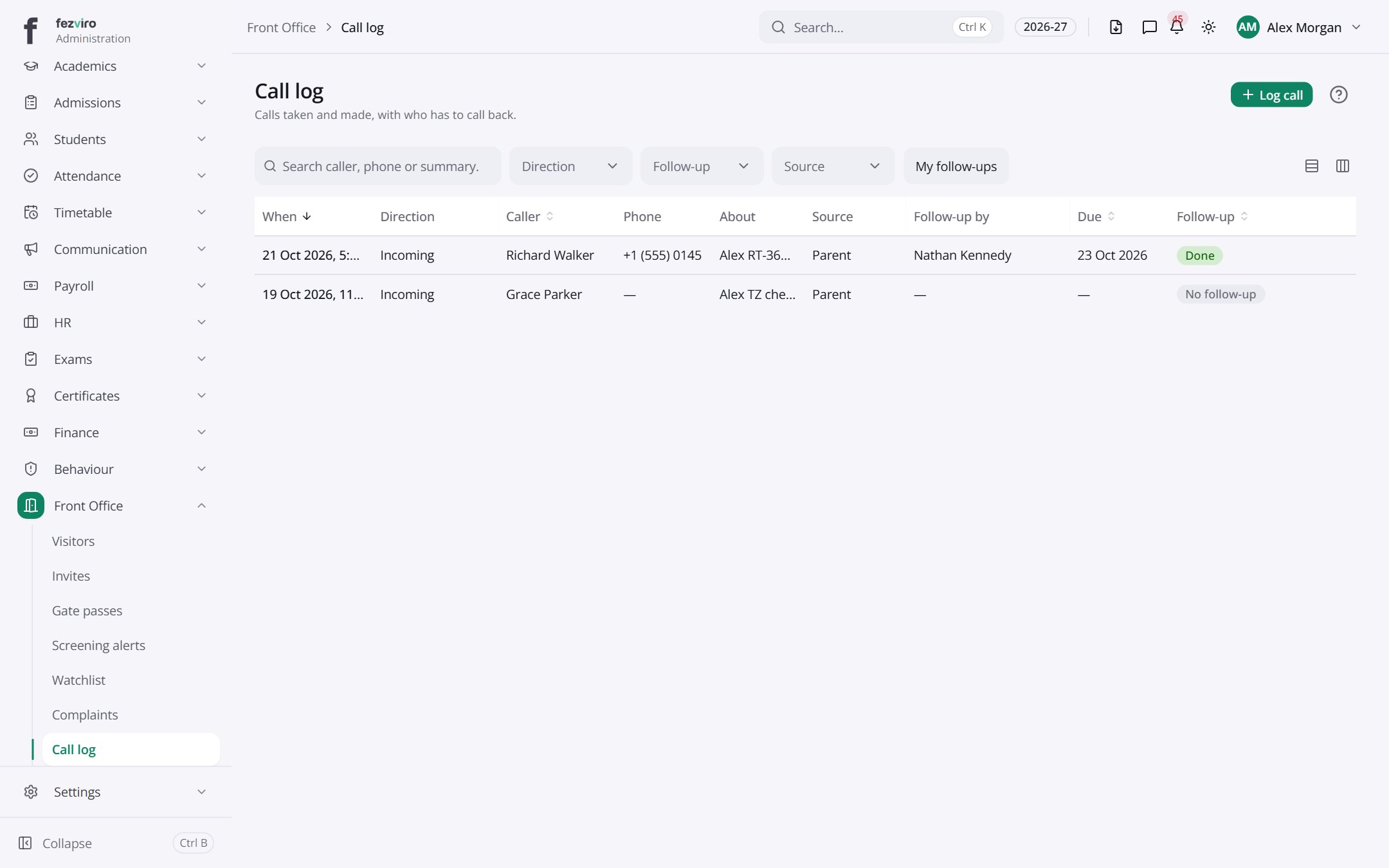 Call logA log of phone calls coming into the school and their follow-ups.has a form
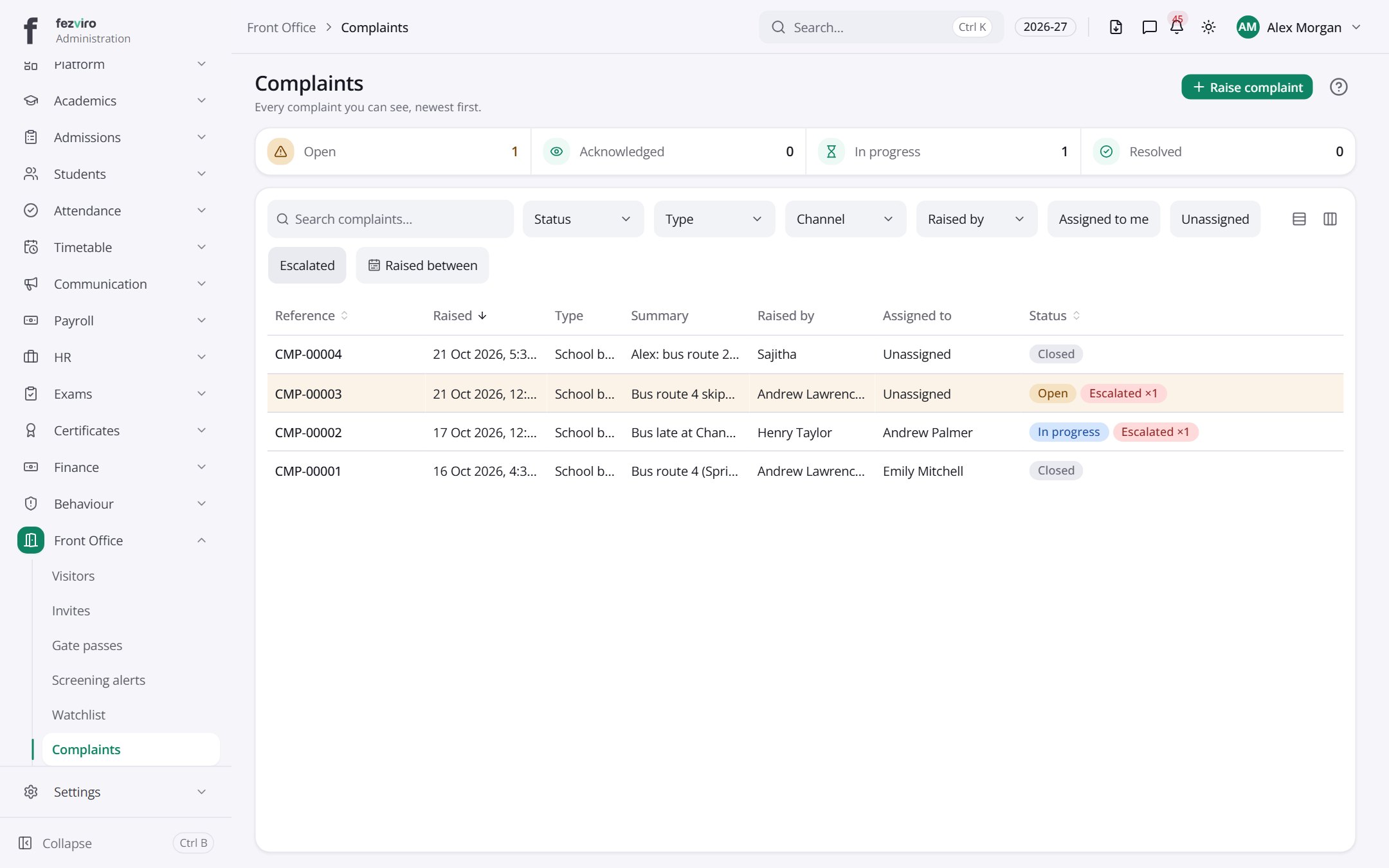 ComplaintsA register of complaints from families, with deadlines and updates.has a form
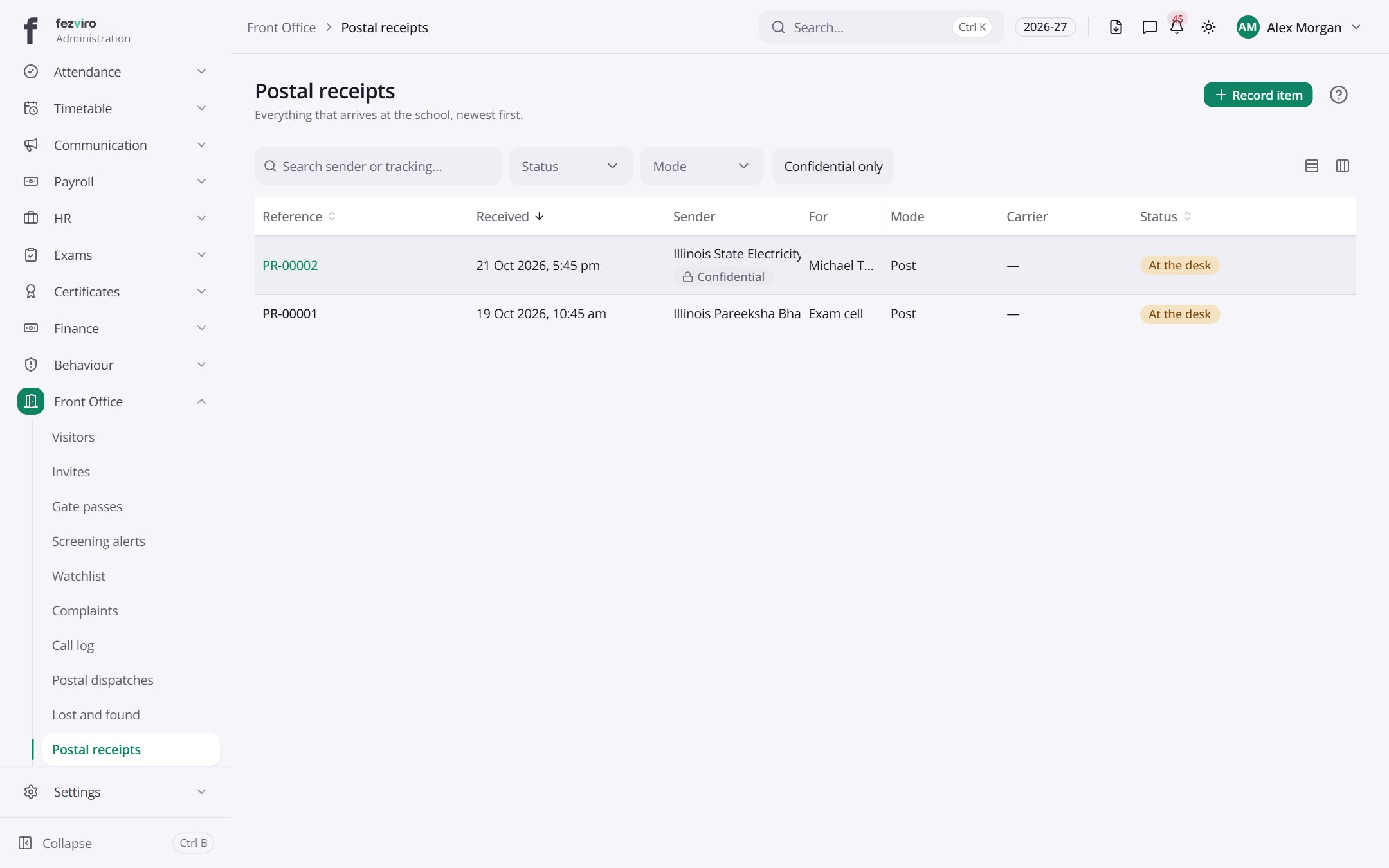 Postal receiptsA record of letters and parcels that arrive at the school.has a form
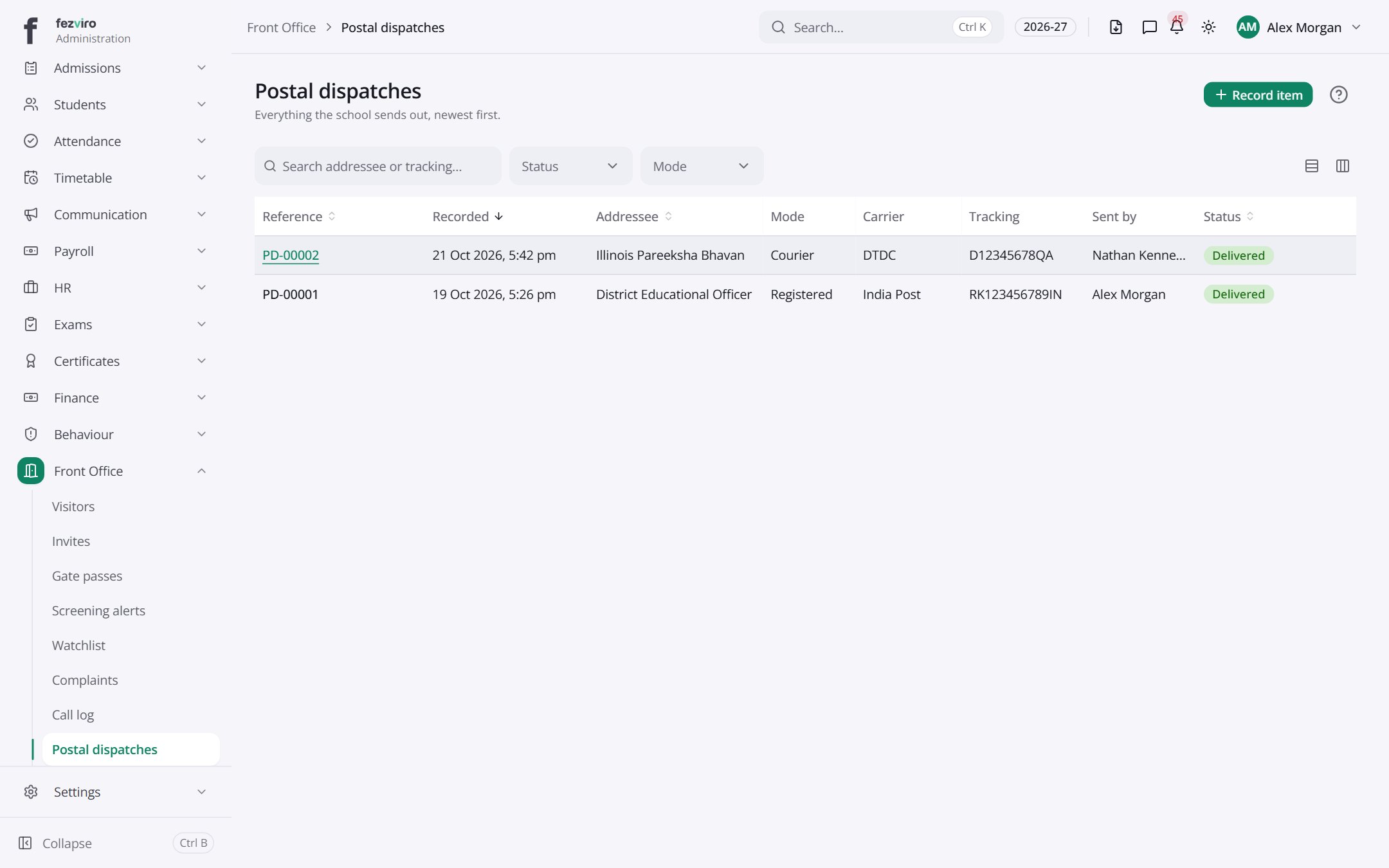 Postal dispatchesA record of letters and parcels the school sends out.has a form
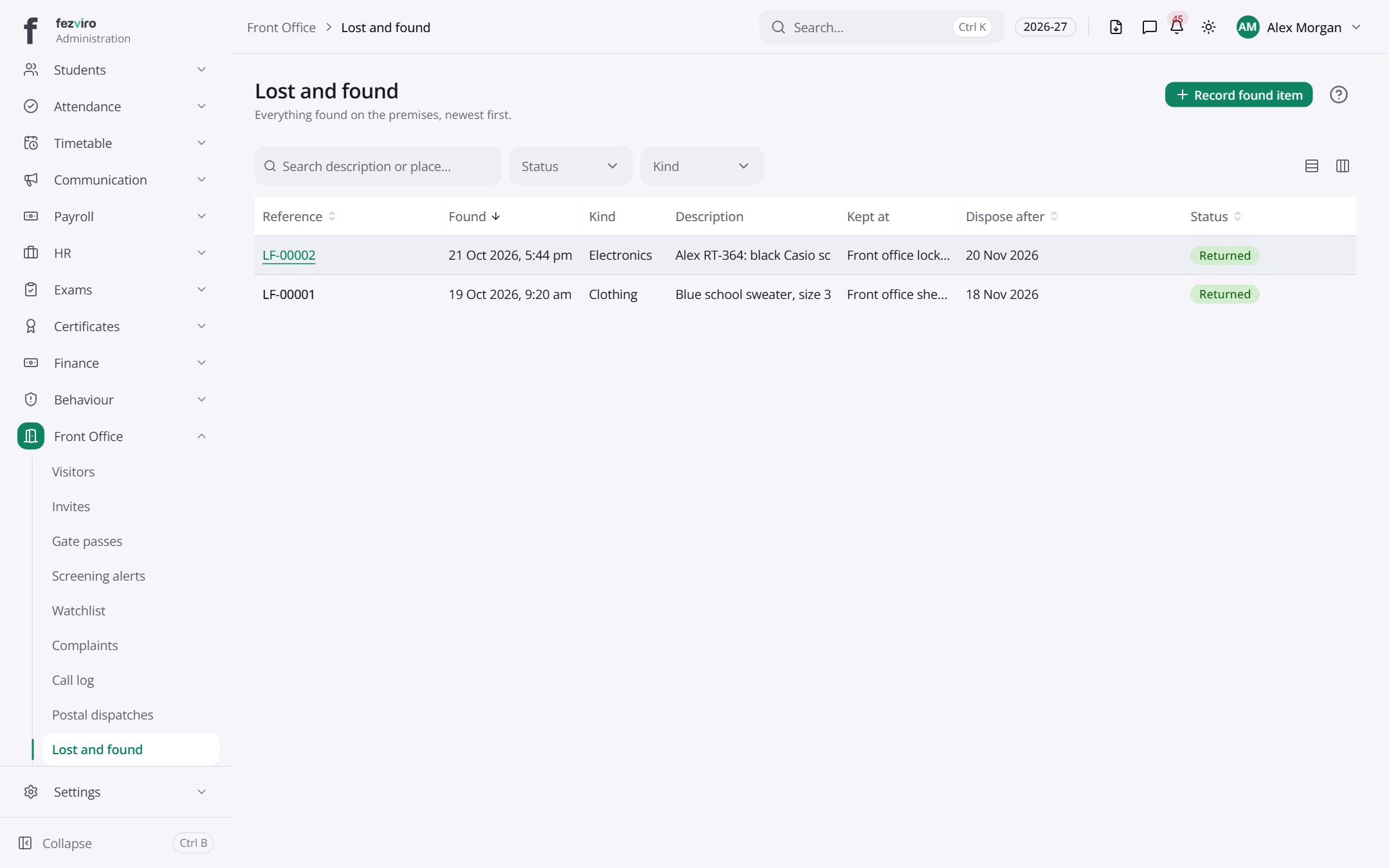 Lost and foundA register of items found on site and whether they were claimed.has a form
Step by step
Section titled “Step by step”Check in a visitor
Section titled “Check in a visitor”- Open Visits and record the visitor, purpose and person to meet; take a photo and print a badge.
- Pre-invited visitors scan their QR code to check in.
- Watchlist matches raise an alert.
Let a student leave early
Section titled “Let a student leave early”- Create a Gate pass for the student.
- The system checks that the collecting adult is authorised.
Questions
Section titled “Questions”Are complaints tracked to resolution?
Yes, each complaint has a deadline and escalates when it is missed.