

Payroll dashboard
What it is
A summary of pay runs, salary grades and open tax declarations.
Why it matters
Shows what needs attention before the next pay day.
When to use it
Finance staff and principals check it to see what is due or waiting.
Who uses it
Administrator
How to get here
Section titled “How to get here”- Sign in as Administrator (see Signing in).
- In the left menu, click Payroll.
What you see
Section titled “What you see”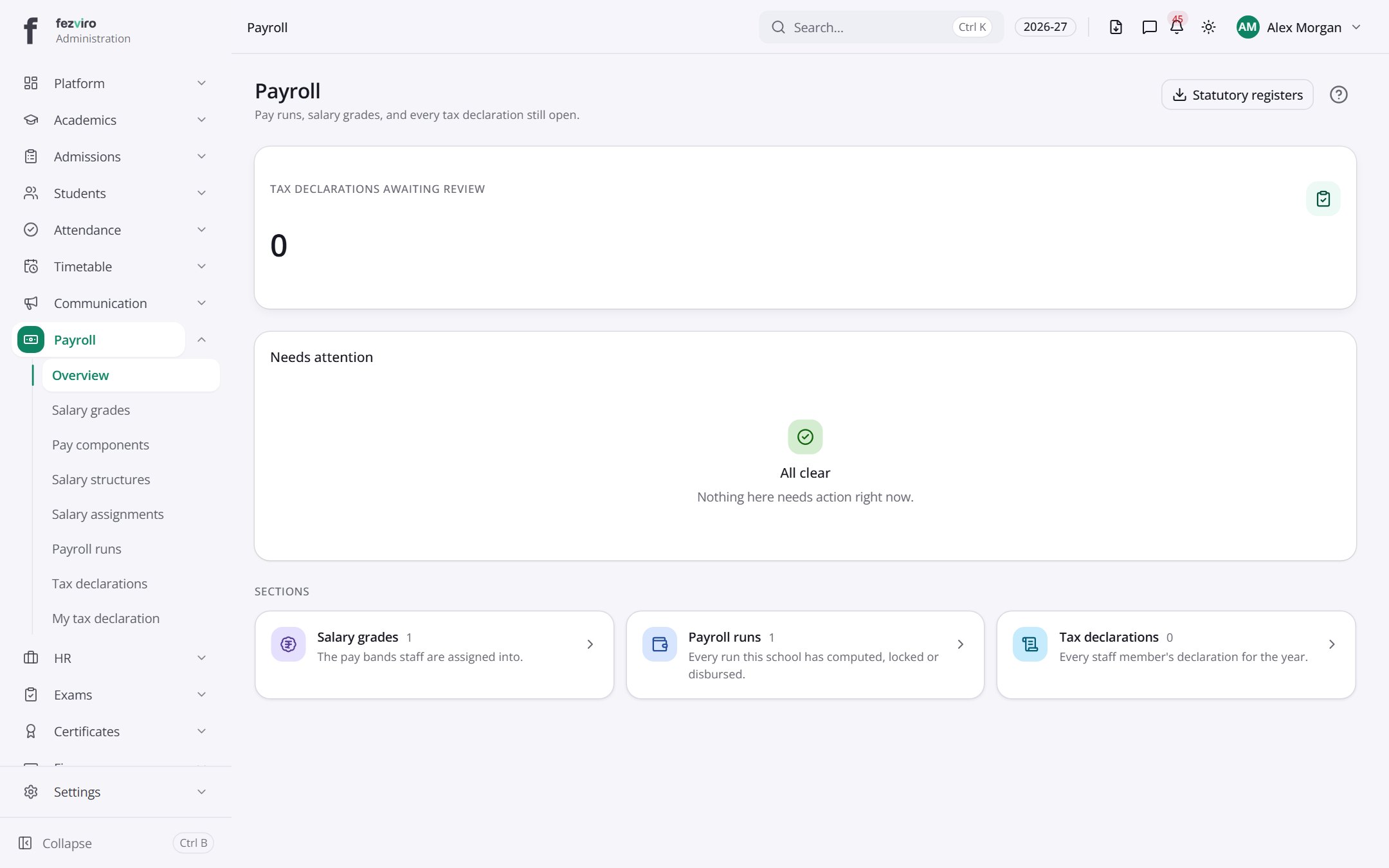
- Sections on the page: Needs attention, Sections.
Buttons on this screen
Section titled “Buttons on this screen”- Statutory registers — does what it says on the button.
← Back to Payroll overview