

Chart of accounts
What it is
The full list of accounts the school's books are kept in.
Why it matters
Every payment and receipt needs a home in the books, so this comes first.
When to use it
Finance staff set it up once; every entry the school records then uses it.
Who uses it
Administrator
How to get here
Section titled “How to get here”- Sign in as Administrator (see Signing in).
- In the left menu, click Accounting to open it.
- Click Chart of accounts.
What you see
Section titled “What you see”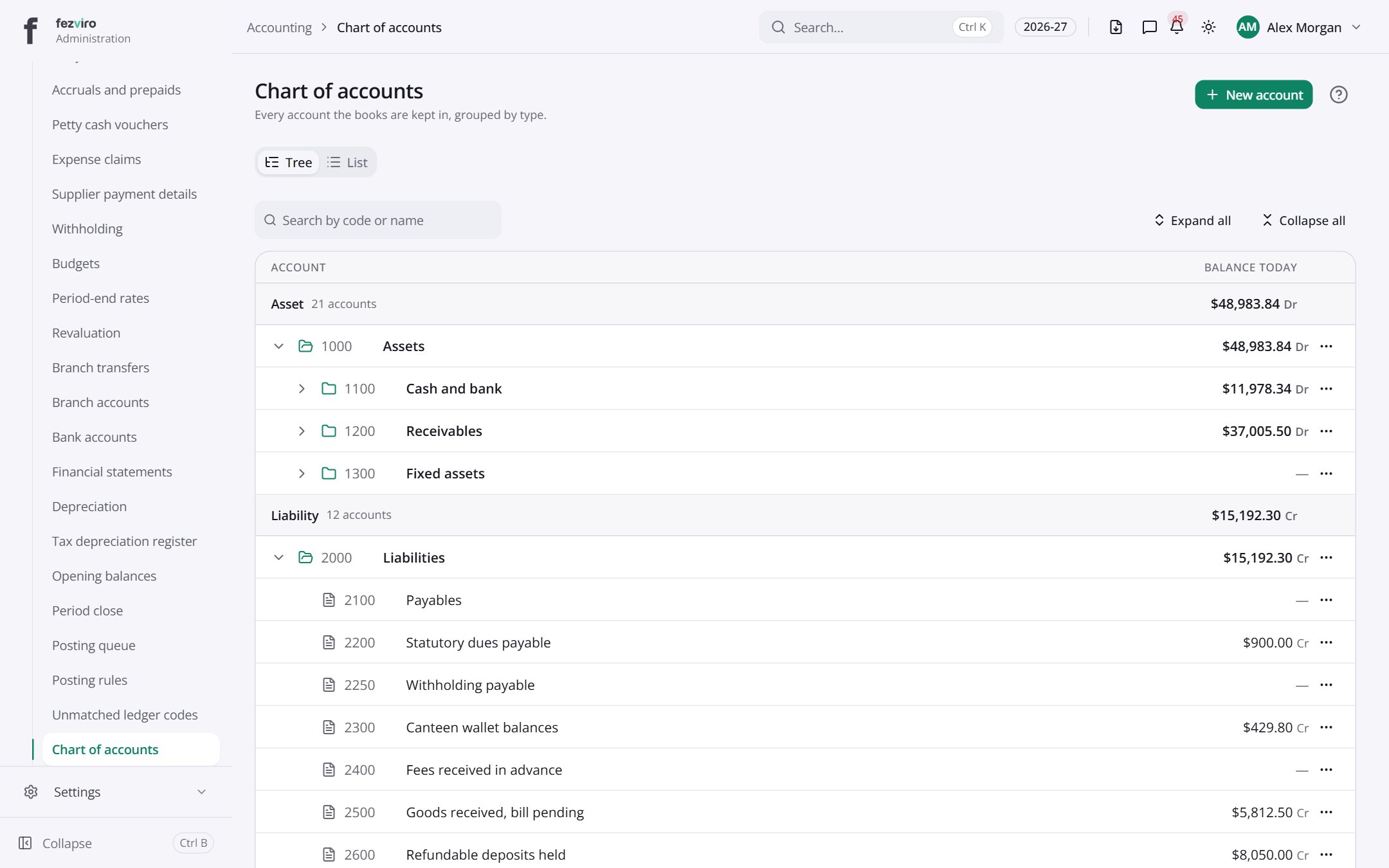
- Tabs along the top switch between views: Tree, List. Click one to change what you see.
- Sections on the page: Asset, Liability, Fund, Income, Expense.
Buttons on this screen
Section titled “Buttons on this screen”- New account — opens a form to add a new one. See Filling in the form below.
← Back to Accounting overview