

Not yet assessed
What it is
Pupils and outcomes that have no assessment yet.
Why it matters
Stops gaps in assessment going unnoticed before reports are due.
When to use it
Teachers see what is still unmarked and arrange the missing checks.
Who uses it
Administrator
How to get here
Section titled “How to get here”- Sign in as Administrator (see Signing in).
- In the left menu, click Online Learning to open it.
- Click Mastery.
What you see
Section titled “What you see”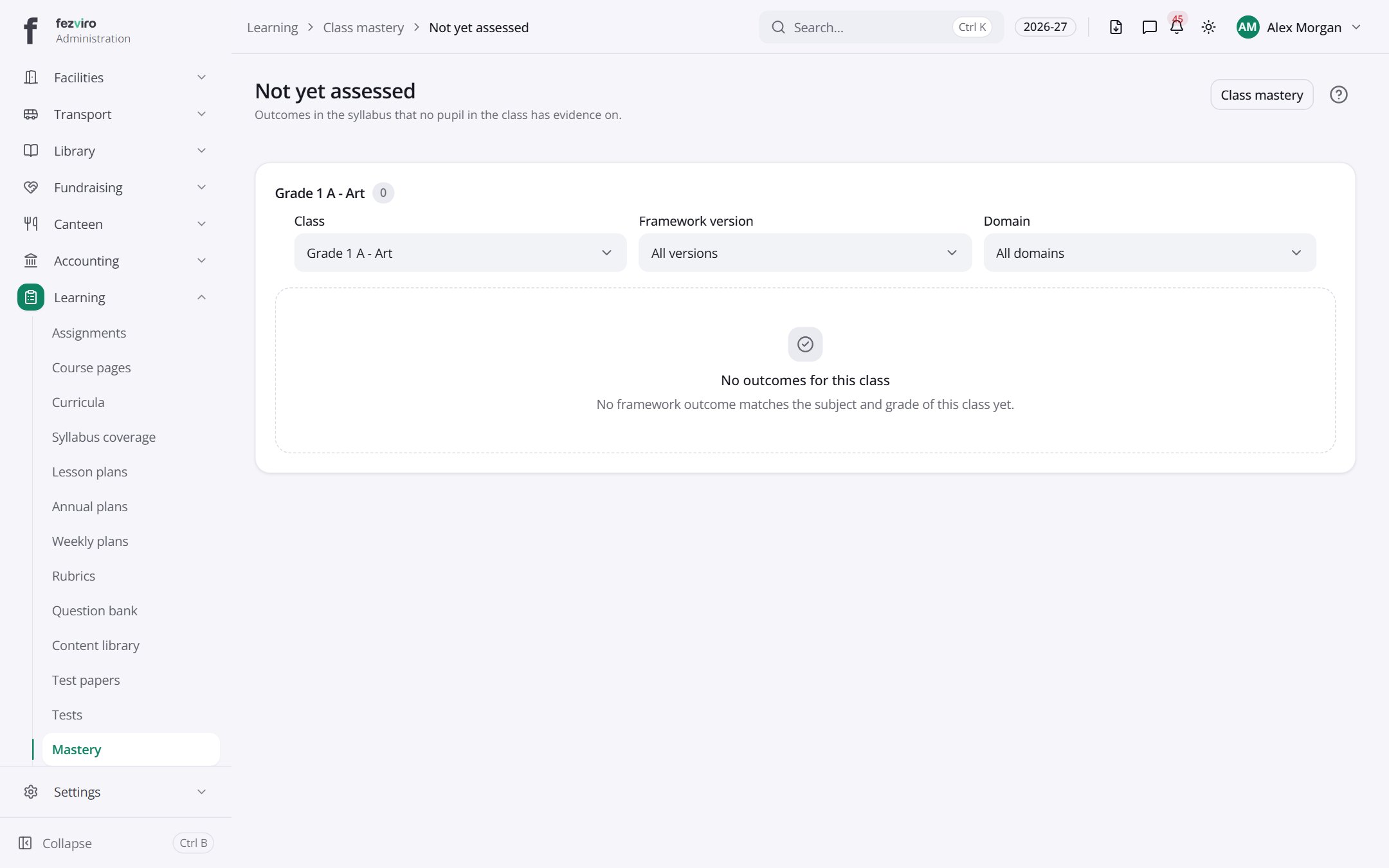
- Sections on the page: Grade 1 A - Art.
Buttons on this screen
Section titled “Buttons on this screen”- Class mastery — does what it says on the button.
← Back to Online Learning overview