

Communication
Notices, messages, surveys, parent-teacher meetings and alerts delivered by app, email, SMS and WhatsApp, with delivery tracking.
👥 Principal, office, teachers, parents, staff🖥️ 18 screens📝 7 forms

What it does
Section titled “What it does”- Notices and circulars with rich text
- Target by class, grade, house, campus, role
- Scheduled sending
- Approval before sending
- Read confirmation and auto-reminders
- Notice templates
- Newsletters
- Parent–teacher messaging
- App, email and SMS delivery
- Delivery reports and failure tracking
- SMS credit and cost preview
- Backup SMS provider
- User notification preferences and quiet hours
- Consent forms with e-signature
- Emergency alerts
Its screens
Section titled “Its screens”Each screen has its own page: what it is for, how to reach it, a picture, its buttons and its form.
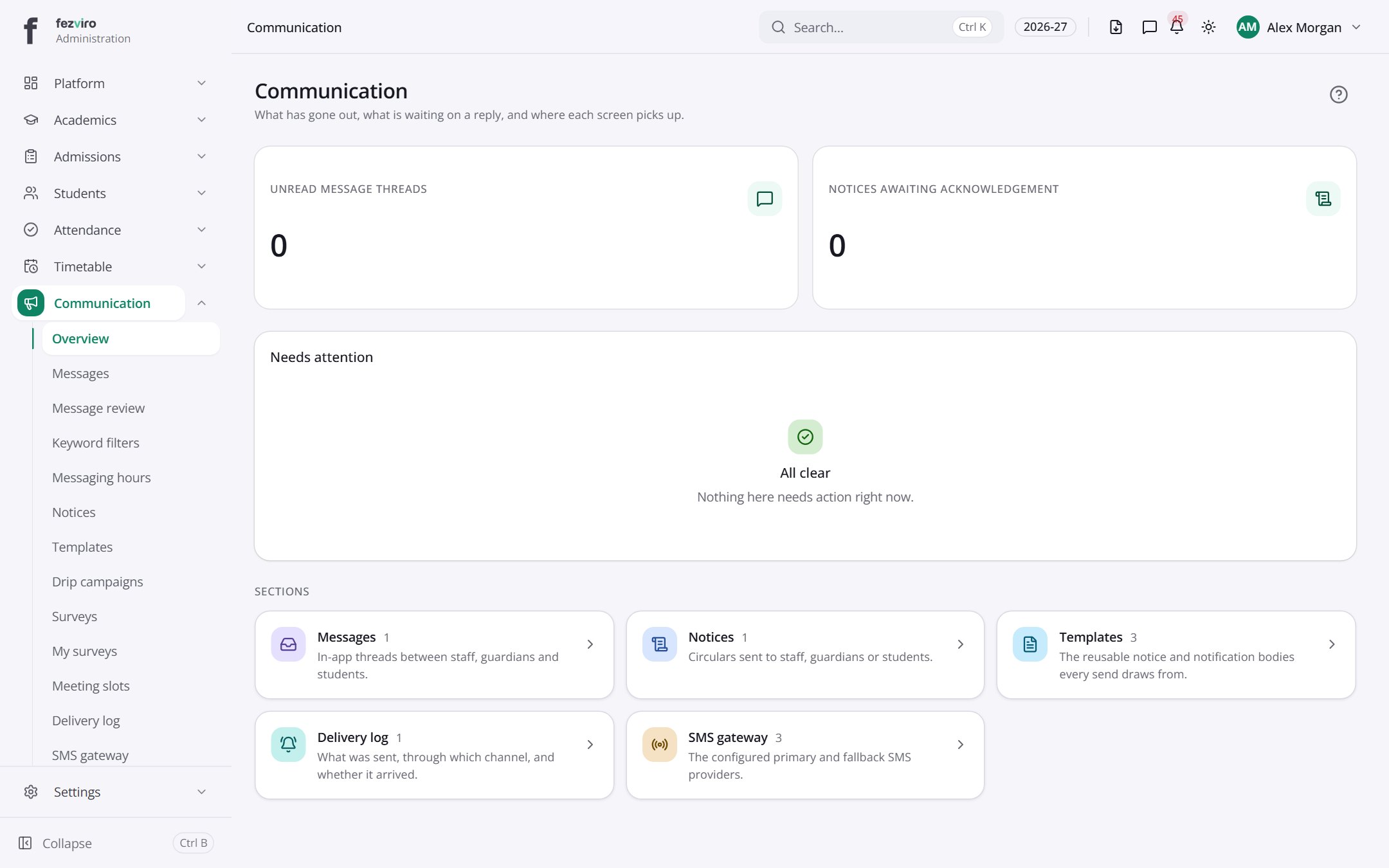 Communication dashboardThe landing page for everything about messages and notices.
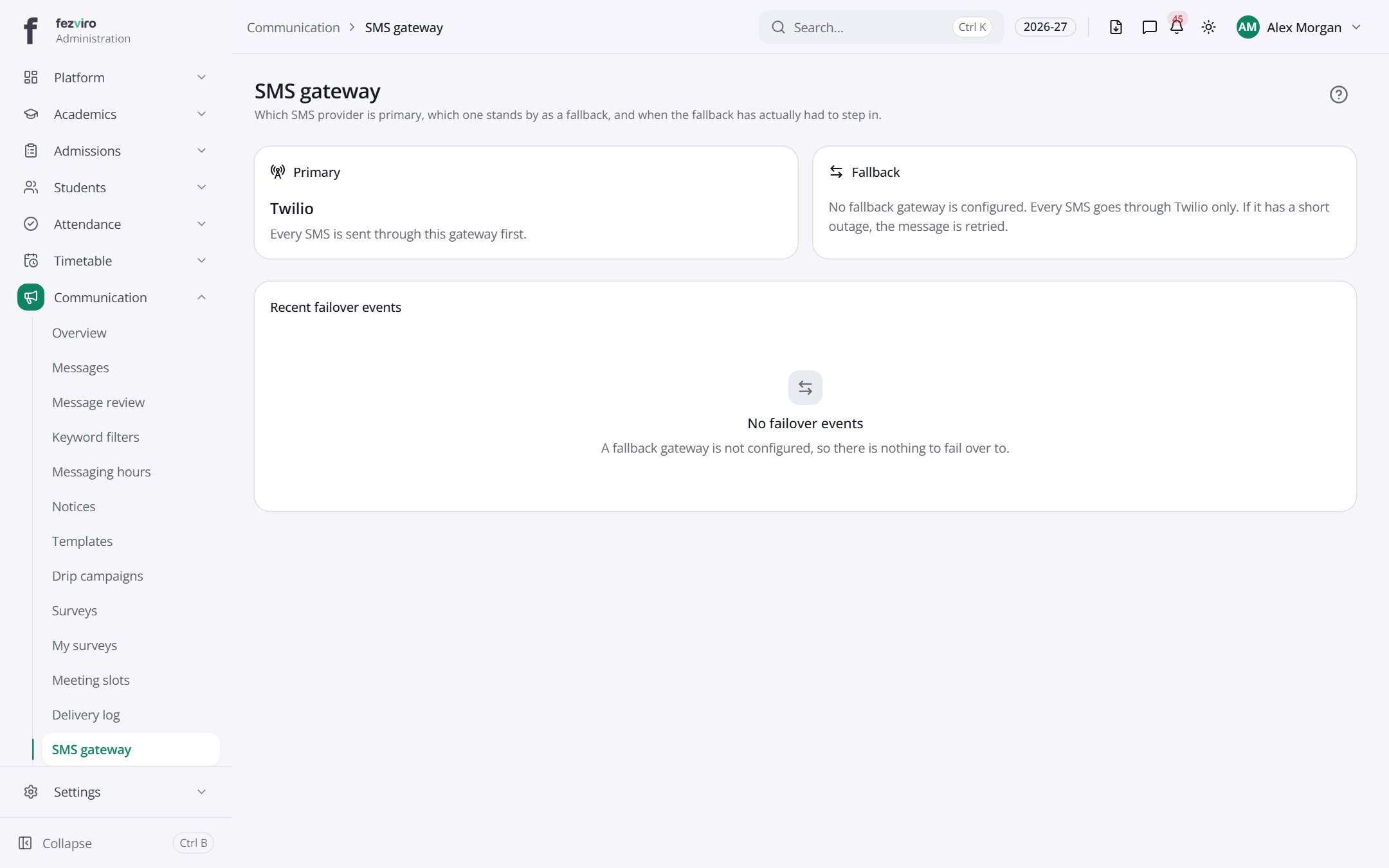 SMS gatewayThe SMS sending services the school uses, with their current status.
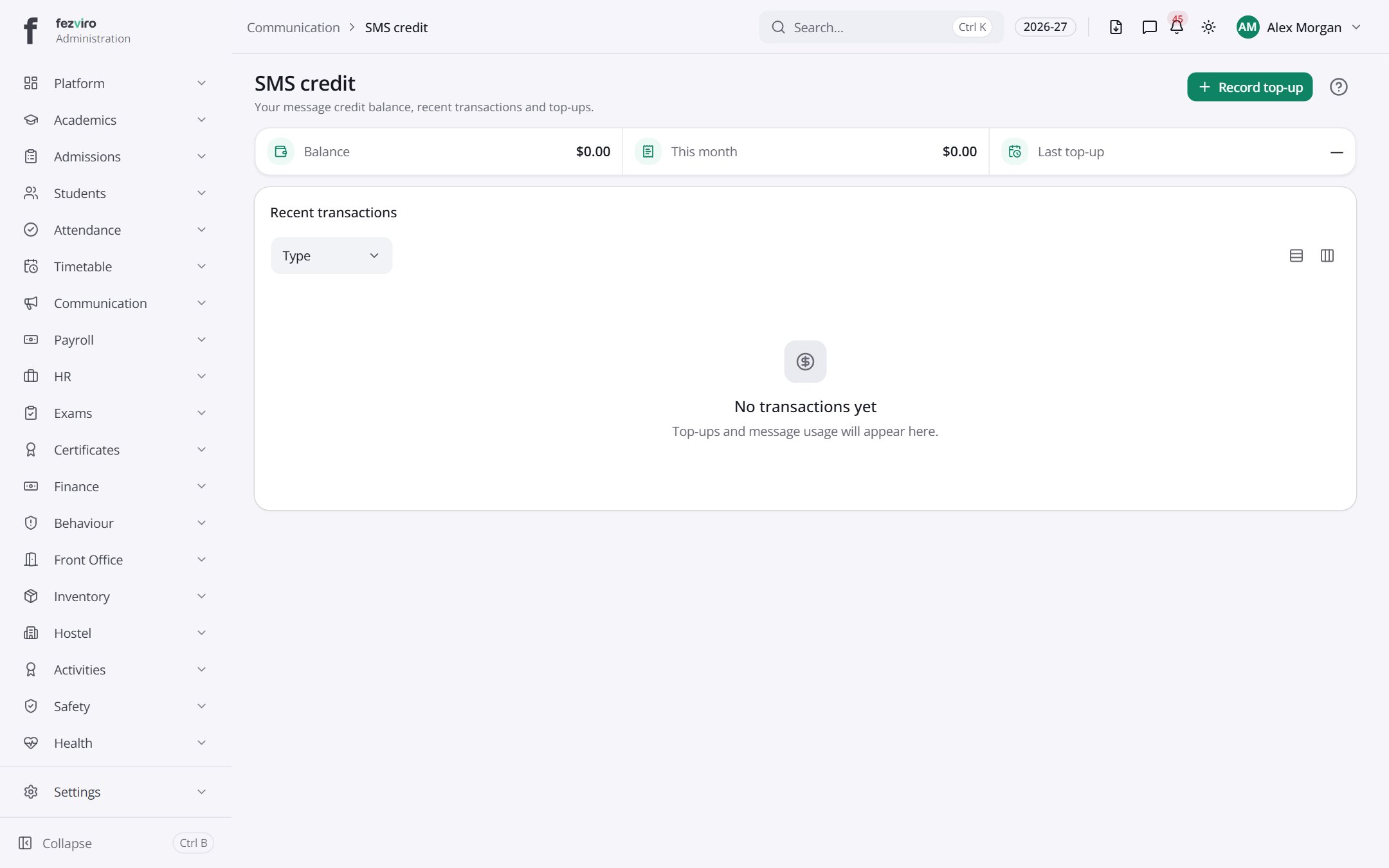 SMS creditThe school's SMS balance, top-ups and recent message spending.
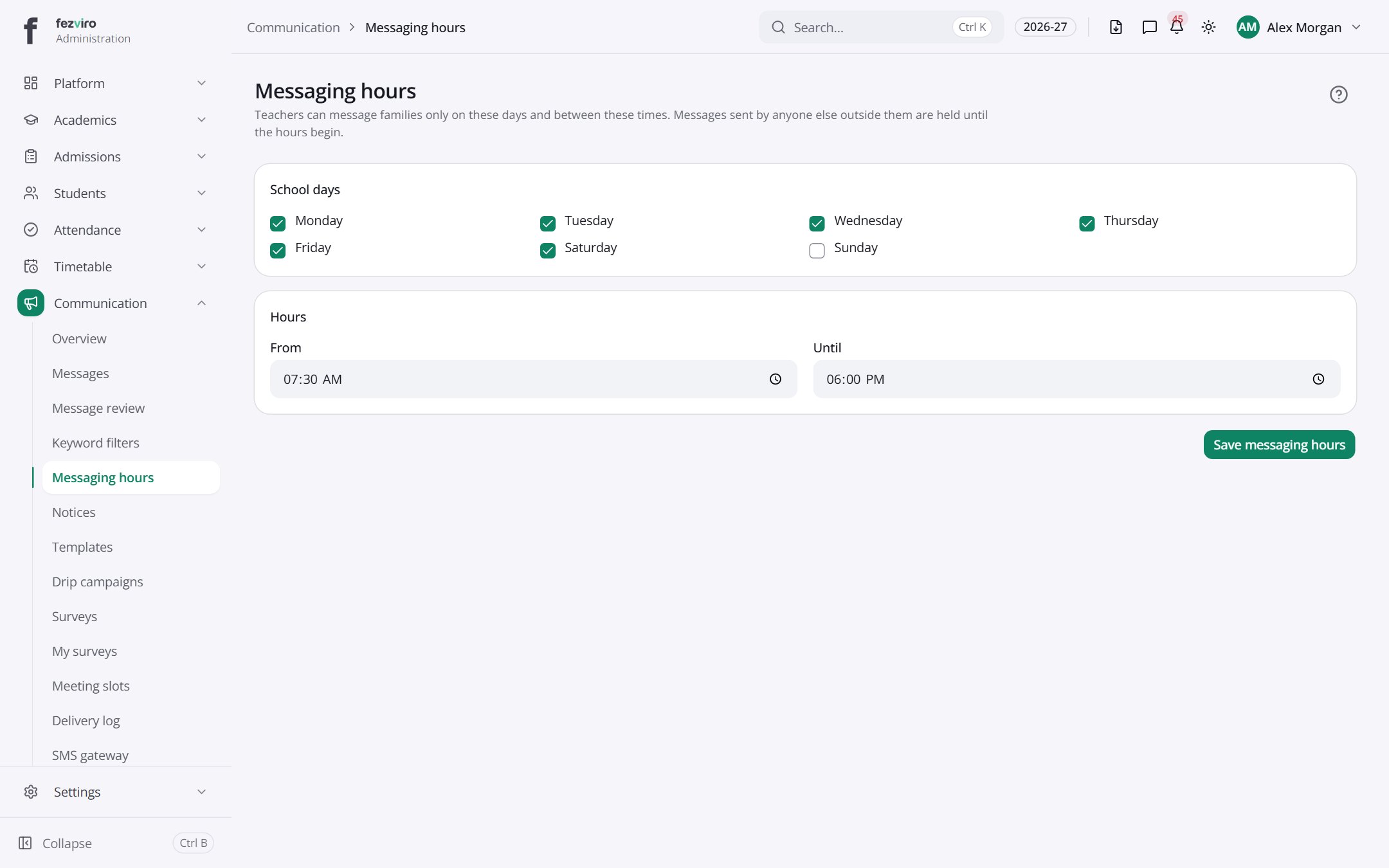 Messaging hoursThe times of day when school messages are allowed to be sent.
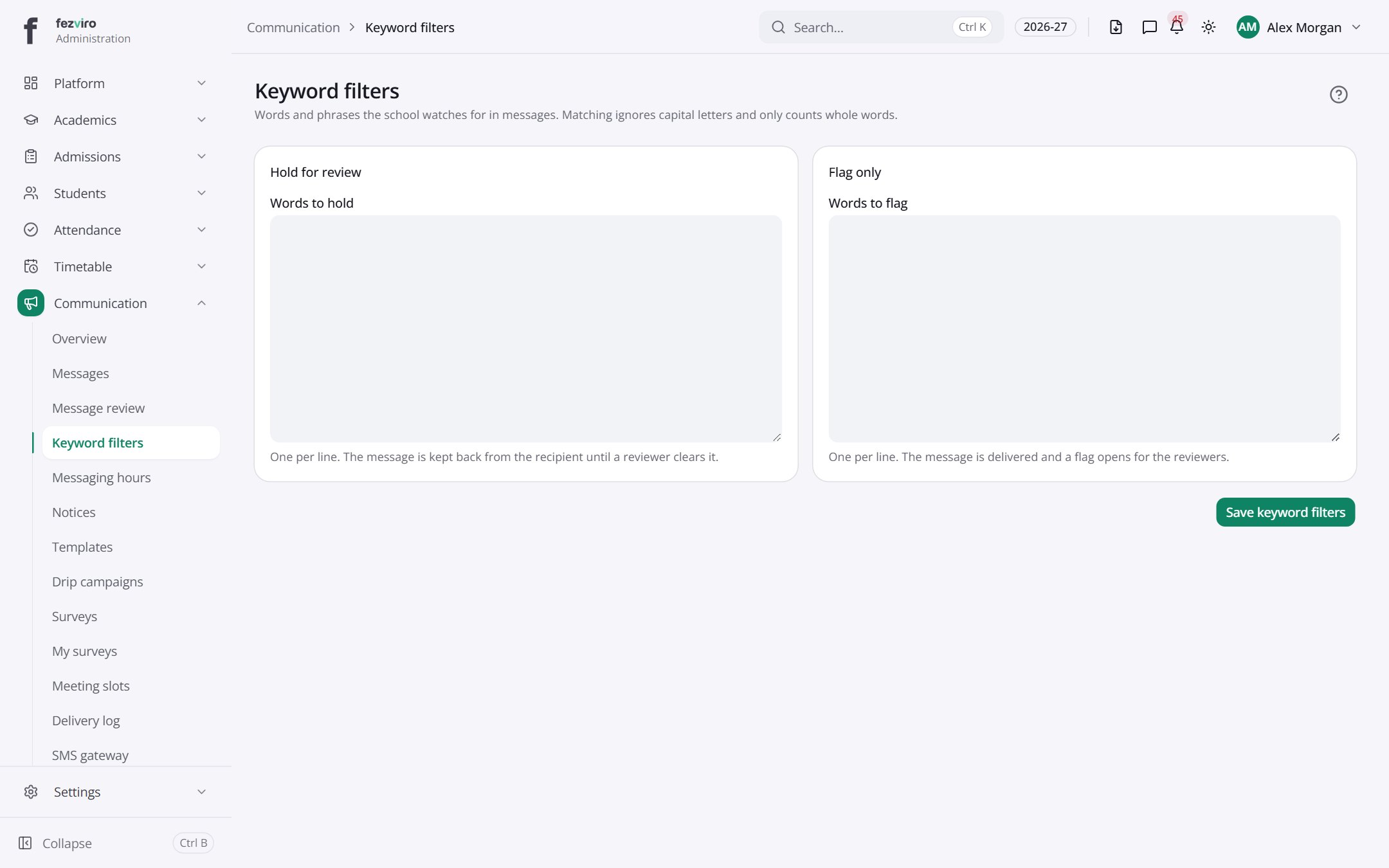 Keyword filtersWords that hold back messages for a human check before sending.
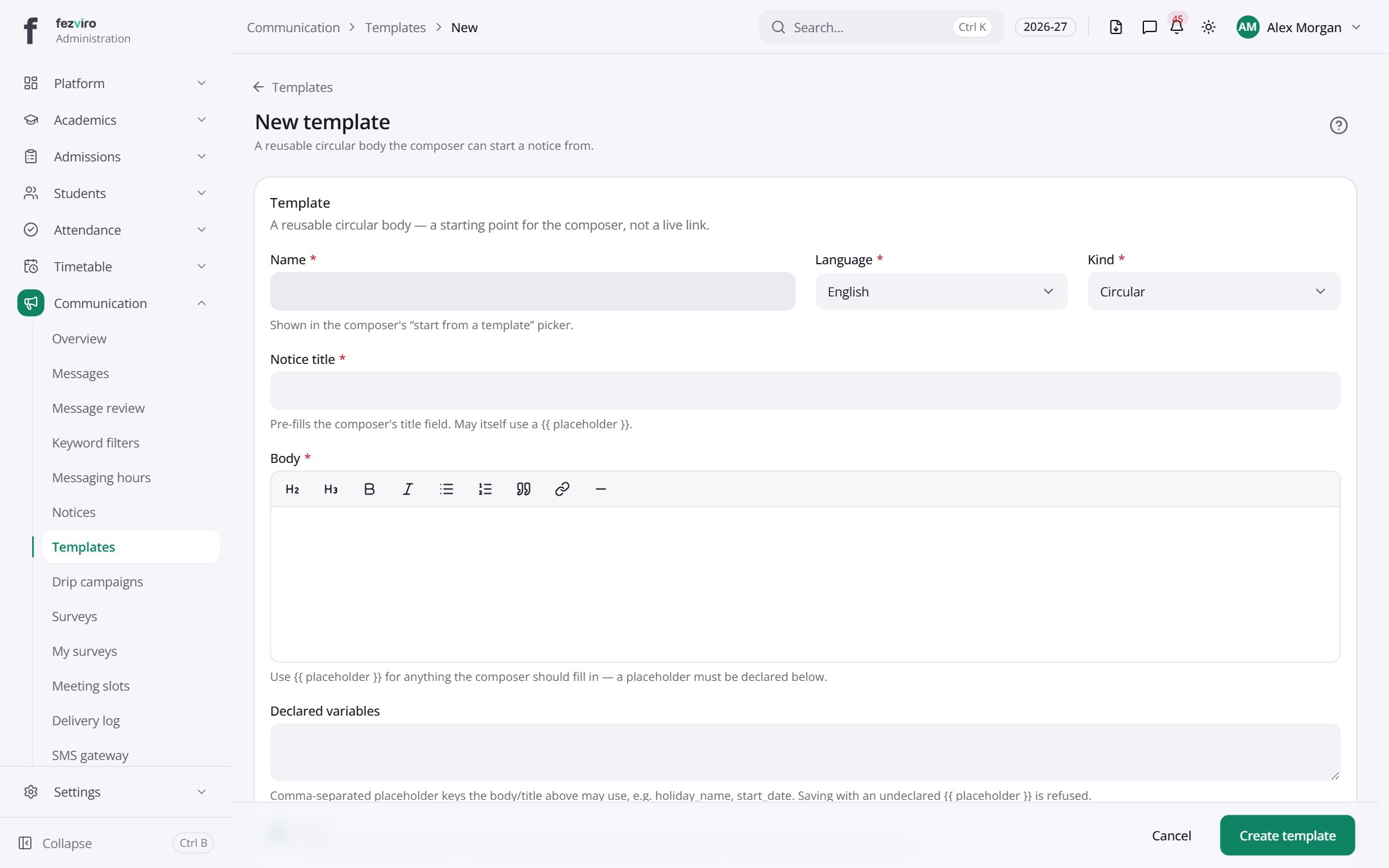 New: New templateA reusable circular body the composer can start a notice from.has a form
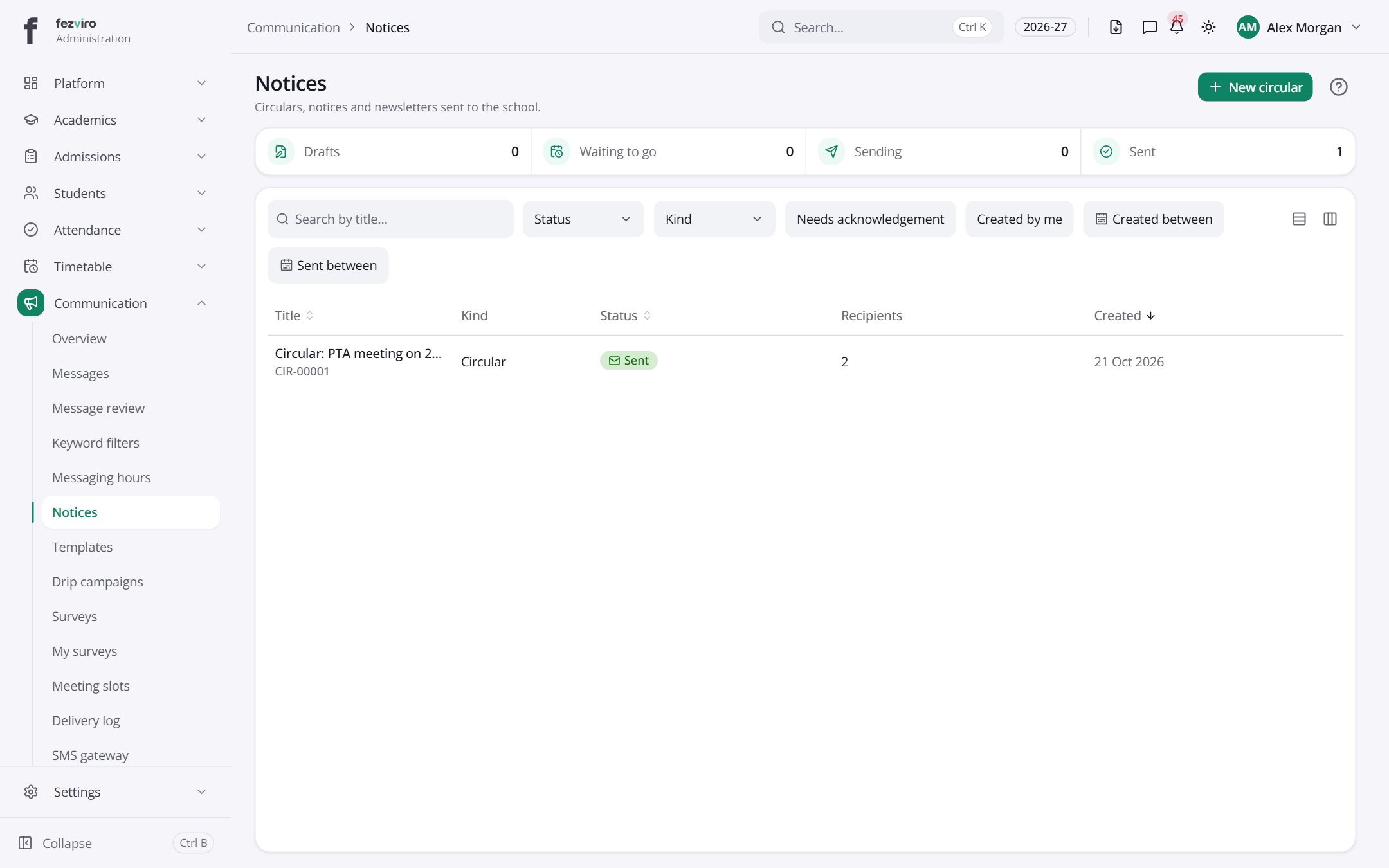 NoticesThe list of school notices, circulars and newsletters sent to families.has a form
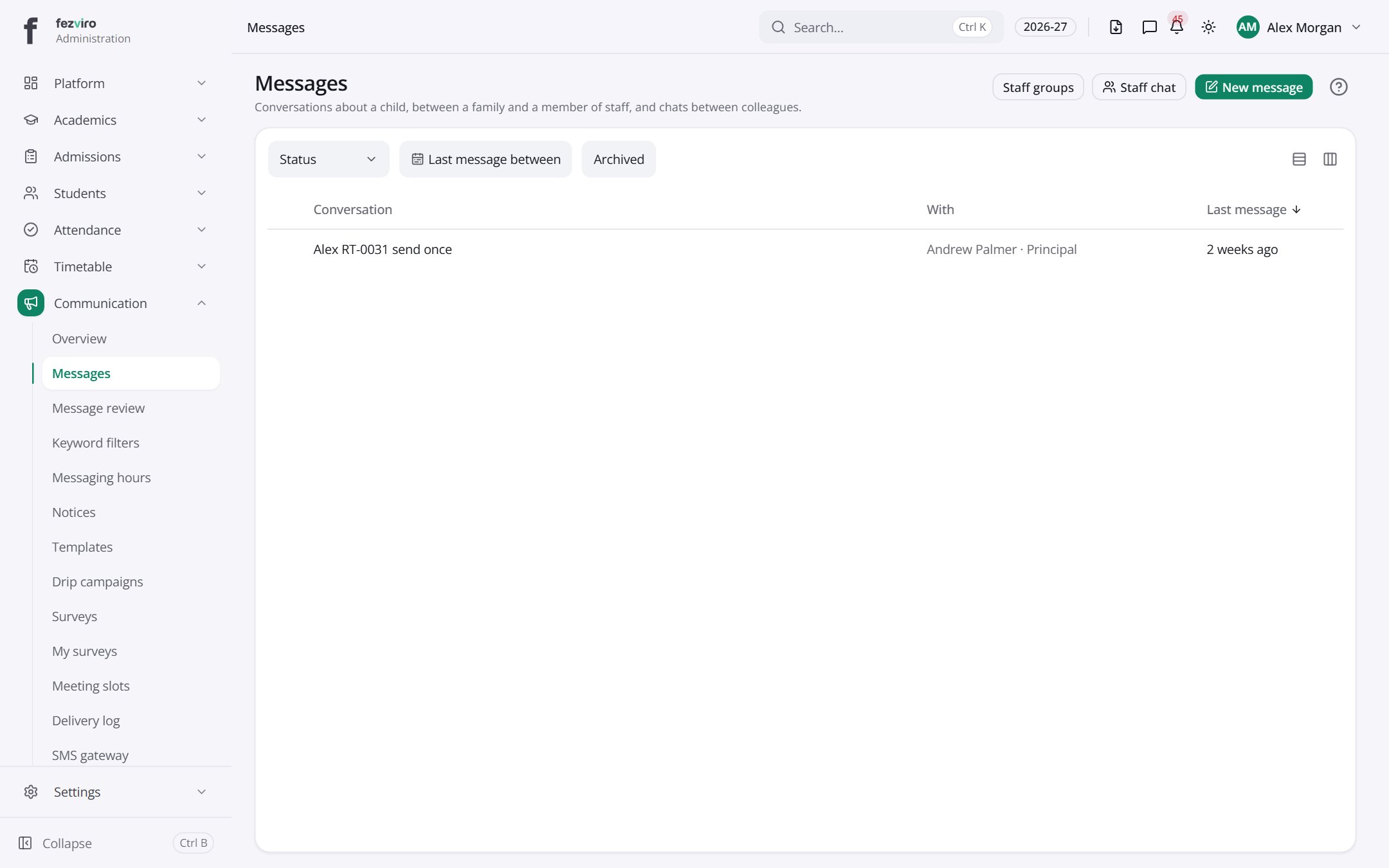 MessagesThe inbox for conversations between staff, parents and students.has a form
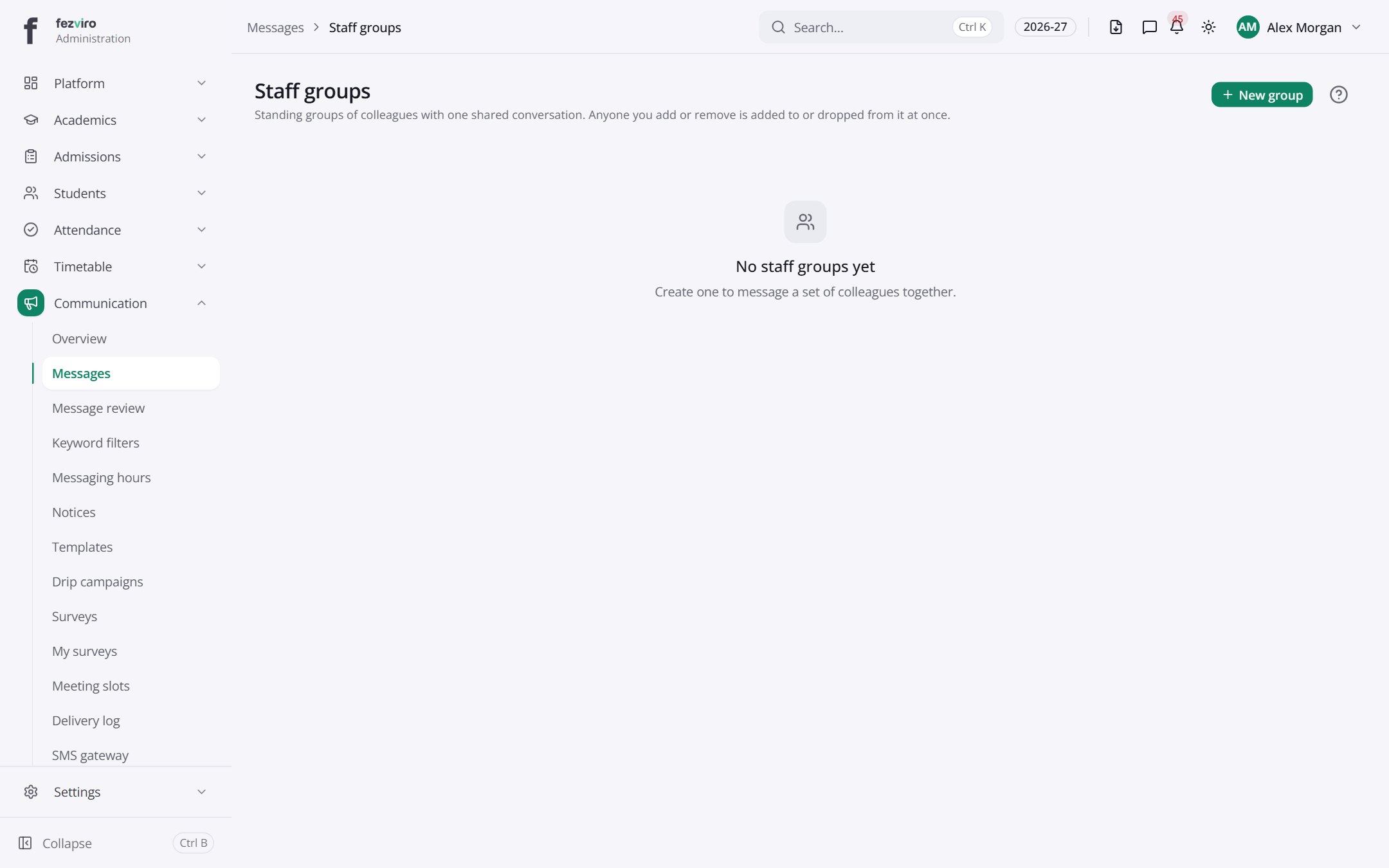 Staff groupsGroups of staff used for messaging a whole team at once.has a form
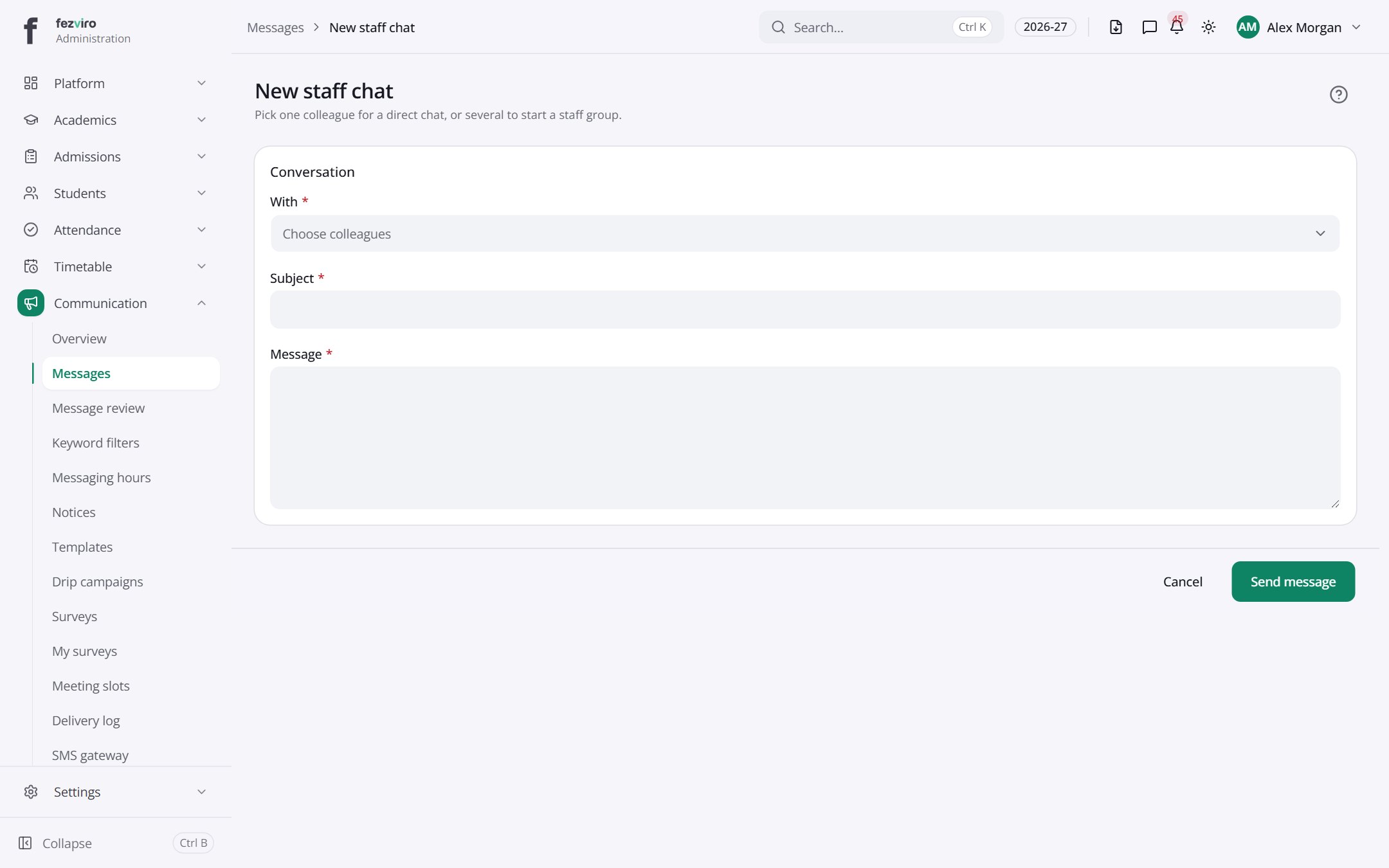 New: New staff chatPick one colleague for a direct chat, or several to start a staff group.has a form
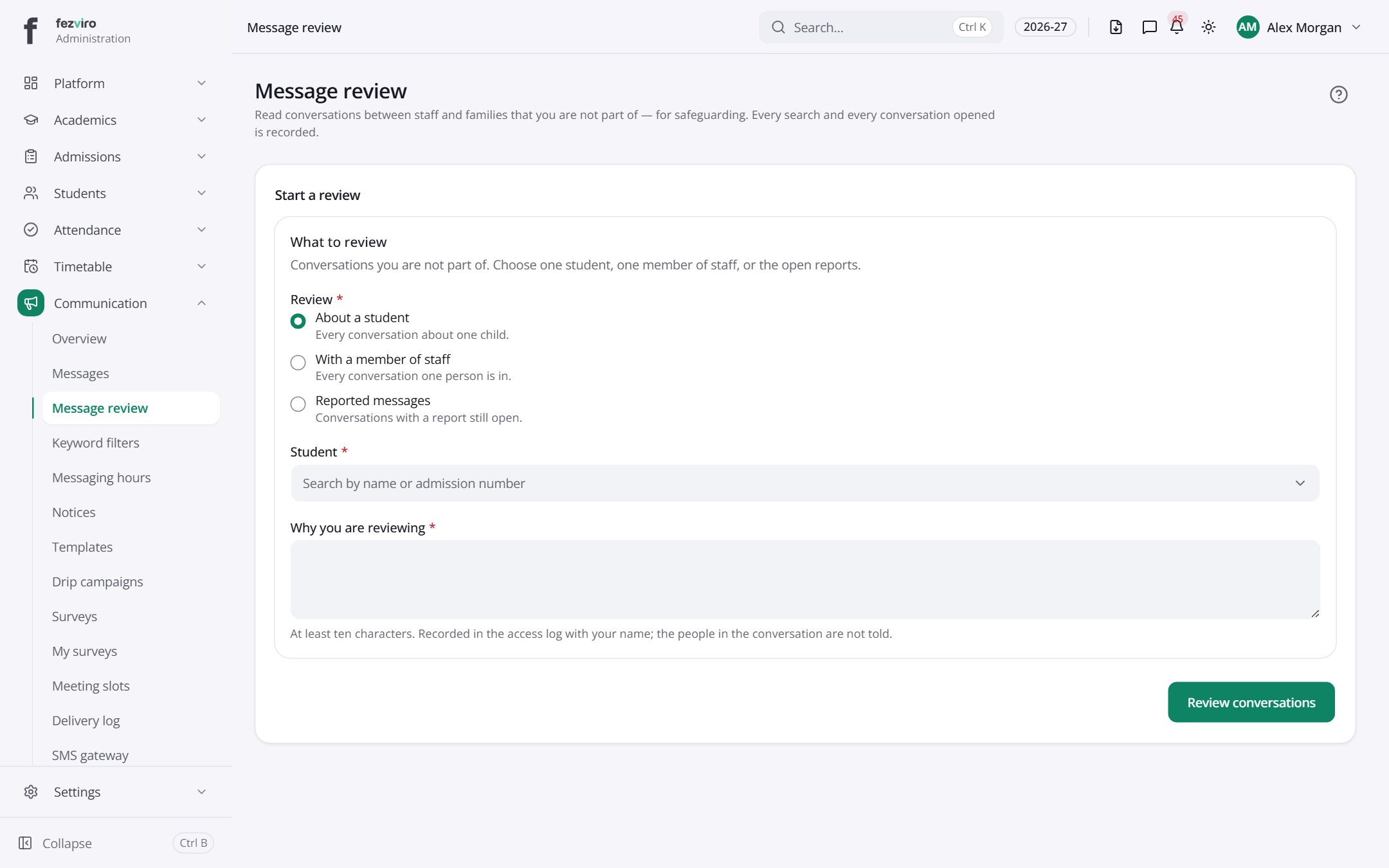 Message reviewA review screen for reading parent and staff message threads.
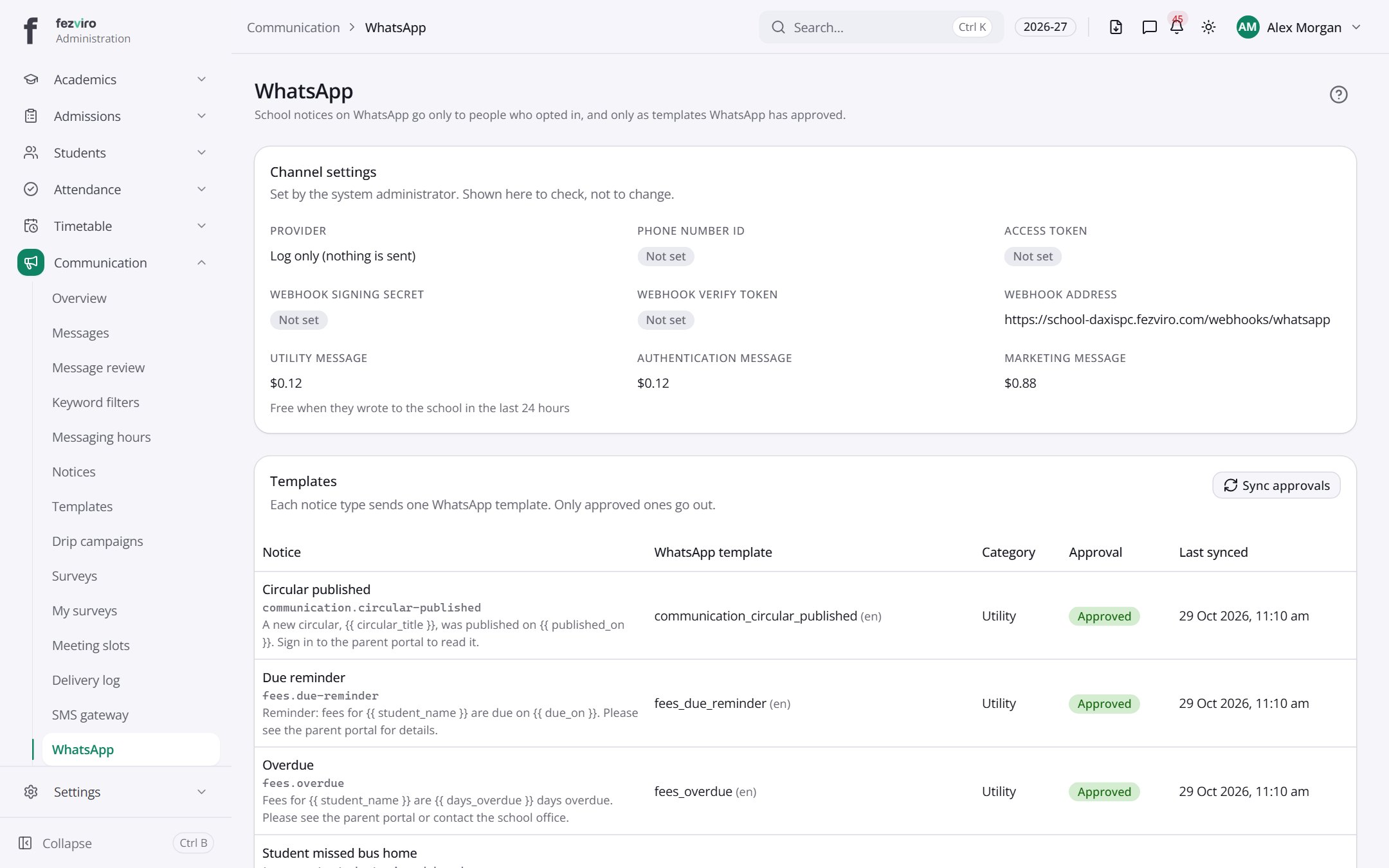 WhatsAppThe WhatsApp messaging channel and its approved message templates.
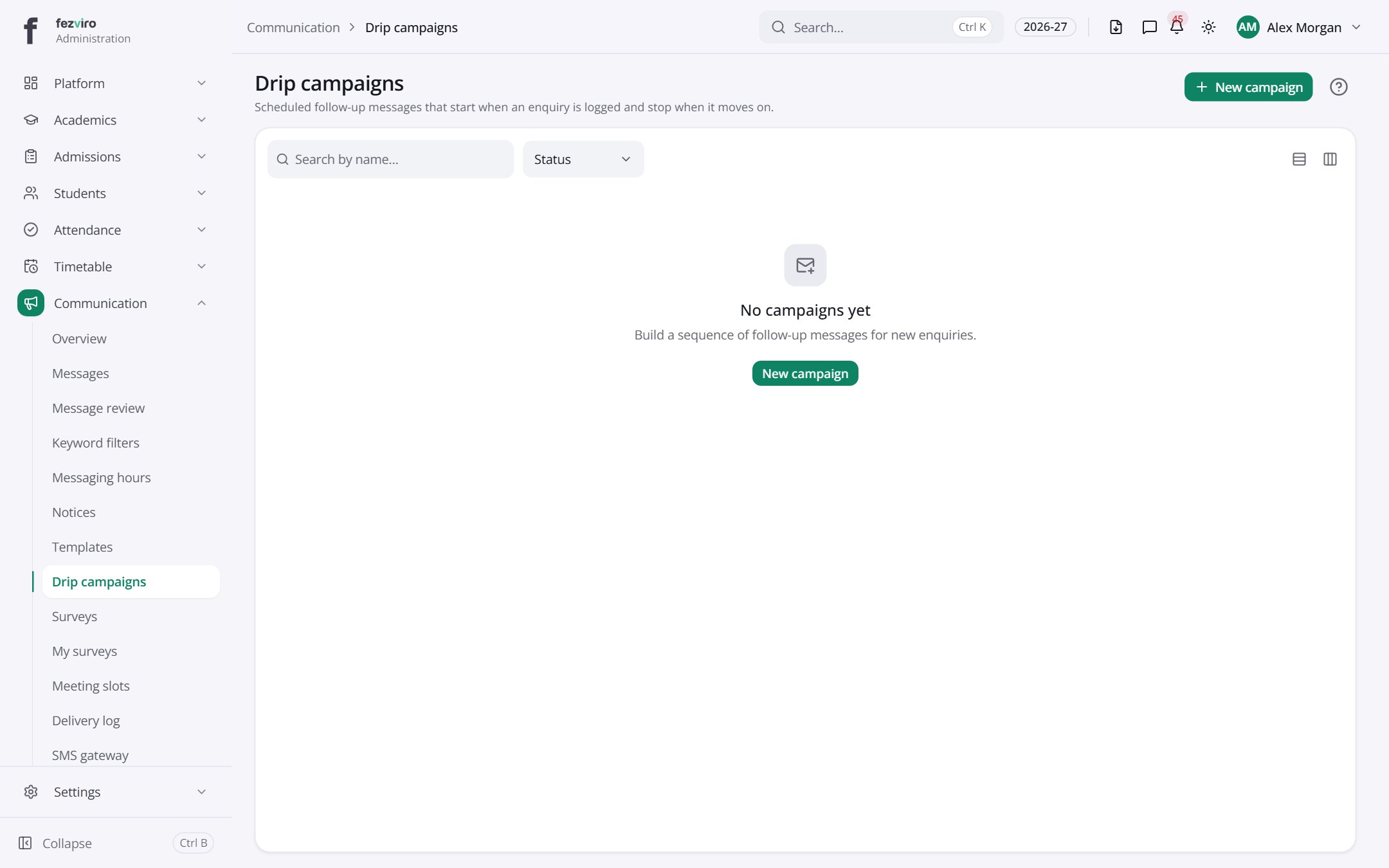 Drip campaignsAutomatic follow-up message sequences sent over several days or weeks.has a form
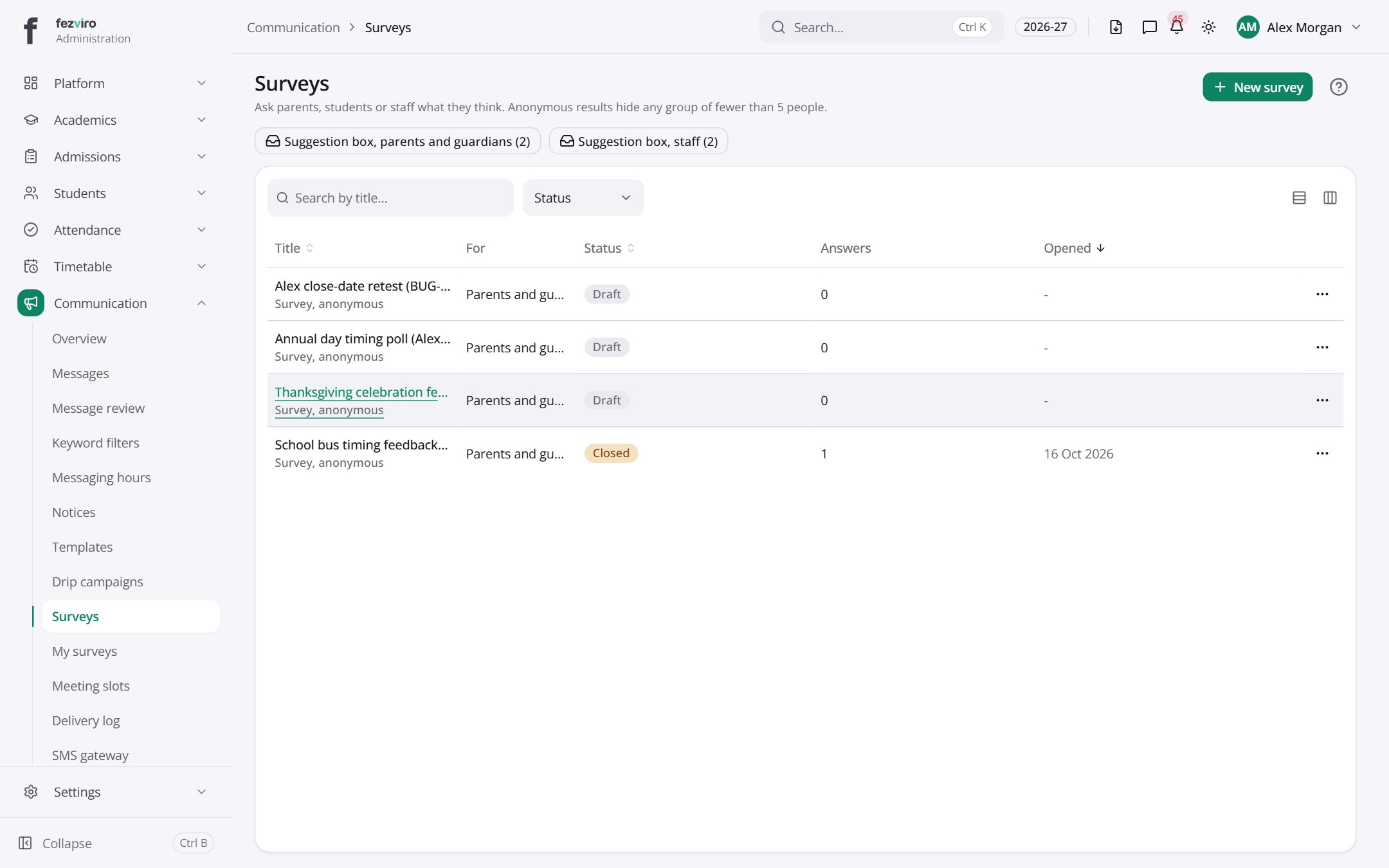 SurveysSurveys, polls and feedback forms sent to parents, students or staff.has a form
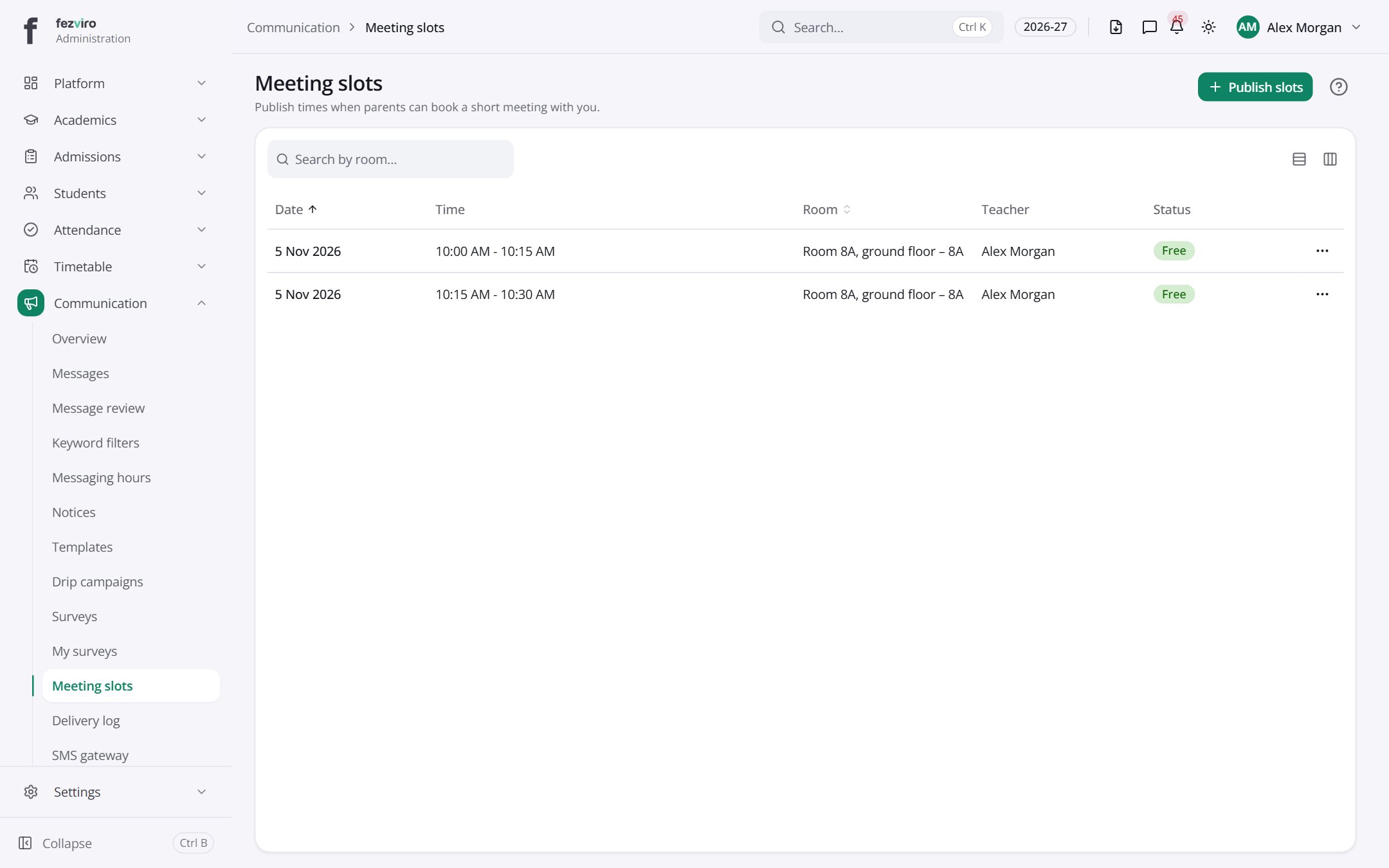 Meeting slotsTime slots teachers open up for parent-teacher meetings.
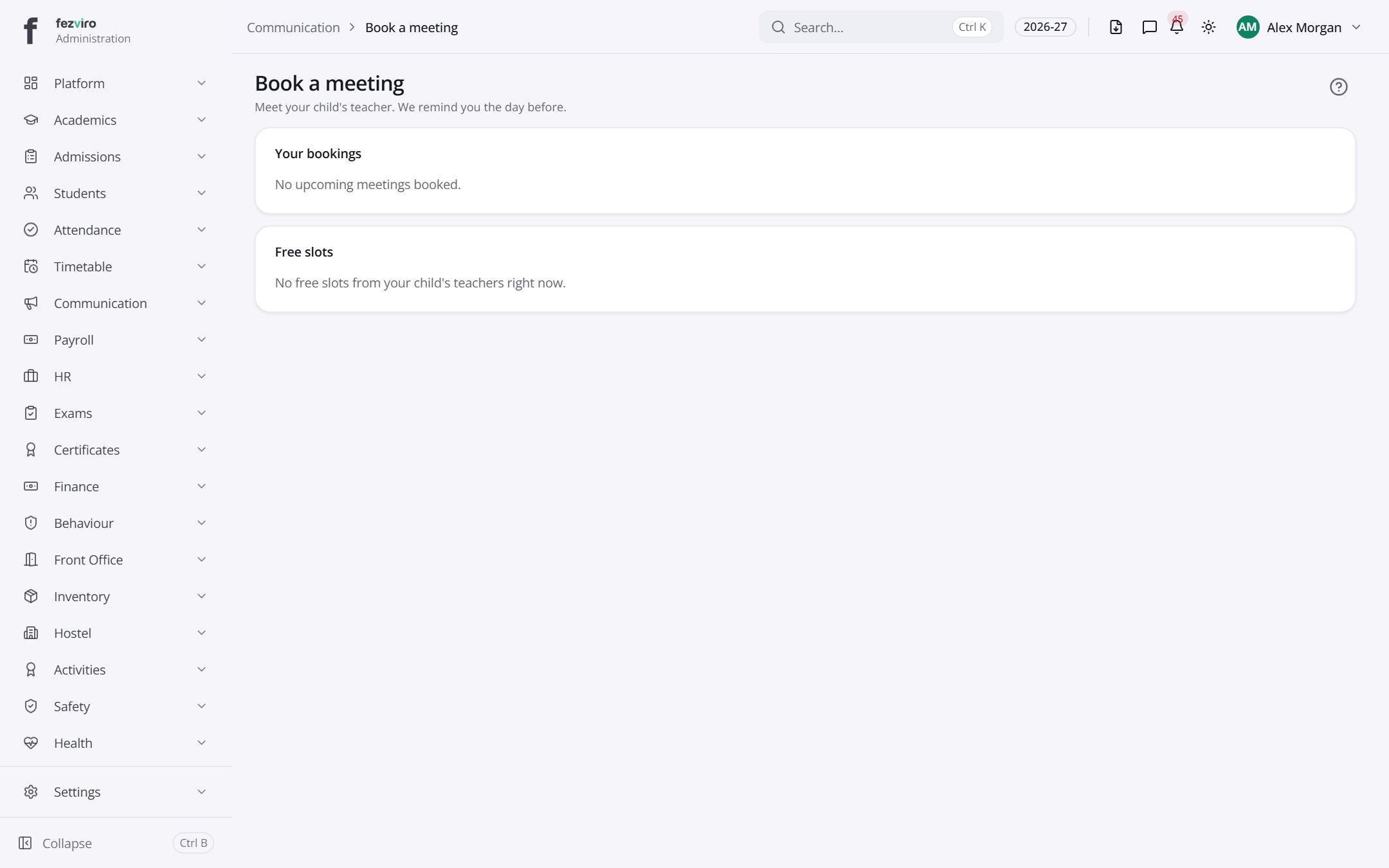 Book a meetingParent-teacher meeting bookings made by families.
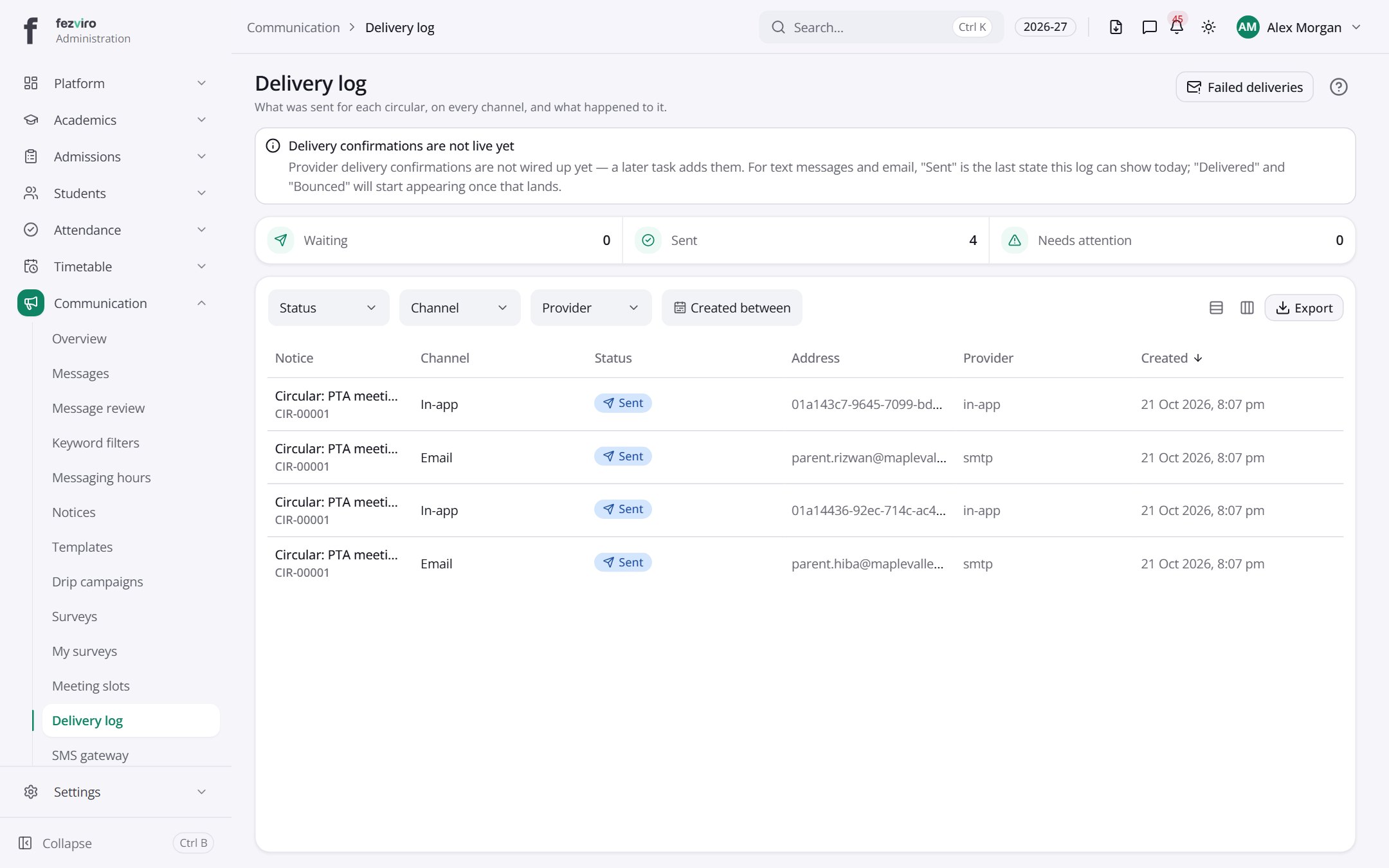 Delivery logA record of every message sent and whether it arrived.
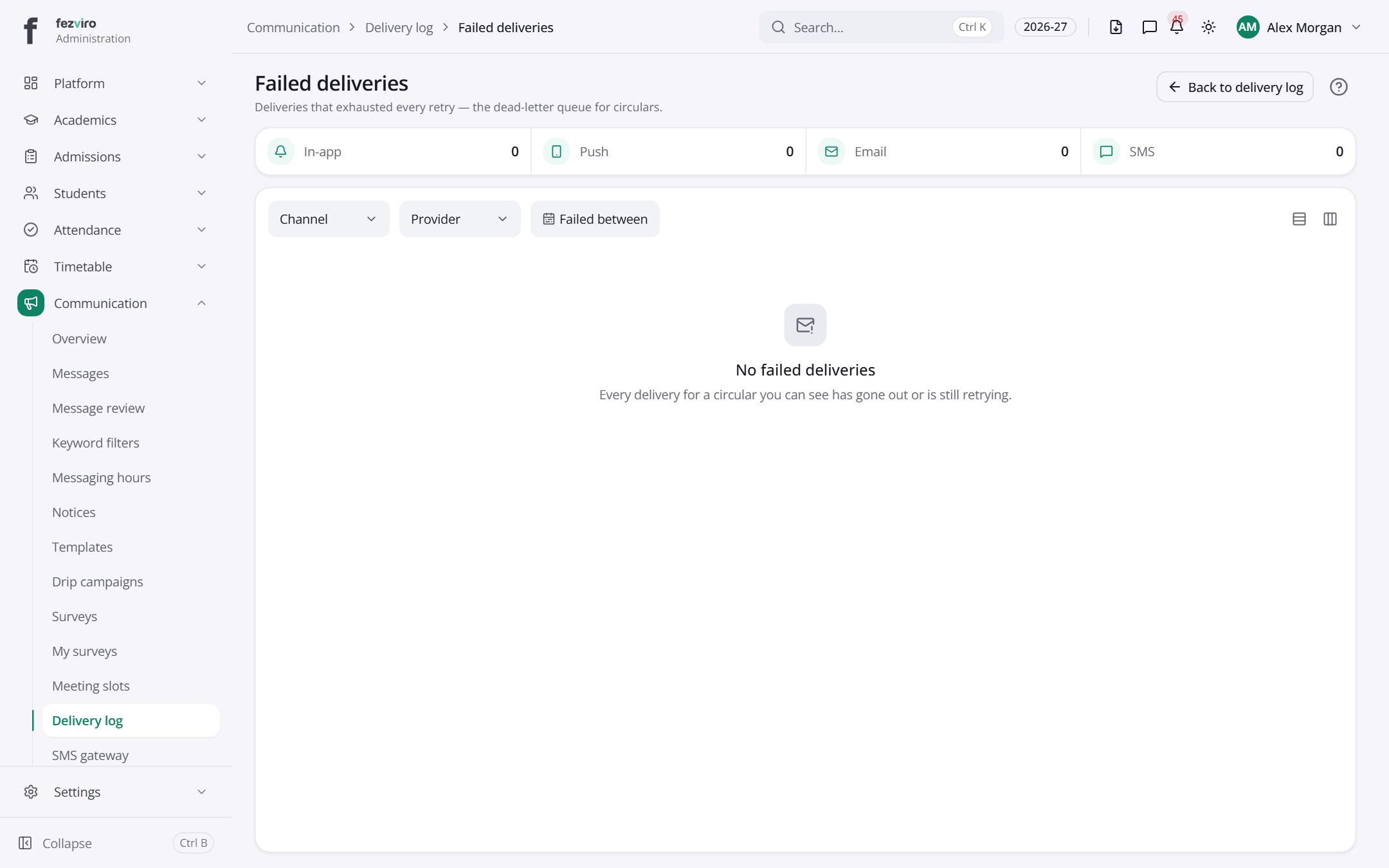 Failed deliveriesMessages that could not be delivered even after several tries.
Step by step
Section titled “Step by step”Send a notice
Section titled “Send a notice”- Open Communication → Notices and write the notice with rich text and attachments.
- Target by class, grade, house, branch or role.
- Schedule or send now; notices can require approval first.
- Track who has read it; unread recipients get automatic reminders.
Book parent-teacher meetings
Section titled “Book parent-teacher meetings”- Teachers publish slots in PTM → Slots.
- Parents book a slot from their portal.
- Both sides see the booking list.
Questions
Section titled “Questions”Which channels are supported?
In-app, email, SMS and WhatsApp, with a backup SMS provider.
Can parents turn off notifications?
Each user sets preferences and quiet hours; urgent alerts still go through.
Can we see what an SMS blast costs before sending?
Yes. The credit screen previews cost and remaining balance.