

My follow-ups
What it is
Your personal list of enquiry follow-ups, sorted by urgency.
Why it matters
Stops a counsellor missing a call-back to a waiting family.
When to use it
Counsellors open it each day to see what is overdue or due today.
Who uses it
Administrator
How to get here
Section titled “How to get here”- Sign in as Administrator (see Signing in).
- In the left menu, click Admissions to open it.
- Click Follow-ups.
What you see
Section titled “What you see”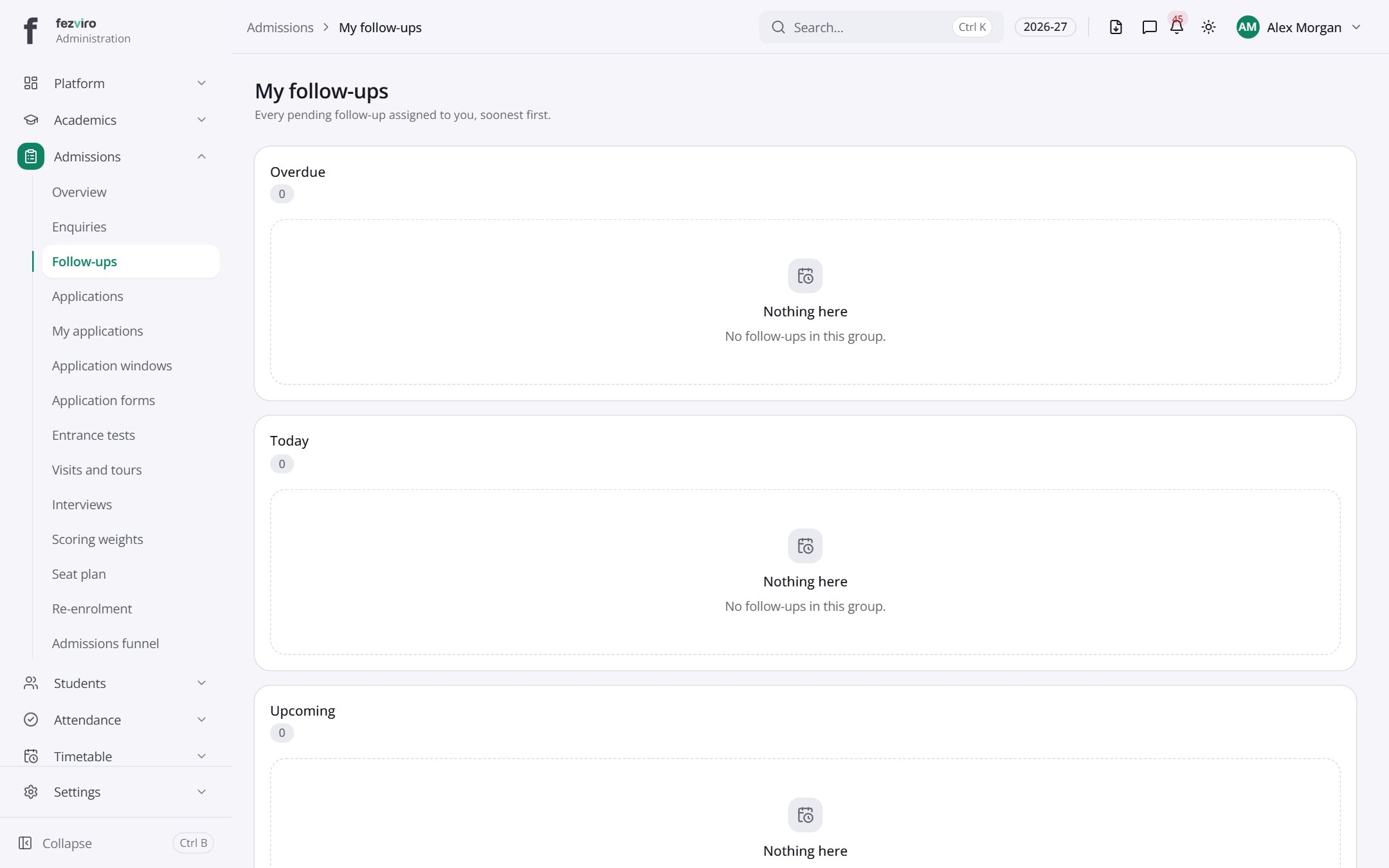
- Sections on the page: Overdue, Today, Upcoming.
← Back to Admissions overview