

Behaviour analytics
What it is
Charts showing behaviour patterns across classes, houses and time.
Why it matters
Shows where help is needed before a small problem grows.
When to use it
Leaders review trends and decide where to act or give support.
Who uses it
Administrator
How to get here
Section titled “How to get here”- Sign in as Administrator (see Signing in).
- In the left menu, click Behaviour to open it.
- Click Analytics.
What you see
Section titled “What you see”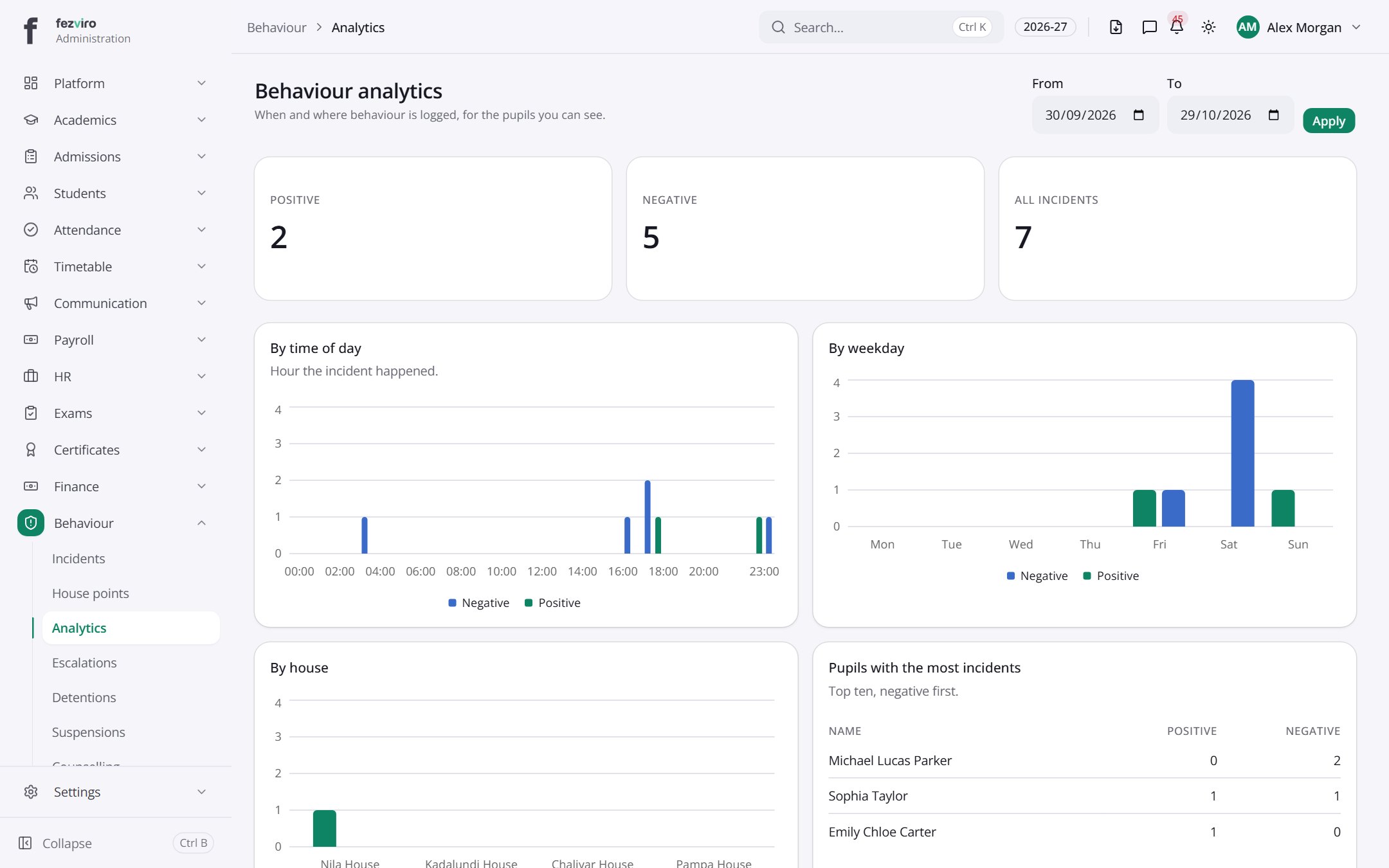
- Sections on the page: By time of day, By weekday, By house, Pupils with the most incidents, Most active loggers.
- The list has these columns: Name, Positive, Negative. Click a column name to sort by it.
Buttons on this screen
Section titled “Buttons on this screen”- Apply — does what it says on the button.
← Back to Behaviour overview