

Co-scholastic areas
What it is
The non-academic areas, such as art or sport, that get graded.
Why it matters
Lets the school report skills beyond subjects on report cards.
When to use it
Staff add or edit areas once; every grading scheme can then use them.
Who uses it
Administrator
How to get here
Section titled “How to get here”- Sign in as Administrator (see Signing in).
- In the left menu, click Exams to open it.
- Click Co-scholastic areas.
What you see
Section titled “What you see”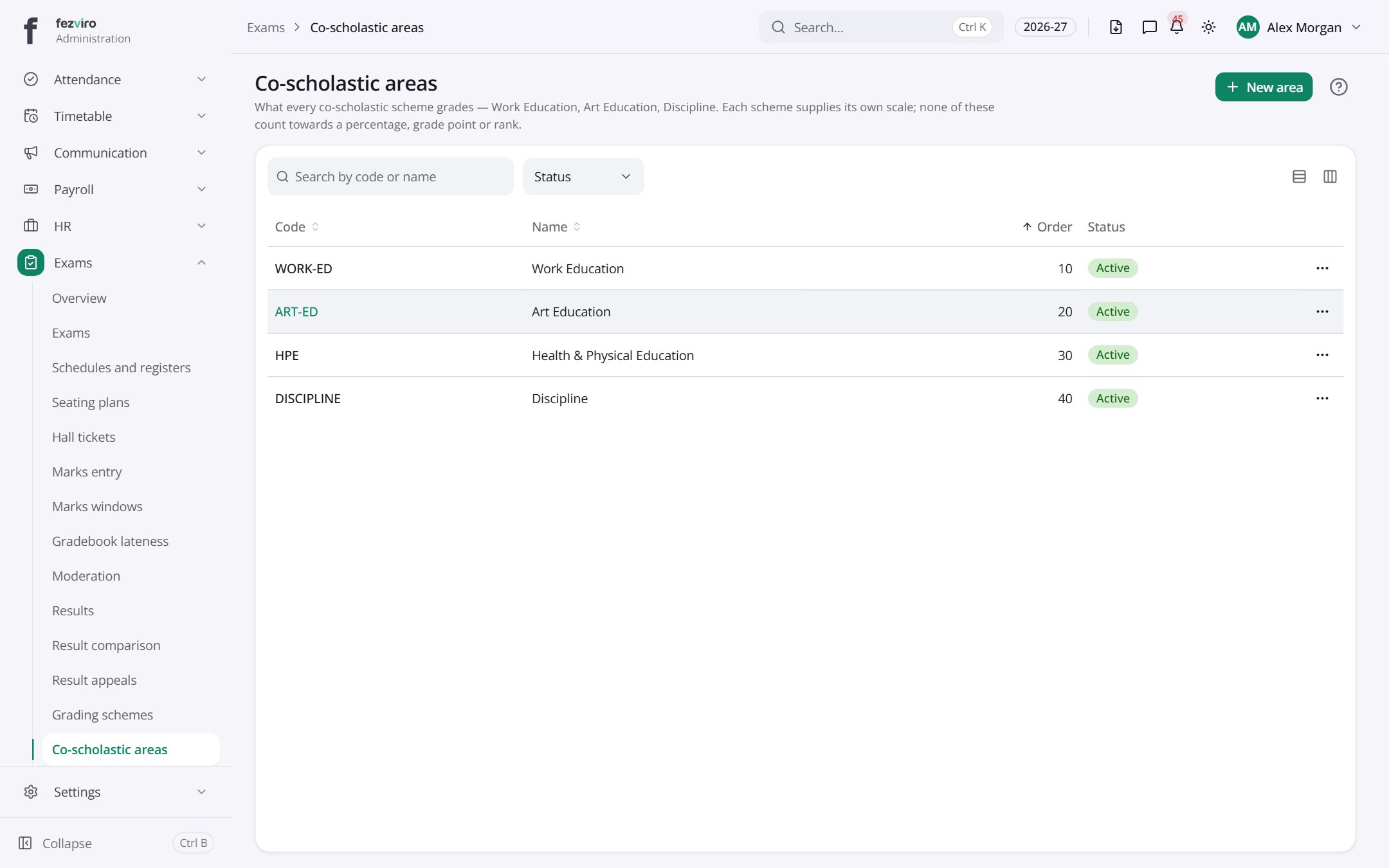
- The list has these columns: Code, Name, Order, Status, Actions. Click a column name to sort by it.
Buttons on this screen
Section titled “Buttons on this screen”- New area — opens a form to add a new one. See Filling in the form below.
← Back to Exams & Grading overview