

BI extract
What it is
A secure, read-only data link for outside dashboards like Power BI.
Why it matters
Lets leaders see school figures in their own tools, safely.
When to use it
Administrators create the link for one dashboard; it can never change any records.
Who uses it
Administrator
How to get here
Section titled “How to get here”- Sign in as Administrator (see Signing in).
- In the left menu, click Reports to open it.
- Click BI extract.
What you see
Section titled “What you see”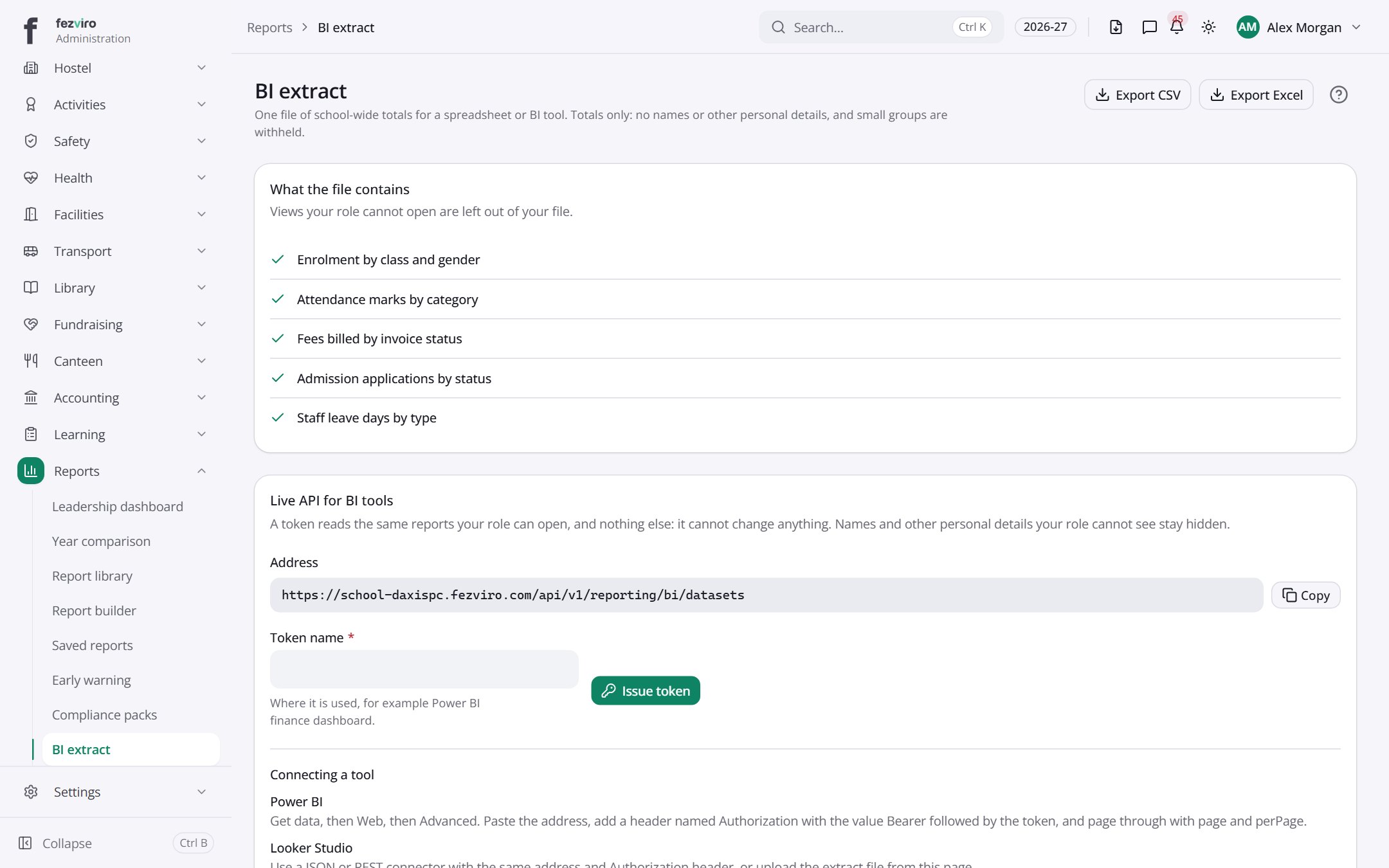
- Sections on the page: What the file contains, Live API for BI tools.
Buttons on this screen
Section titled “Buttons on this screen”- Export CSV — saves this list to a file on your computer (Excel or CSV).
- Export Excel — saves this list to a file on your computer (Excel or CSV).
← Back to Reports & Analytics overview