

Cover
What it is
Lessons without a teacher on a chosen day, with suggested cover.
Why it matters
Makes sure no class is left without a teacher.
When to use it
Office staff pick suggested teachers and assign cover quickly.
Who uses it
Administrator
How to get here
Section titled “How to get here”- Sign in as Administrator (see Signing in).
- In the left menu, click Timetable to open it.
- Click Cover.
What you see
Section titled “What you see”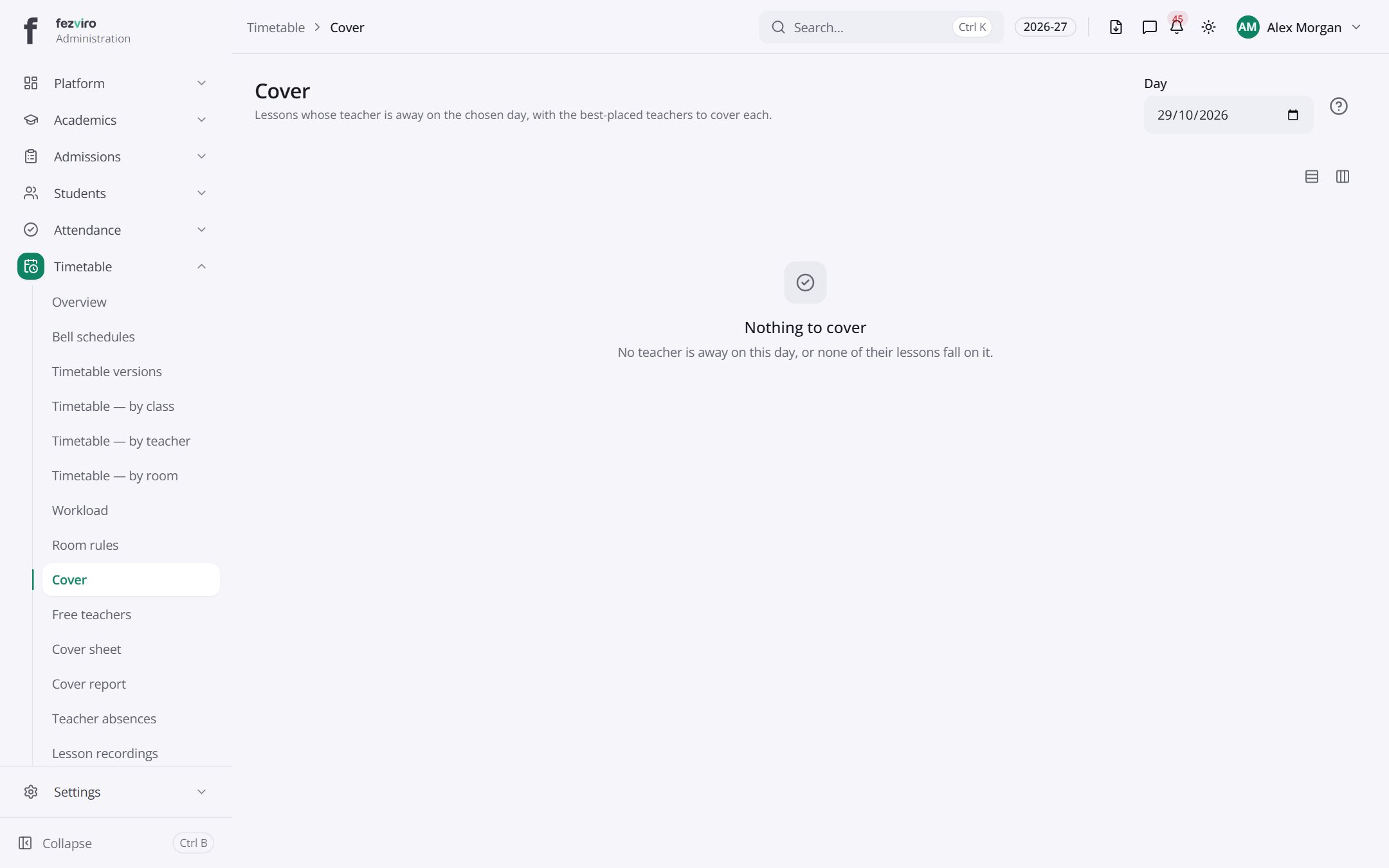
← Back to Timetable overview