

Reference
What it is
The library's setup lists: shelves, categories, loan rules and memberships.
Why it matters
Keeps the catalogue tidy and loan rules the same for everyone.
When to use it
Librarians set up the basics once; the rest of the library uses them.
Who uses it
Administrator
How to get here
Section titled “How to get here”- Sign in as Administrator (see Signing in).
- In the left menu, click Library to open it.
- Click Reference.
What you see
Section titled “What you see”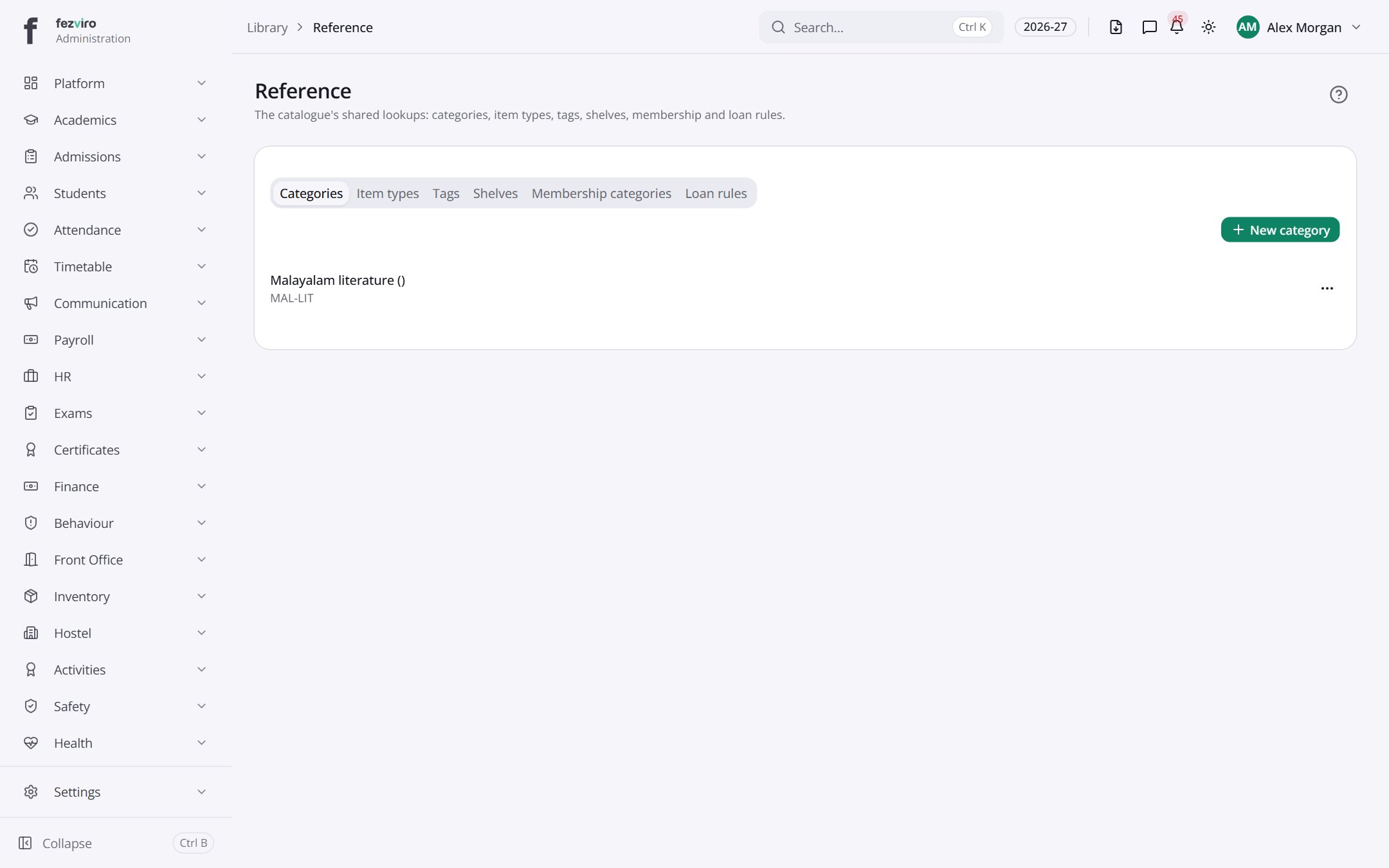
- Tabs along the top switch between views: Categories, Item types, Tags, Shelves, Membership categories, Loan rules. Click one to change what you see.
← Back to Library overview