

Canteen sales
What it is
Every sale rung up at the canteen till, including staff meals.
Why it matters
Keeps a full record of canteen income for accounts and refunds.
When to use it
Cashiers and managers look up sales; a refund returns money to its wallet.
Who uses it
Administrator
How to get here
Section titled “How to get here”- Sign in as Administrator (see Signing in).
- In the left menu, click Canteen to open it.
- Click Sales.
What you see
Section titled “What you see”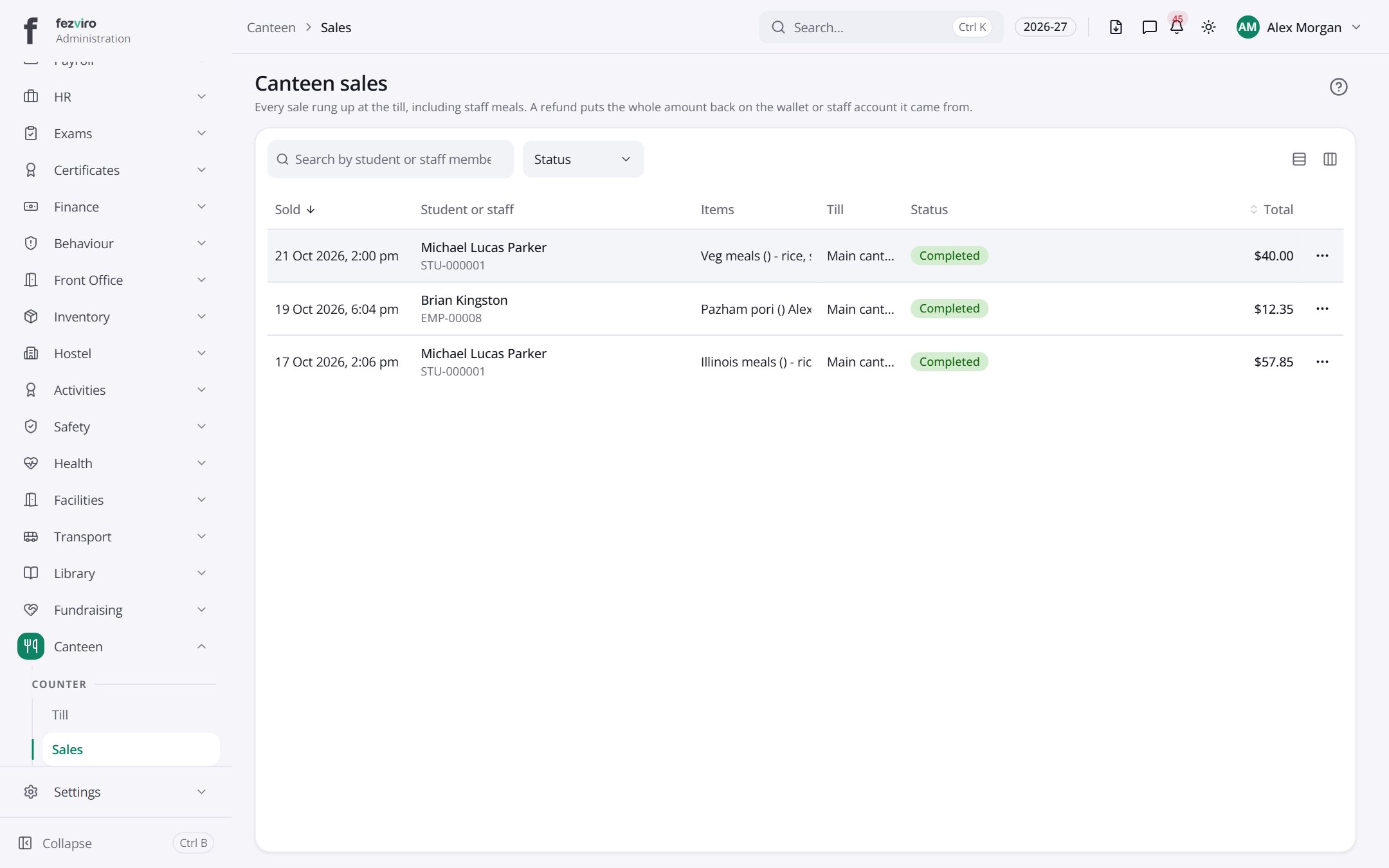
- The list has these columns: Sold, Student or staff, Items, Till, Status, Total, Actions. Click a column name to sort by it.
← Back to Canteen overview