

Statutory filing files
What it is
Monthly and quarterly government payroll files, ready to download.
Why it matters
Lets the school file tax and pension returns correctly and on time.
When to use it
Finance staff download each file; it unlocks only when its totals match the payslips.
Who uses it
Administrator
How to get here
Section titled “How to get here”- Sign in as Administrator (see Signing in).
- In the left menu, click Payroll to open it.
- Click Statutory filing files.
What you see
Section titled “What you see”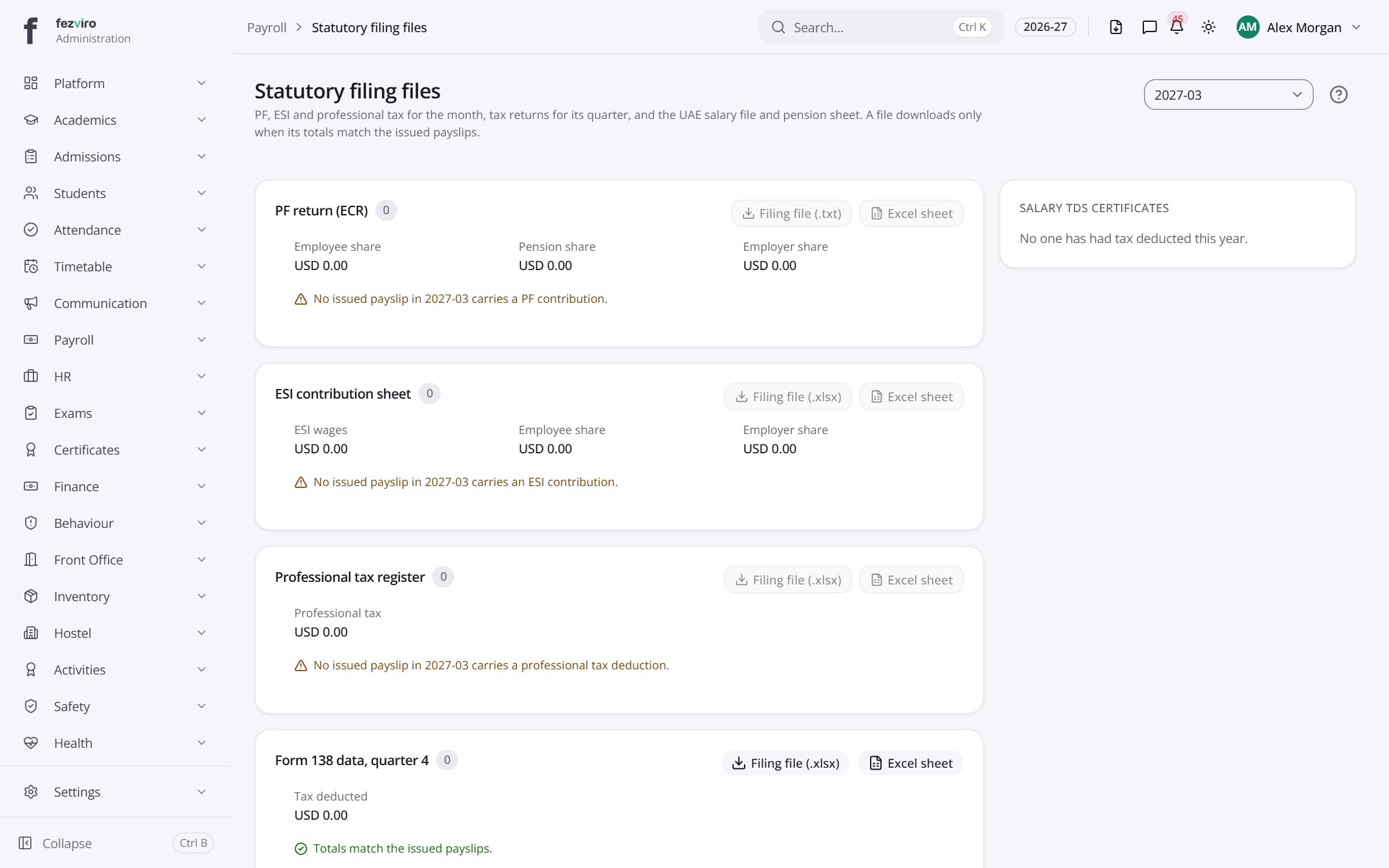
- Sections on the page: PF return (ECR), ESI contribution sheet, Professional tax register, Form 138 data, quarter 4, Salary file (WPS), GPSSA contribution sheet, Salary Withholding certificates.
Buttons on this screen
Section titled “Buttons on this screen”- 2027-03 — does what it says on the button.
← Back to Payroll overview