

Approvals
What it is
Everything waiting for your decision, across all areas of the school.
Why it matters
Stops requests sitting unseen while people wait for an answer.
When to use it
Approvers open this to approve or decline items assigned to them.
Who uses it
Administrator
How to get here
Section titled “How to get here”- Sign in as Administrator (see Signing in).
- In the left menu, click Platform to open it.
- Click Approvals.
What you see
Section titled “What you see”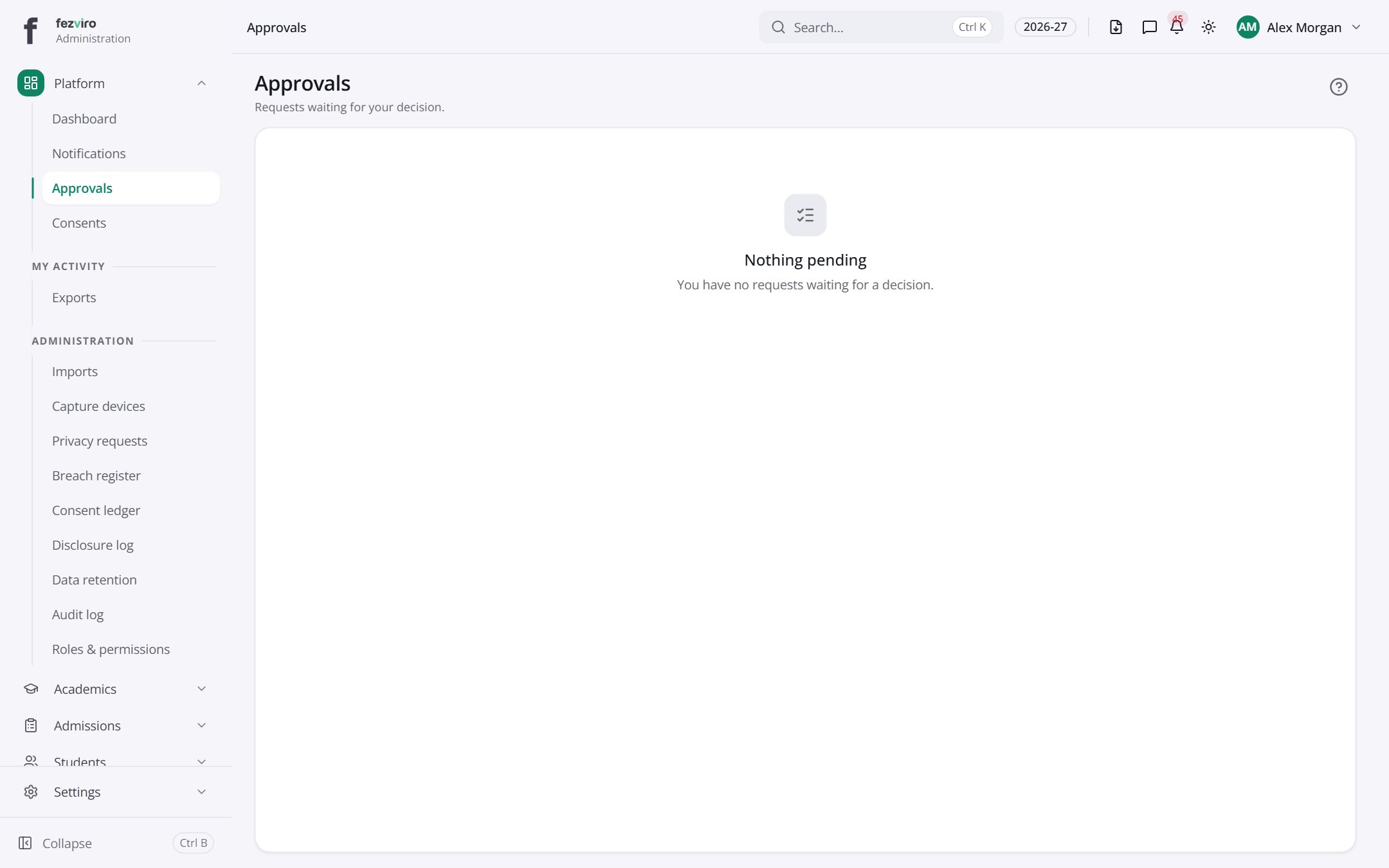
← Back to Platform & Security overview