

Privacy notice
What it is
The school's privacy notice, shown for each reason it holds data.
Why it matters
Tells families plainly what information is held and why.
When to use it
Families and staff read it to understand how their data is used.
Who uses it
Administrator
How to get here
Section titled “How to get here”- Sign in as Administrator (see Signing in).
- In the left menu, click Platform to open it.
- Click Settings.
What you see
Section titled “What you see”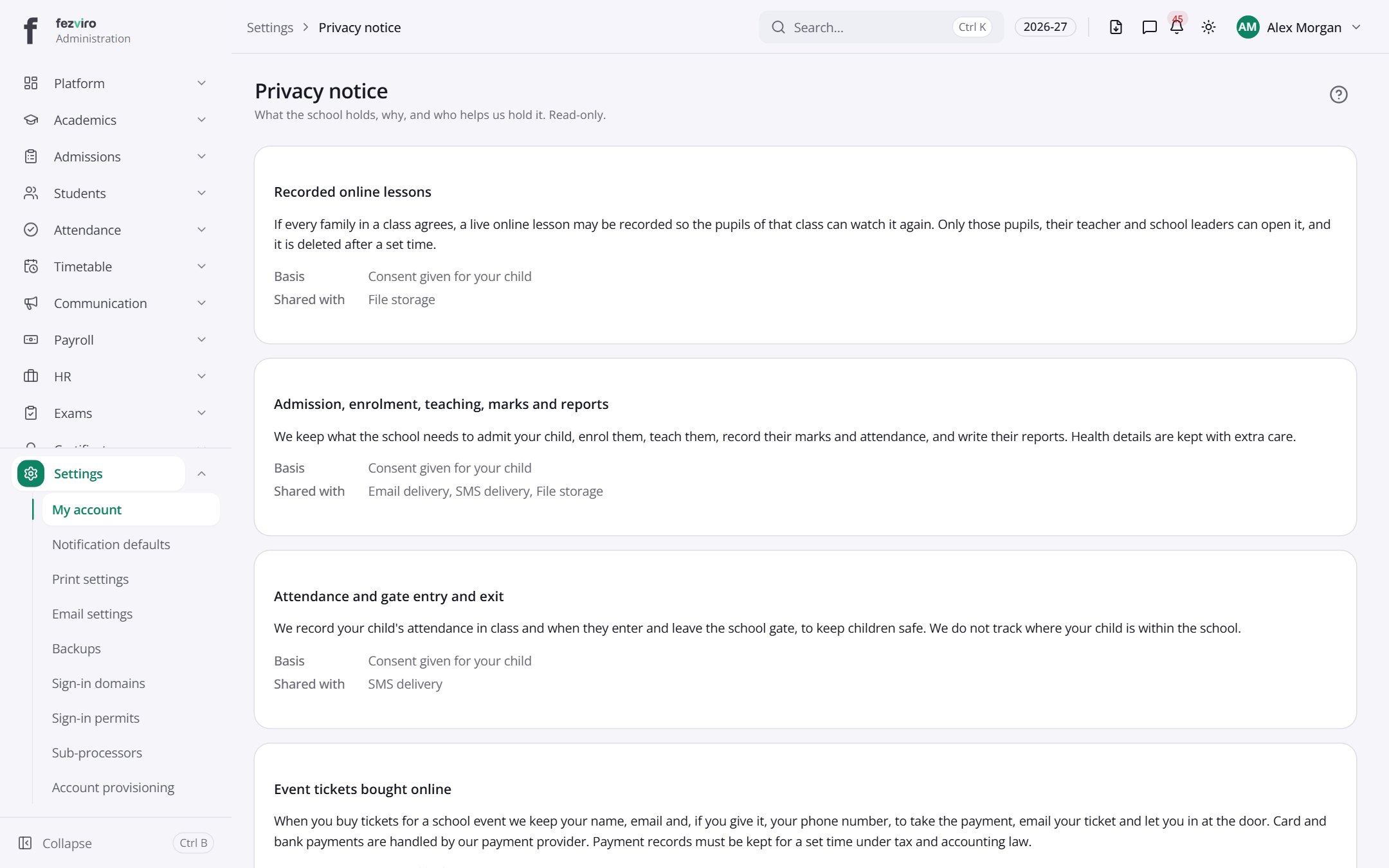
- Sections on the page: Recorded online lessons, Admission, enrolment, teaching, marks and reports, Attendance and gate entry and exit, Event tickets bought online, Fees, invoices and payments, Donations given online, Photos in school newsletters, Photos on the school website.
← Back to Platform & Security overview