

Check out a visitor
What it is
Starts a visit from a badge already issued to a regular visitor.
Why it matters
Saves time for people who visit often and keeps their history linked.
When to use it
The desk uses it to check in someone who has visited before.
Who uses it
Administrator
How to get here
Section titled “How to get here”- Sign in as Administrator (see Signing in).
- In the left menu, click Front Office.
What you see
Section titled “What you see”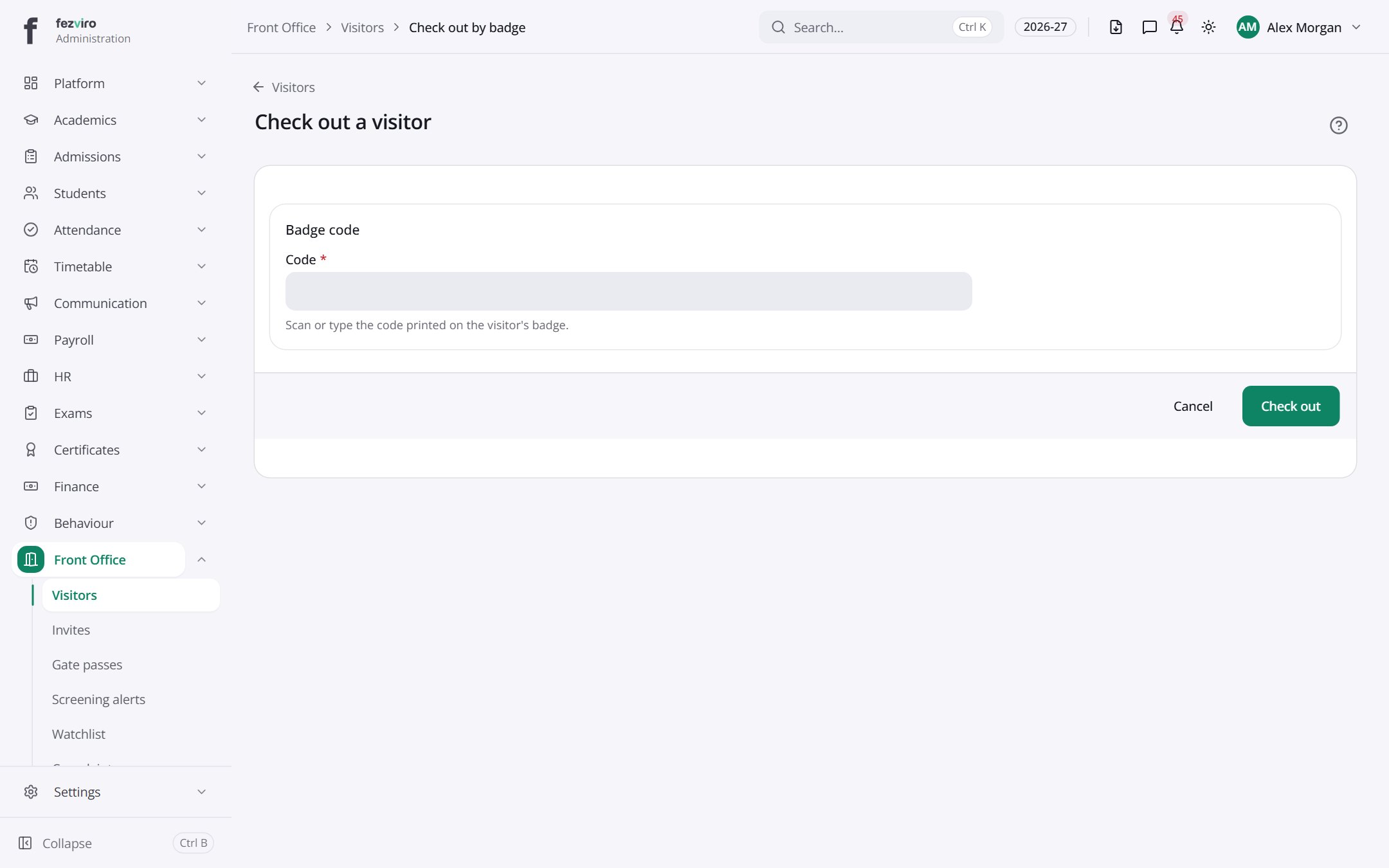
- Sections on the page: Badge code.
Buttons on this screen
Section titled “Buttons on this screen”- Visitors — does what it says on the button.
← Back to Front Office overview