

My covers
What it is
The lessons you have been asked to cover, waiting for your reply.
Why it matters
Lets teachers accept or decline cover without phoning the office.
When to use it
Teachers open this to accept or decline each cover request.
Who uses it
Administrator
How to get here
Section titled “How to get here”- Sign in as Administrator (see Signing in).
- In the left menu, click Timetable to open it.
- Click My covers.
What you see
Section titled “What you see”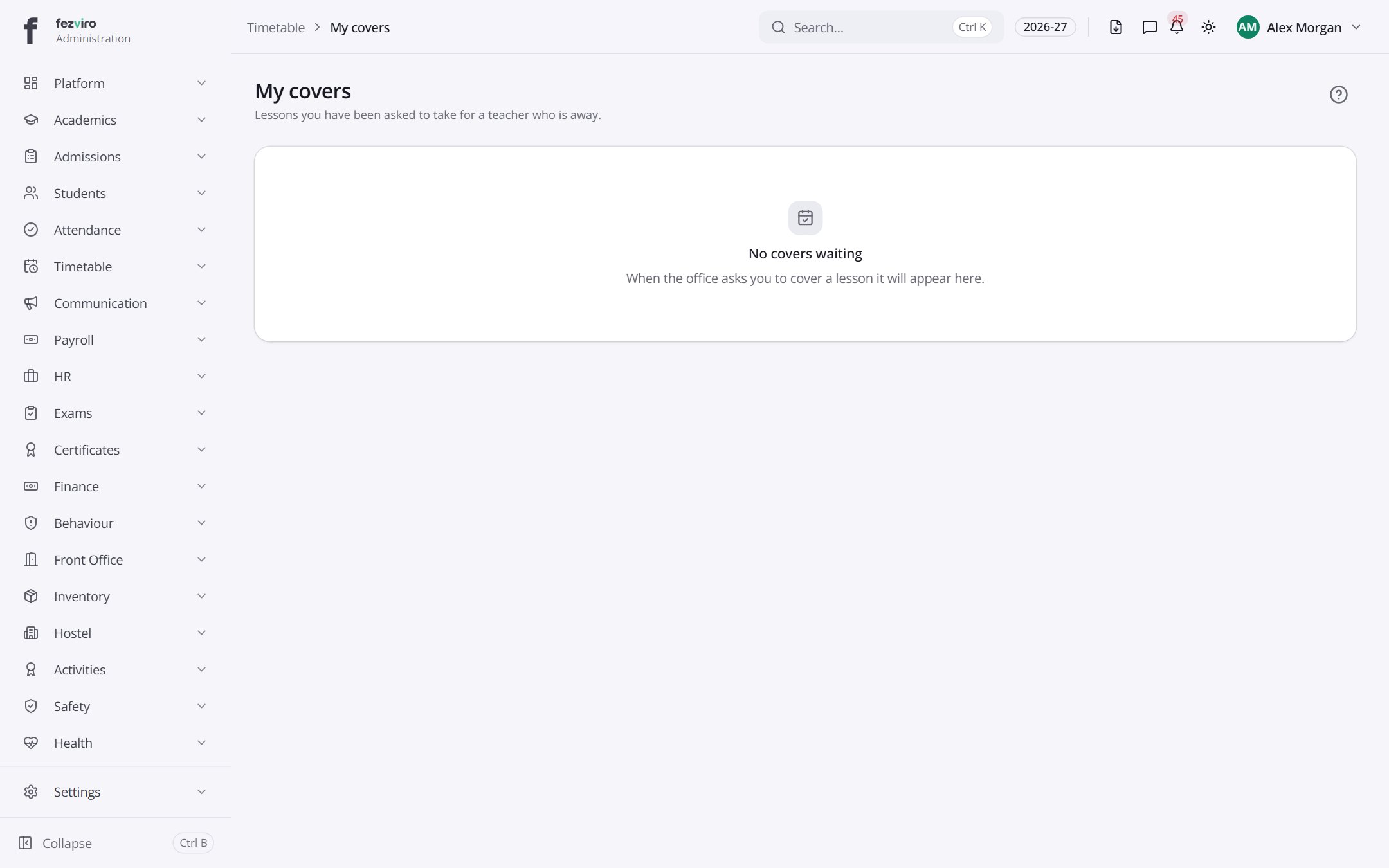
← Back to Timetable overview