

Inventory & Assets
Stores, purchasing, stock movement, issues and sales, and a fixed asset register with depreciation.
👥 Store keeper, purchase officer, accountant, principal🖥️ 13 screens📝 6 forms

What it does
Section titled “What it does”- Items, categories, batches, expiry
- Stores and suppliers
- Purchase requests with approval
- Quotes comparison and purchase orders
- Goods receipt and returns
- Full stock movement history
- Issue to staff, departments, students
- Uniform and book sales to fee account
- Low stock and expiry alerts
- Stock counts
- Asset register with tags and labels
- Depreciation
- Asset disposal with approval
- Stock reports
Its screens
Section titled “Its screens”Each screen has its own page: what it is for, how to reach it, a picture, its buttons and its form.
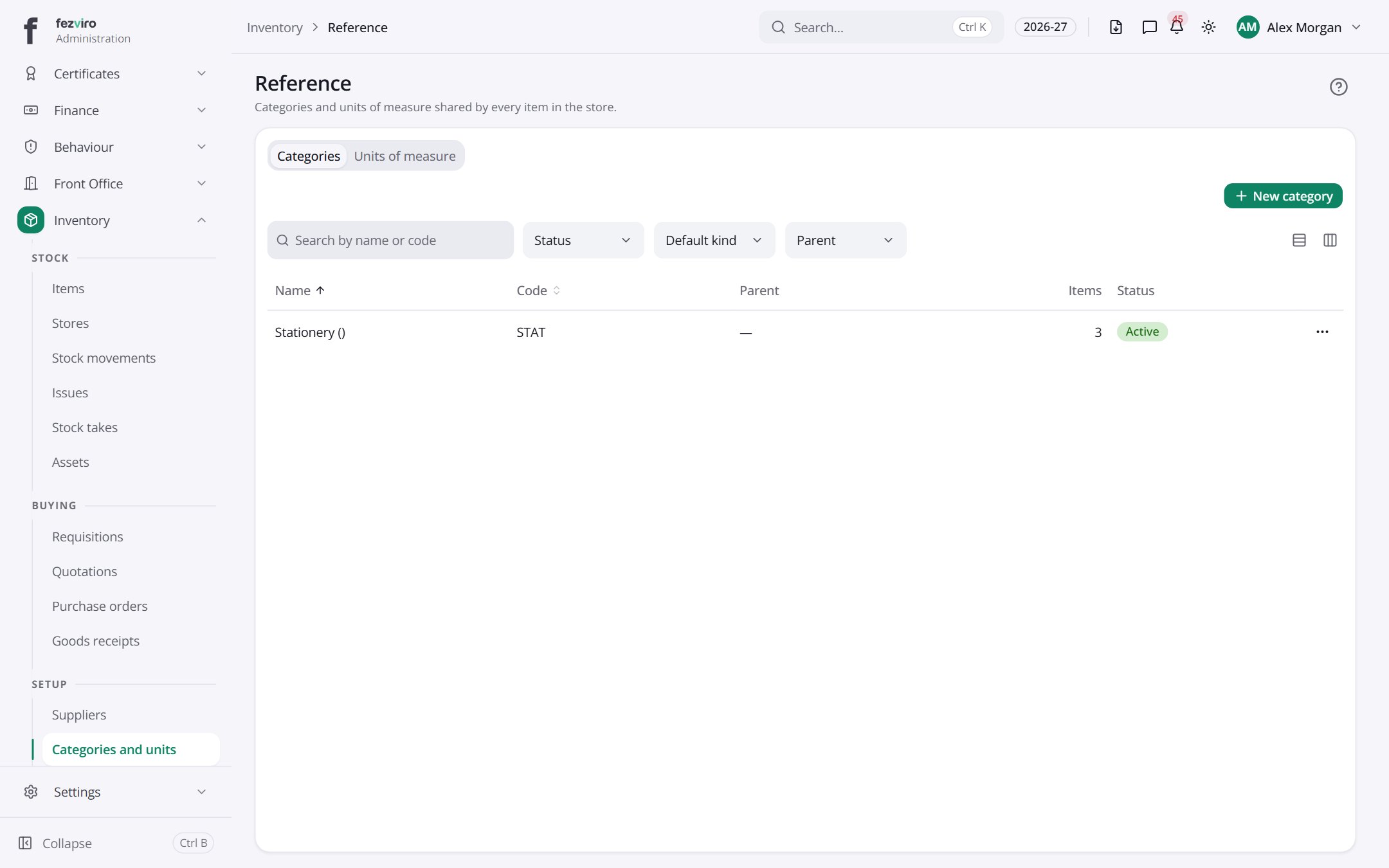 ReferenceThe categories and measurement units shared by all items.
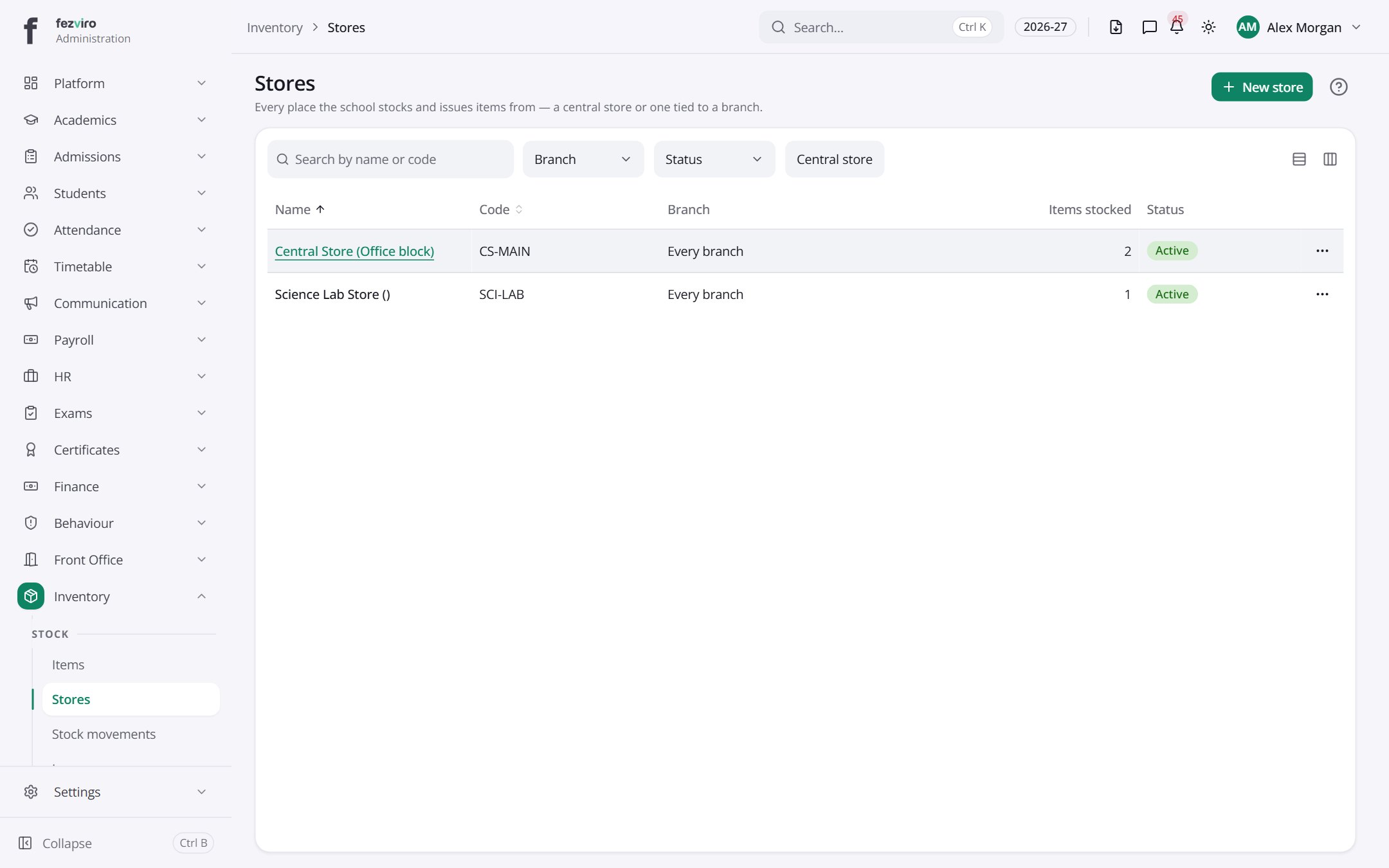 StoresEach place the school keeps and issues stock from.
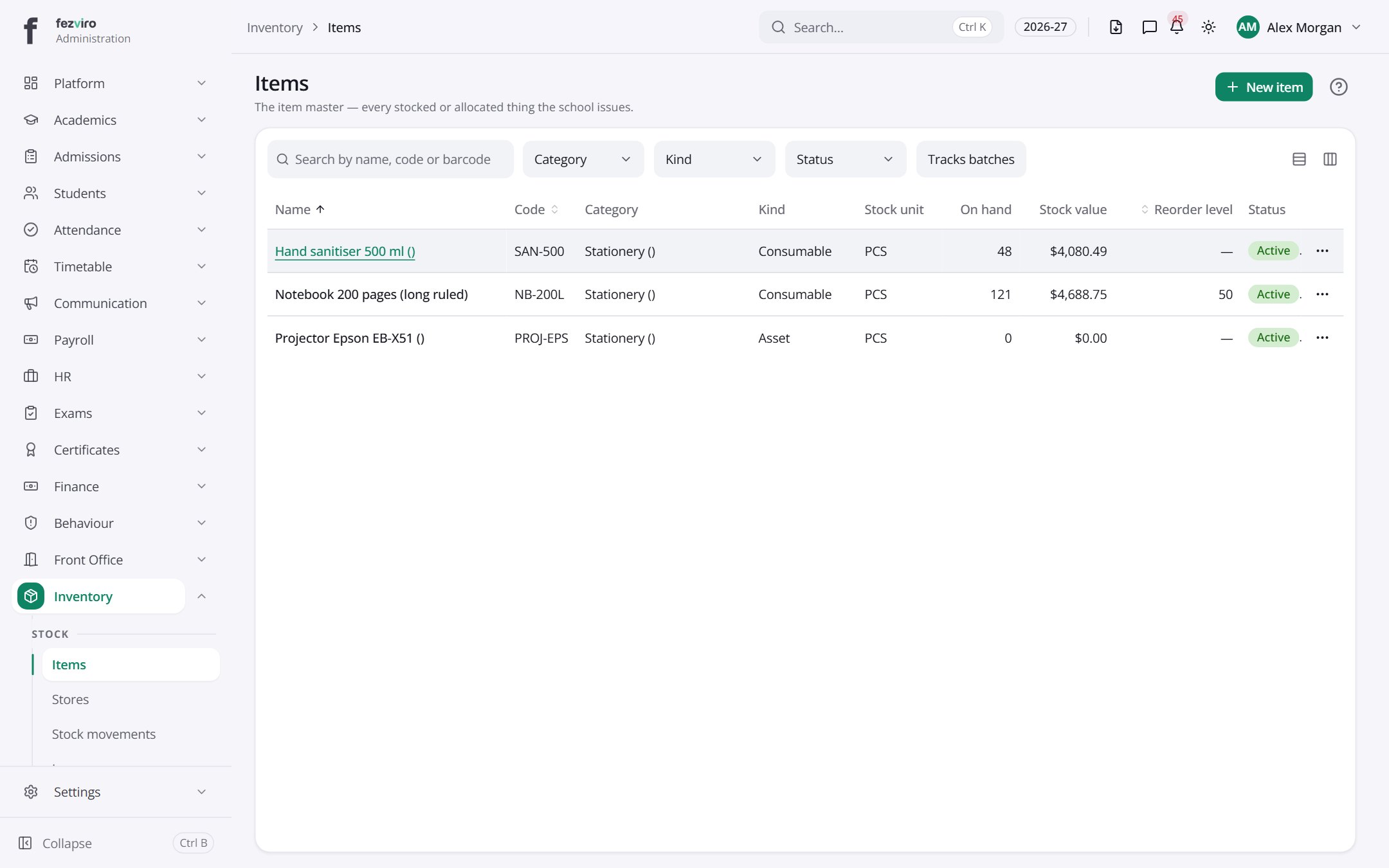 ItemsThe master list of every item the school stocks or issues.
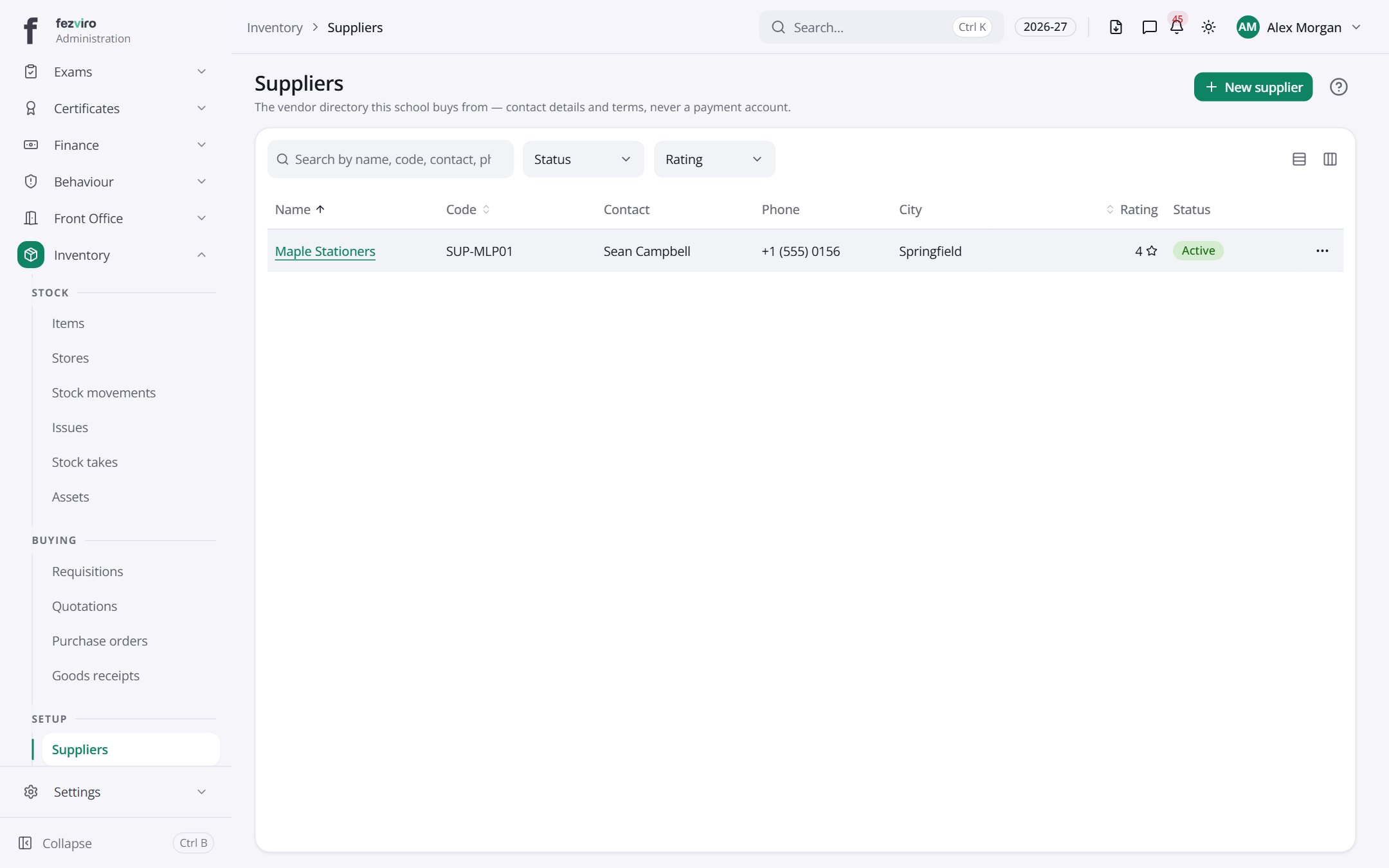 SuppliersThe companies the school buys stock and services from.
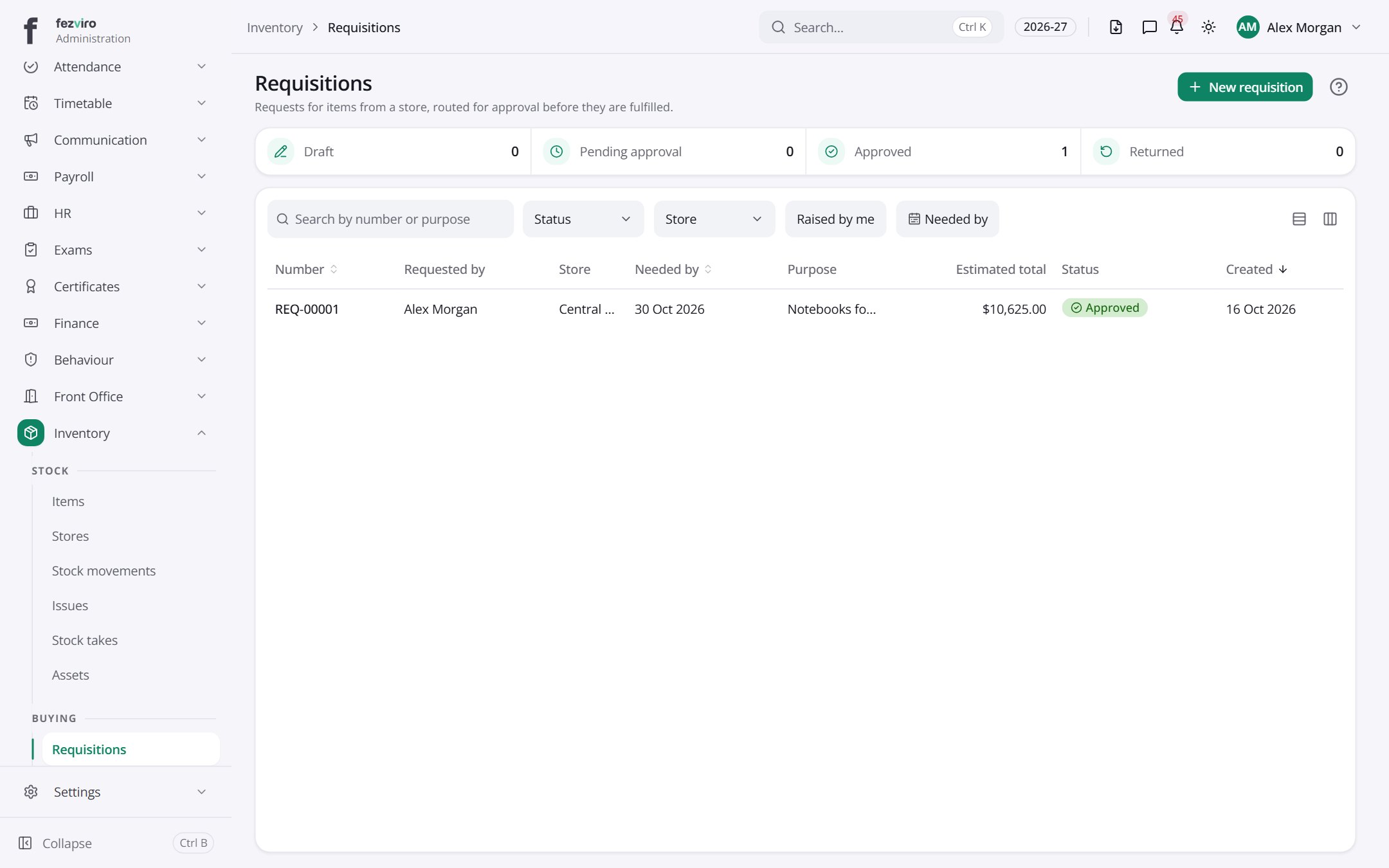 RequisitionsRequests from staff for items to be taken from a store.has a form
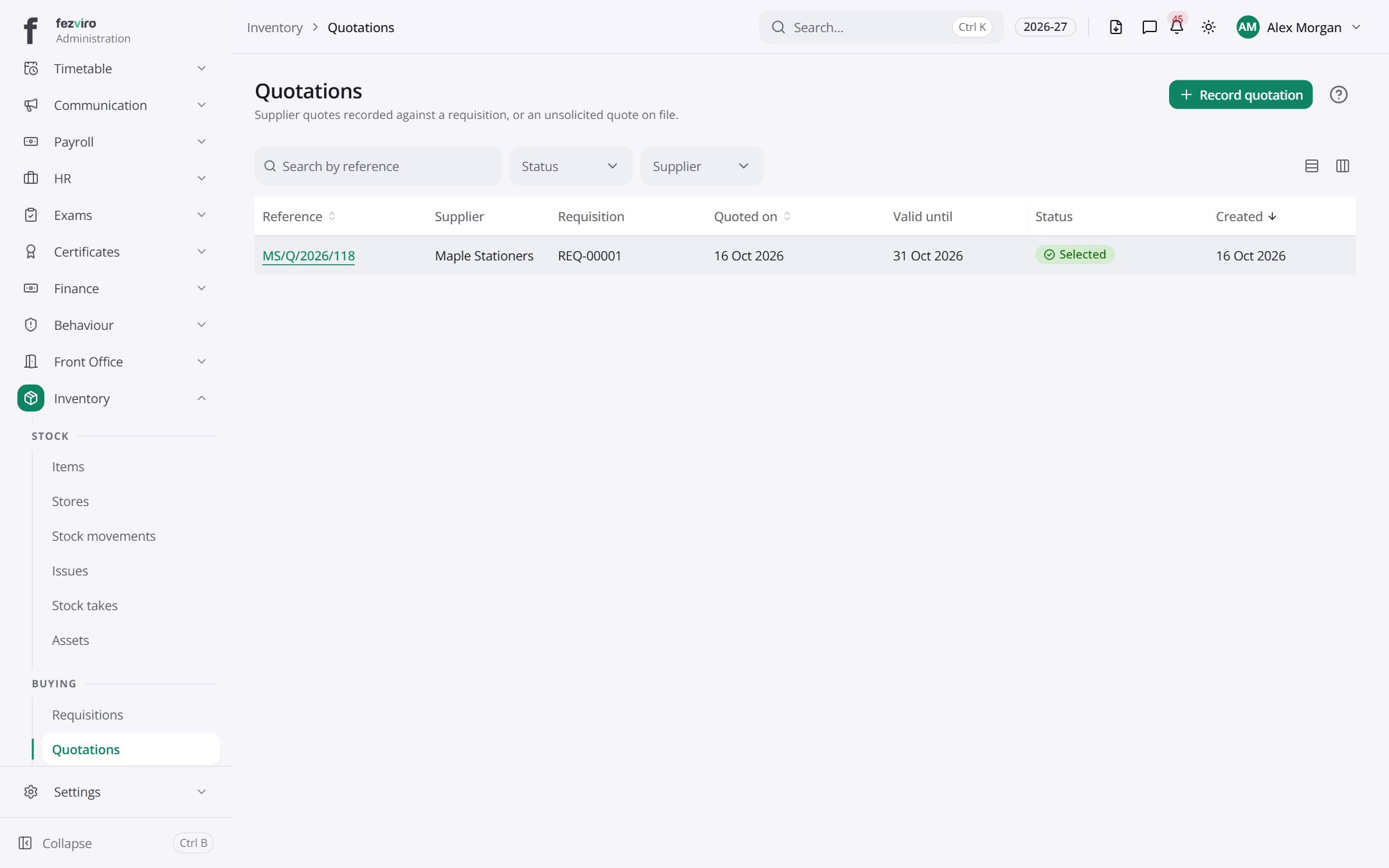 QuotationsPrice quotes received from suppliers for requested items.has a form
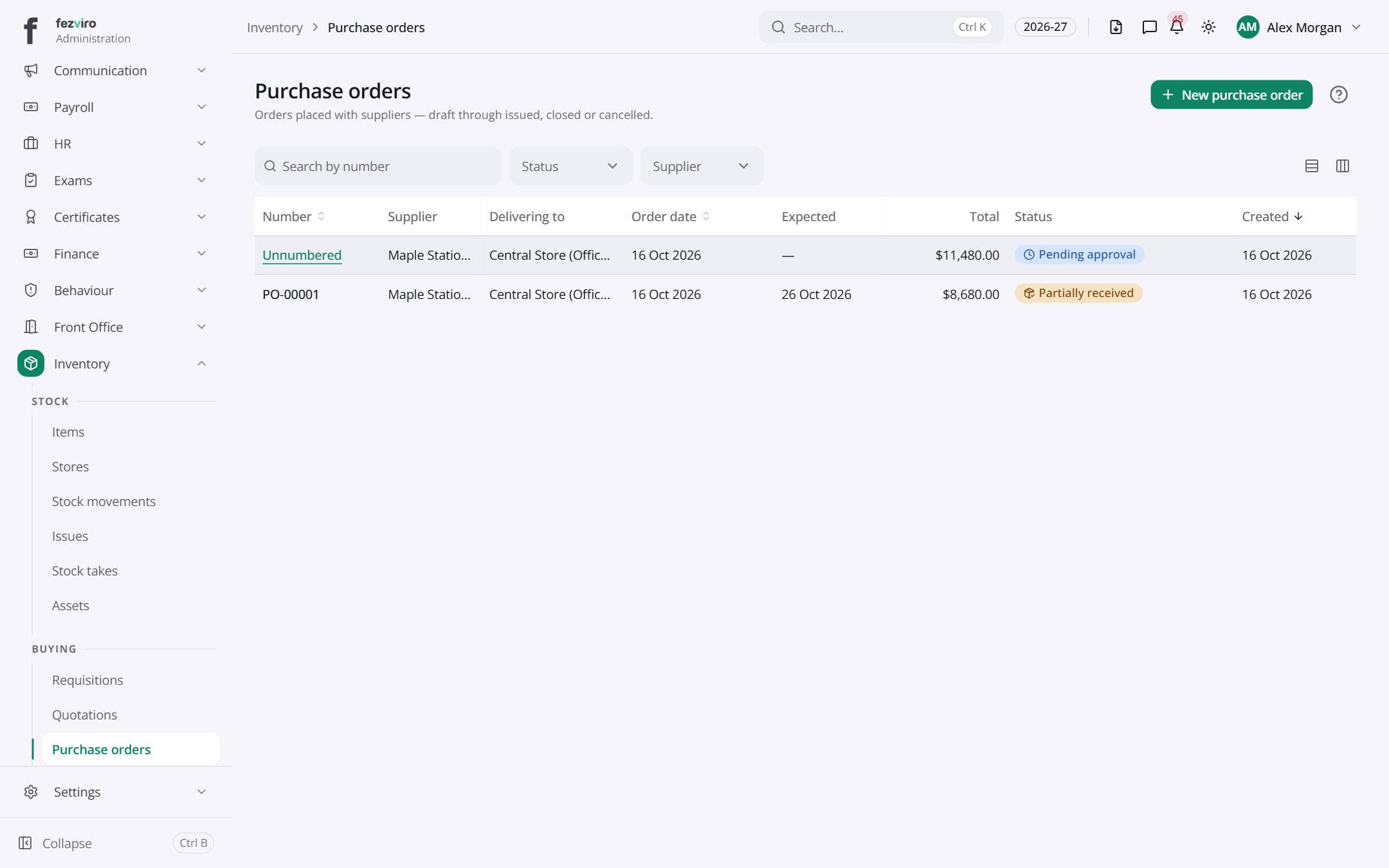 Purchase ordersFormal orders placed with suppliers, from draft to delivered.has a form
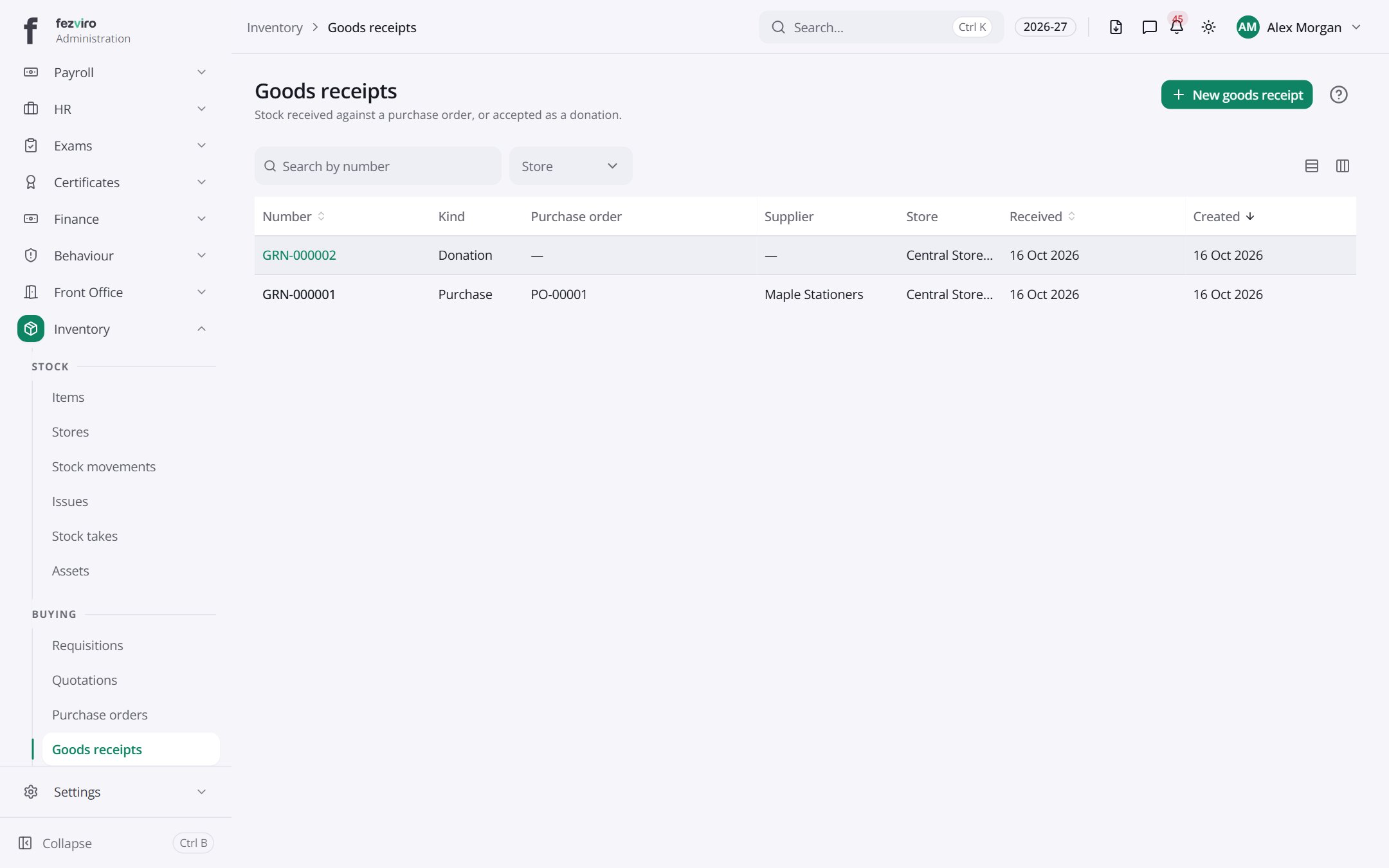 Goods receiptsRecords of stock arriving from a supplier or as a donation.has a form
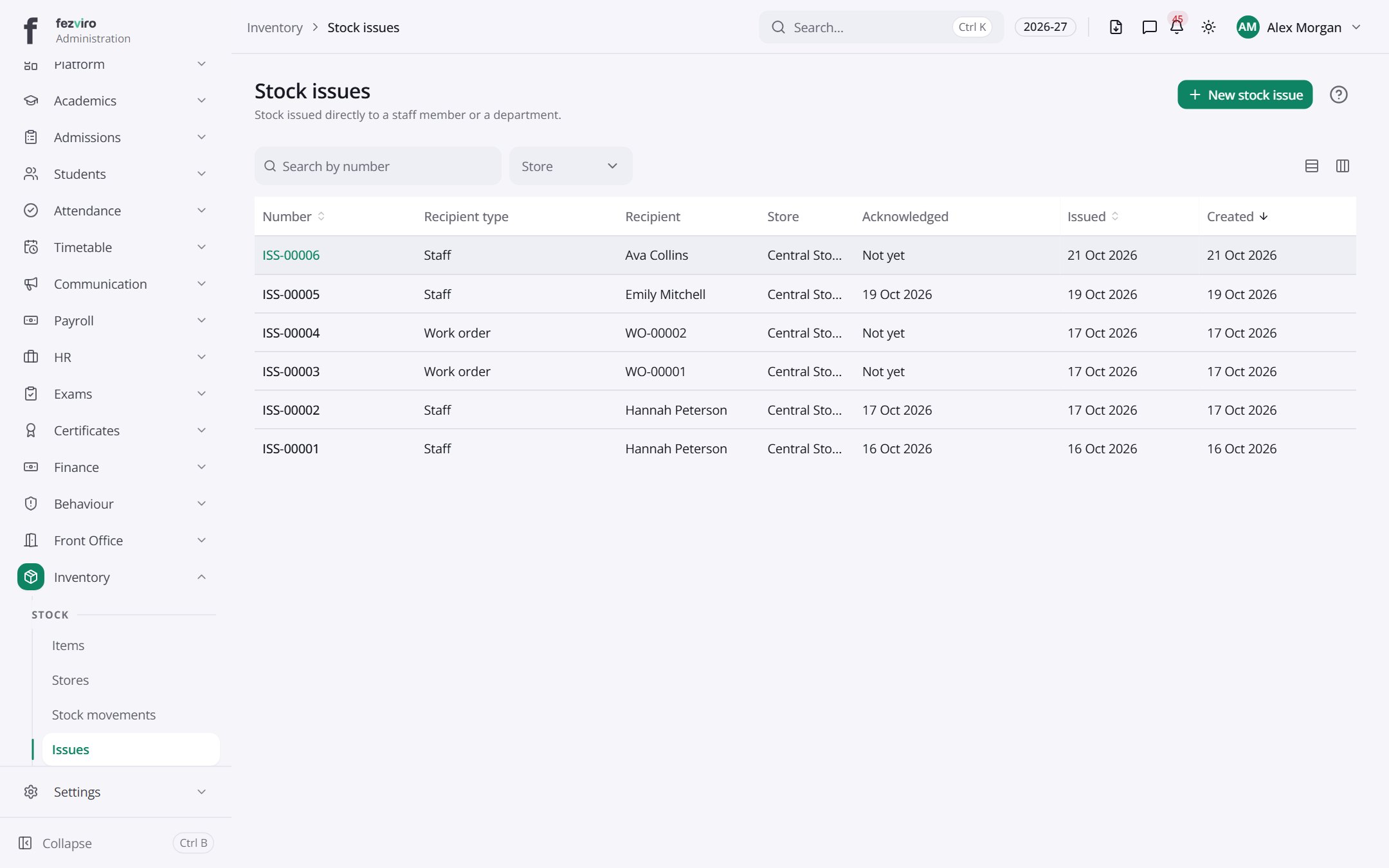 Stock issuesRecords each item handed out from a store to a person or department.has a form
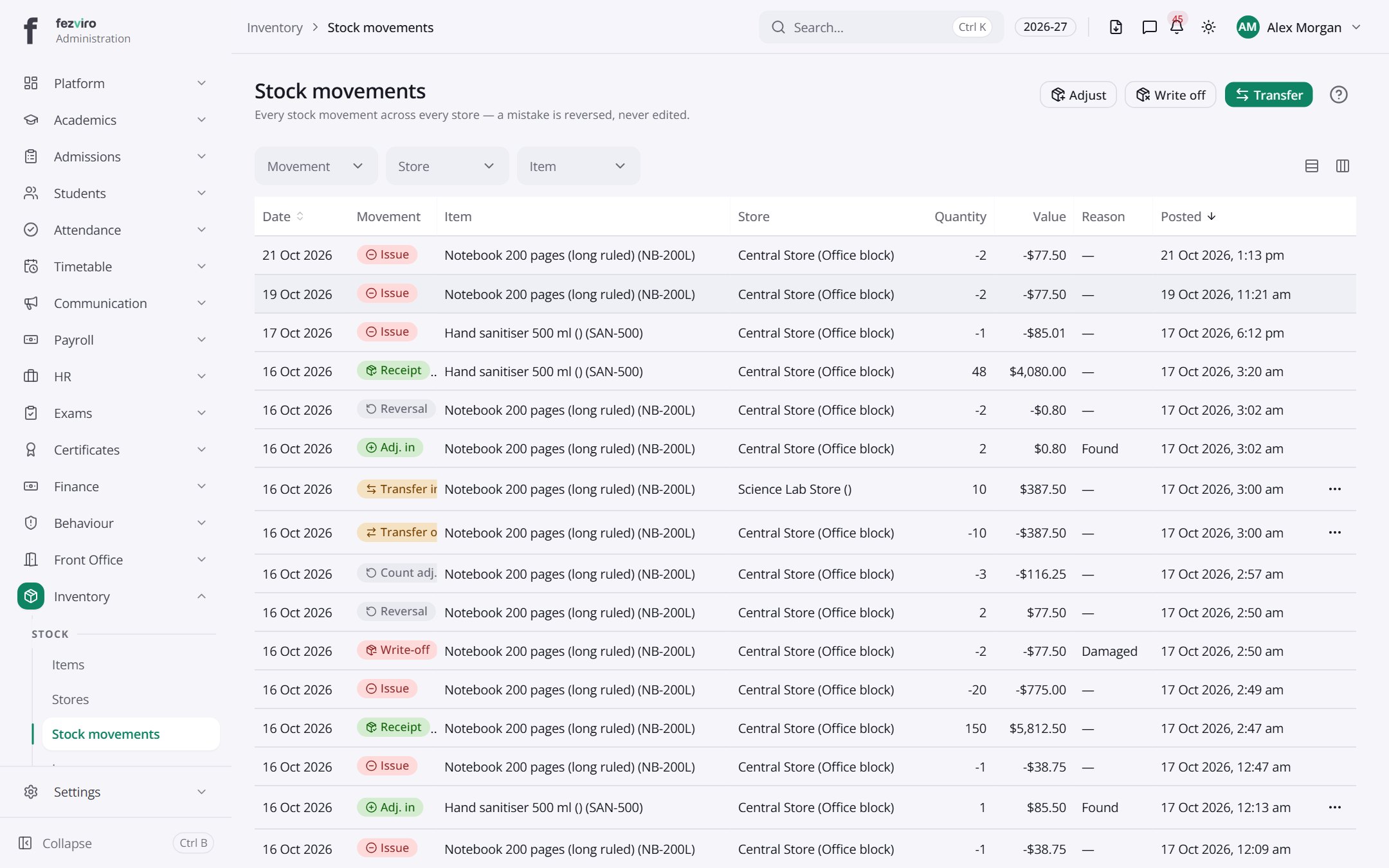 Stock movementsA full history of every stock movement across all stores.
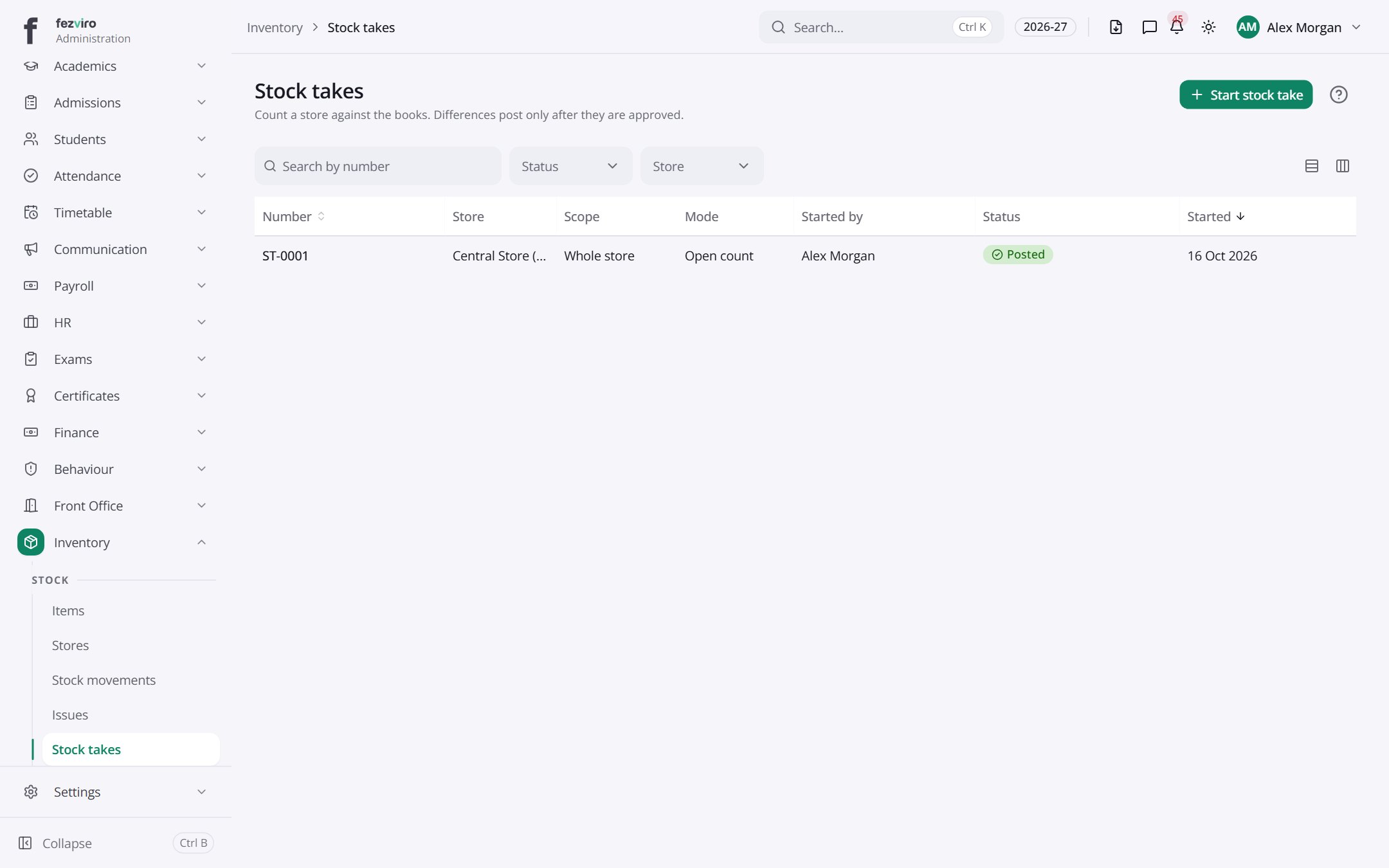 Stock takesPhysical counts of a store, compared with what the records show.has a form
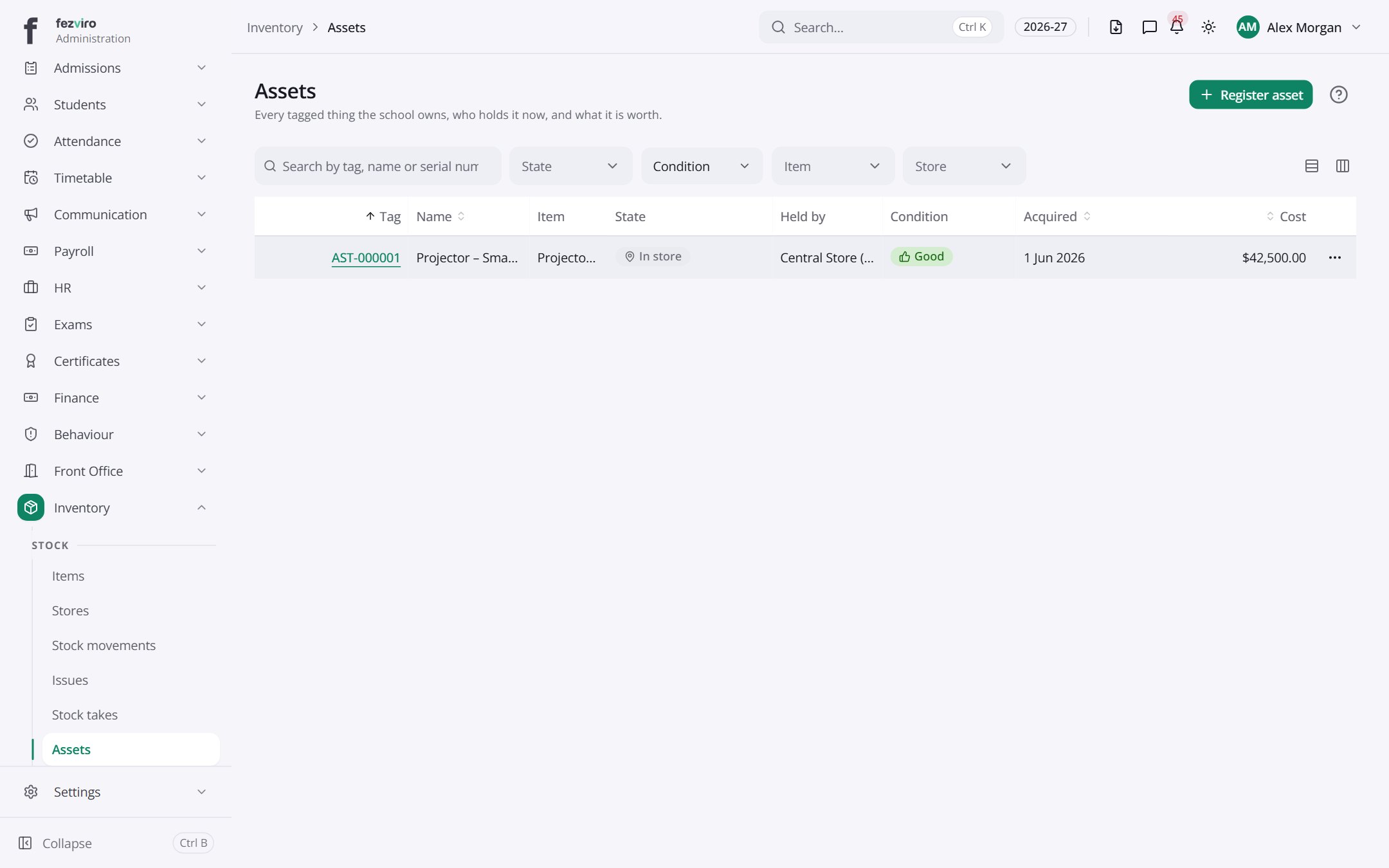 AssetsEvery tagged thing the school owns, who holds it and its value.
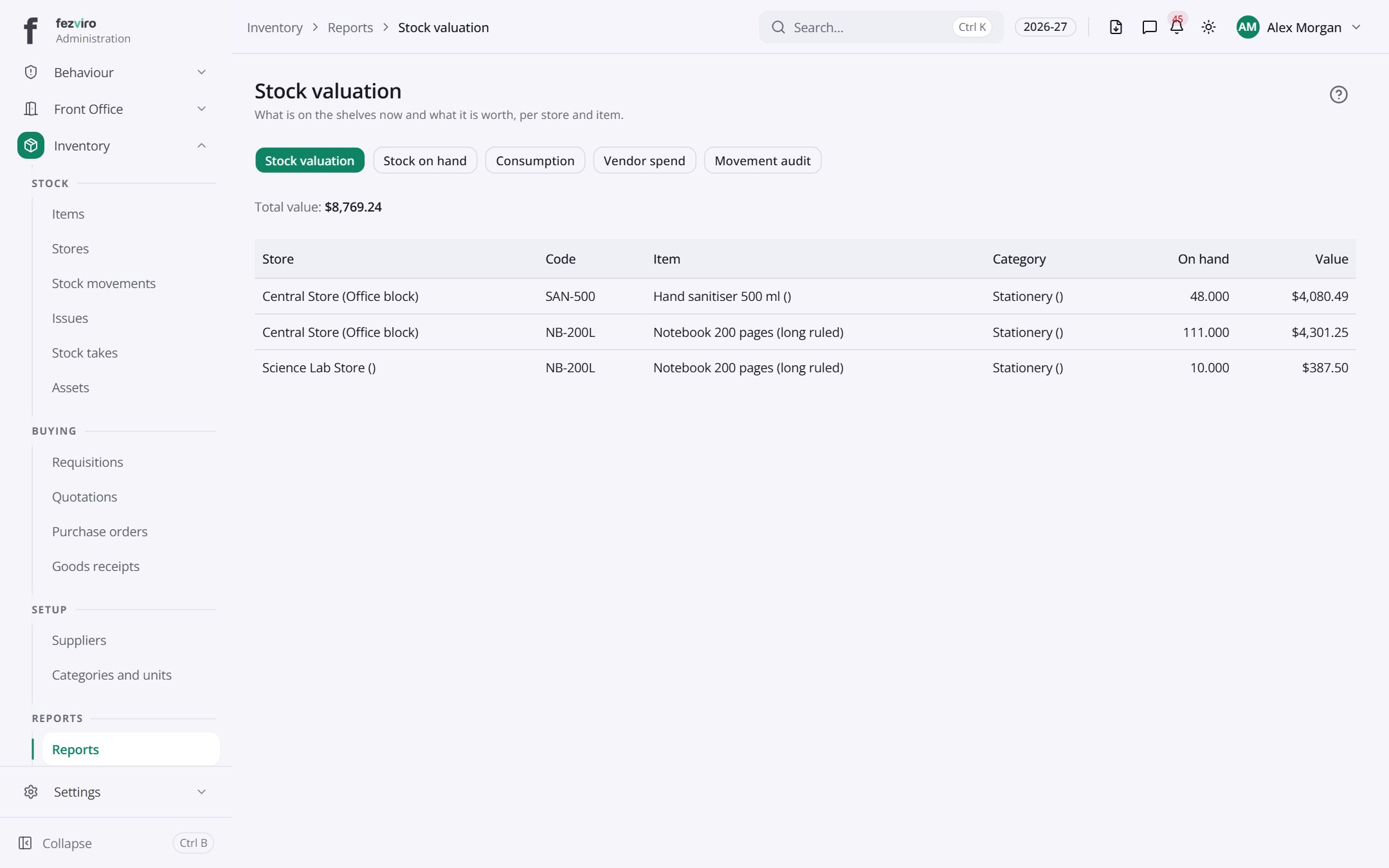 Stock valuationStock reports showing levels, movement and value.
Step by step
Section titled “Step by step”Buy stock
Section titled “Buy stock”- Raise a Requisition; it goes for approval.
- Collect Quotations and compare them; issue a Purchase order.
- Record the Goods receipt. Stock and the ledger update automatically.
Issue or sell items
Section titled “Issue or sell items”- Use Issues to give items to staff, departments or students.
- Uniforms and books sold to students are charged to their fee account.
Questions
Section titled “Questions”Do we get low-stock alerts?
Yes, plus expiry alerts for batch items.
Are assets tagged?
Yes, each asset has a tag and printable label, and disposals need approval.