

Online Learning
Homework, curriculum planning, question bank, online tests, outcome mastery and student portfolios in one place.
👥 Teachers, heads of department, students, parents🖥️ 18 screens📝 9 forms
What it does
Section titled “What it does”- Homework with daily load limit
- Online submission and resubmission
- Late detection, marking, feedback
- Rubrics (marking guides)
- Homework marks into exams
- Syllabus and coverage tracking
- Lesson and unit plans with approval
- Question bank, 8 question types
- Test papers and randomised blueprints
- Timed online tests with auto-save
- Auto-marking and manual marking
- Question performance analysis
- Learning outcomes and mastery tracking
- Class mastery overview
- Holistic progress card
- Student portfolios
Its screens
Section titled “Its screens”Each screen has its own page: what it is for, how to reach it, a picture, its buttons and its form.
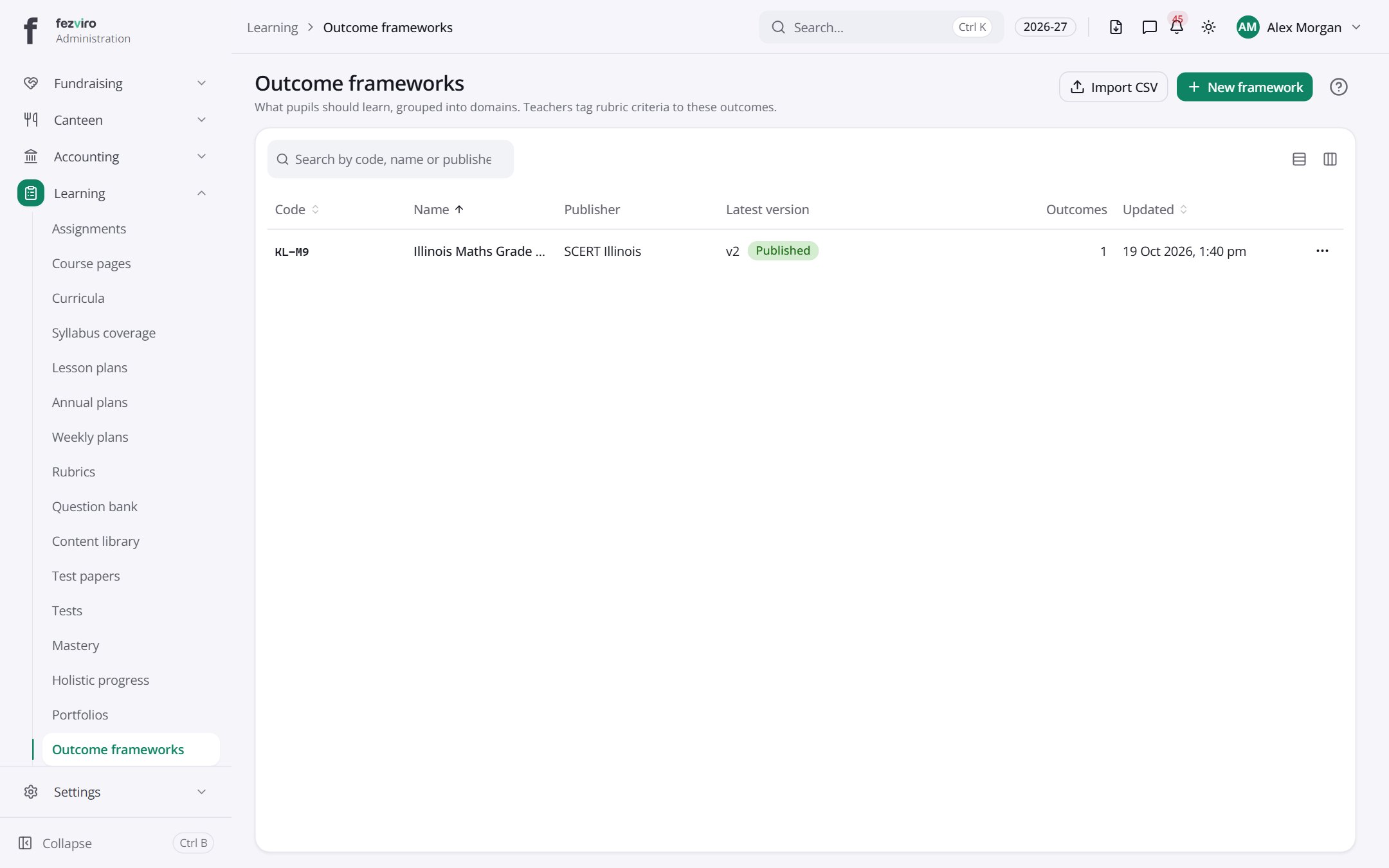 Outcome frameworksThe school's list of learning outcomes, with a version for each change.has a form
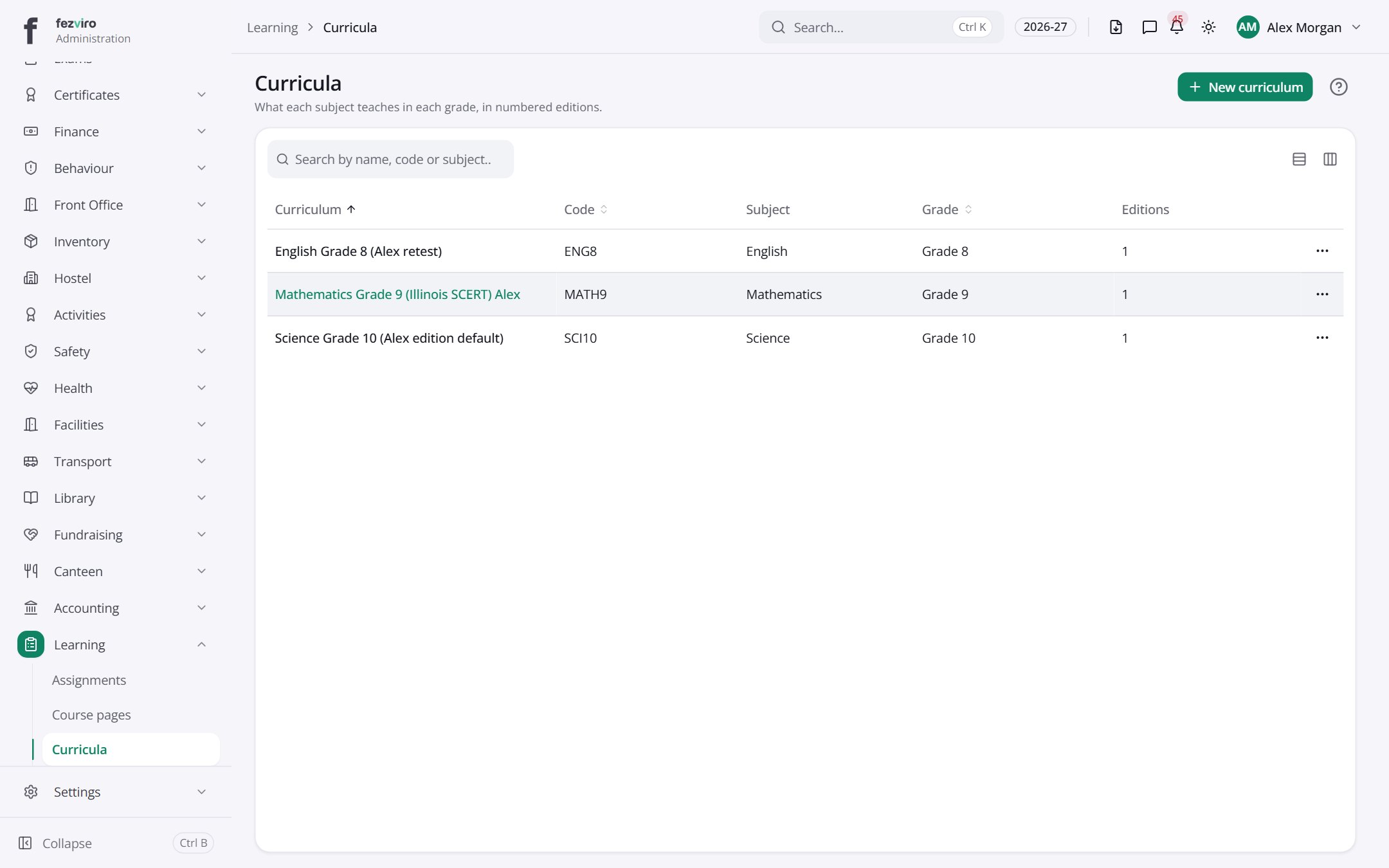 CurriculaThe syllabus for each subject and grade, kept as numbered editions.has a form
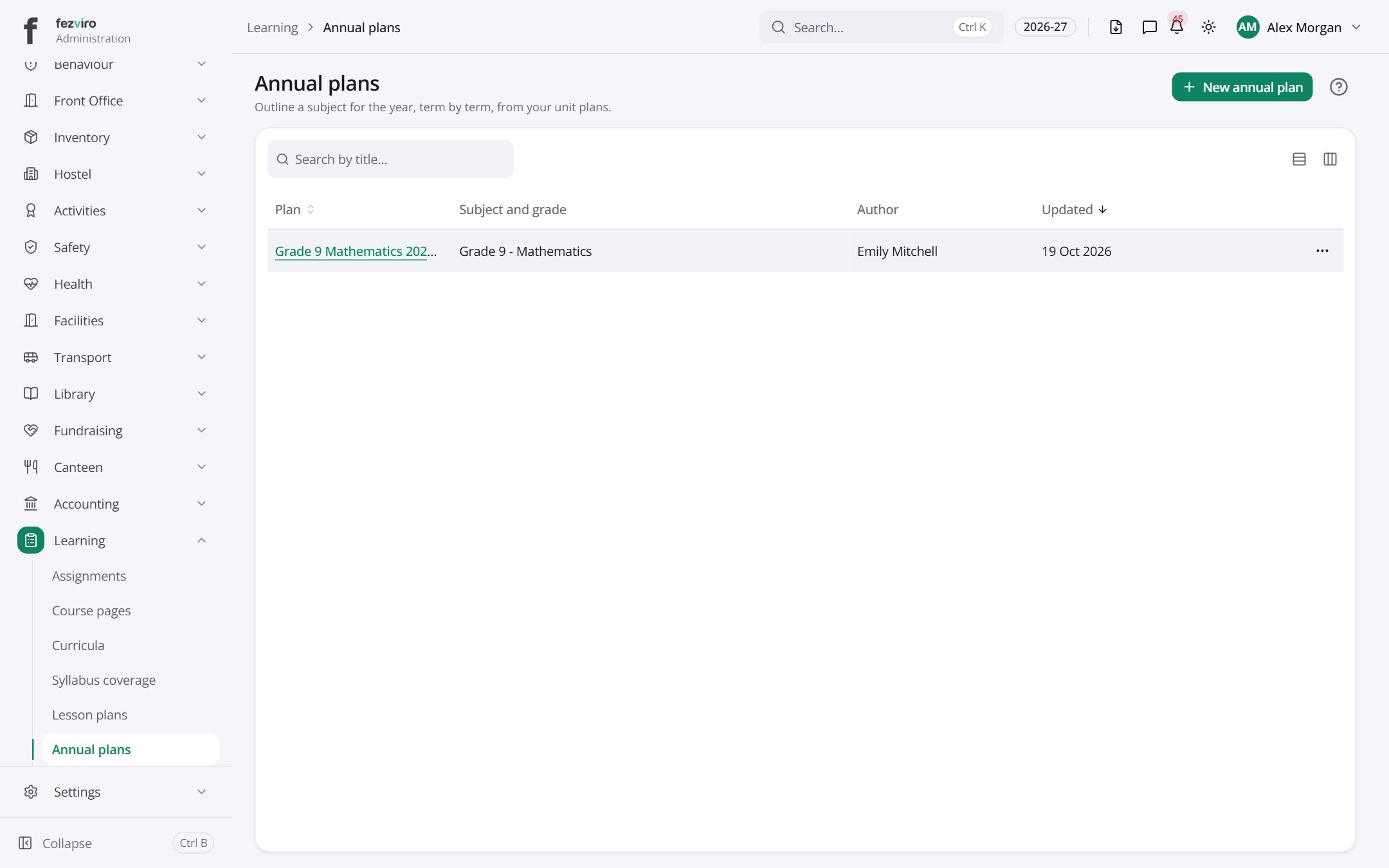 Annual plansThe school year plan for each subject, split into terms and units.
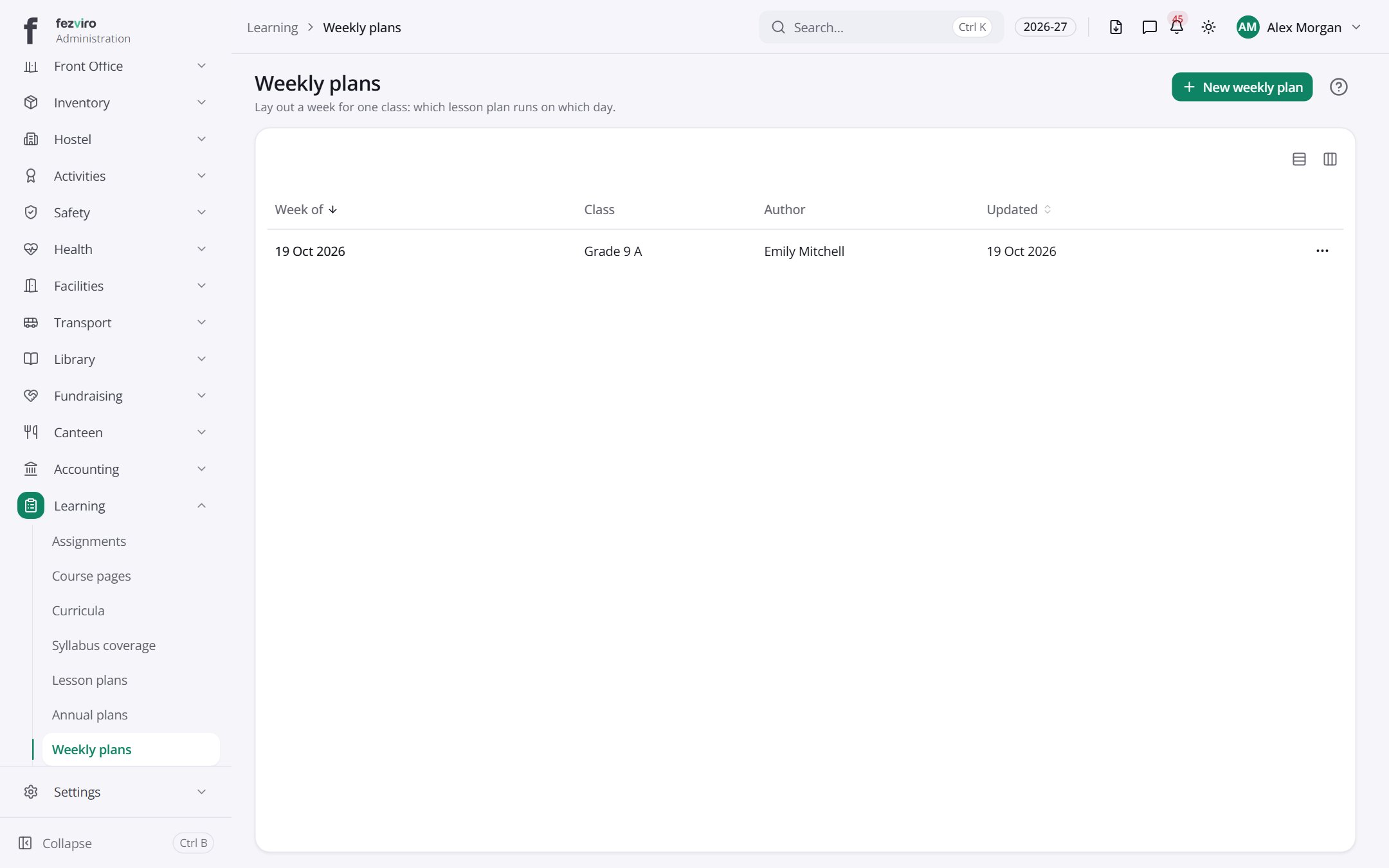 Weekly plansTeachers' week-by-week plans, built from the annual plan.
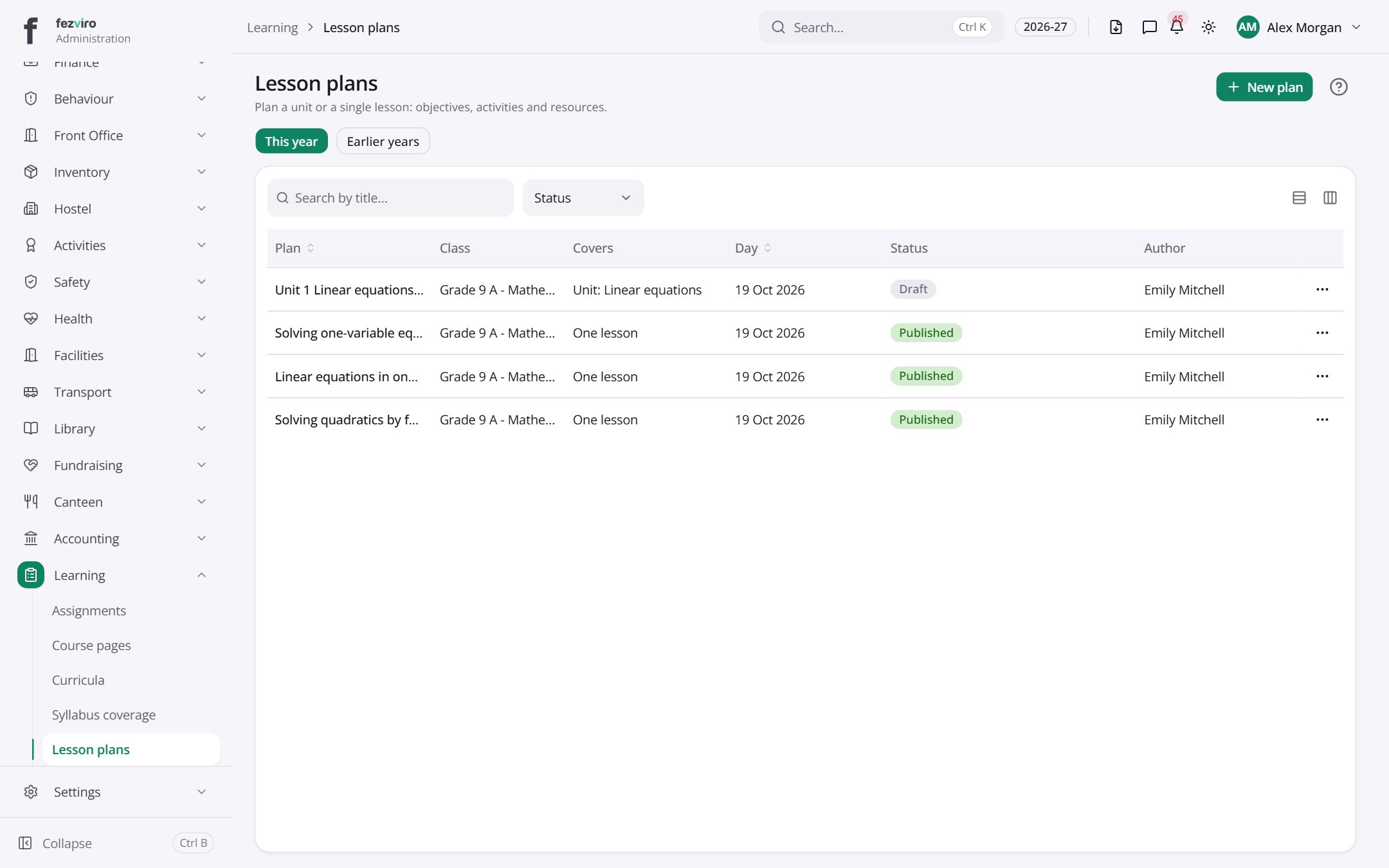 Lesson plansTeachers' lesson plans, with goals, activities and files.has a form
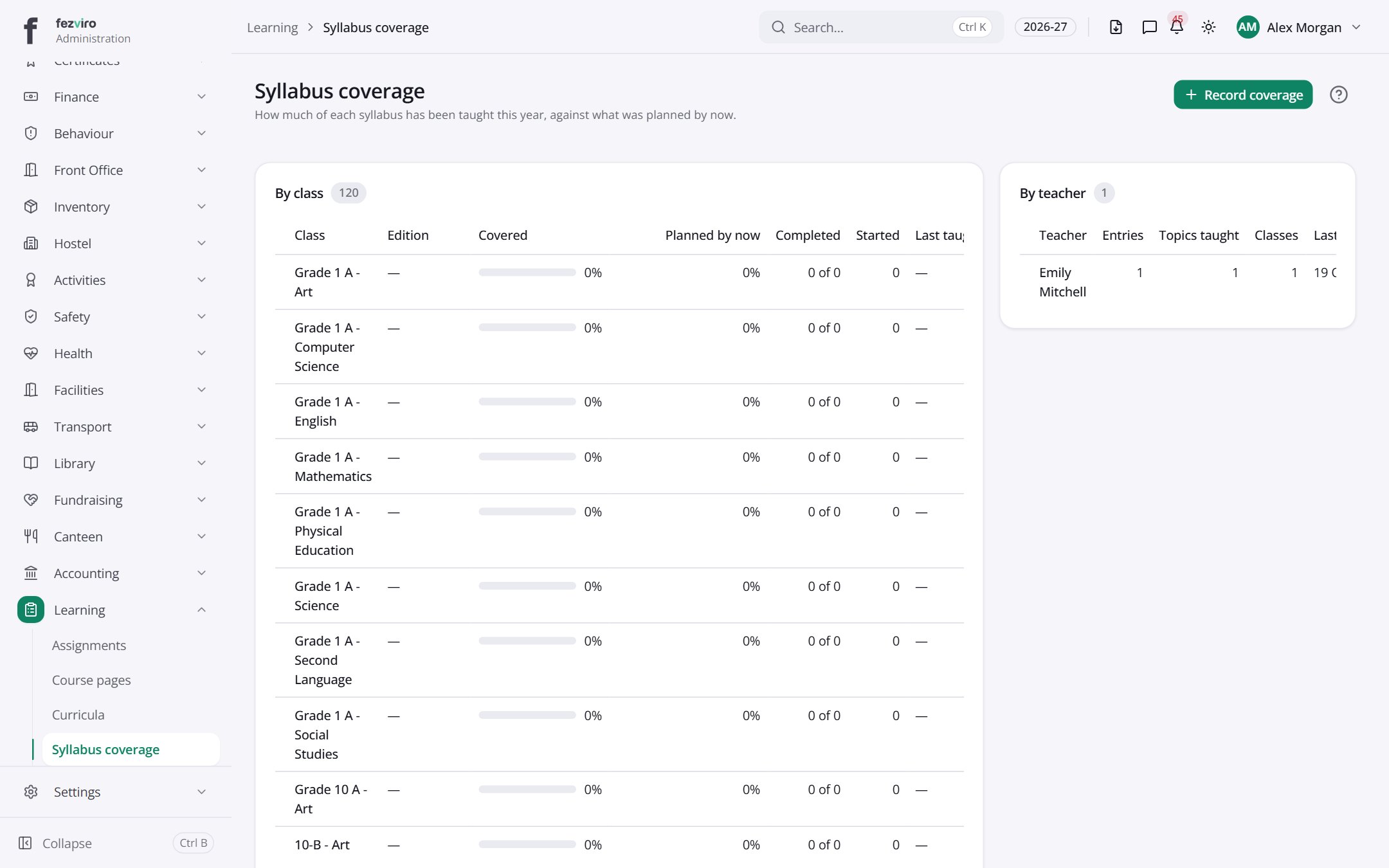 Syllabus coverageA report of how much of the syllabus has been taught.has a form
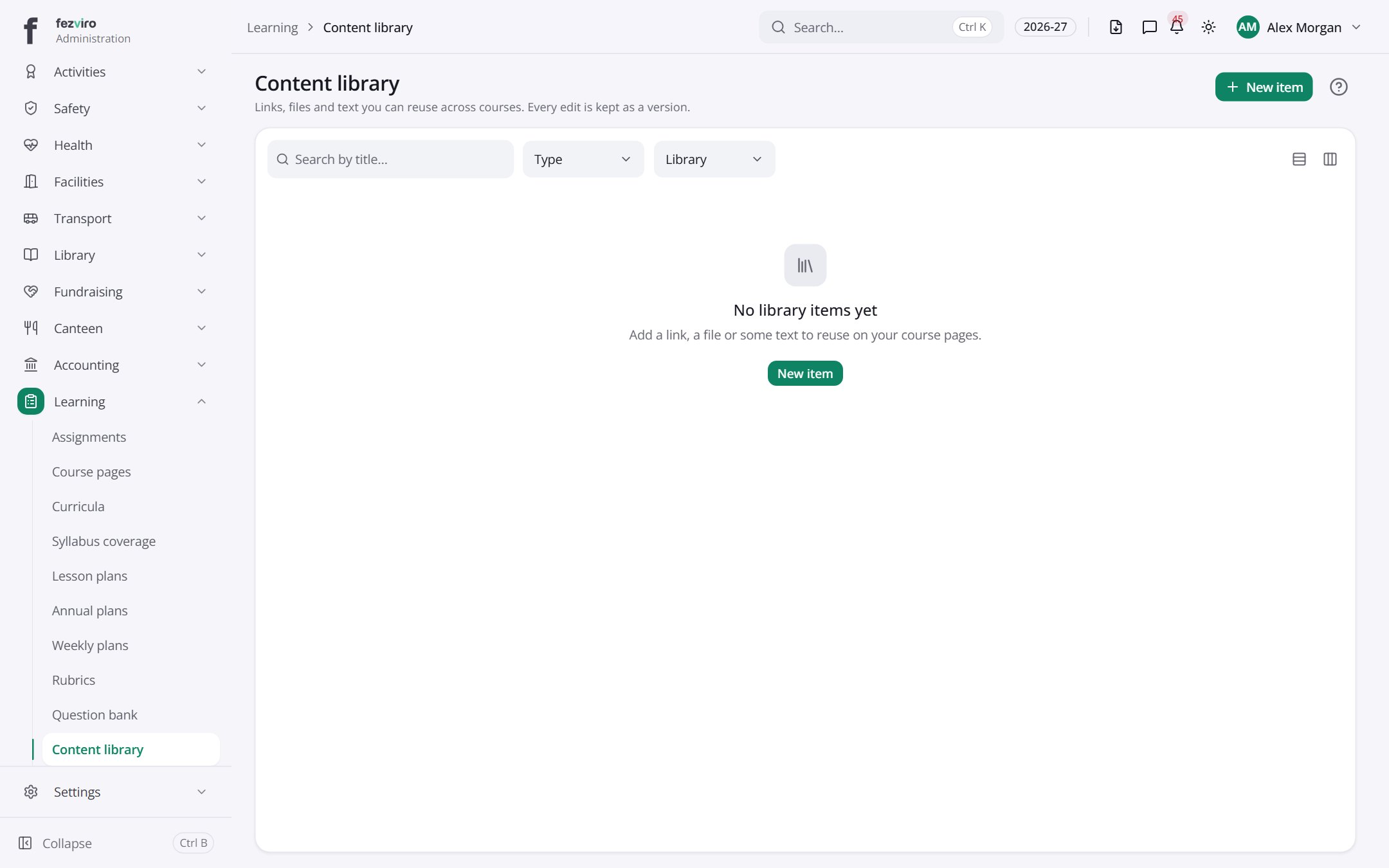 Content libraryA shared store of teaching files, videos and links.has a form
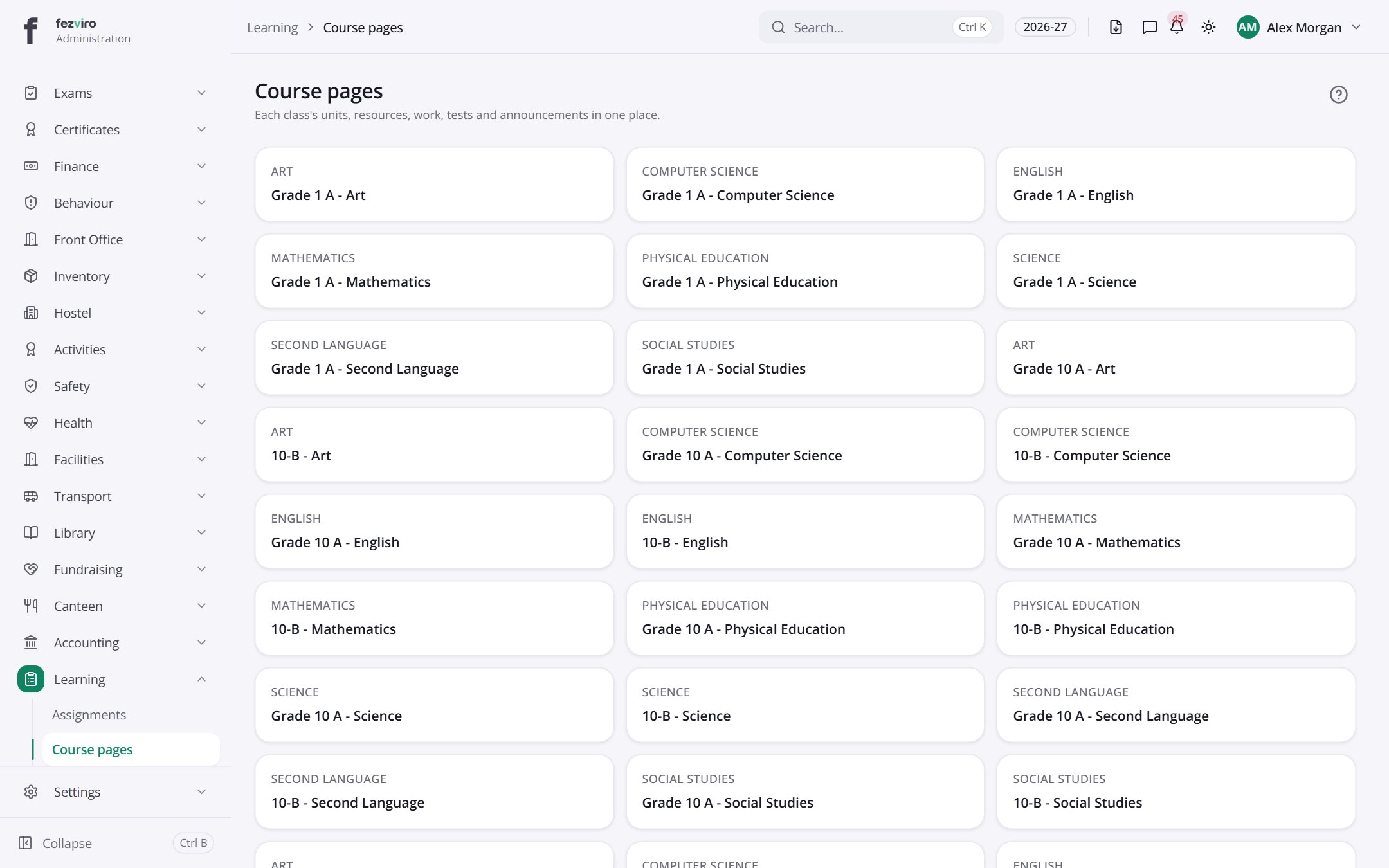 Course pagesOnline course pages with each class's units, resources and work.
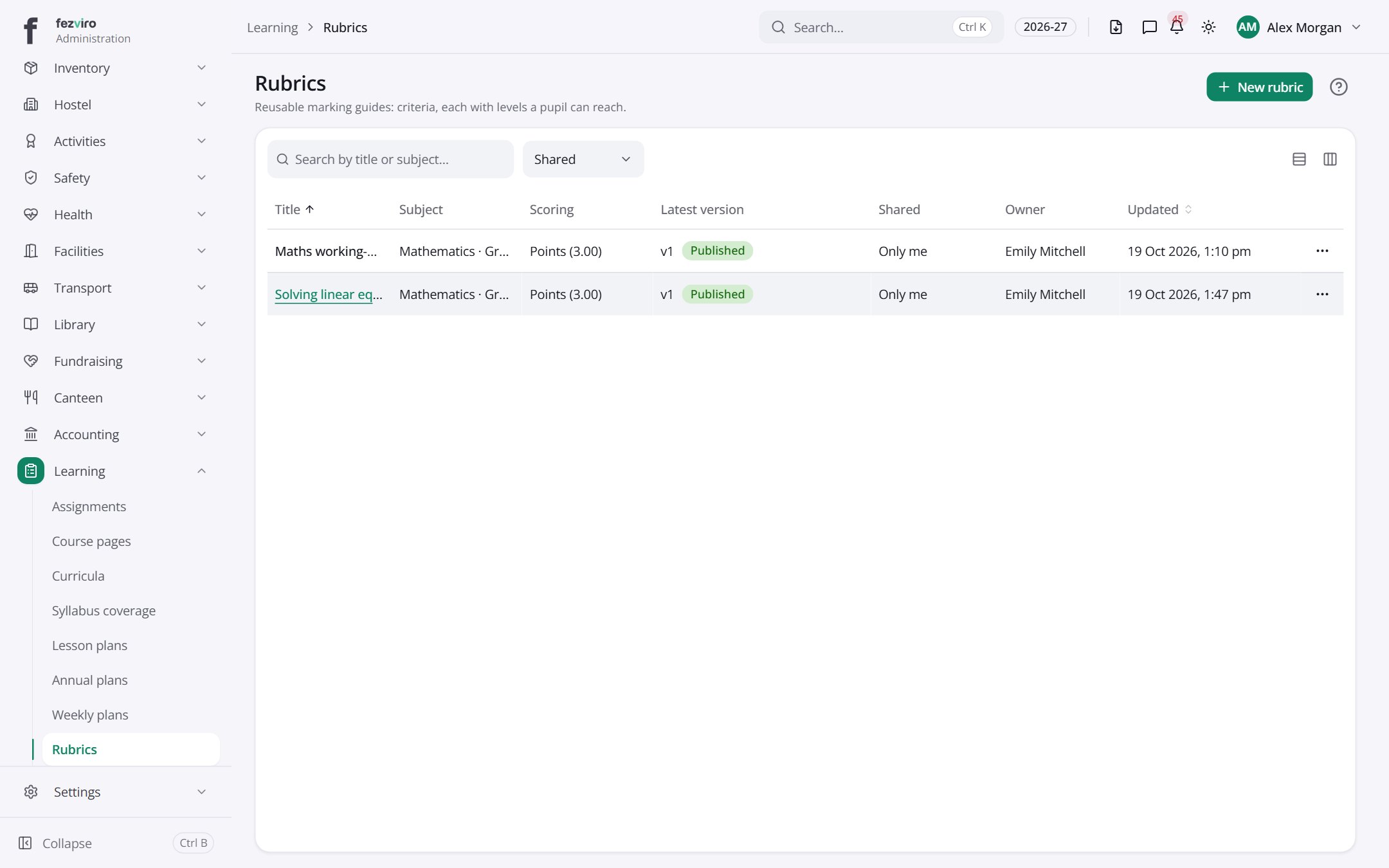 RubricsMarking guides listing the criteria and levels for an assignment.has a form
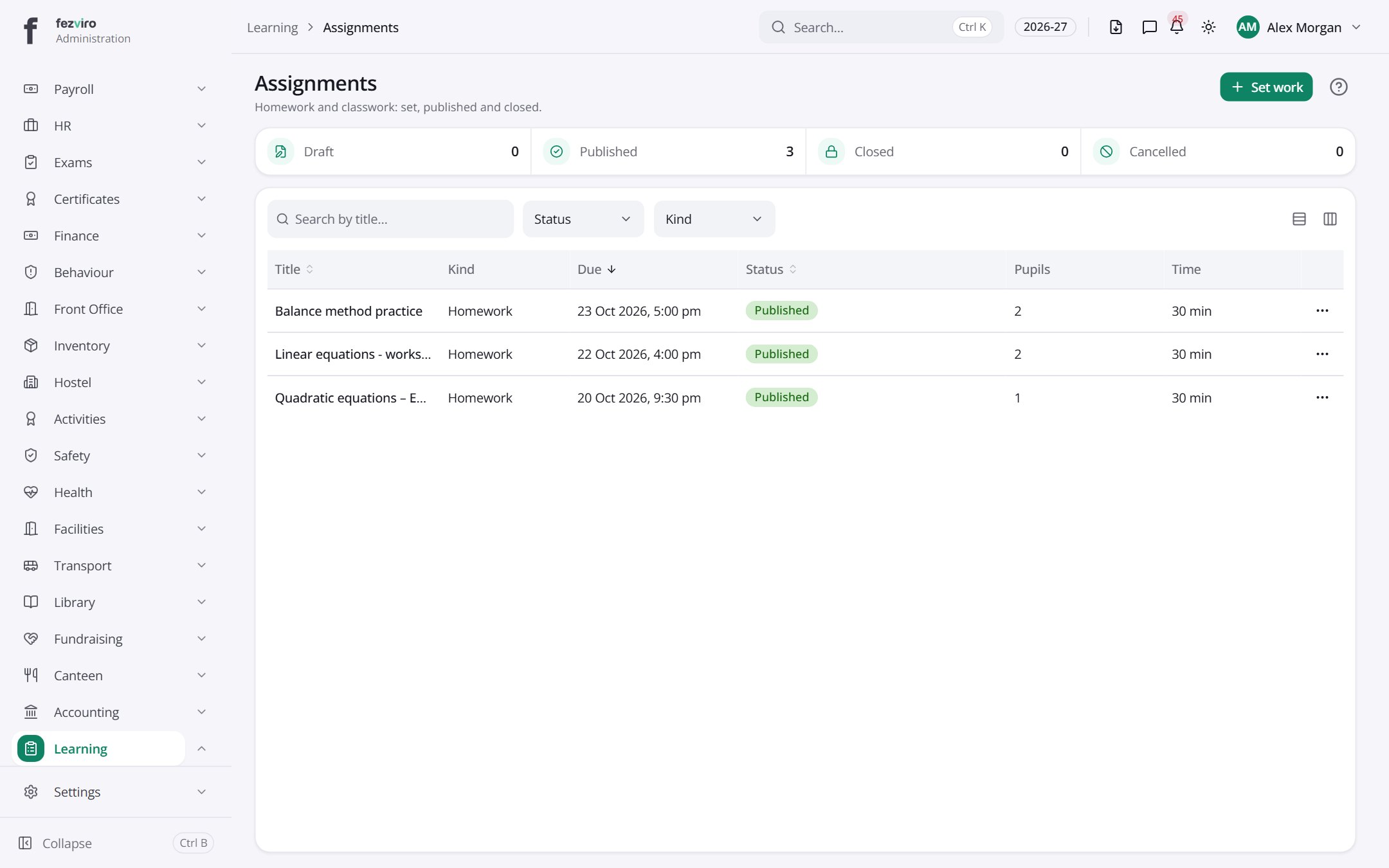 AssignmentsHomework and class tasks that teachers set and pupils hand in.has a form
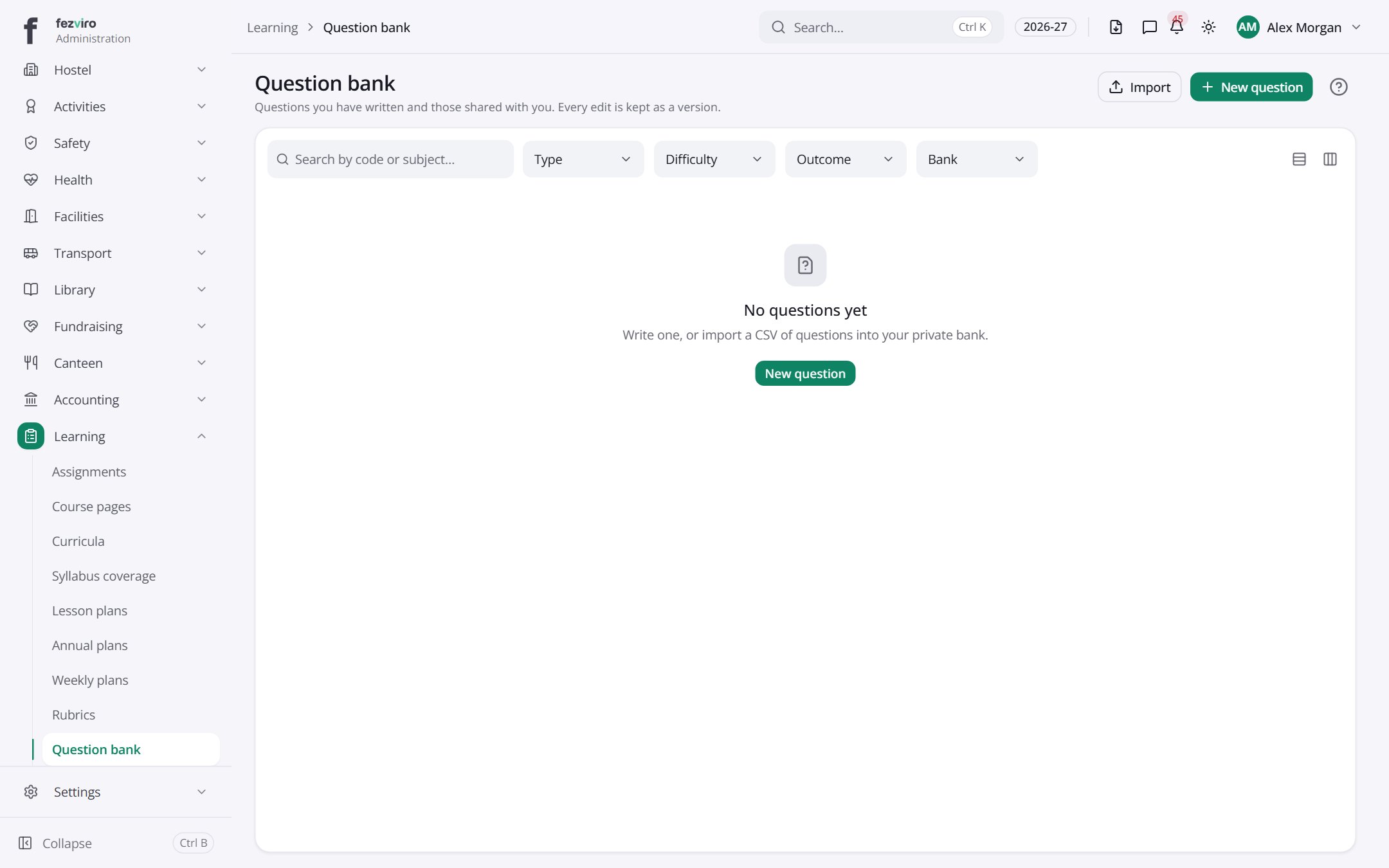 Question bankA store of test questions that teachers write and share.has a form
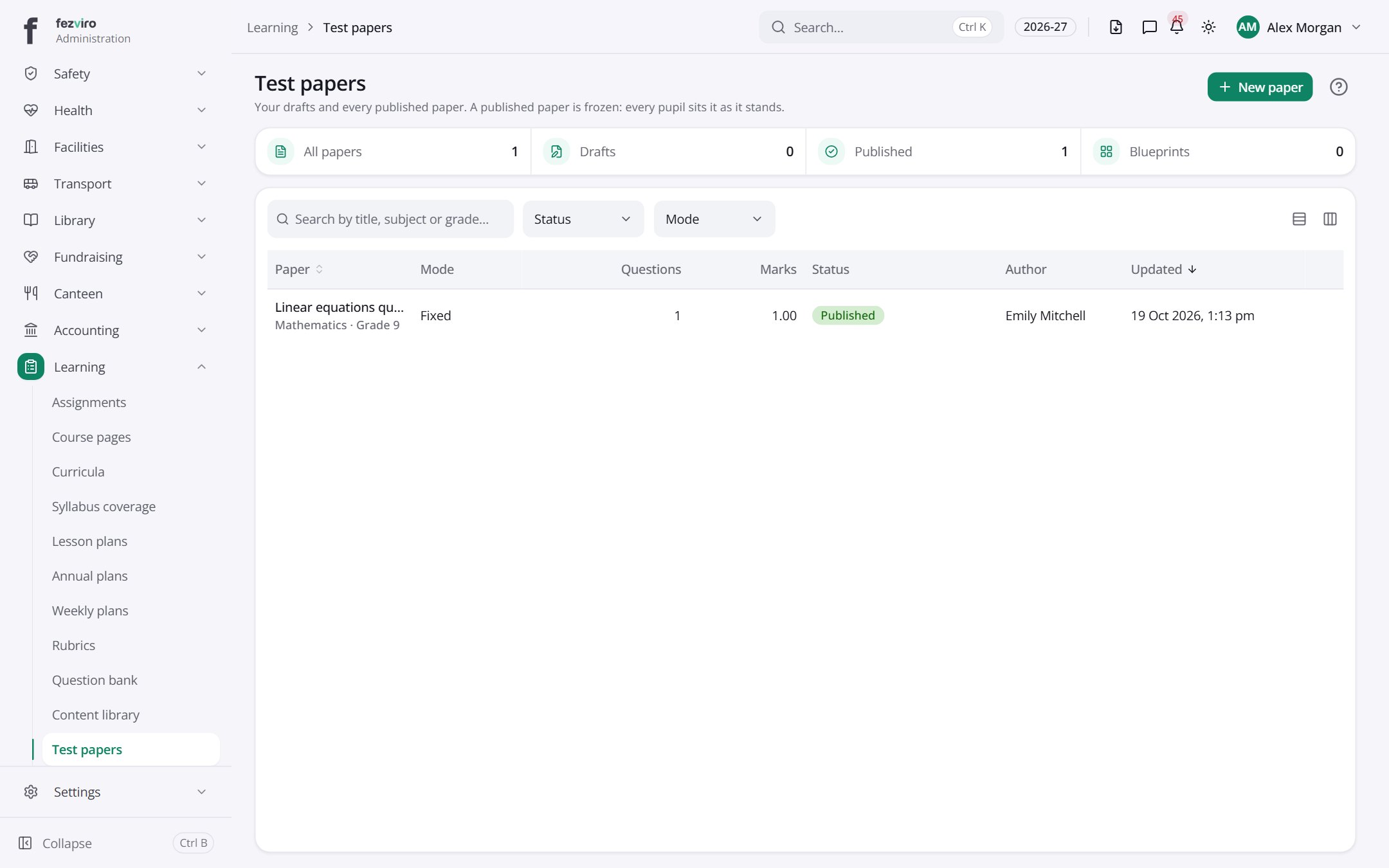 Test papersTest papers built from the question bank, with settings for each sitting.has a form
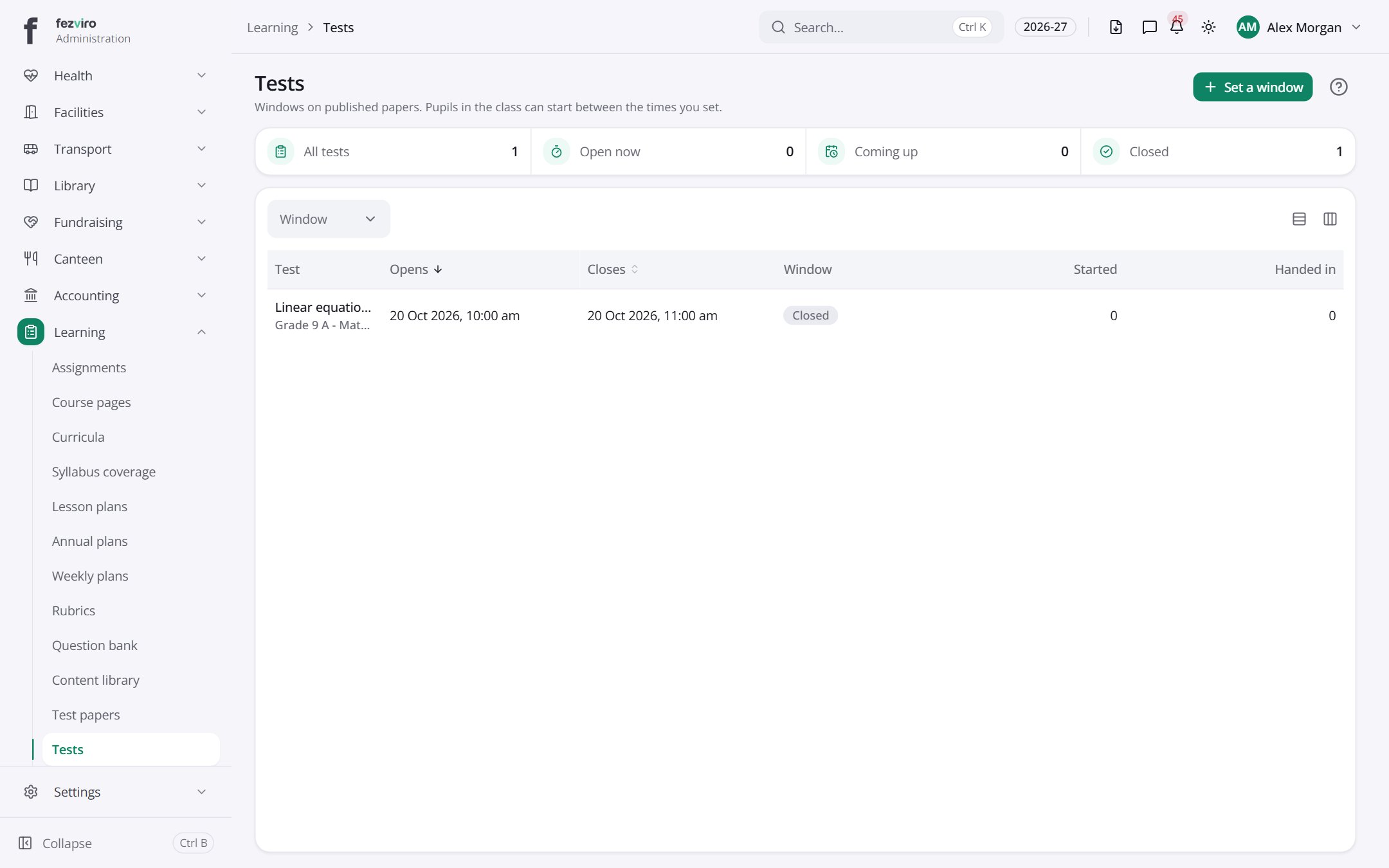 TestsTest windows showing when each class sits a test and who has started.
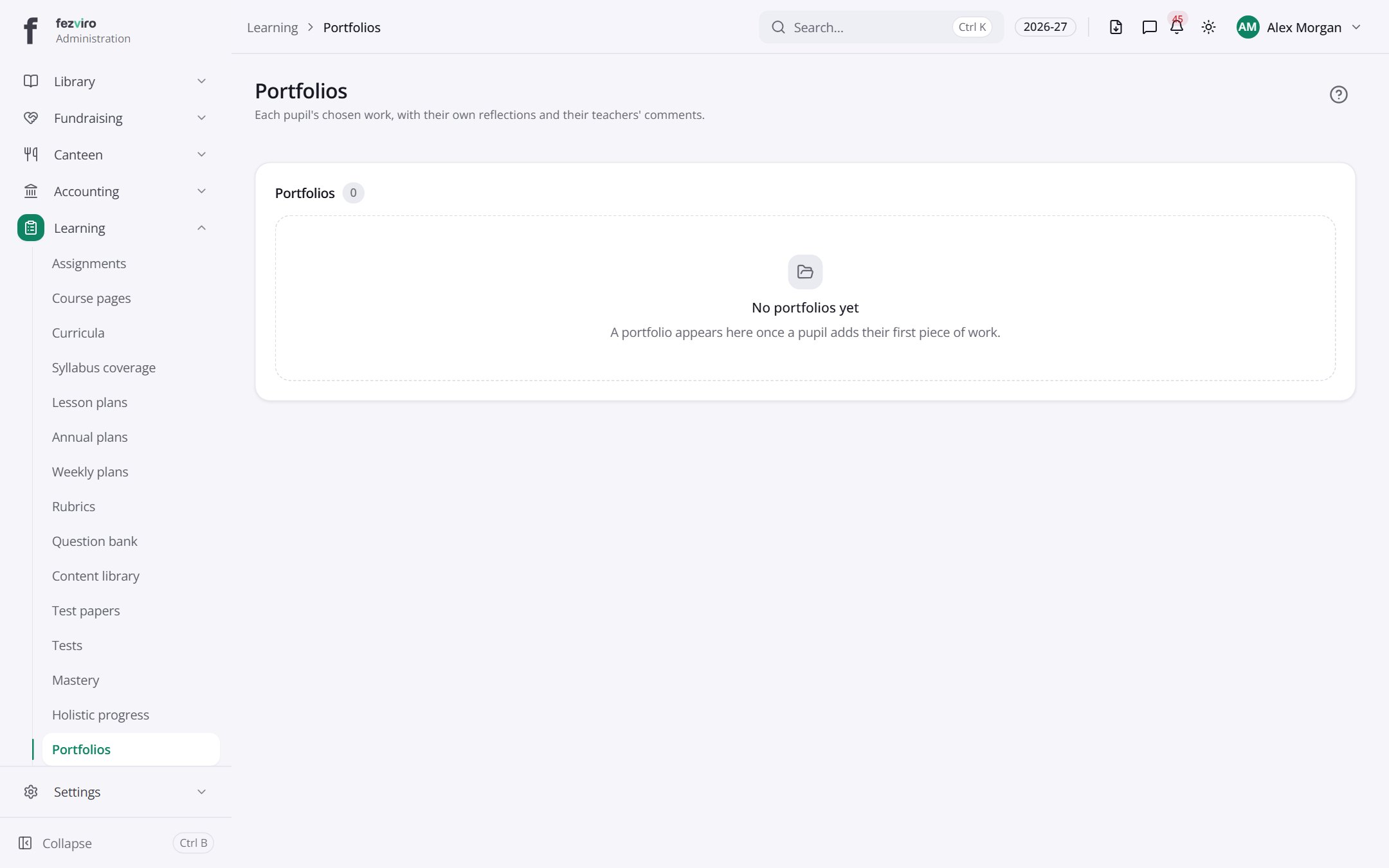 PortfoliosA collection of each pupil's best work, with their own reflections.
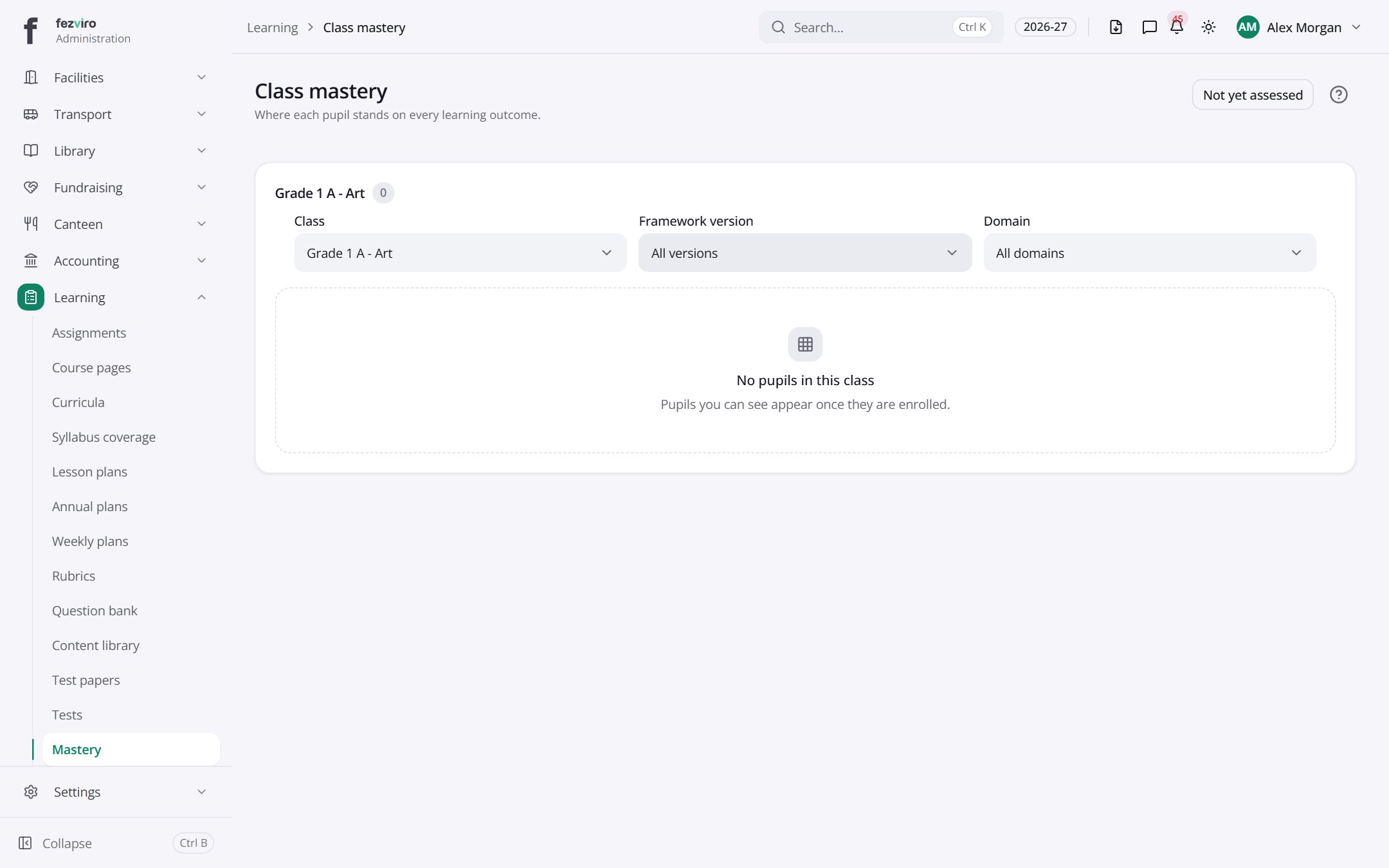 Class masteryA colour-coded grid showing how well each pupil has mastered each outcome.
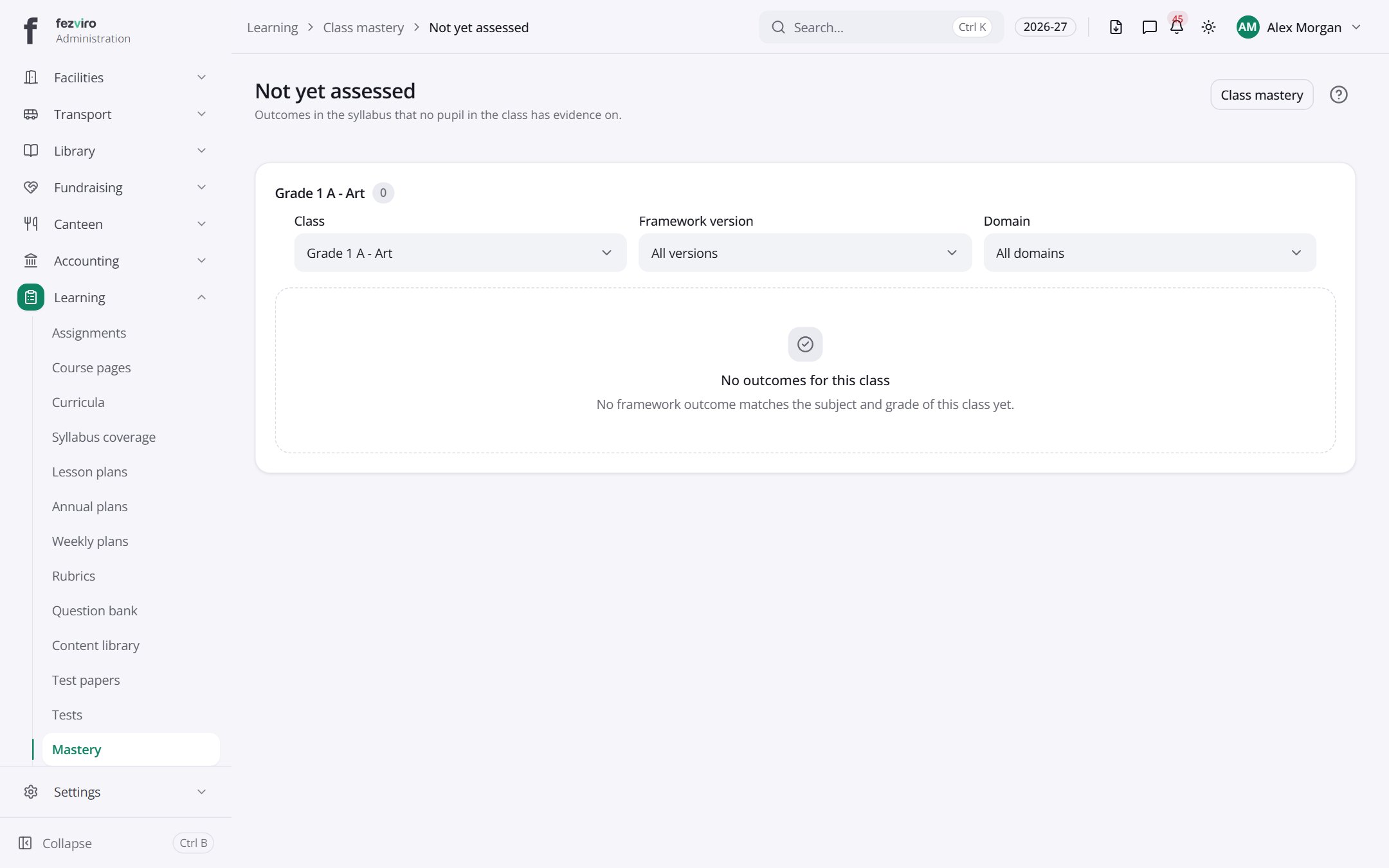 Not yet assessedPupils and outcomes that have no assessment yet.
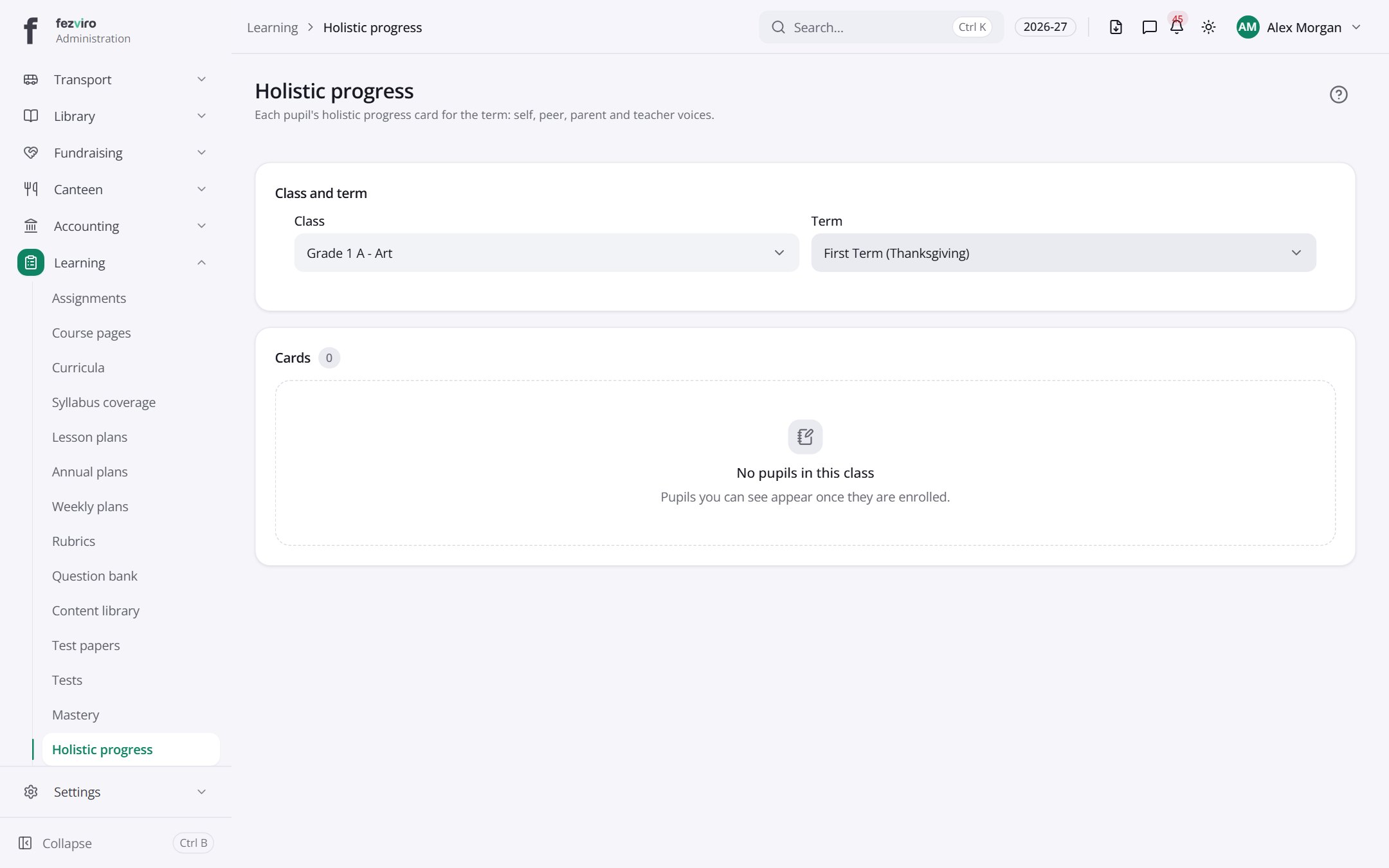 Holistic progressWhole-child progress cards for a class, covering more than marks.
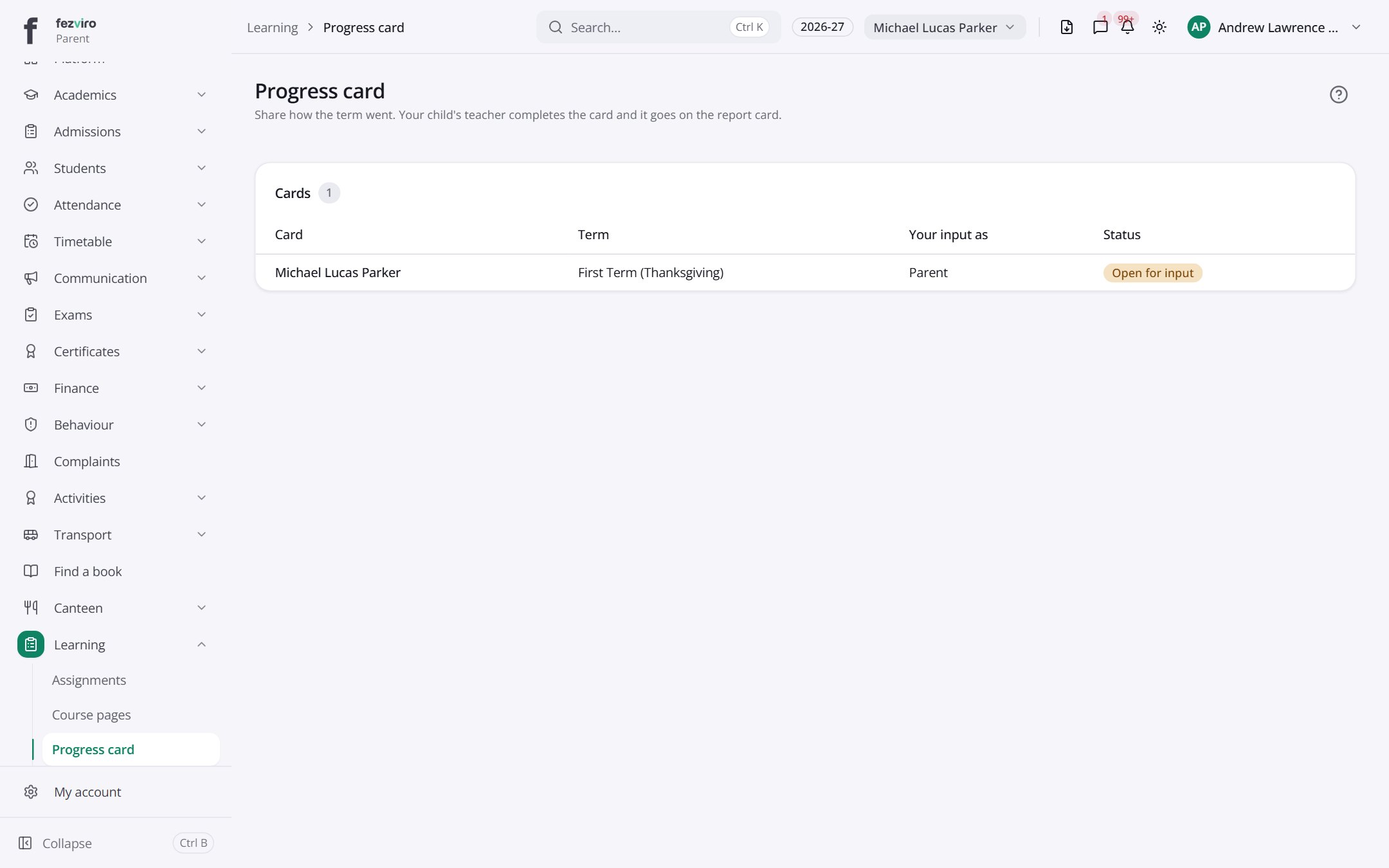 Progress cardA family's progress cards that cover the whole child.Parent
Step by step
Section titled “Step by step”Set homework
Section titled “Set homework”- Open Learning → Assignments and create the homework with due date and attachments.
- The daily load limit warns if the class already has too much homework that day.
- Students submit online; late submissions are detected automatically.
- Mark with a rubric and feedback; marks can flow into exams.
Plan the curriculum
Section titled “Plan the curriculum”- Define curricula and outcome frameworks.
- Write annual, unit and weekly plans; lesson plans can go for approval.
- Track syllabus Coverage against the plan.
Run an online test
Section titled “Run an online test”- Add questions to the Question bank (8 question types, importable).
- Build a Test paper, fixed or from a randomised blueprint.
- Students sit the timed test with auto-save; objective questions are auto-marked.
- Review question performance after the test.
Questions
Section titled “Questions”What question types are supported?
Eight, including multiple choice, multi-select, true/false, short answer, numeric, matching, ordering and essay.
Is mastery tracked per outcome?
Yes. Mastery shows each student’s level per outcome and a class overview, including what has not been assessed yet.