

Unmatched ledger codes
What it is
Fee and pay items whose account codes do not point at a usable account.
Why it matters
Catches broken account links before they stop entries reaching the books.
When to use it
Finance staff fix each flagged item so the books can record it correctly.
Who uses it
Administrator
How to get here
Section titled “How to get here”- Sign in as Administrator (see Signing in).
- In the left menu, click Accounting to open it.
- Click Unmatched ledger codes.
What you see
Section titled “What you see”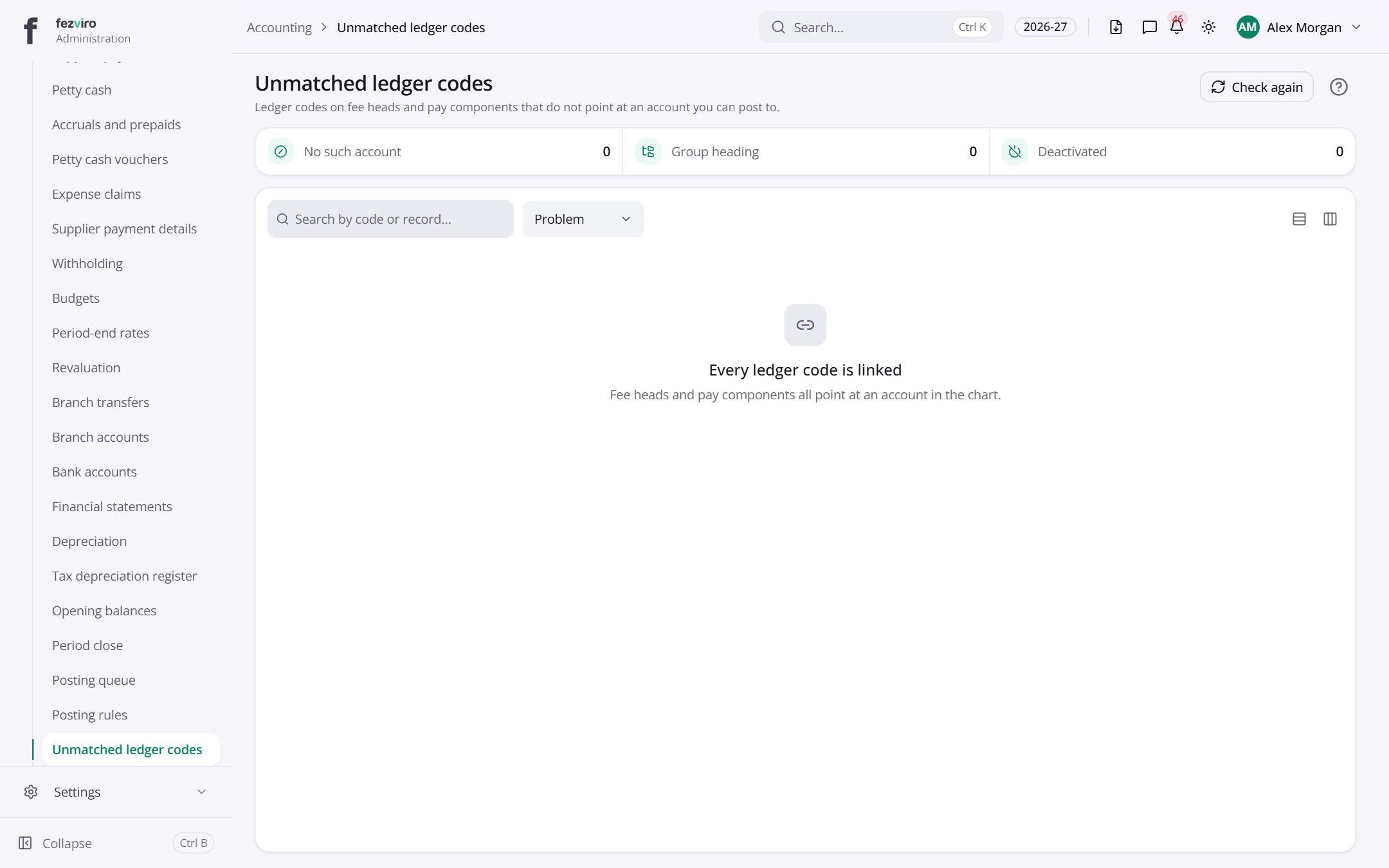
Buttons on this screen
Section titled “Buttons on this screen”- Check again — does what it says on the button.
← Back to Accounting overview