

Donors
What it is
Records of every donor and household that has given or may give.
Why it matters
Keeps supporter history together so no gift goes unthanked.
When to use it
Staff look up donors, add new ones and review their giving history.
Who uses it
Administrator
How to get here
Section titled “How to get here”- Sign in as Administrator (see Signing in).
- In the left menu, click Fundraising.
What you see
Section titled “What you see”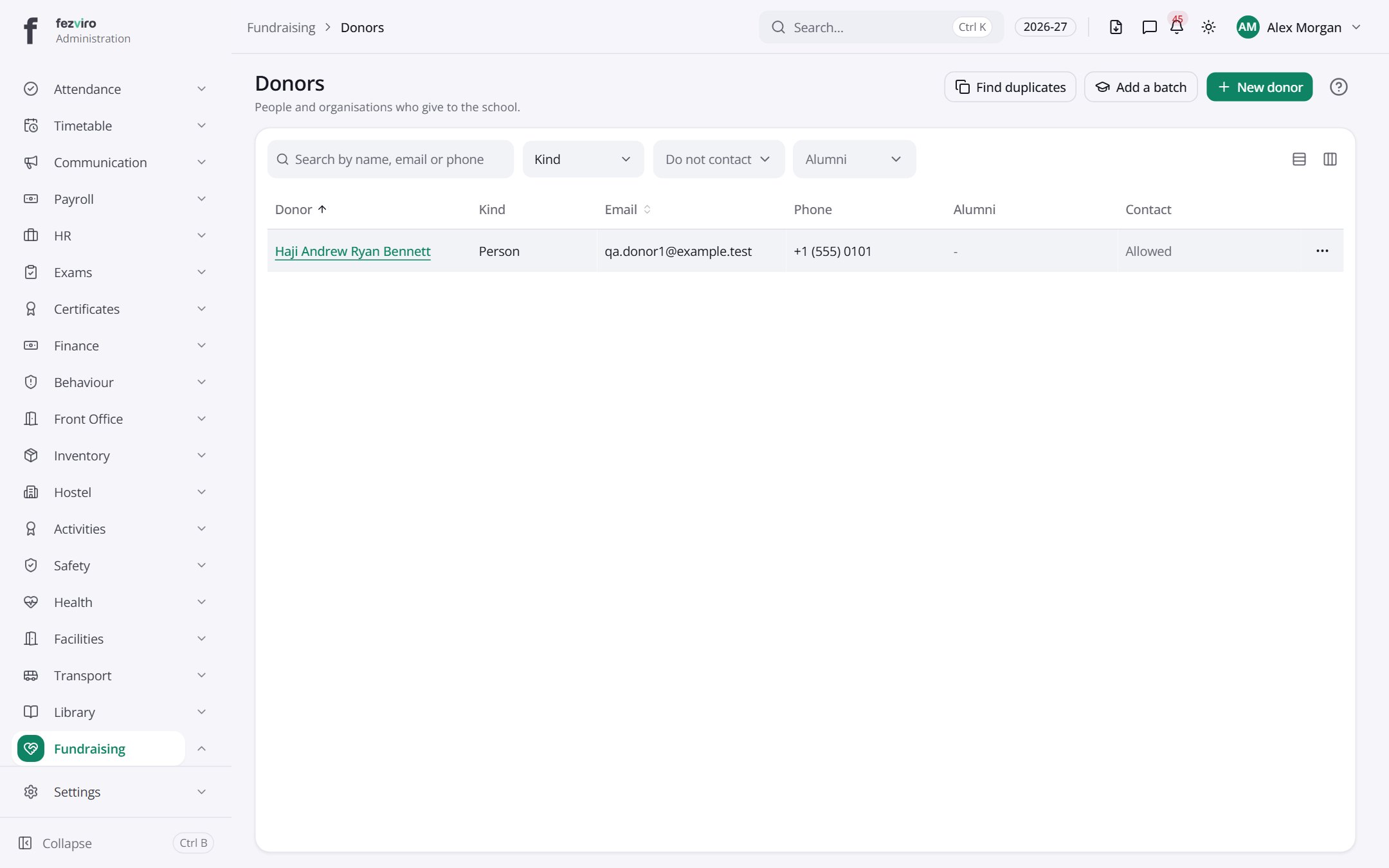
- The list has these columns: Donor, Kind, Email, Phone, Alumni, Contact, Actions. Click a column name to sort by it.
Buttons on this screen
Section titled “Buttons on this screen”- Find duplicates — does what it says on the button.
- Add a batch — opens a form to add a new one. See Filling in the form below.
- New donor — opens a form to add a new one. See Filling in the form below.
Opening a record
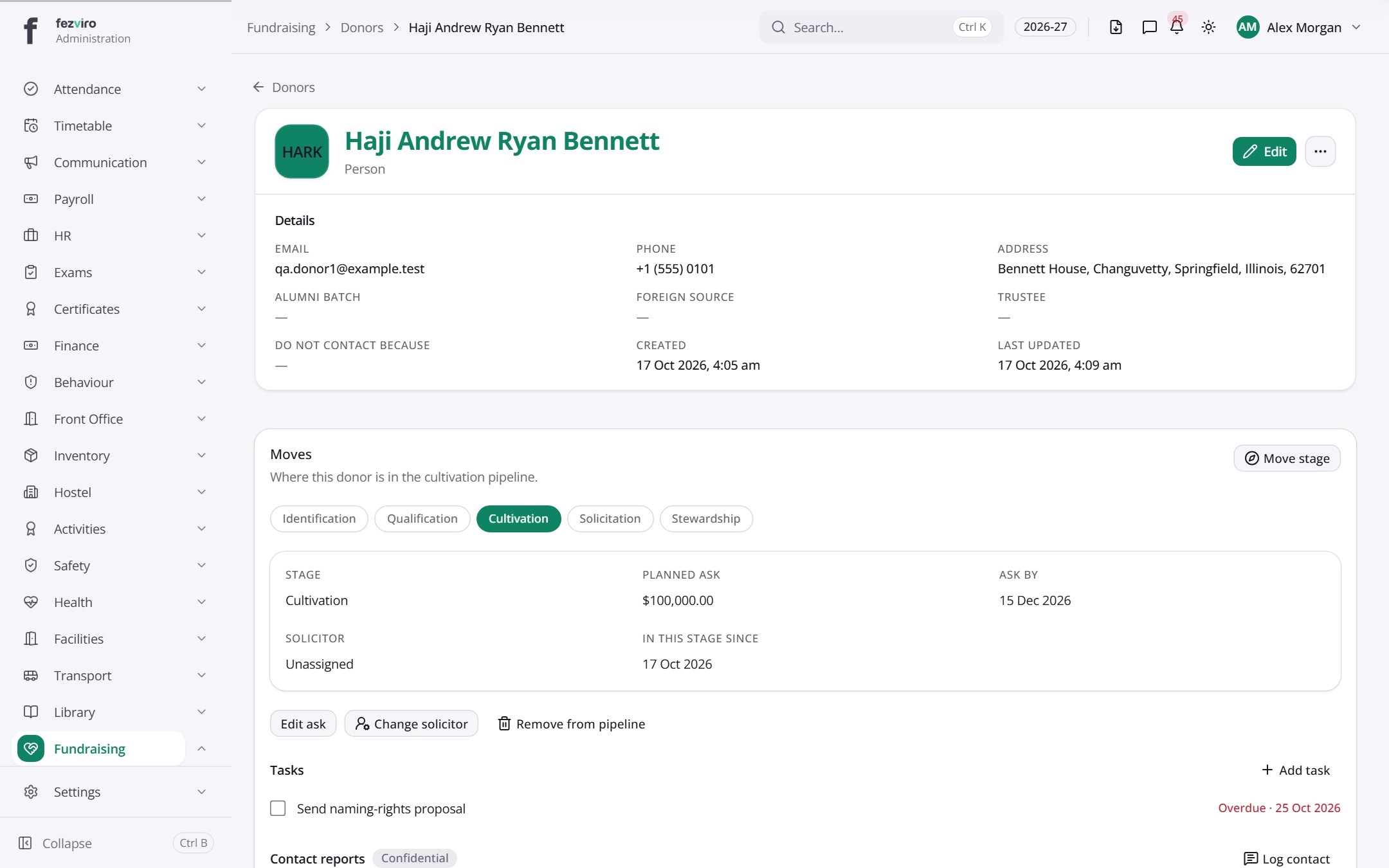
Section titled “Opening a record”Click any row in the list to see everything about it on one page.
← Back to Fundraising overview