

Exams & Grading
Exams end to end: schedules, seating, hall tickets, marks entry, grading schemes, moderation, results, report cards and transcripts.
👥 Exam coordinator, teachers, principal, students, parents🖥️ 20 screens📝 2 forms
What it does
Section titled “What it does”- Exams, papers and marked components
- Exam schedule with room and invigilator
- Clash checks with lessons and bookings
- Auto seating plans and charts
- Exam attendance register
- Hall tickets with fee and attendance holds
- Marks entry with auto-save
- Marks import from Excel
- Marks windows open, close, reopen
- Marks status board
- Grading: marks, letters, GPA, descriptive
- Co-scholastic grading
- Grace marks and moderation with approval
- Results, ranks, honour roll
- Teacher and principal remarks with phrase bank
- Principal sign-off before publishing
- Results alert to parents
- Report card designer
- Bulk report card PDFs
- Student transcripts
- Re-evaluation requests
- Exam timetable for students and parents
Its screens
Section titled “Its screens”Each screen has its own page: what it is for, how to reach it, a picture, its buttons and its form.
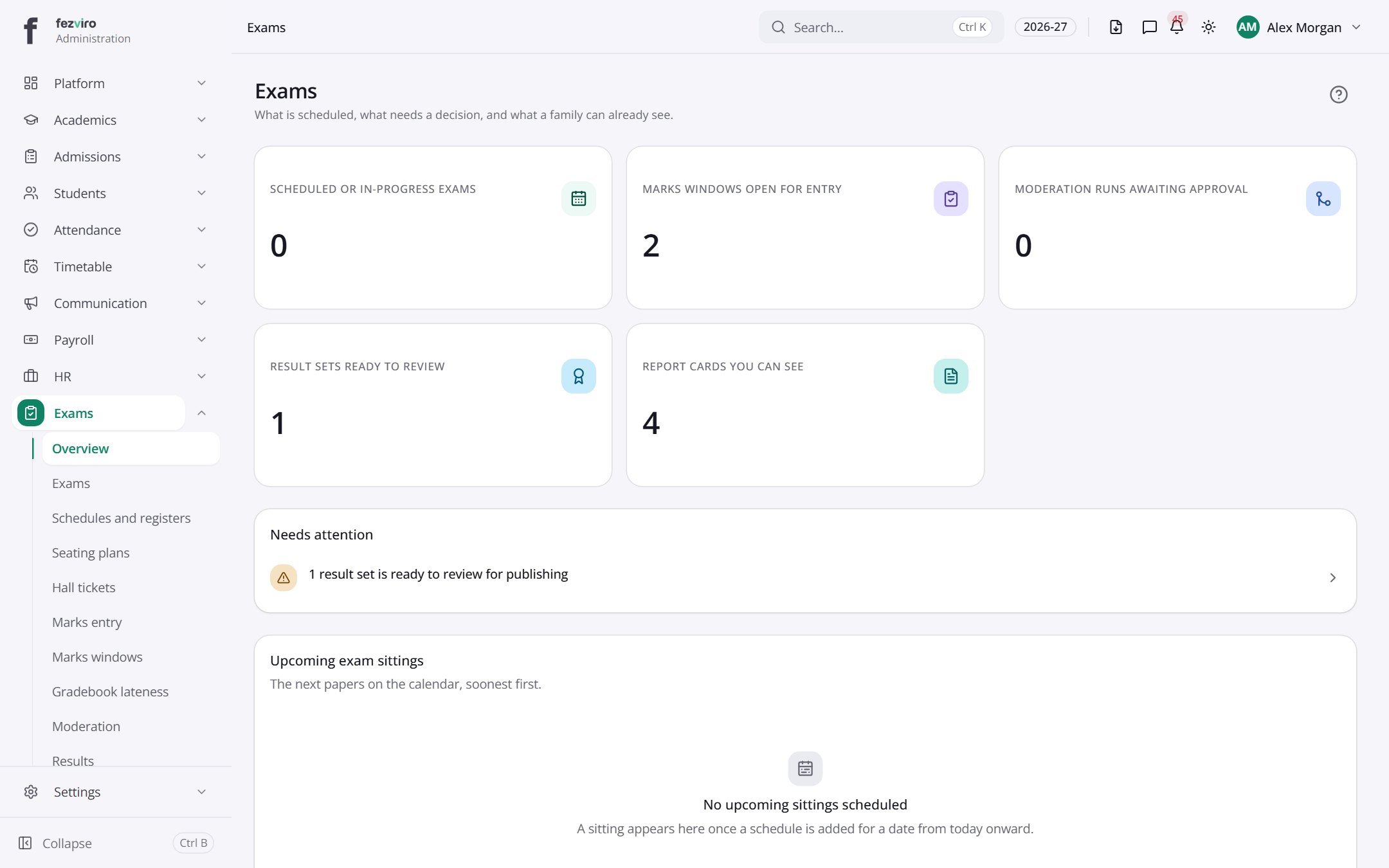 Exams & Grading dashboardThe landing page for the exams area.
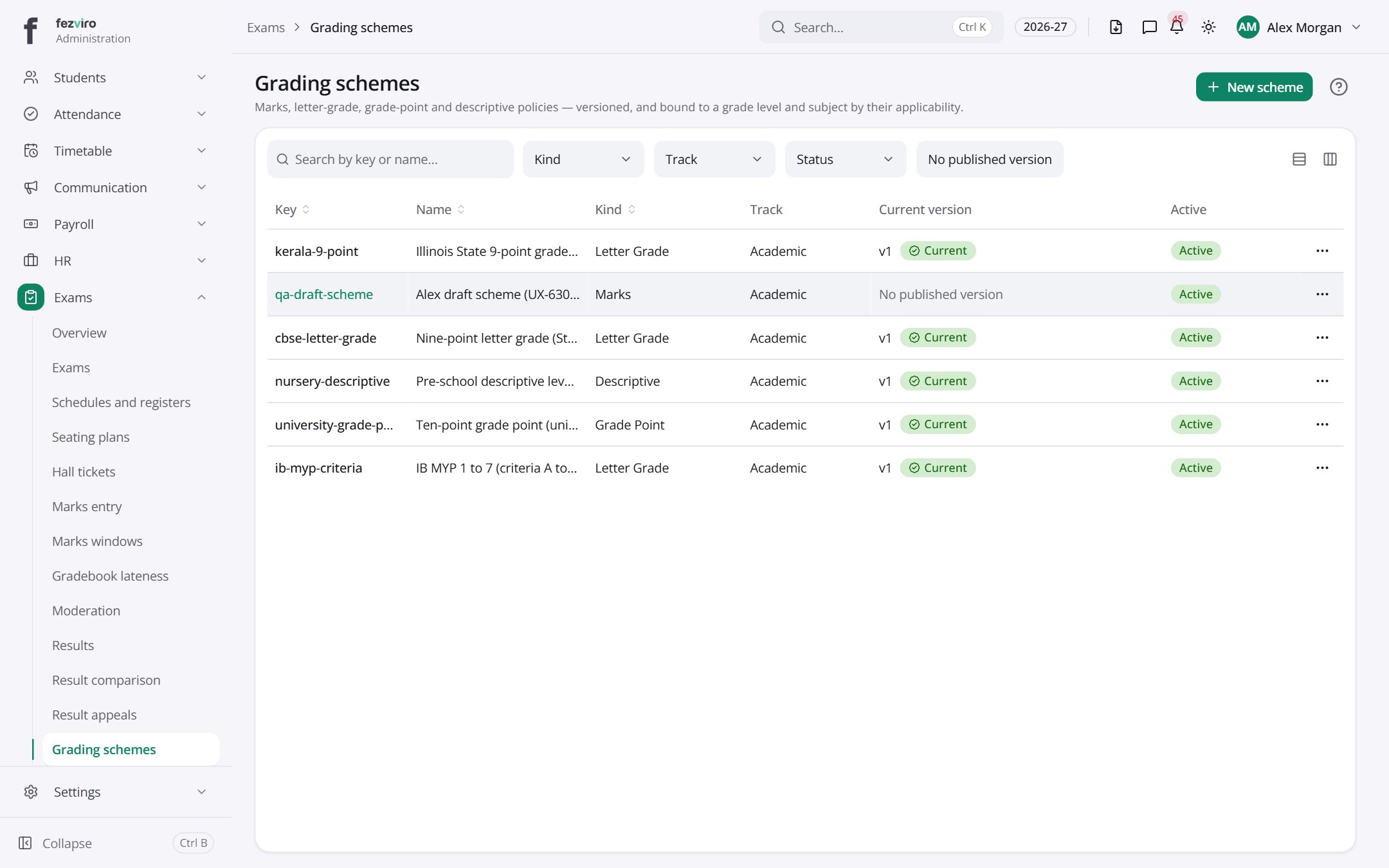 Grading schemesThe rules that turn marks into grades, letters or descriptions.has a form
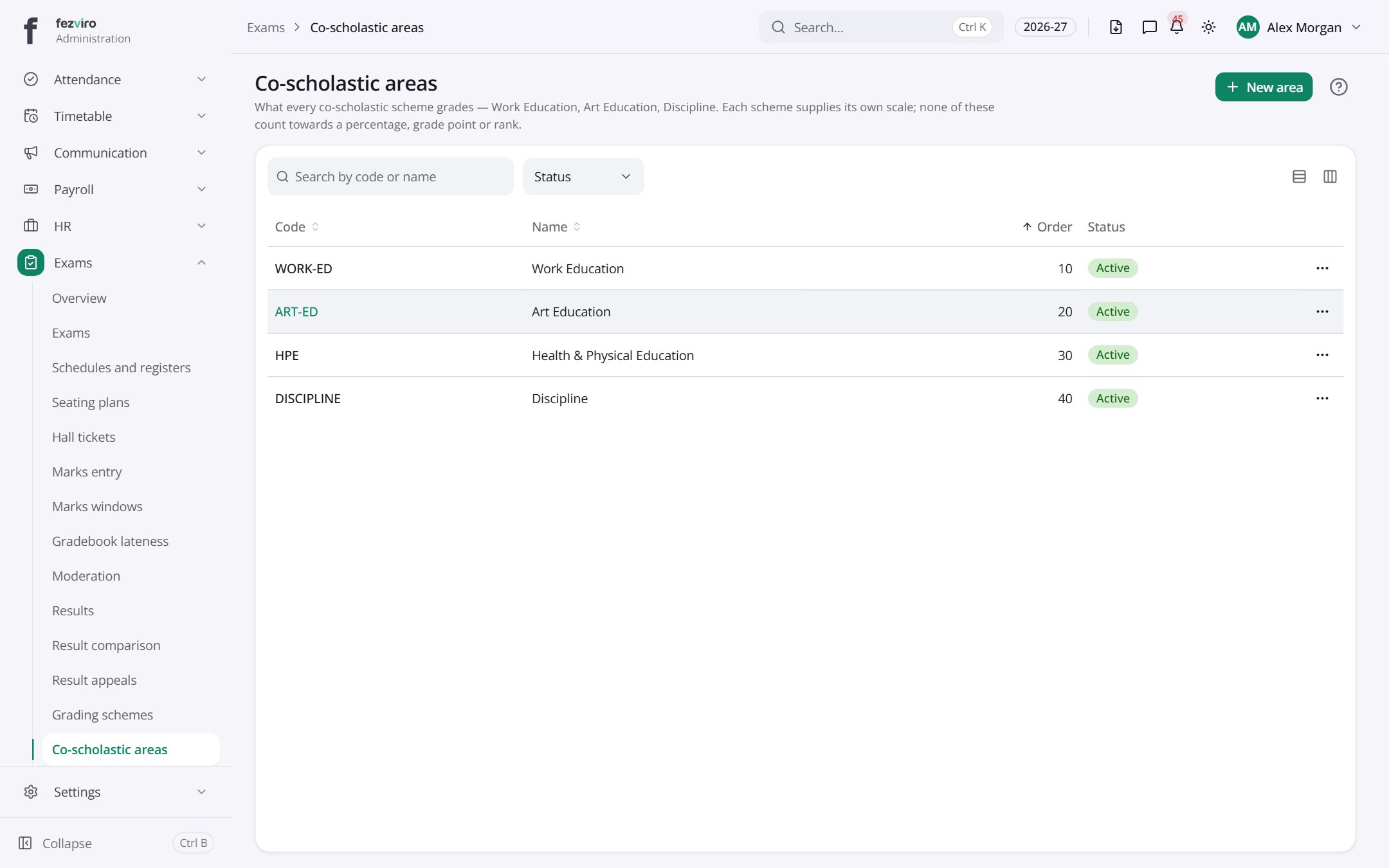 Co-scholastic areasThe non-academic areas, such as art or sport, that get graded.
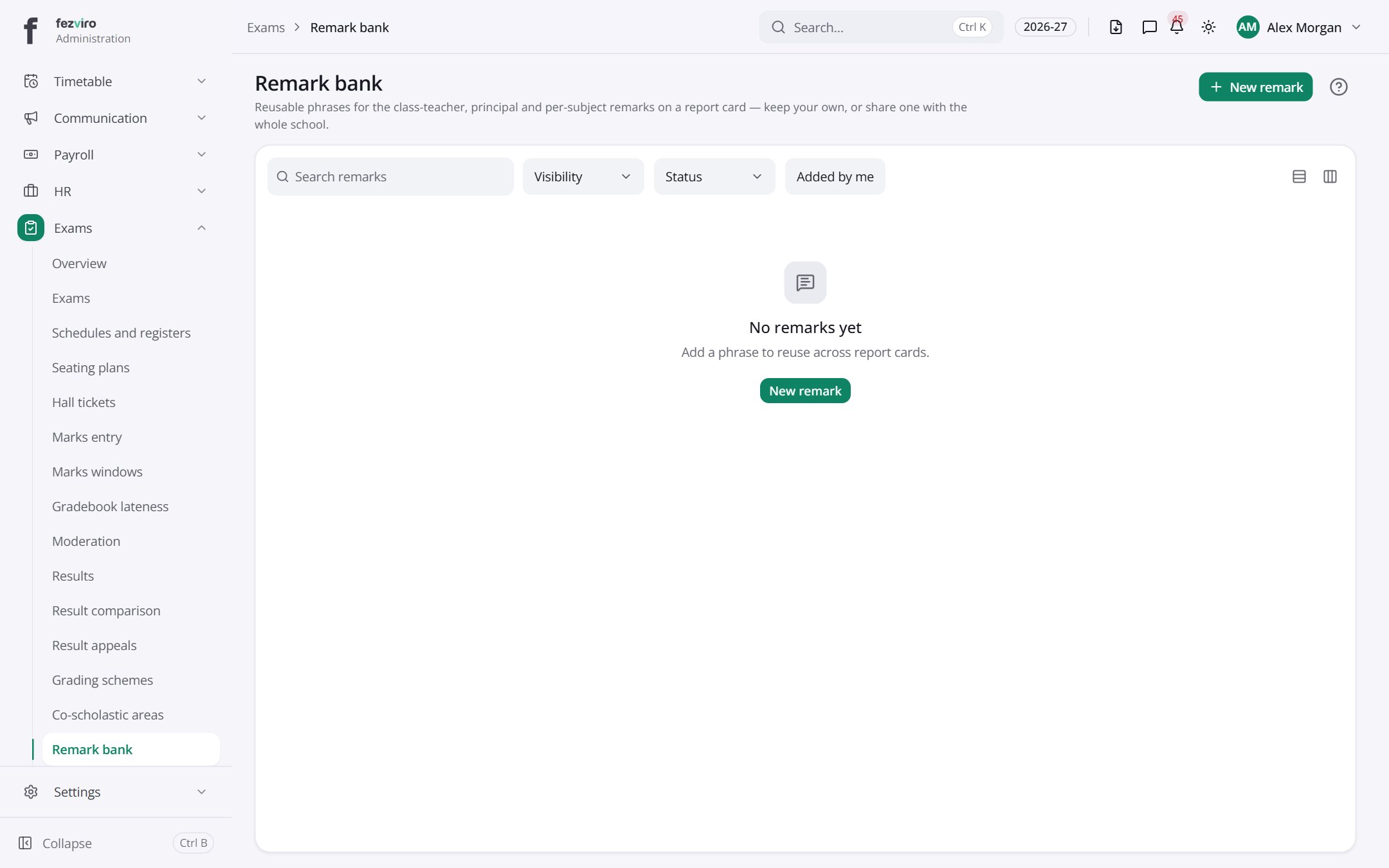 Remark bankA shared list of pre-written remarks for report cards.
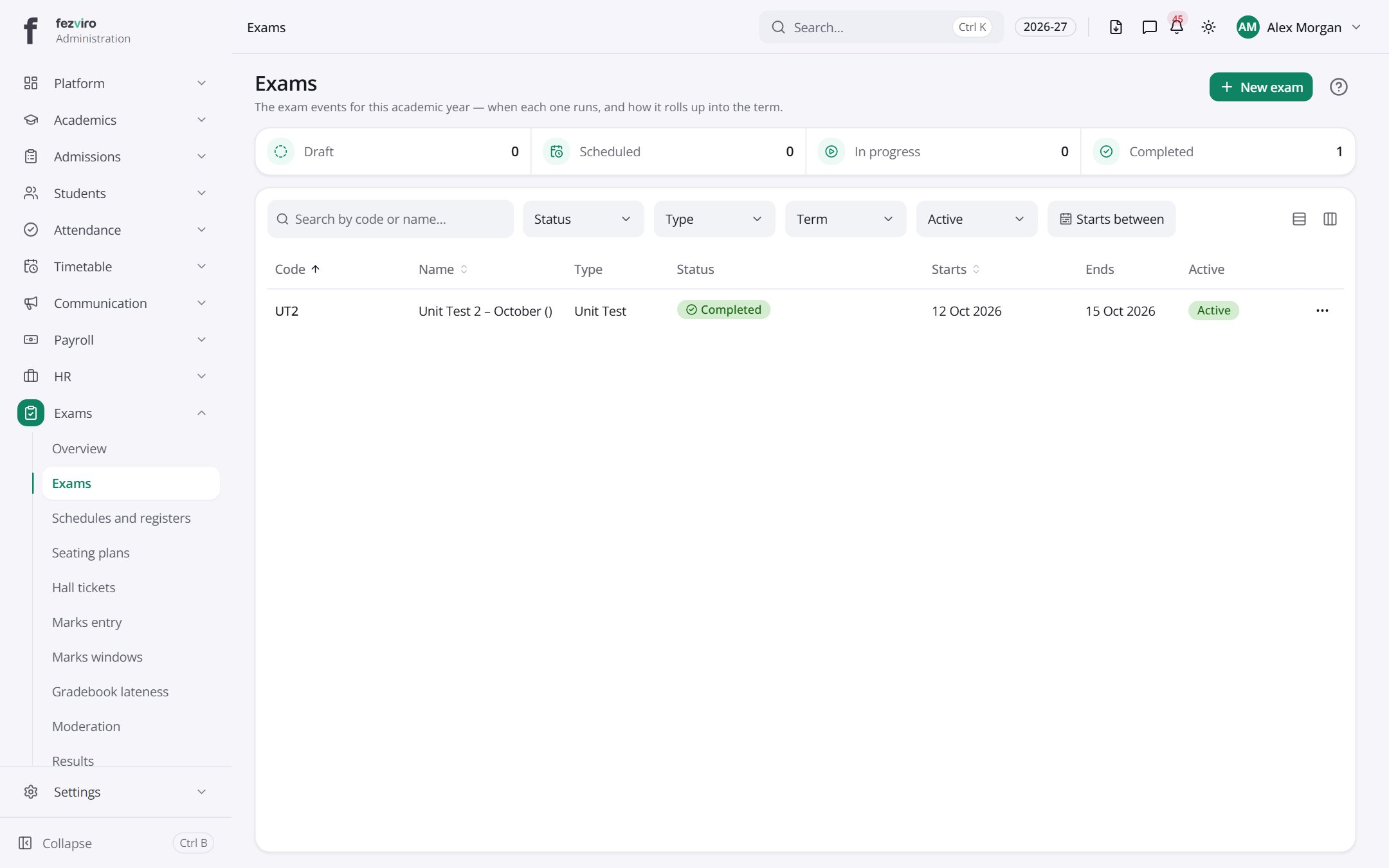 ExamsThe list of exams the school runs, such as terms and unit tests.has a form
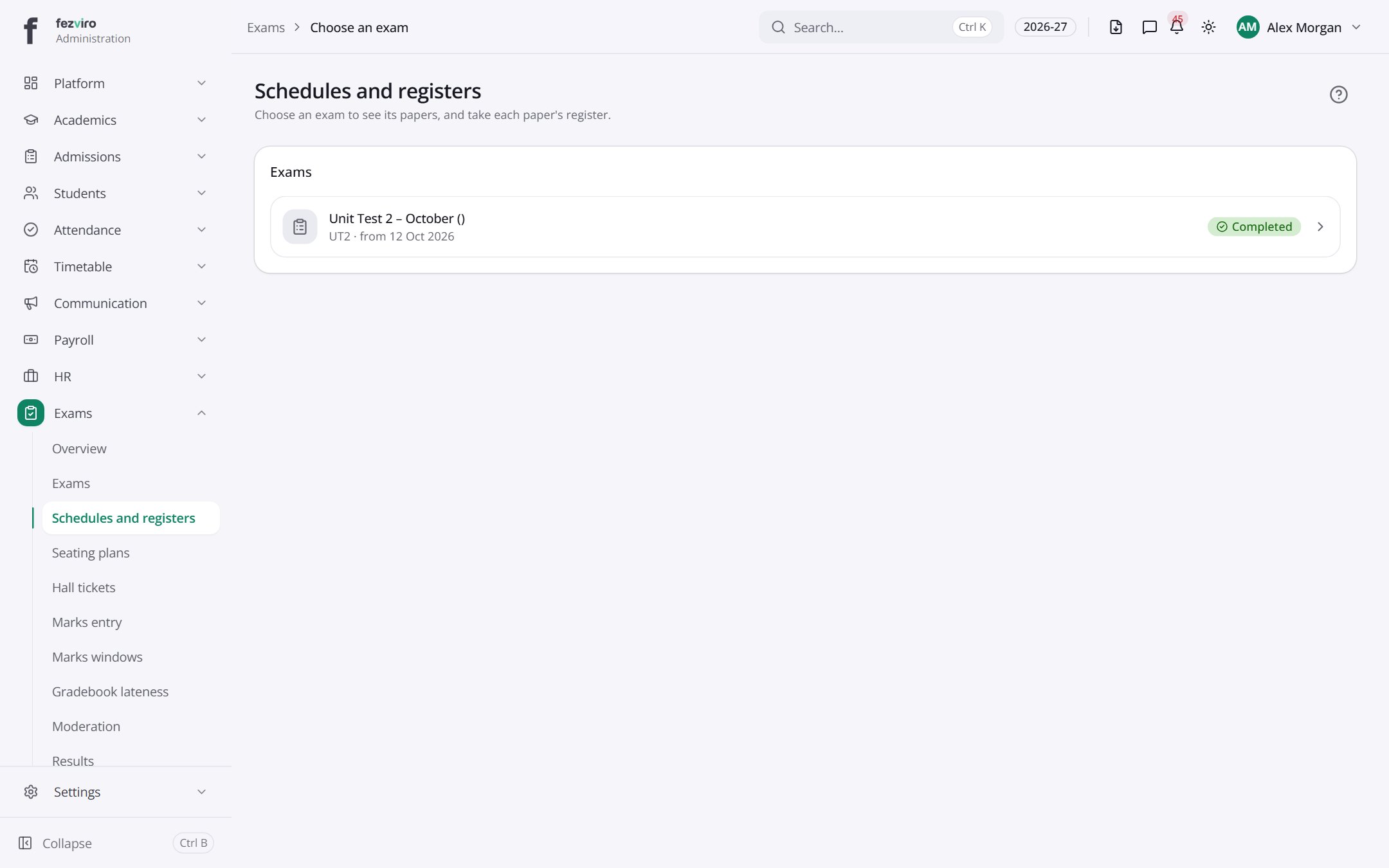 Schedules and registersA menu to choose an exam, then open its paper timetable.
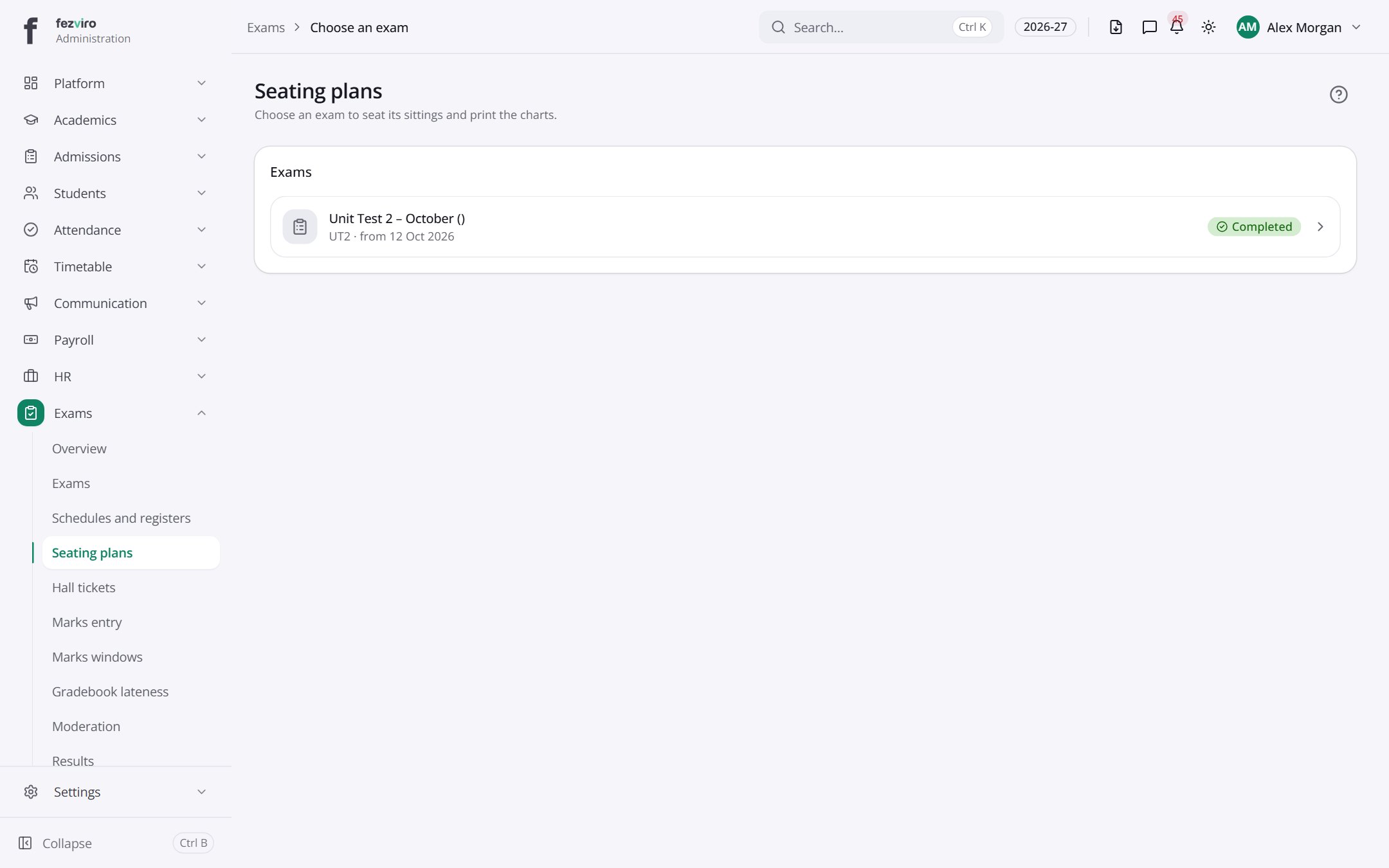 Seating plansA menu to choose an exam, then open its seating plans.
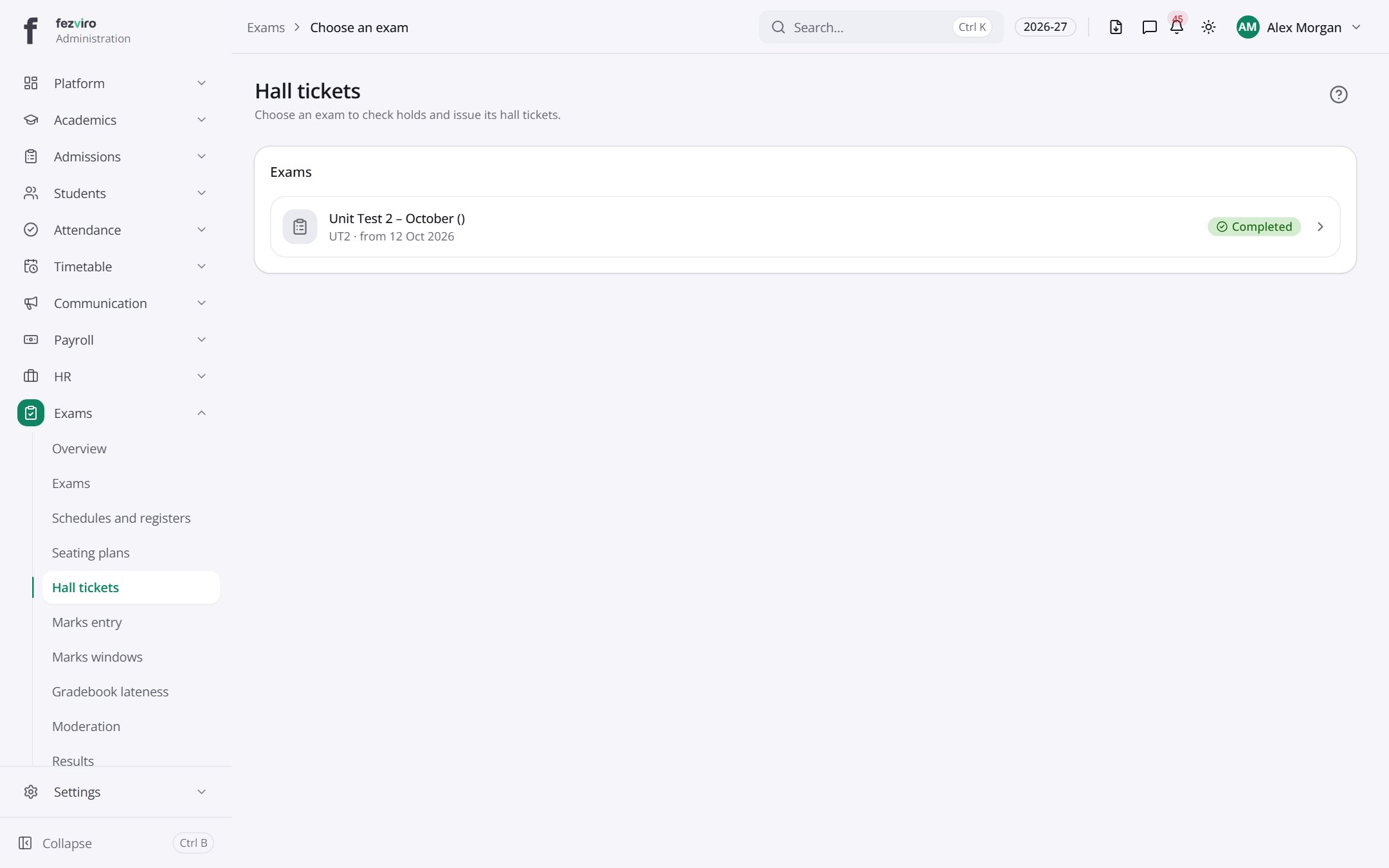 Hall ticketsA menu to choose an exam, then open its hall tickets.
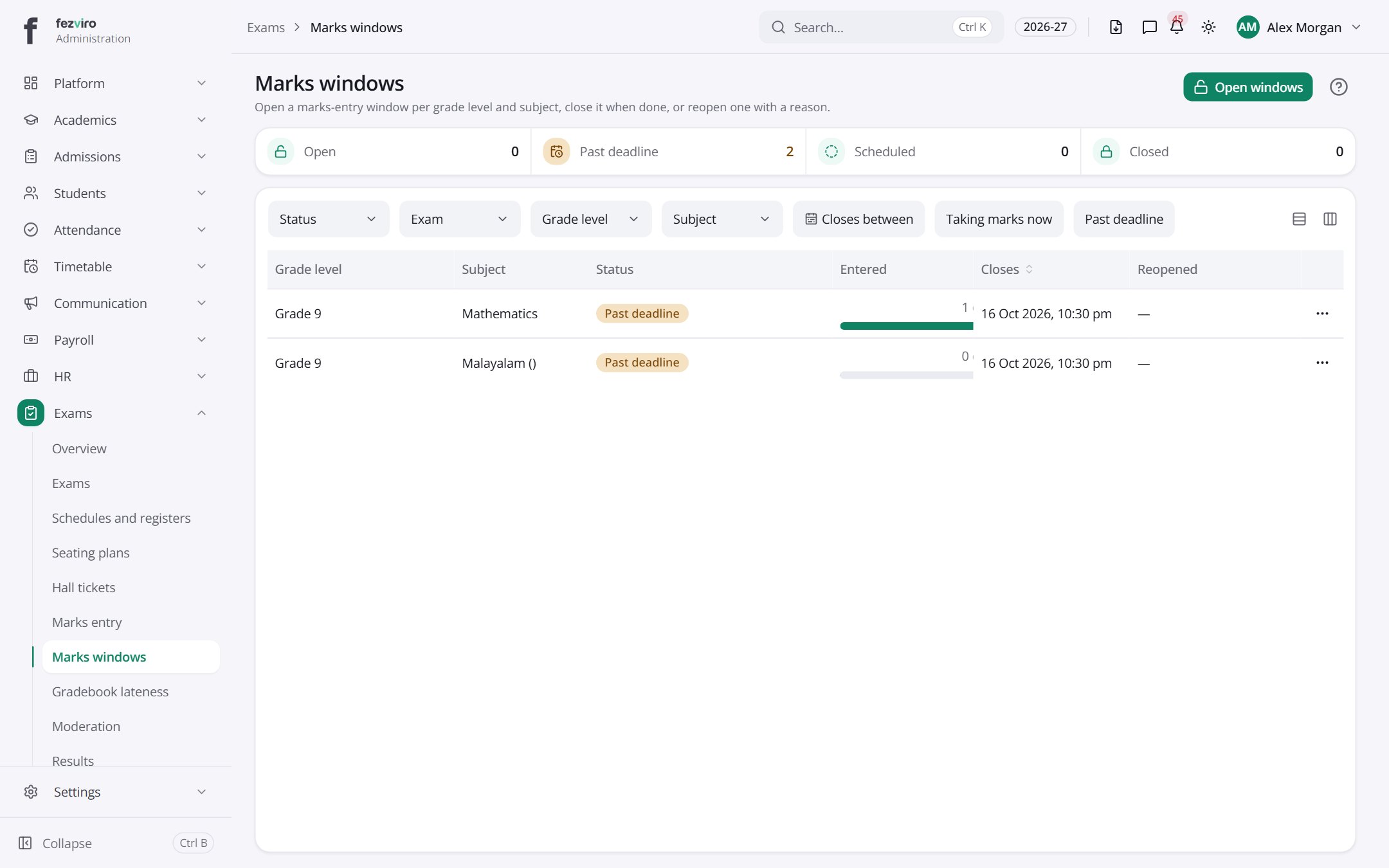 Marks windowsControls for when teachers are allowed to enter marks.
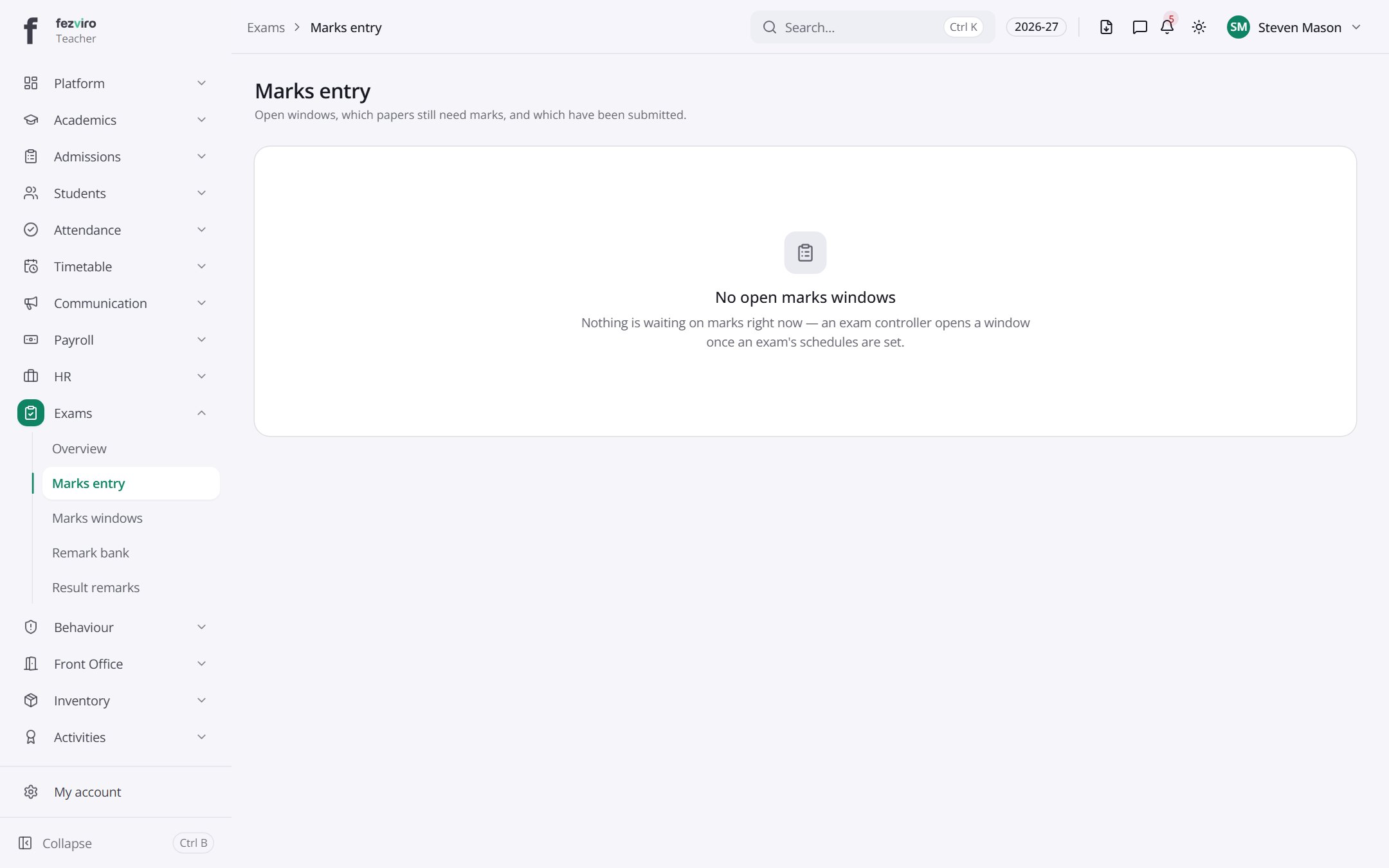 Marks entryWhere teachers type in marks and see who has submitted.Teacher
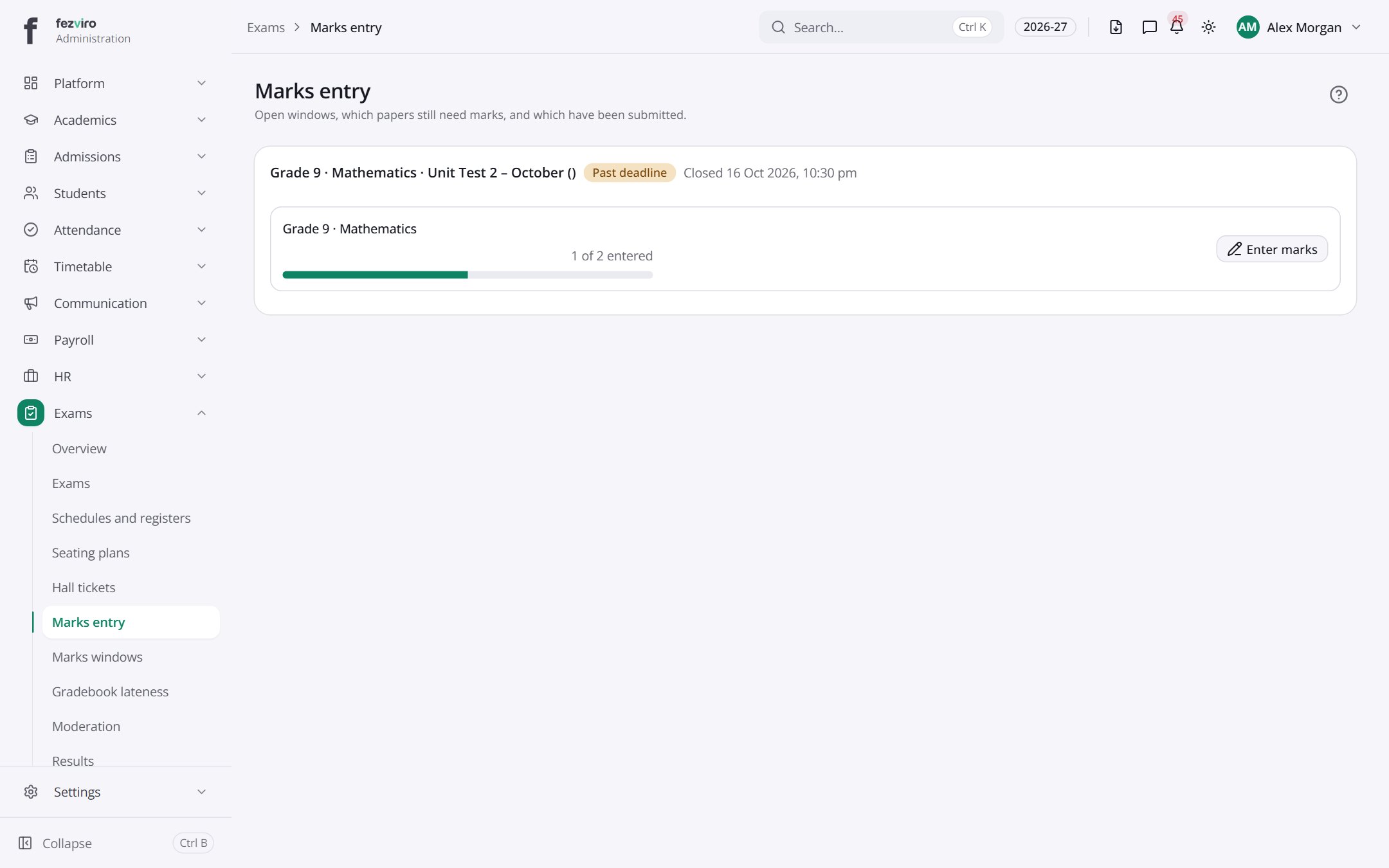 Marks entryWhere teachers type in marks and see who has submitted.
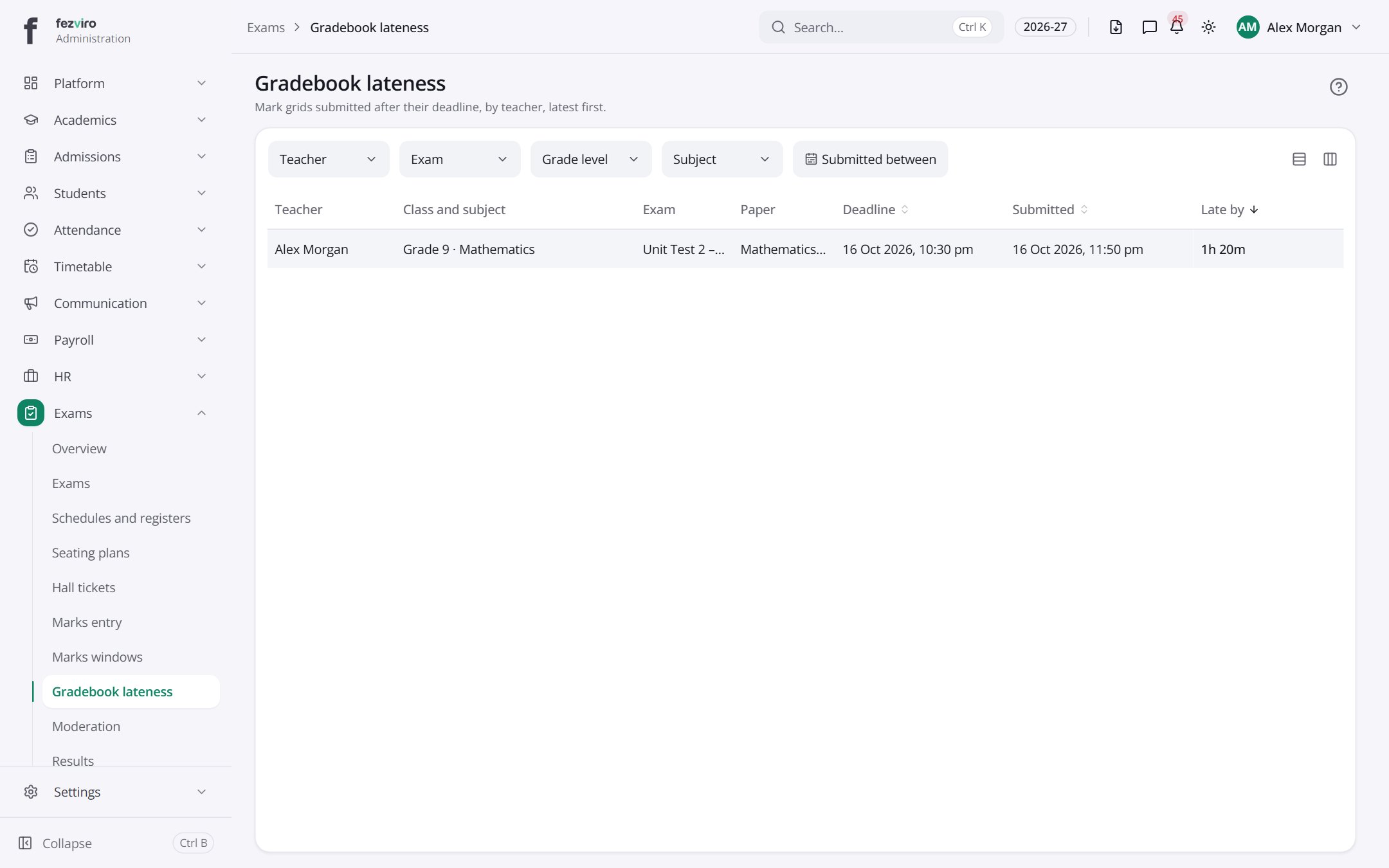 Gradebook latenessA report of mark sheets handed in after their deadline.
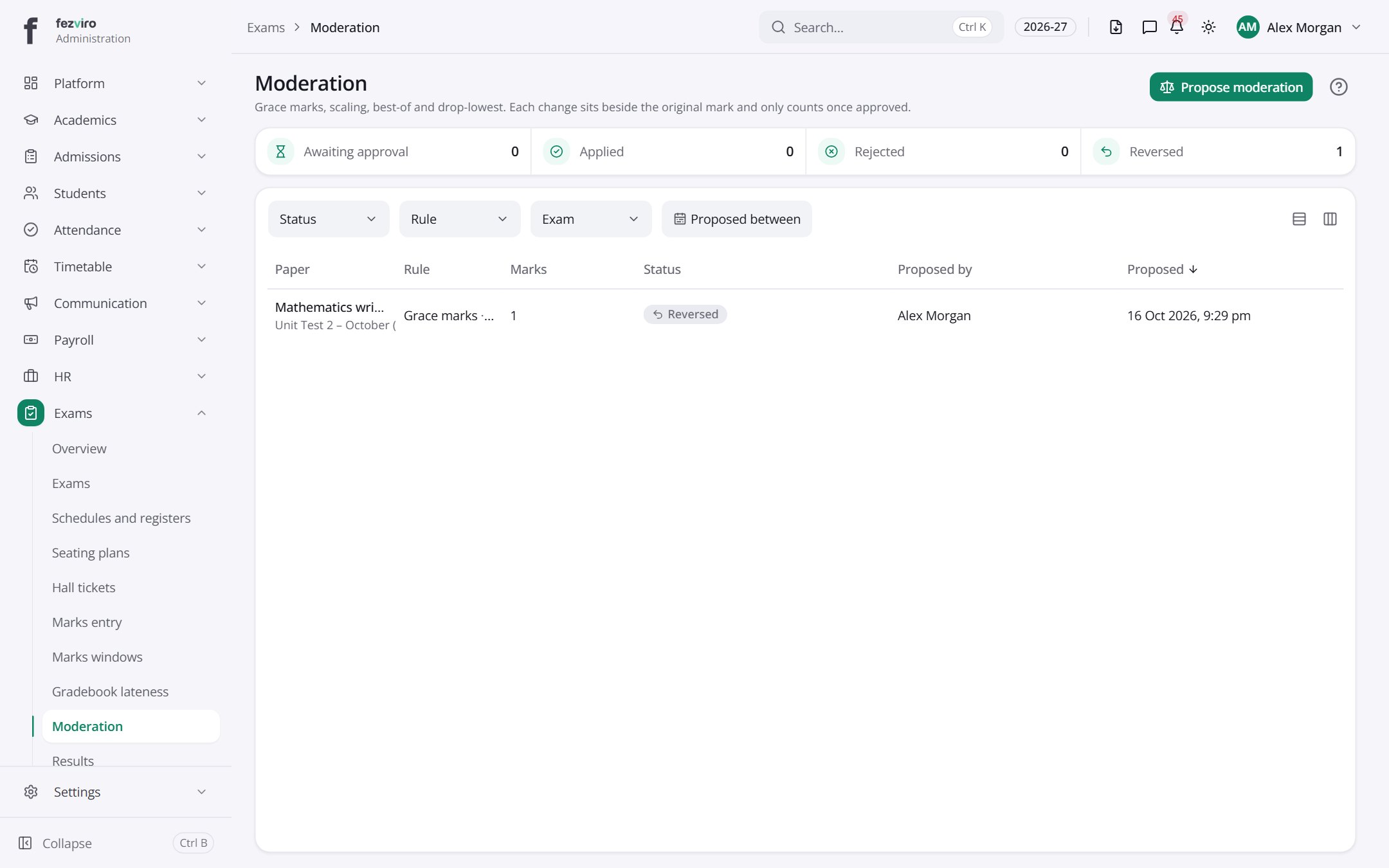 ModerationAdjustments to marks, such as grace marks or scaling, awaiting approval.
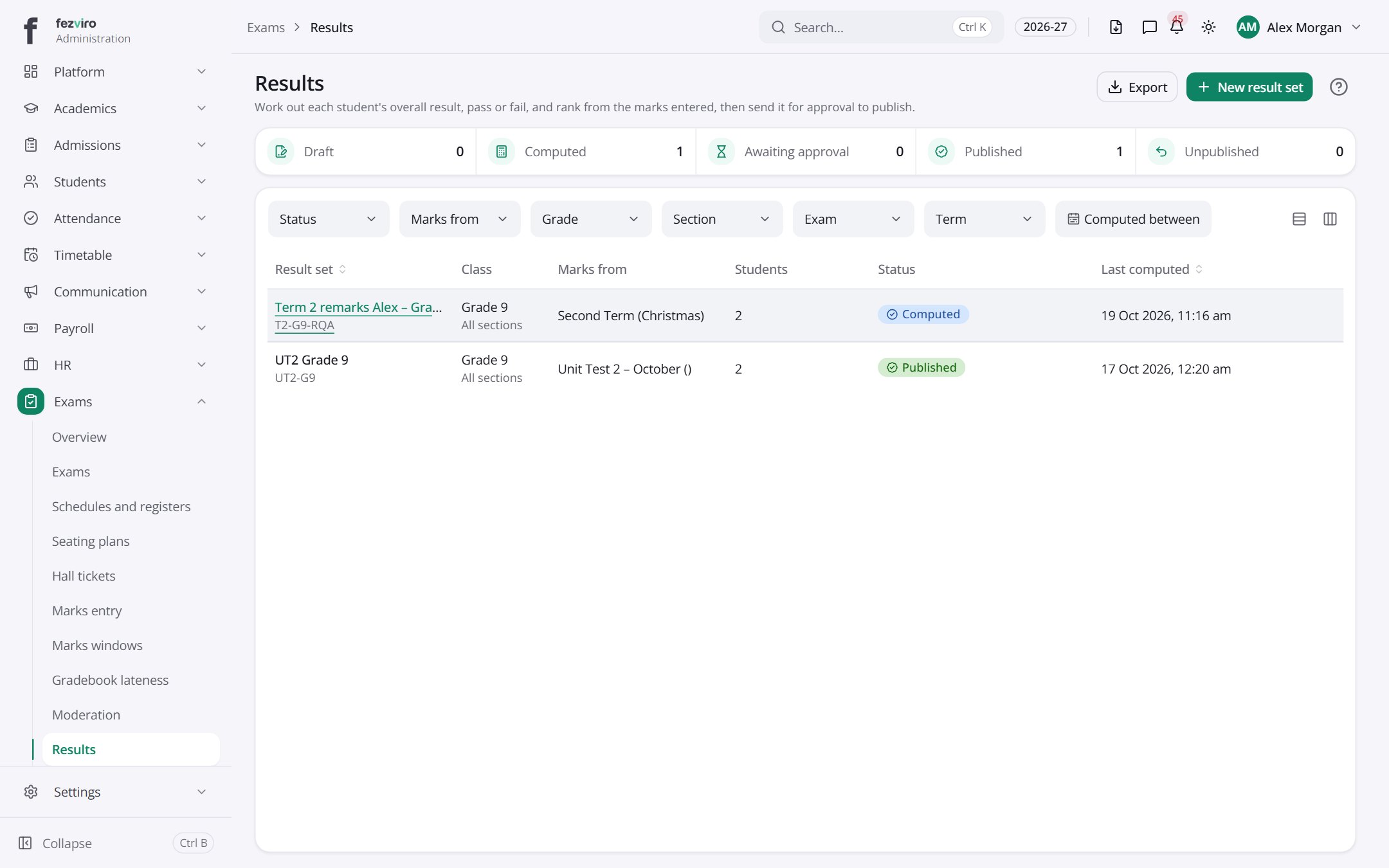 ResultsResult sets, one per class and exam, with pass, fail and ranks.
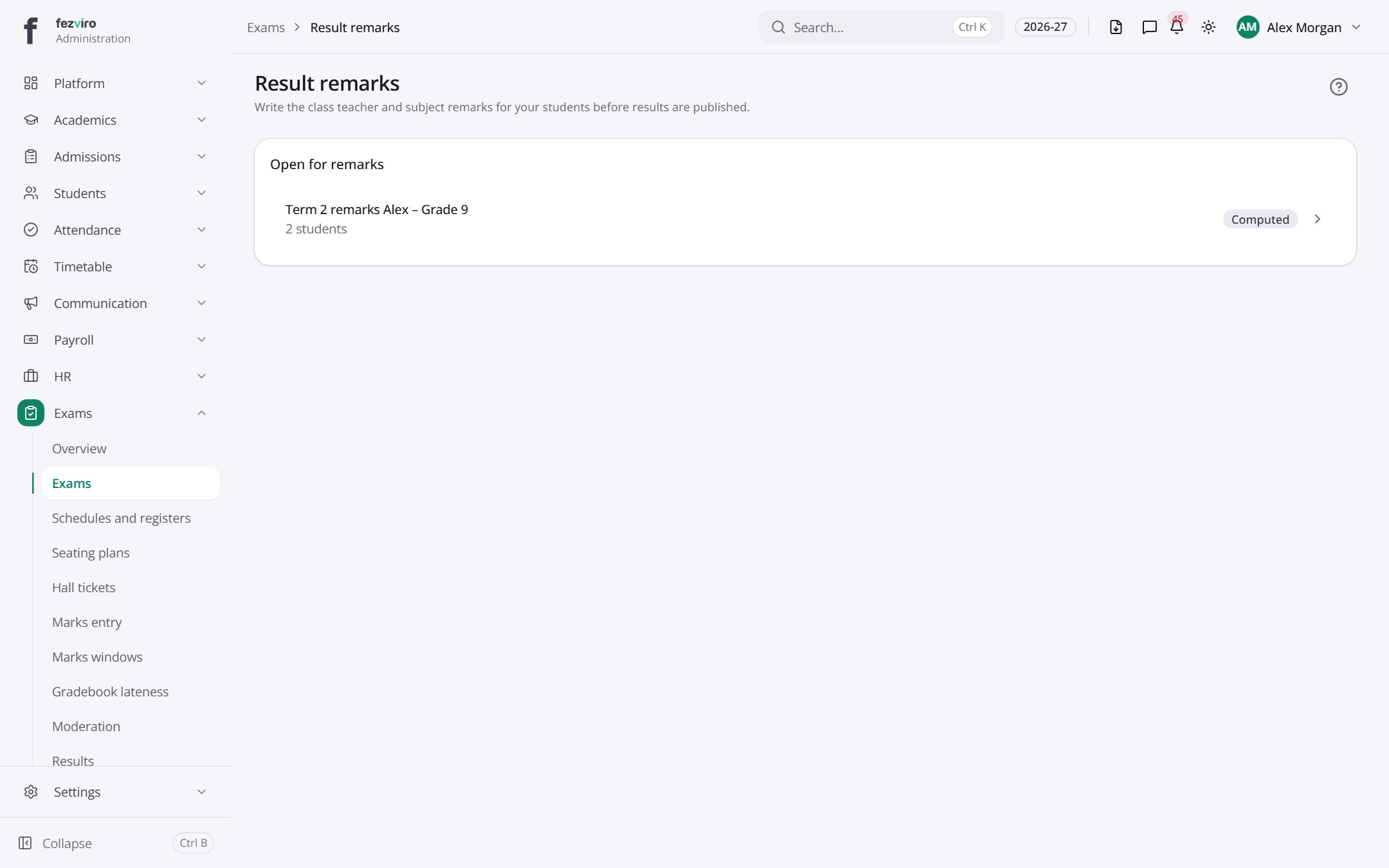 Result remarksResult sets where a teacher can still write remarks.
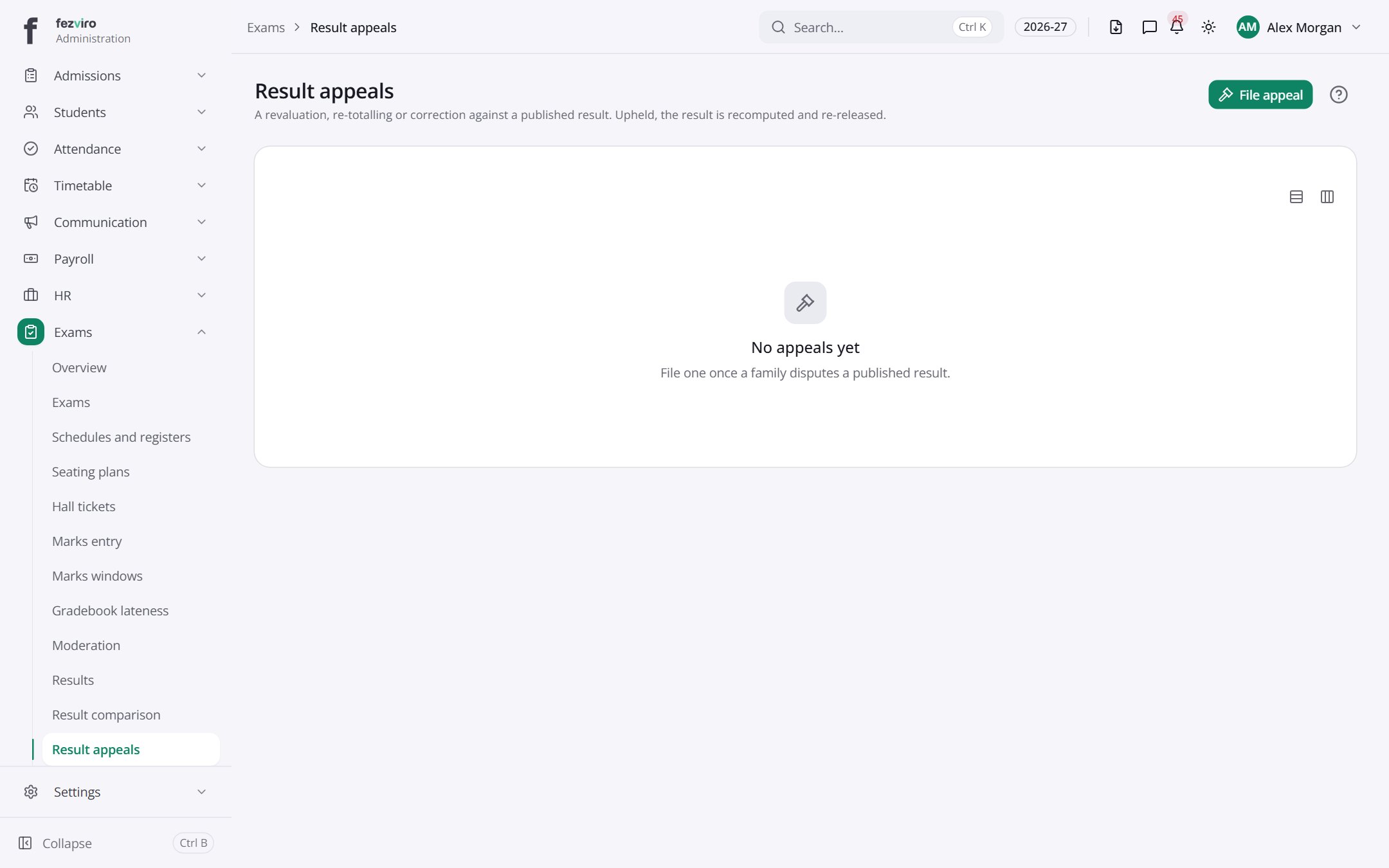 Result appealsRequests from families to re-check a mark or total.
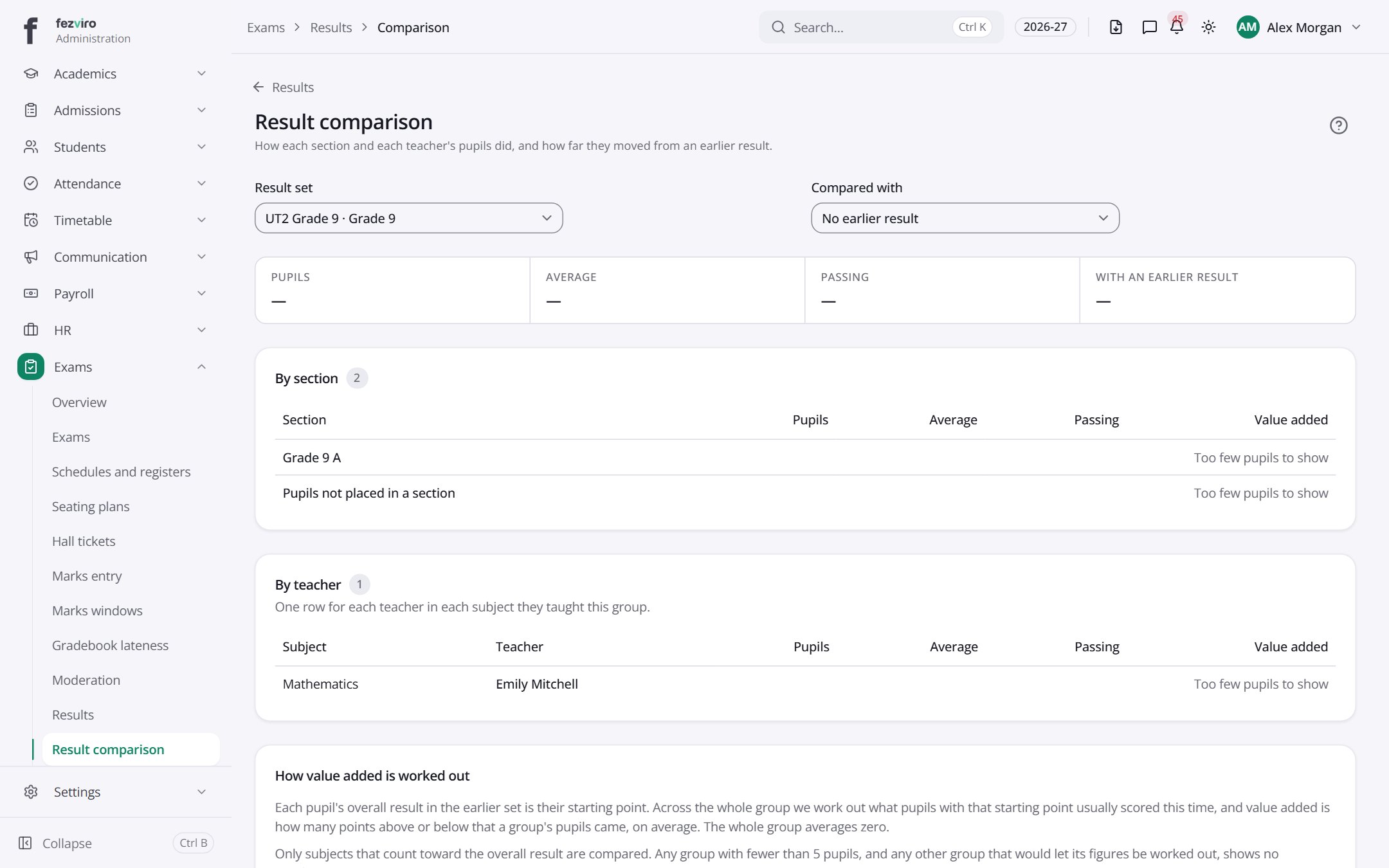 Result comparisonA comparison of results across classes and against an earlier year.
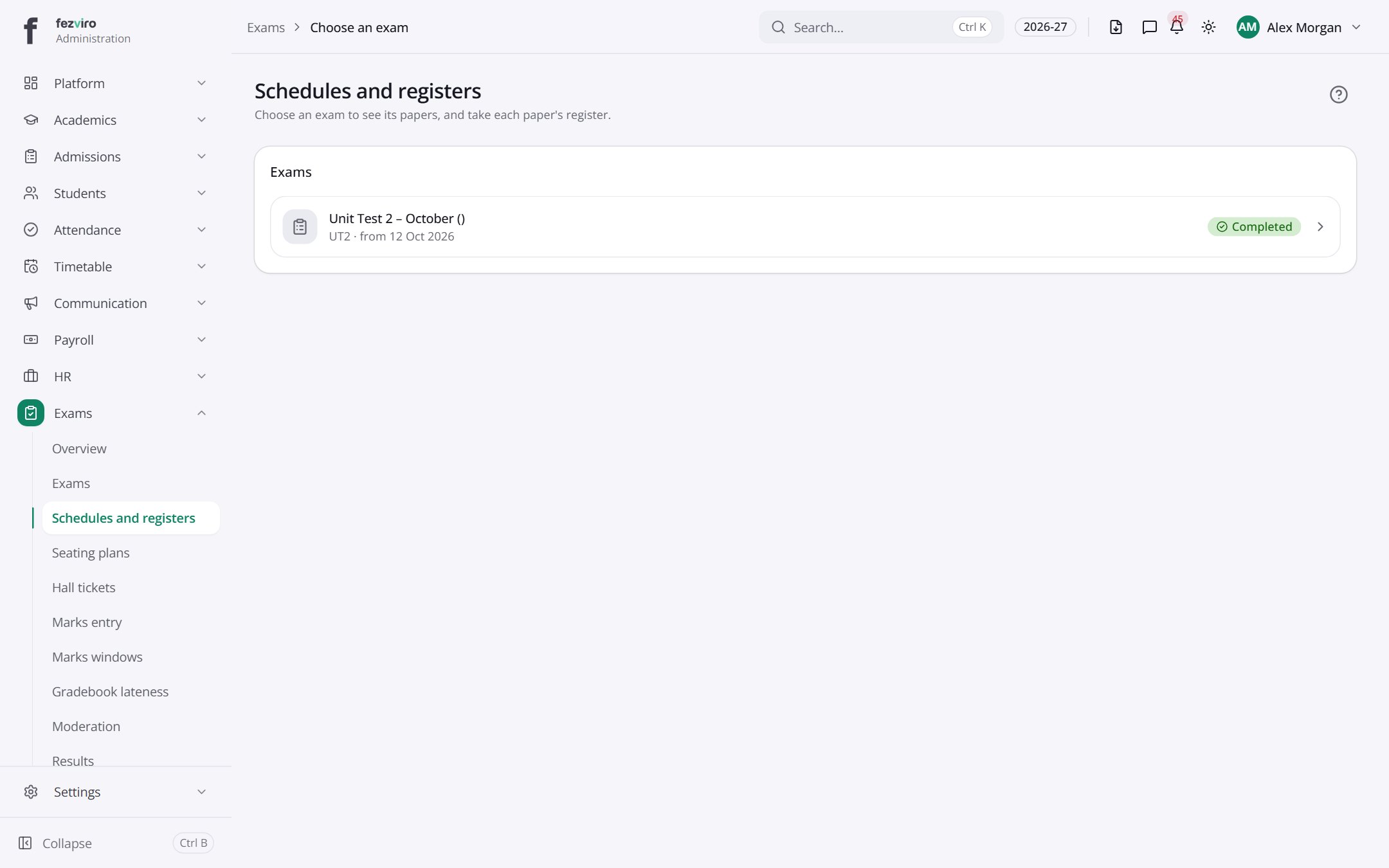 Prior school resultsGrades a new student brought from their previous school.
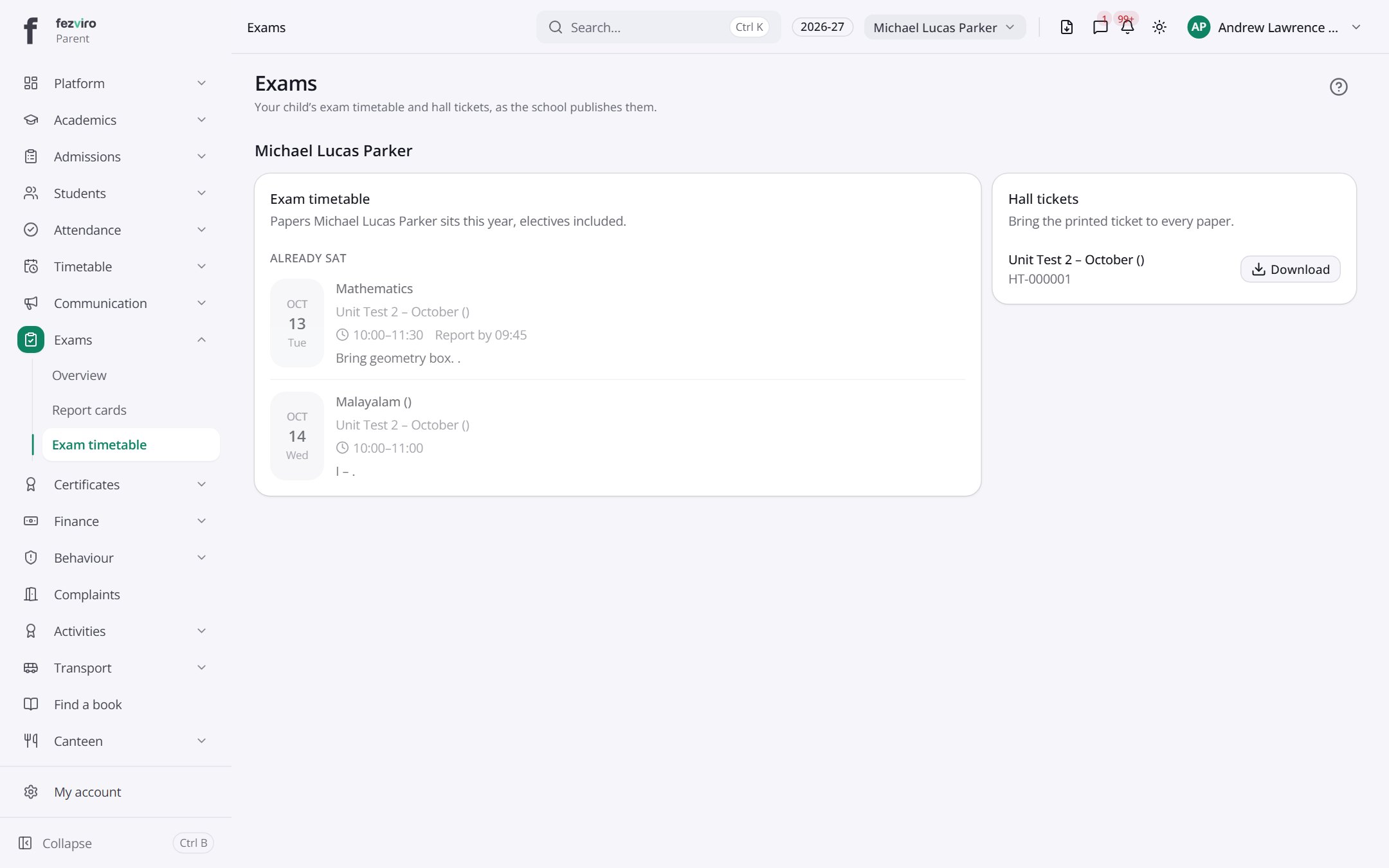 My examsA student's or parent's view of exam dates and hall tickets.Parent
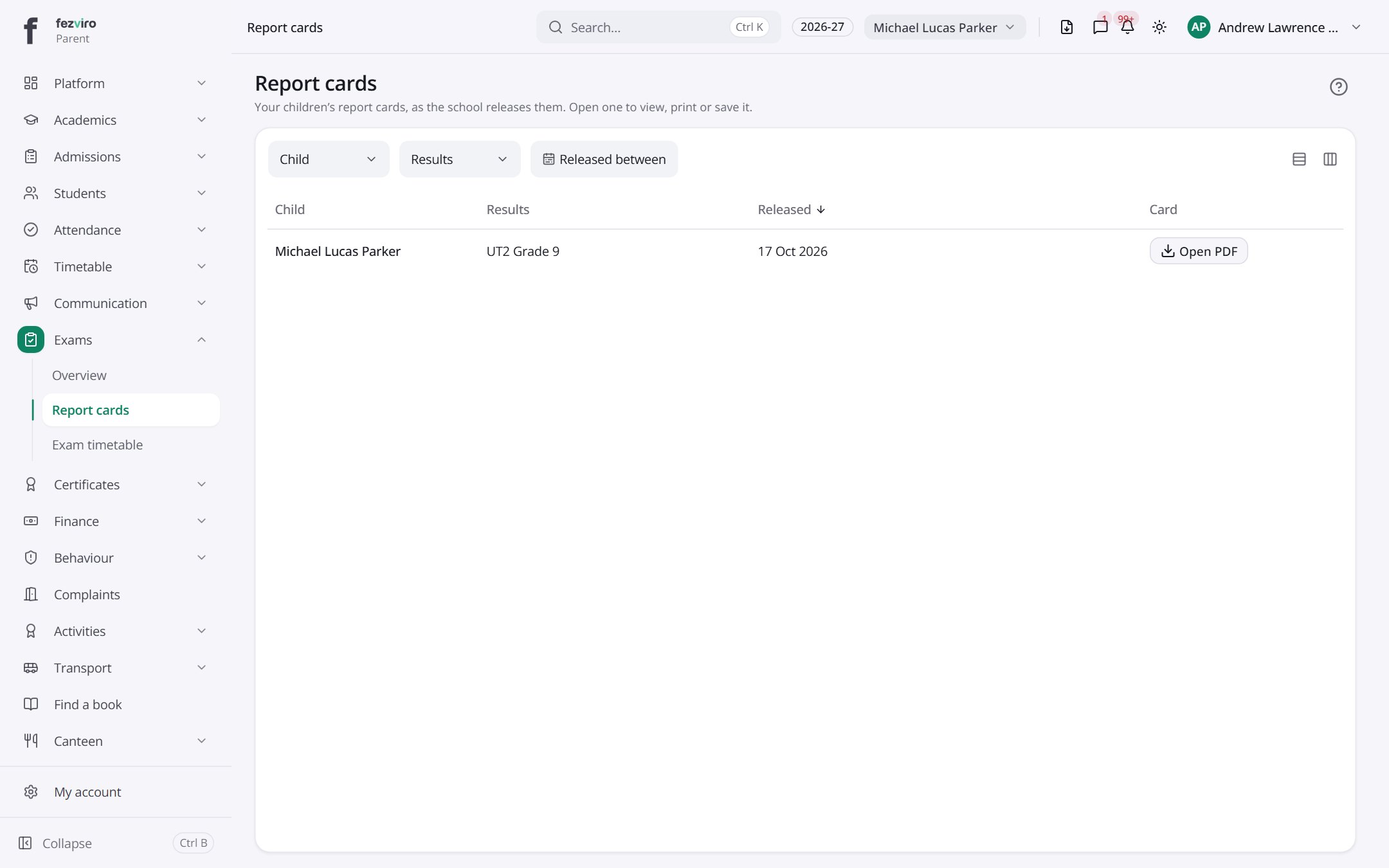 Report cardsA family's released report cards, newest first.Parent
Step by step
Section titled “Step by step”Schedule an exam
Section titled “Schedule an exam”- Open Exams and create the exam with its papers and components.
- Schedule each paper with room and invigilator; clashes with lessons and bookings are checked.
- Generate seating plans and hall tickets. Fee or attendance holds can block a hall ticket.
Enter and moderate marks
Section titled “Enter and moderate marks”- Open a marks window in Marks windows.
- Teachers enter marks in Marks entry (auto-saved) or import from Excel.
- Track progress on the marks status board; chase late entries in Lateness.
- Apply grace marks or moderation with approval; raw marks are always kept.
Publish results and report cards
Section titled “Publish results and report cards”- Review Results: totals, grades, ranks and honour roll.
- Teachers and the principal add remarks (with a phrase bank).
- The principal signs off, then results publish and parents are alerted.
- Print report cards in bulk as PDFs from the report card designer layout.
Questions
Section titled “Questions”Which grading systems are supported?
Marks, letter grades, GPA and descriptive grades, plus co-scholastic areas. Several schemes can apply at once.
Can parents request a re-evaluation?
Yes, through Result appeals; each request is tracked to a decision.
Can marks be changed after publishing?
Only through moderation or a re-evaluation, both of which are recorded alongside the original mark.