

SMS credit
What it is
The school's SMS balance, top-ups and recent message spending.
Why it matters
Stops messages silently failing when the SMS balance runs out.
When to use it
Office staff check the balance and record top-ups before sending bulk messages.
Who uses it
Administrator
How to get here
Section titled “How to get here”- Sign in as Administrator (see Signing in).
- In the left menu, click Communication to open it.
- Click SMS credit.
What you see
Section titled “What you see”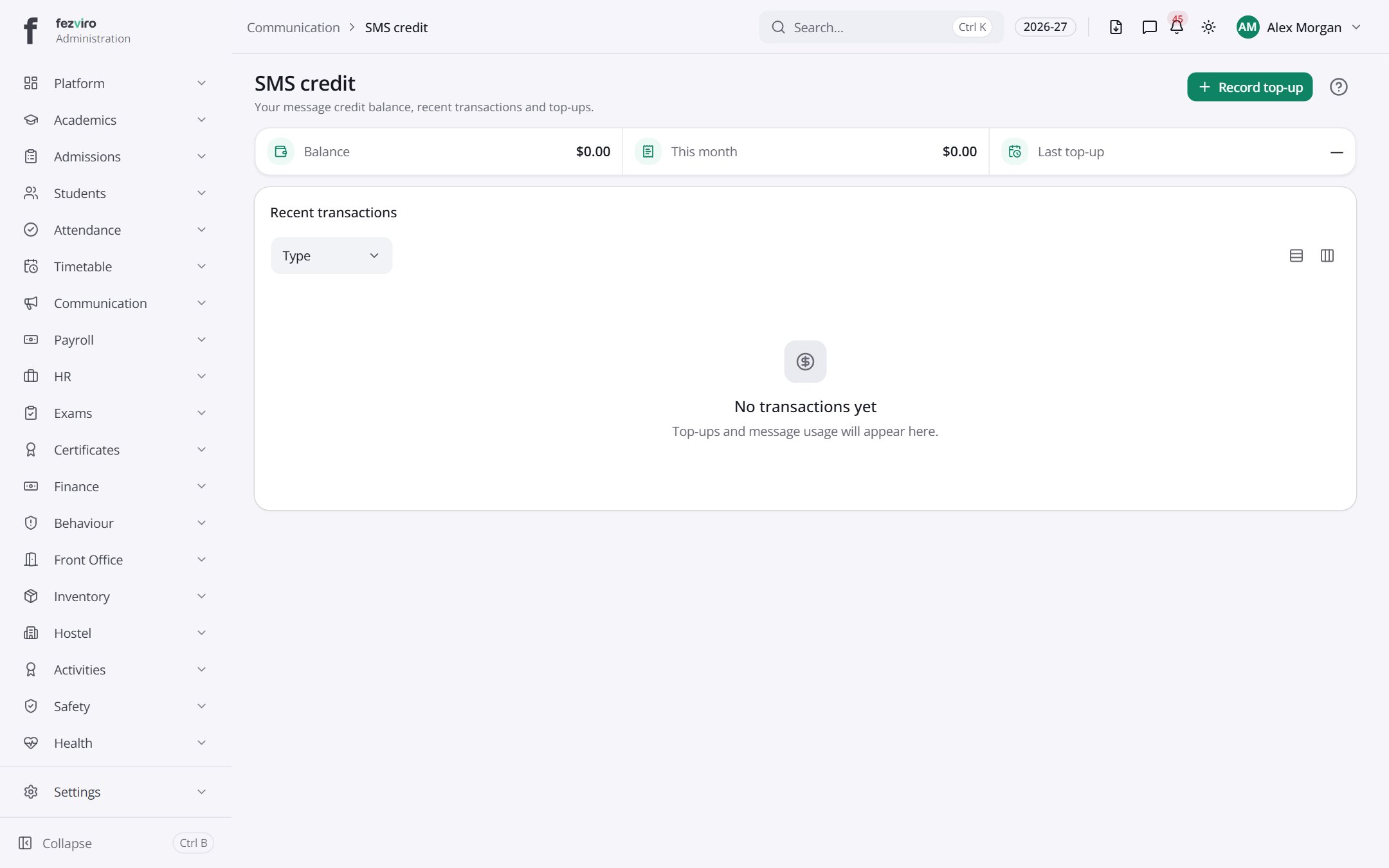
- Sections on the page: Recent transactions.
Buttons on this screen
Section titled “Buttons on this screen”- Record top-up — opens a form to add a new one. See Filling in the form below.
← Back to Communication overview