

Collections
What it is
How much fee money has come in, and what is still due.
Why it matters
Shows at a glance whether the term's fees are on track.
When to use it
Principals and finance staff check progress and drill into overdue families.
Who uses it
Administrator
How to get here
Section titled “How to get here”- Sign in as Administrator (see Signing in).
- In the left menu, click Fees to open it.
- Click Collections.
What you see
Section titled “What you see”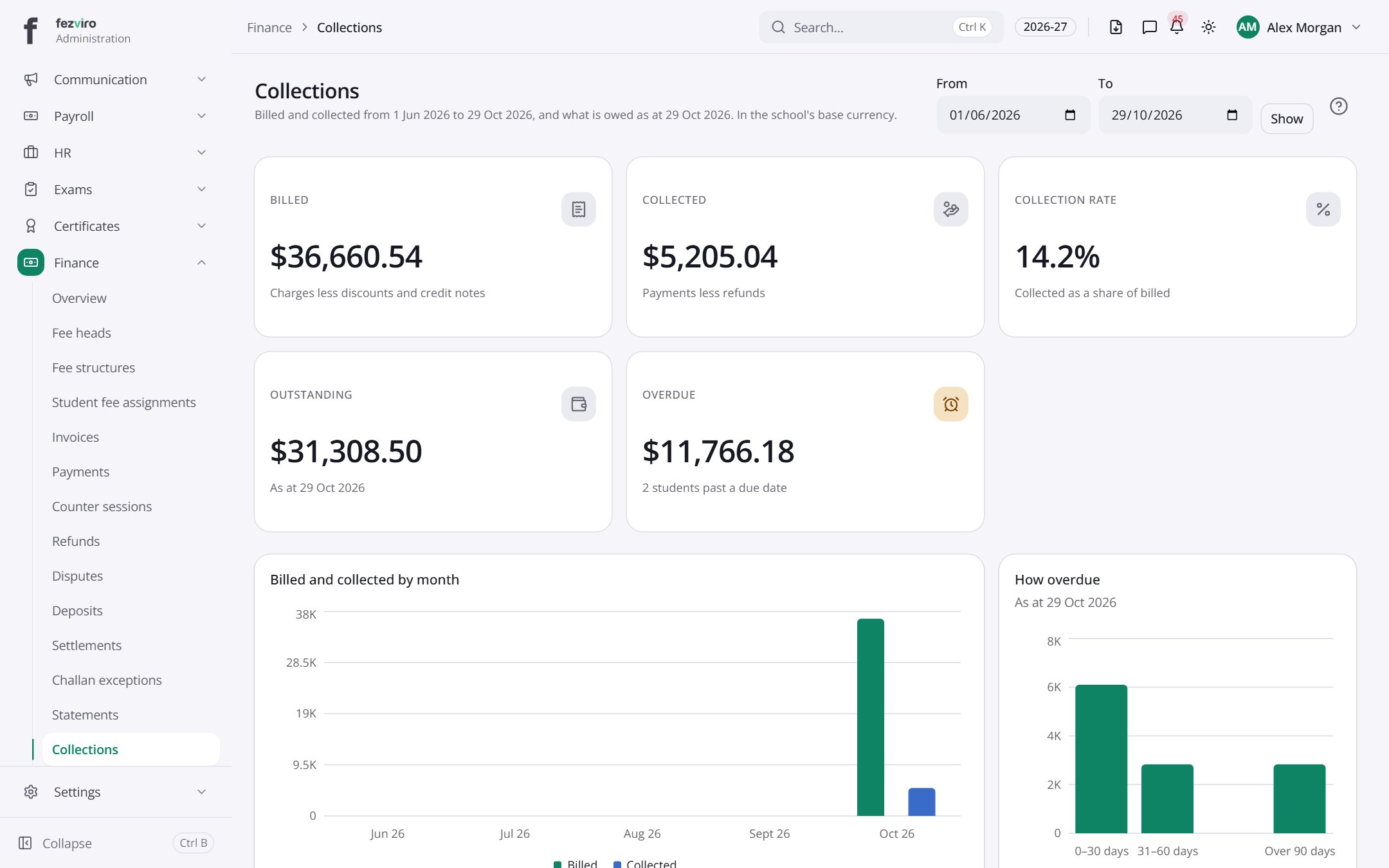
- Sections on the page: Billed and collected by month, How overdue.
- The list has these columns: Month, Billed, Collected. Click a column name to sort by it.
Buttons on this screen
Section titled “Buttons on this screen”- Show — does what it says on the button.
← Back to Fees & Finance overview