

Result appeals
What it is
Requests from families to re-check a mark or total.
Why it matters
Gives a clear, recorded route for disputed results to be reviewed.
When to use it
Office staff file an appeal; the principal decides it and results update if upheld.
Who uses it
Administrator
How to get here
Section titled “How to get here”- Sign in as Administrator (see Signing in).
- In the left menu, click Exams to open it.
- Click Result appeals.
What you see
Section titled “What you see”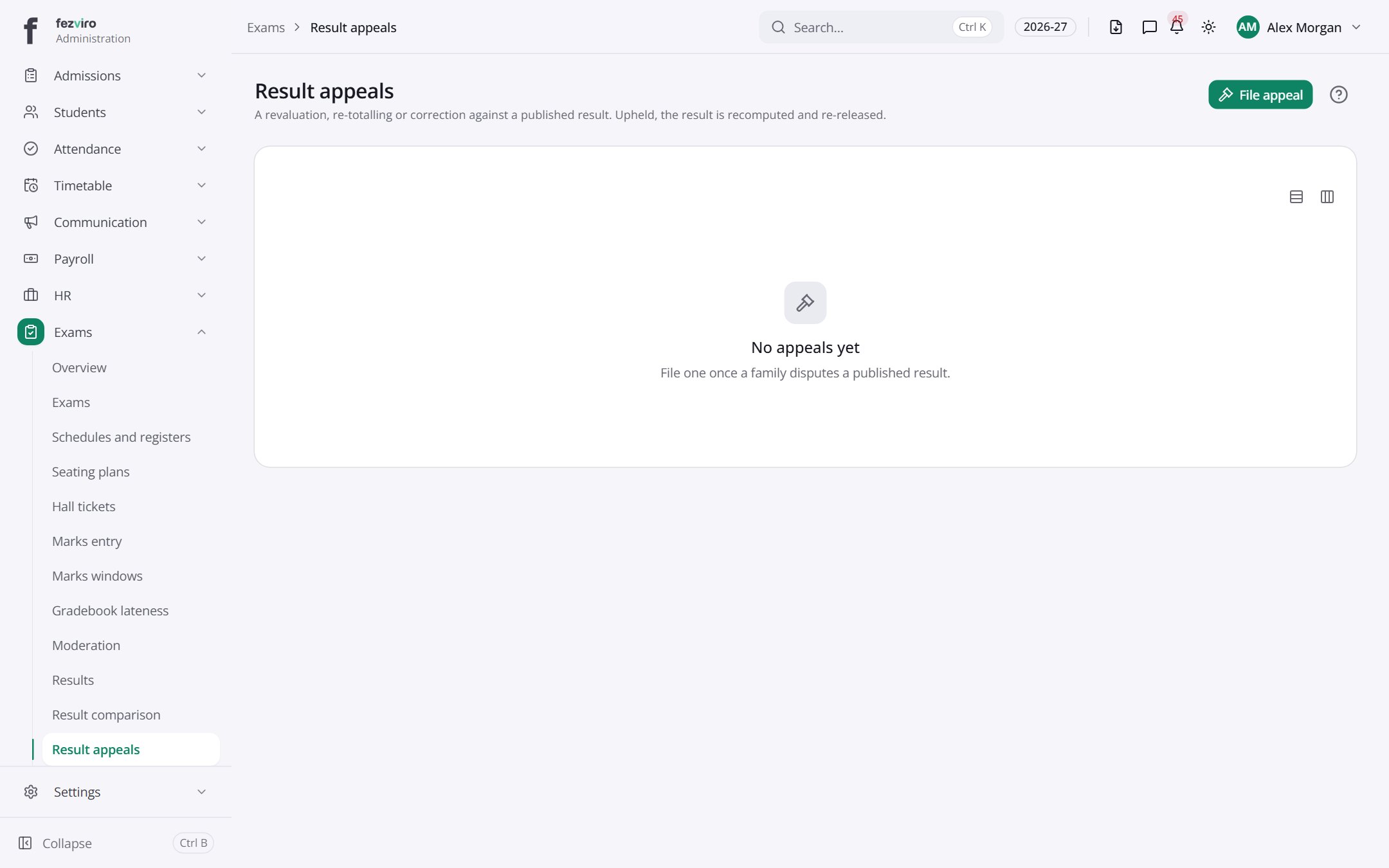
Buttons on this screen
Section titled “Buttons on this screen”- File appeal — does what it says on the button.
← Back to Exams & Grading overview