

My canteen wallet
What it is
Your child's canteen wallet, with balance and recent purchases.
Why it matters
Lets parents see and top up their child's canteen money at any time.
When to use it
Parents top up the wallet online and check each purchase their child made.
Who uses it
Parent
How to get here
Section titled “How to get here”- Sign in as Parent (see Signing in).
- In the left menu, click Canteen to open it.
- Click Michael Lucas Parker.
What you see
Section titled “What you see”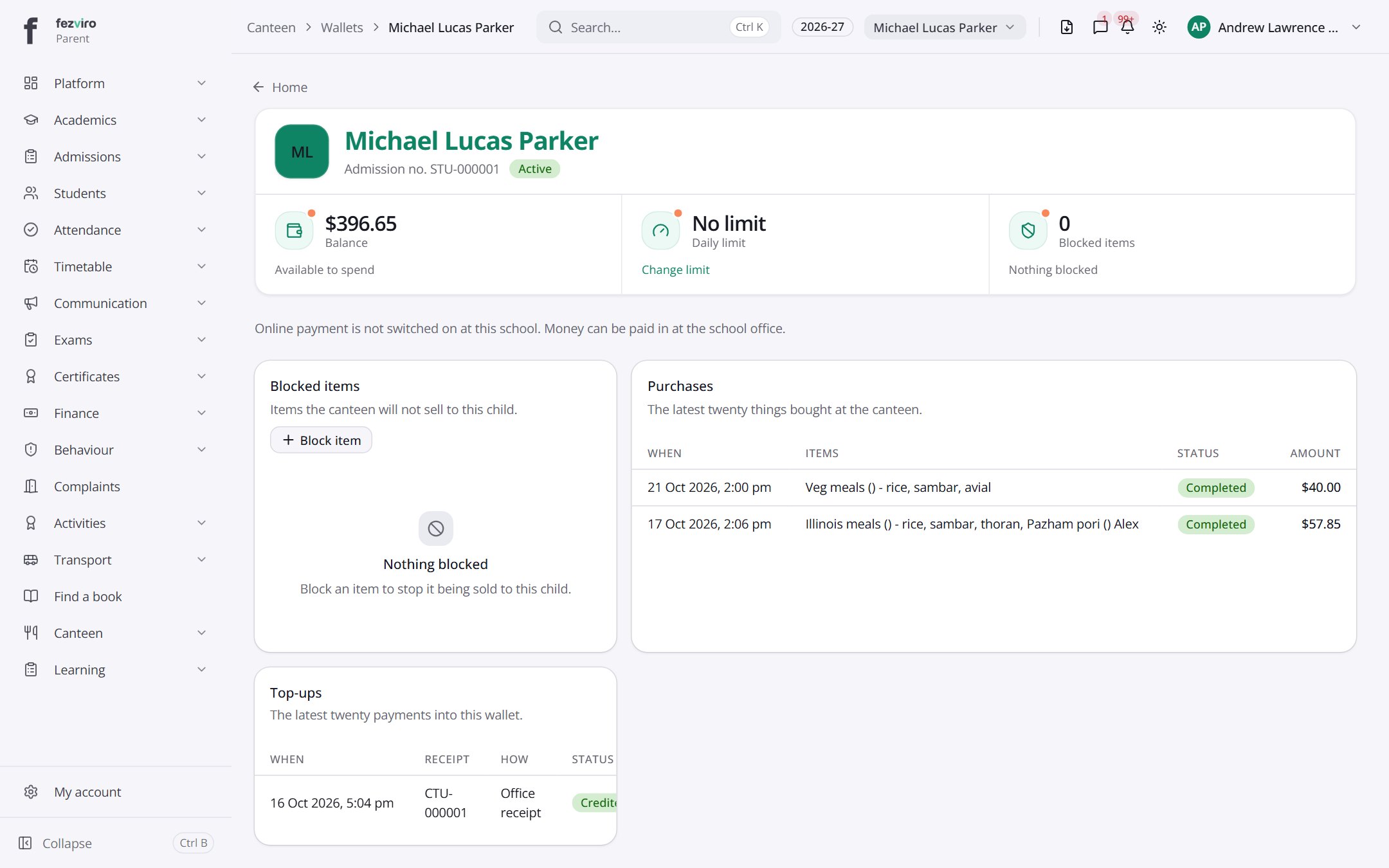
- Sections on the page: Blocked items, Purchases, Top-ups.
- The list has these columns: When, Items, Status, Amount, Receipt, How, Actions. Click a column name to sort by it.
Buttons on this screen
Section titled “Buttons on this screen”- Home — does what it says on the button.
- Change limit — lets you change the details.
← Back to Canteen overview