

Report library
What it is
The library of standard reports built from school data.
Why it matters
Gives everyone the common numbers without building anything.
When to use it
Staff open a report, set its filters, read the results and export them.
Who uses it
Administrator
How to get here
Section titled “How to get here”- Sign in as Administrator (see Signing in).
- In the left menu, click Reports to open it.
- Click Report library.
What you see
Section titled “What you see”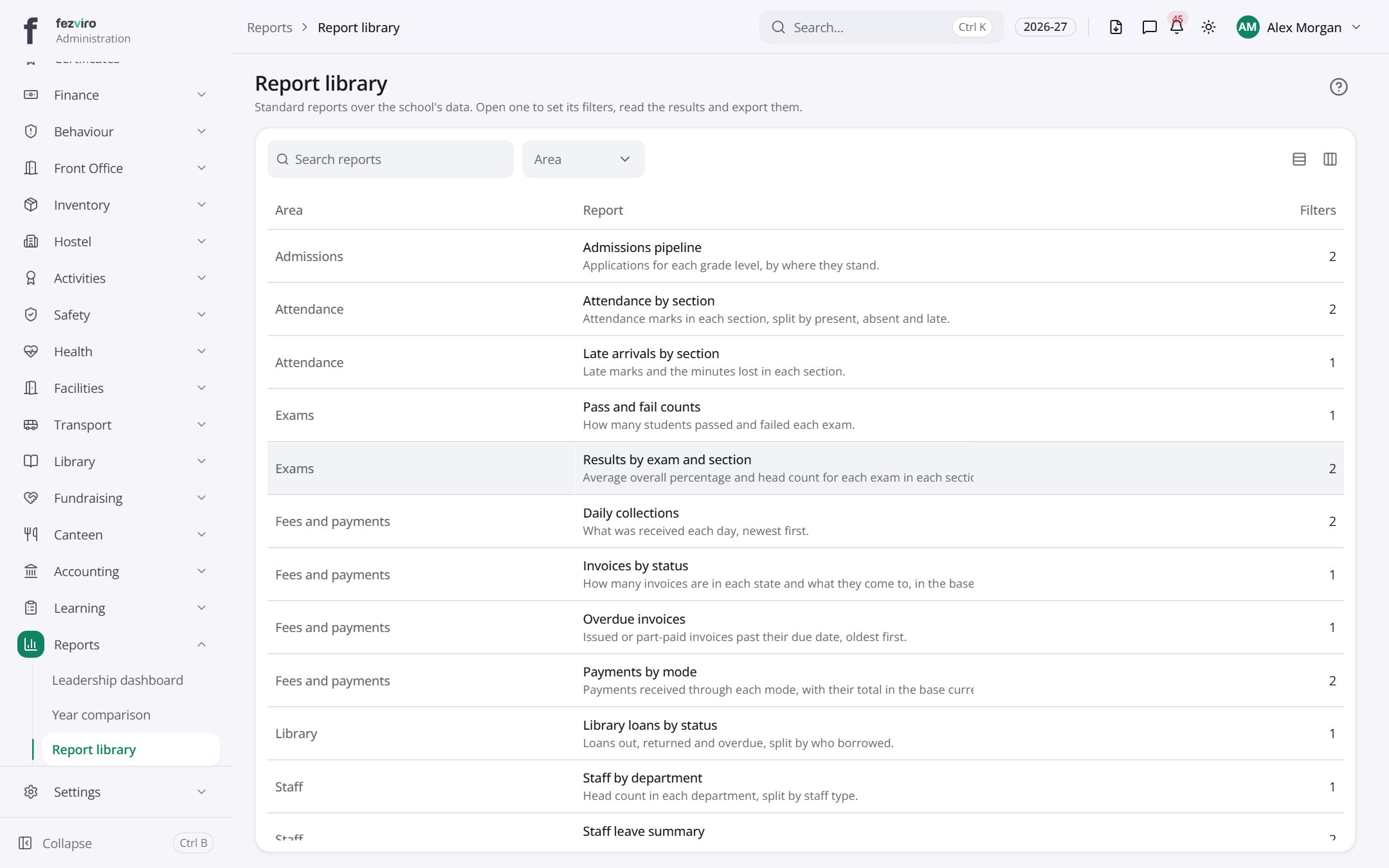
- The list has these columns: Area, Report, Filters. Click a column name to sort by it.
← Back to Reports & Analytics overview