

Re-enrolment
What it is
Next year's re-enrolment round for every current pupil.
Why it matters
Shows which families are returning, leaving or still to answer.
When to use it
The office opens the round and tracks answers until it closes.
Who uses it
Administrator
How to get here
Section titled “How to get here”- Sign in as Administrator (see Signing in).
- In the left menu, click Admissions to open it.
- Click Re-enrolment.
What you see
Section titled “What you see”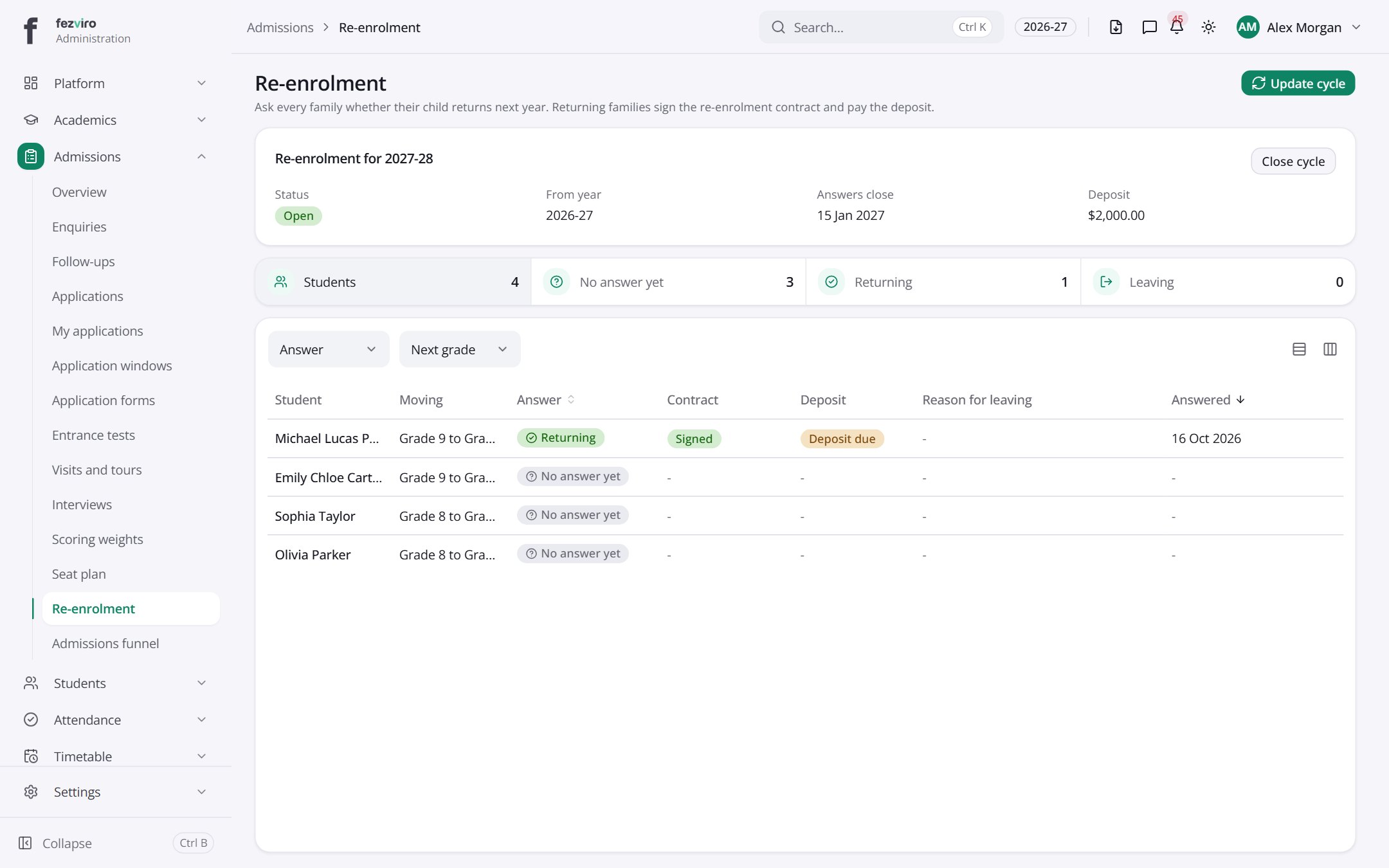
- Sections on the page: Re-enrolment for 2027-28.
- The list has these columns: Student, Moving, Answer, Contract, Deposit, Reason for leaving, Answered. Click a column name to sort by it.
Buttons on this screen
Section titled “Buttons on this screen”- Update cycle — lets you change the details.
← Back to Admissions overview