

My receipts
What it is
Receipts for every payment your family has made.
Why it matters
Gives parents proof of payment without needing to call the office.
When to use it
Parents open any receipt to check the amount and date.
Who uses it
Parent
How to get here
Section titled “How to get here”- Sign in as Parent (see Signing in).
- In the left menu, click Fees to open it.
- Click My receipts.
What you see
Section titled “What you see”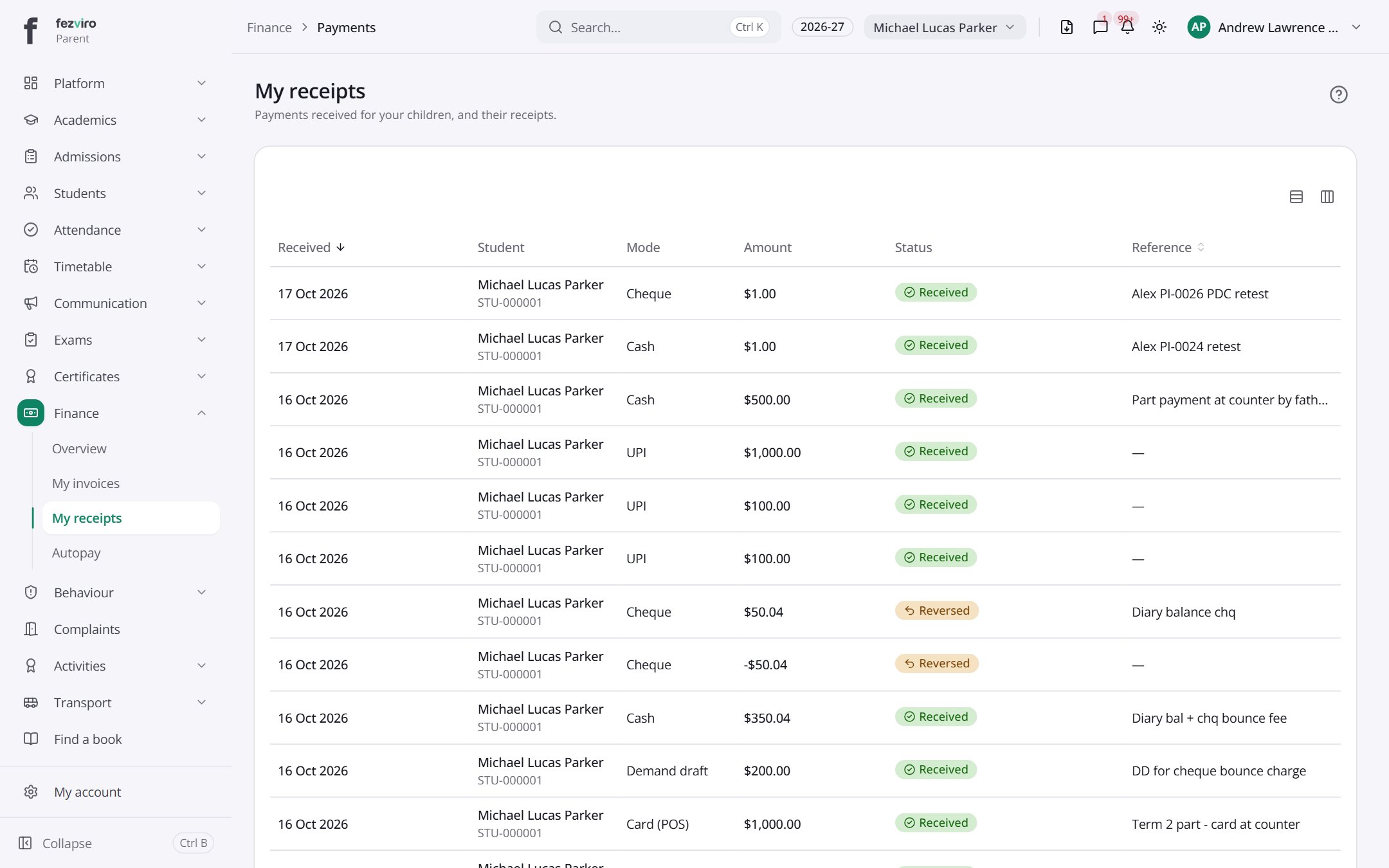
- The list has these columns: Received, Student, Mode, Amount, Status, Reference. Click a column name to sort by it.
← Back to Fees & Finance overview