

Alumni
What it is
A directory of former pupils who have left the school.
Why it matters
Keeps connections with past pupils for reunions and support.
When to use it
Office staff see all alumni; former pupils see those who chose to be listed.
Who uses it
Administrator
How to get here
Section titled “How to get here”- Sign in as Administrator (see Signing in).
- In the left menu, click Students to open it.
- Click Alumni.
What you see
Section titled “What you see”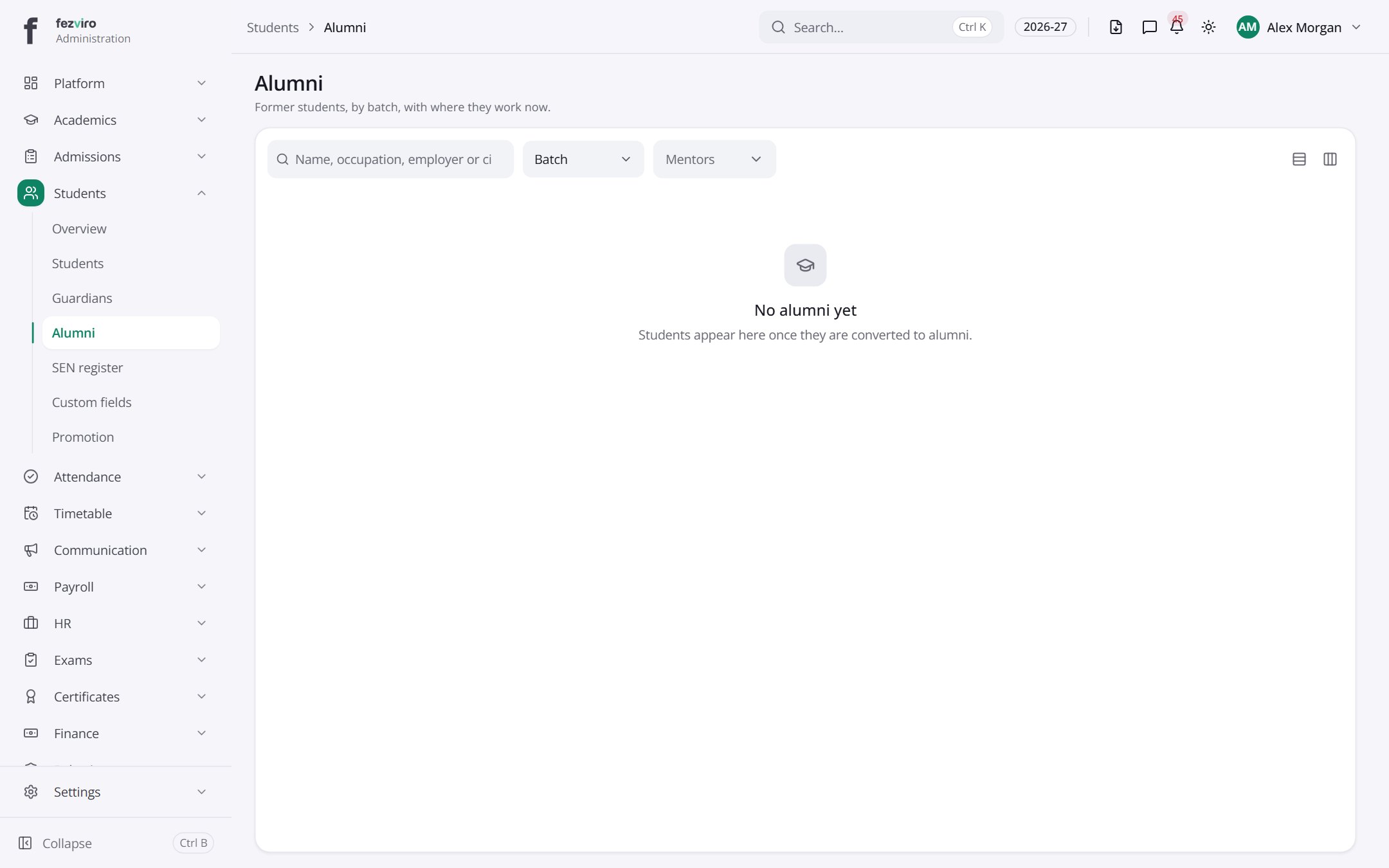
← Back to Students & Guardians overview