

Notification defaults
What it is
School-wide defaults for how notifications reach people.
Why it matters
Sets sensible choices for anyone who has not chosen their own.
When to use it
Administrators set school defaults and quiet hours for everyone.
Who uses it
Administrator
How to get here
Section titled “How to get here”- Sign in as Administrator (see Signing in).
- In the left menu, click Platform to open it.
- Click Settings.
What you see
Section titled “What you see”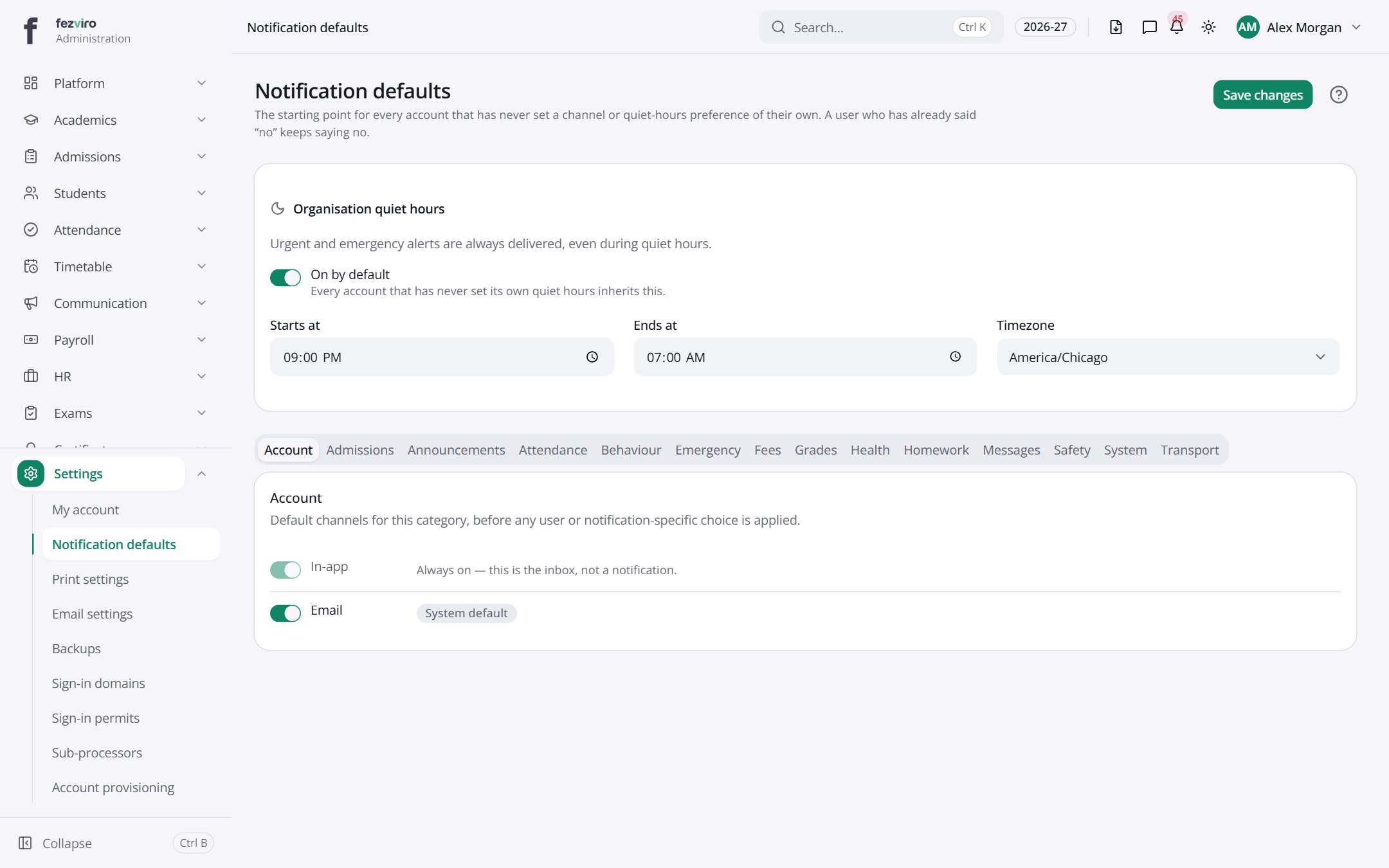
- Tabs along the top switch between views: Account, Admissions, Announcements, Attendance, Behaviour, Emergency, Fees, Grades, Health, Homework. Click one to change what you see.
- Sections on the page: Organisation quiet hours, Account.
Buttons on this screen
Section titled “Buttons on this screen”- Save changes — lets you change the details.
← Back to Platform & Security overview