

Communication dashboard
What it is
The landing page for everything about messages and notices.
Why it matters
Gives a quick view of what needs attention before diving in.
When to use it
Office staff see pending notices, delivery problems and unread items at a glance.
Who uses it
Administrator
How to get here
Section titled “How to get here”- Sign in as Administrator (see Signing in).
- In the left menu, click Communication.
What you see
Section titled “What you see”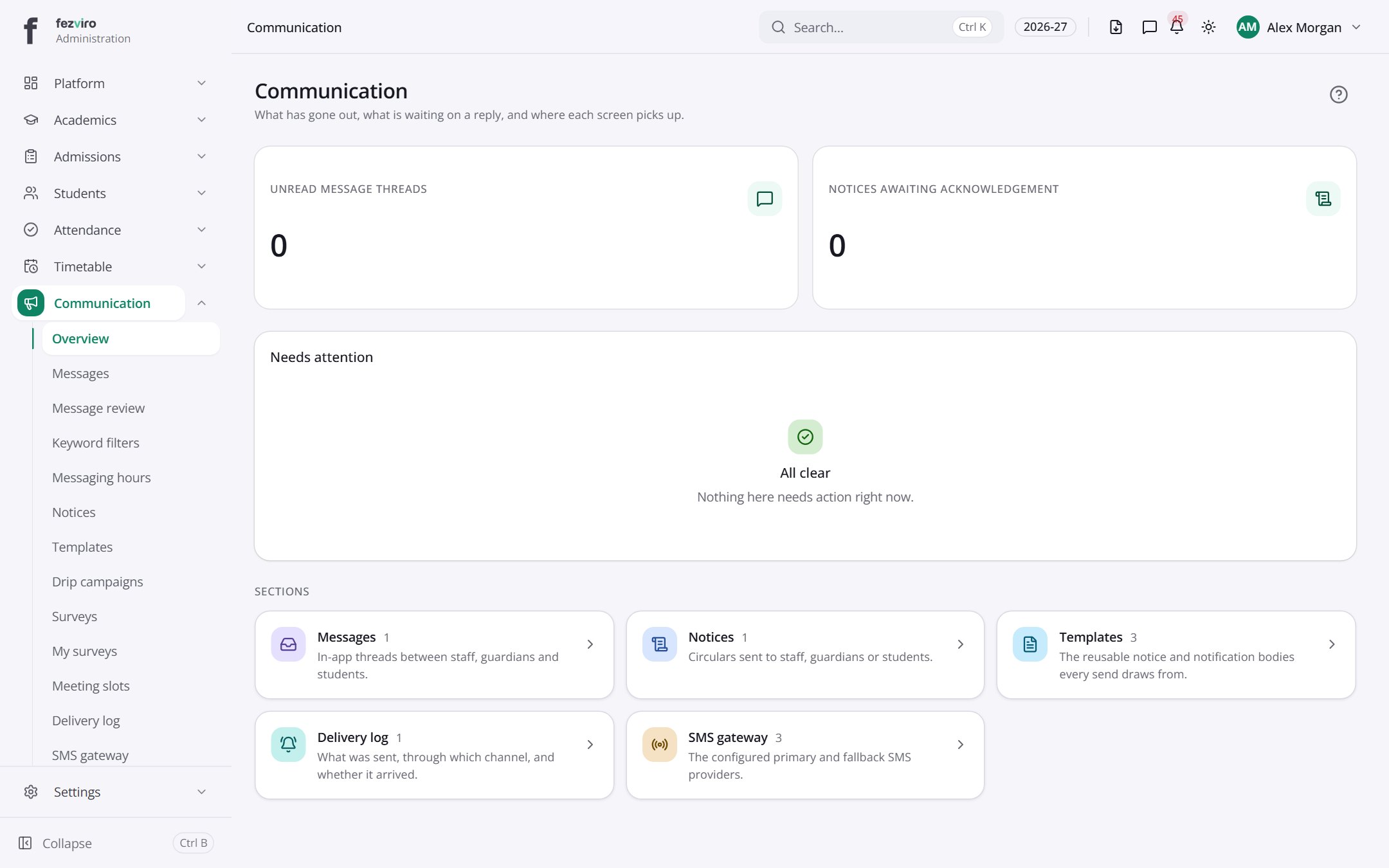
- Sections on the page: Needs attention, Sections.
← Back to Communication overview