

Weekly menus
What it is
The weekly lunch menu, repeating on a one to four week cycle.
Why it matters
Lets families and kitchens plan ahead with a clear, fixed menu.
When to use it
Canteen staff build the menu once; it then repeats automatically each cycle.
Who uses it
Administrator
How to get here
Section titled “How to get here”- Sign in as Administrator (see Signing in).
- In the left menu, click Canteen to open it.
- Click Weekly menus.
What you see
Section titled “What you see”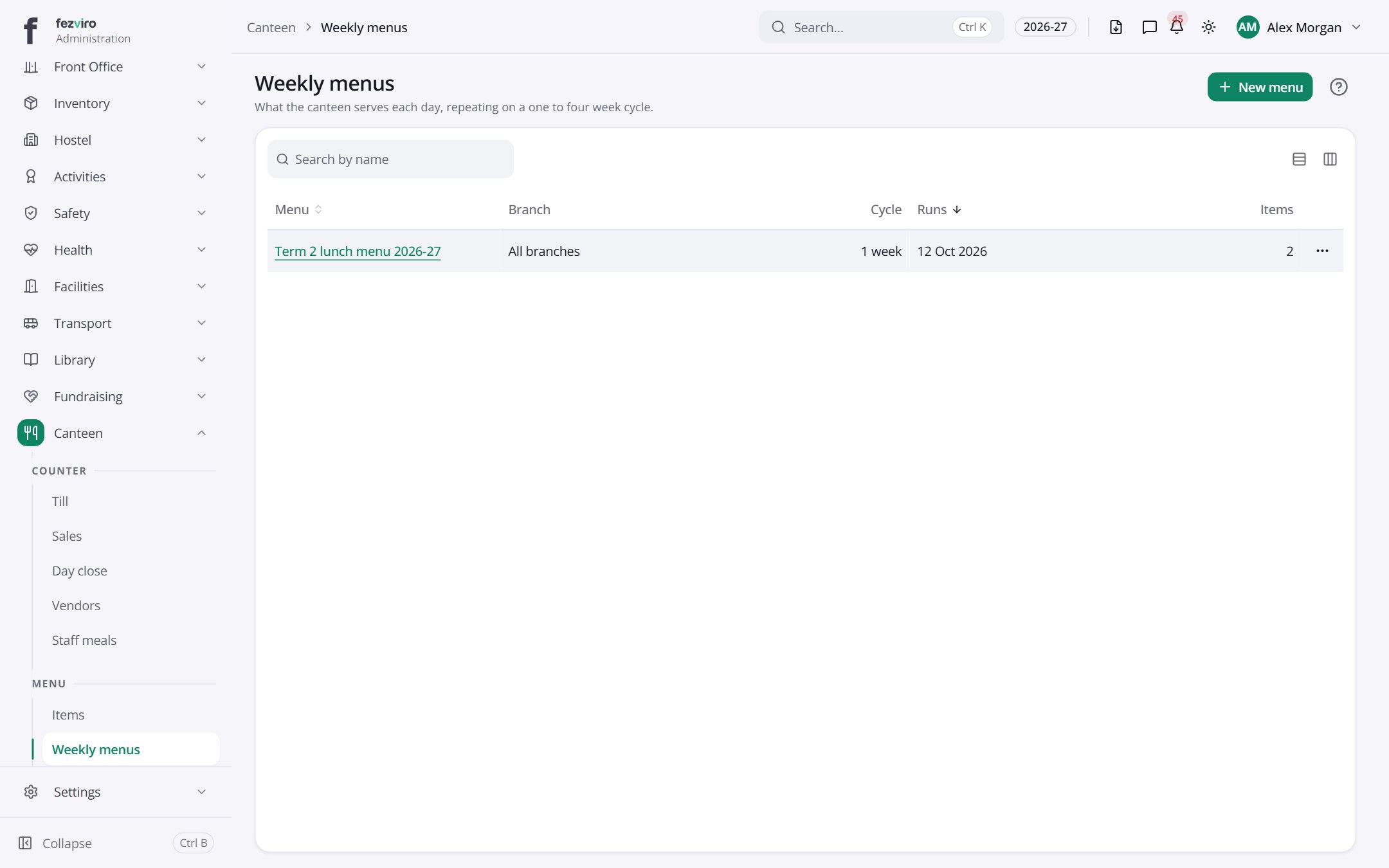
- The list has these columns: Menu, Branch, Cycle, Runs, Items, Actions. Click a column name to sort by it.
Buttons on this screen
Section titled “Buttons on this screen”- New menu — opens a form to add a new one. See Filling in the form below.
Opening a record
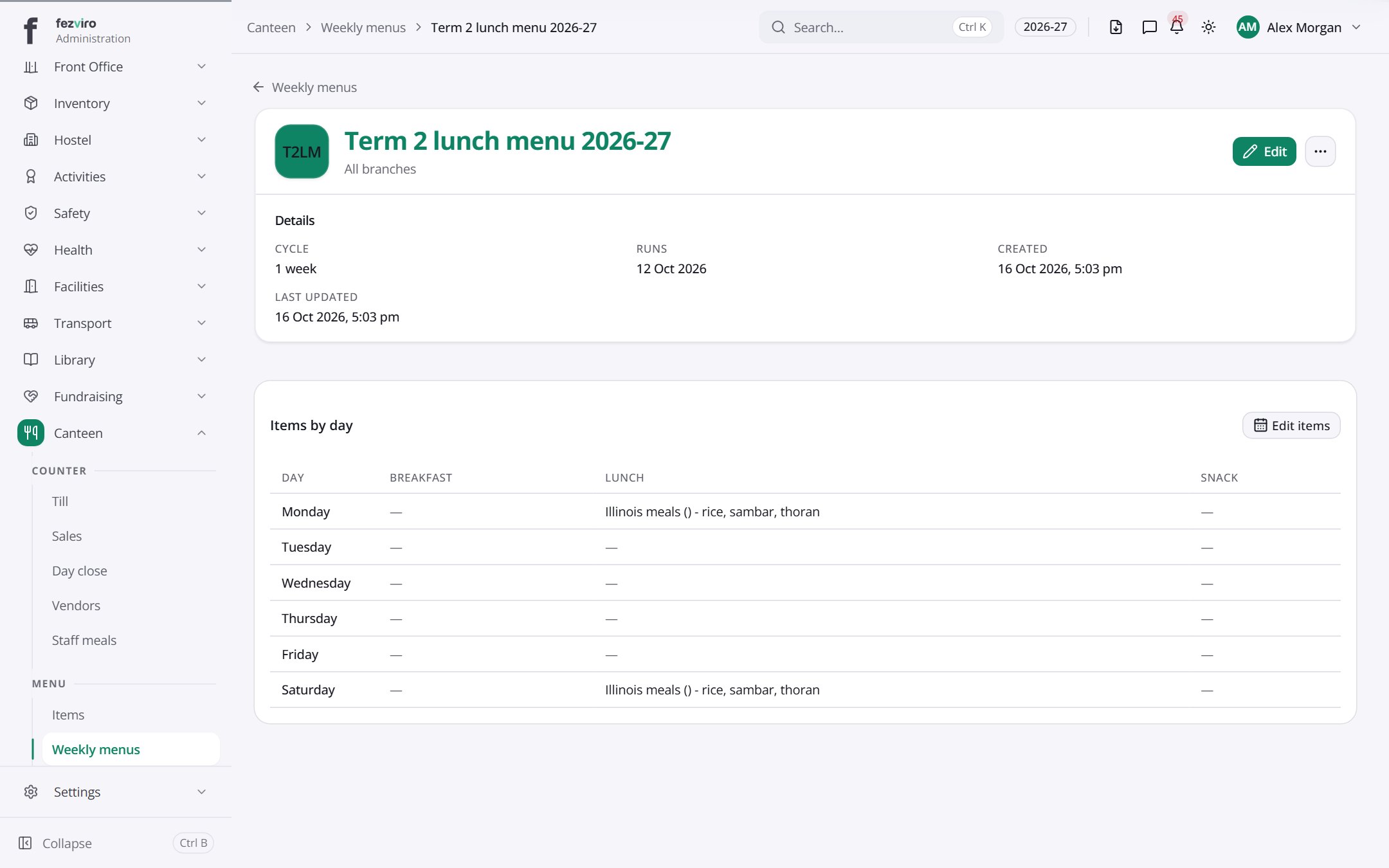
Section titled “Opening a record”Click any row in the list to see everything about it on one page.
← Back to Canteen overview