

Certificates & ID Cards dashboard
What it is
A summary of all certificate work in one place.
Why it matters
Shows pending requests and recent issues without hunting through lists.
When to use it
Staff check it to see what needs a signature or a print.
Who uses it
Administrator
How to get here
Section titled “How to get here”- Sign in as Administrator (see Signing in).
- In the left menu, click Certificates to open it.
- Click Certificates.
What you see
Section titled “What you see”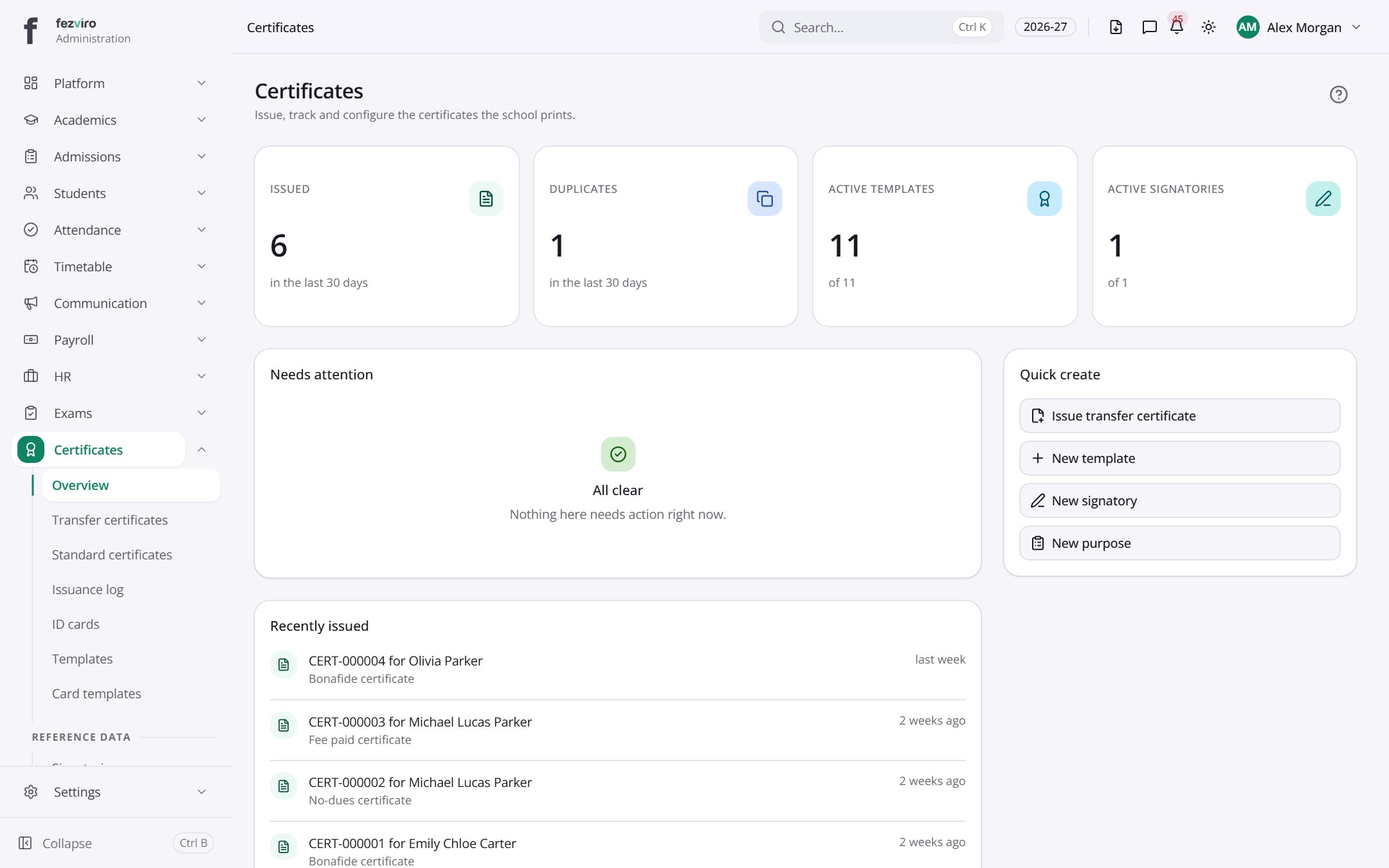
- Sections on the page: Needs attention, Recently issued, Quick create, Sections, Issued by type.
← Back to Certificates & ID Cards overview