

Library catalogue
What it is
The online library catalogue families and pupils can search.
Why it matters
Lets people find and reserve books from home.
When to use it
Pupils and parents search titles, check availability and place holds.
Who uses it
Administrator
How to get here
Section titled “How to get here”- Sign in as Administrator (see Signing in).
- In the left menu, click Library to open it.
- Click Find a book.
What you see
Section titled “What you see”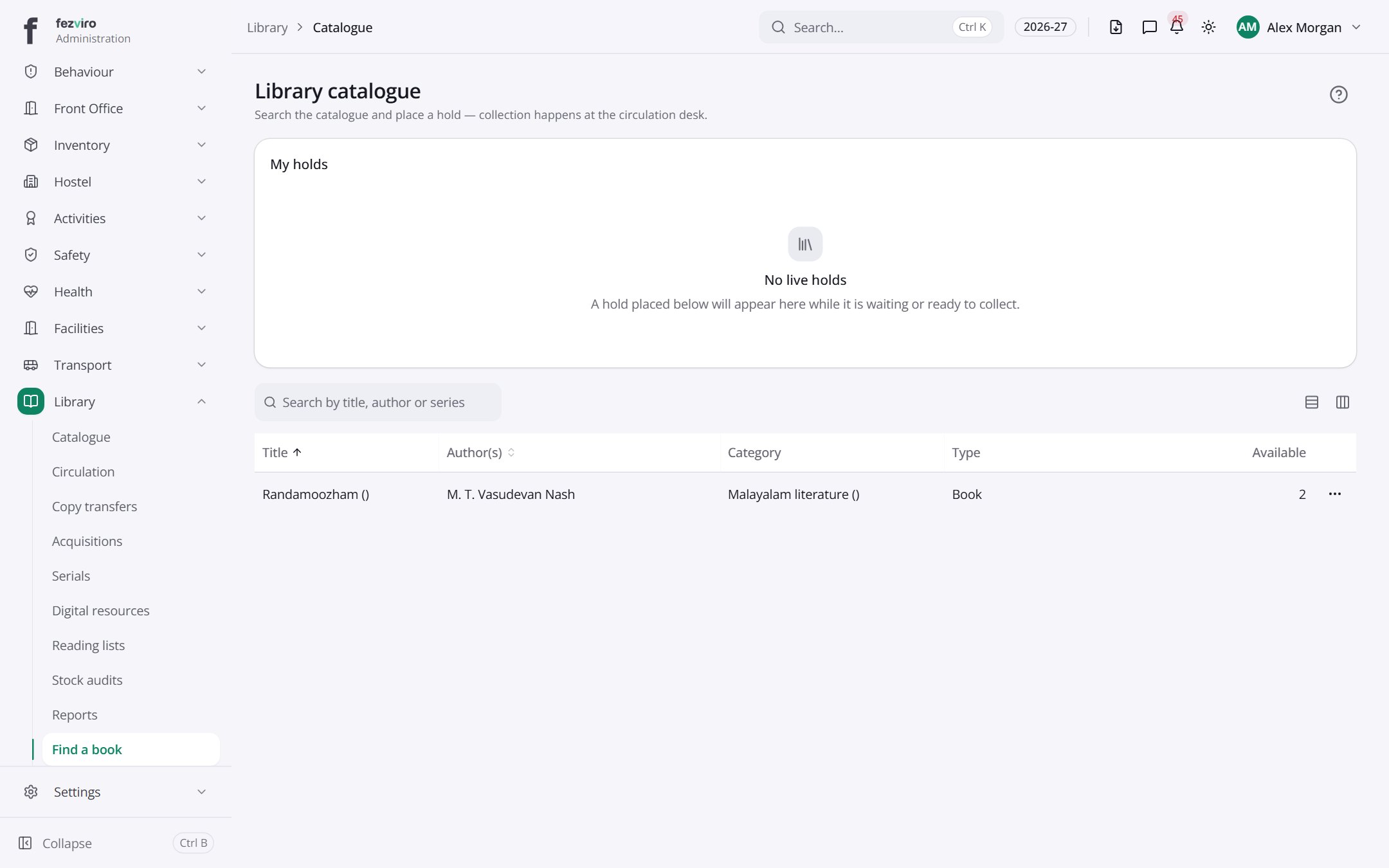
- Sections on the page: My holds.
- The list has these columns: Title, Author(s), Category, Type, Available, Actions. Click a column name to sort by it.
← Back to Library overview