

My absence explanations
What it is
Your list of explanations for your child's absences.
Why it matters
Lets families tell the school why a child was away, without phoning.
When to use it
Parents send an explanation and check whether the school accepted it.
Who uses it
Administrator
How to get here
Section titled “How to get here”- Sign in as Administrator (see Signing in).
- In the left menu, click Attendance to open it.
- Click My absence explanations.
What you see
Section titled “What you see”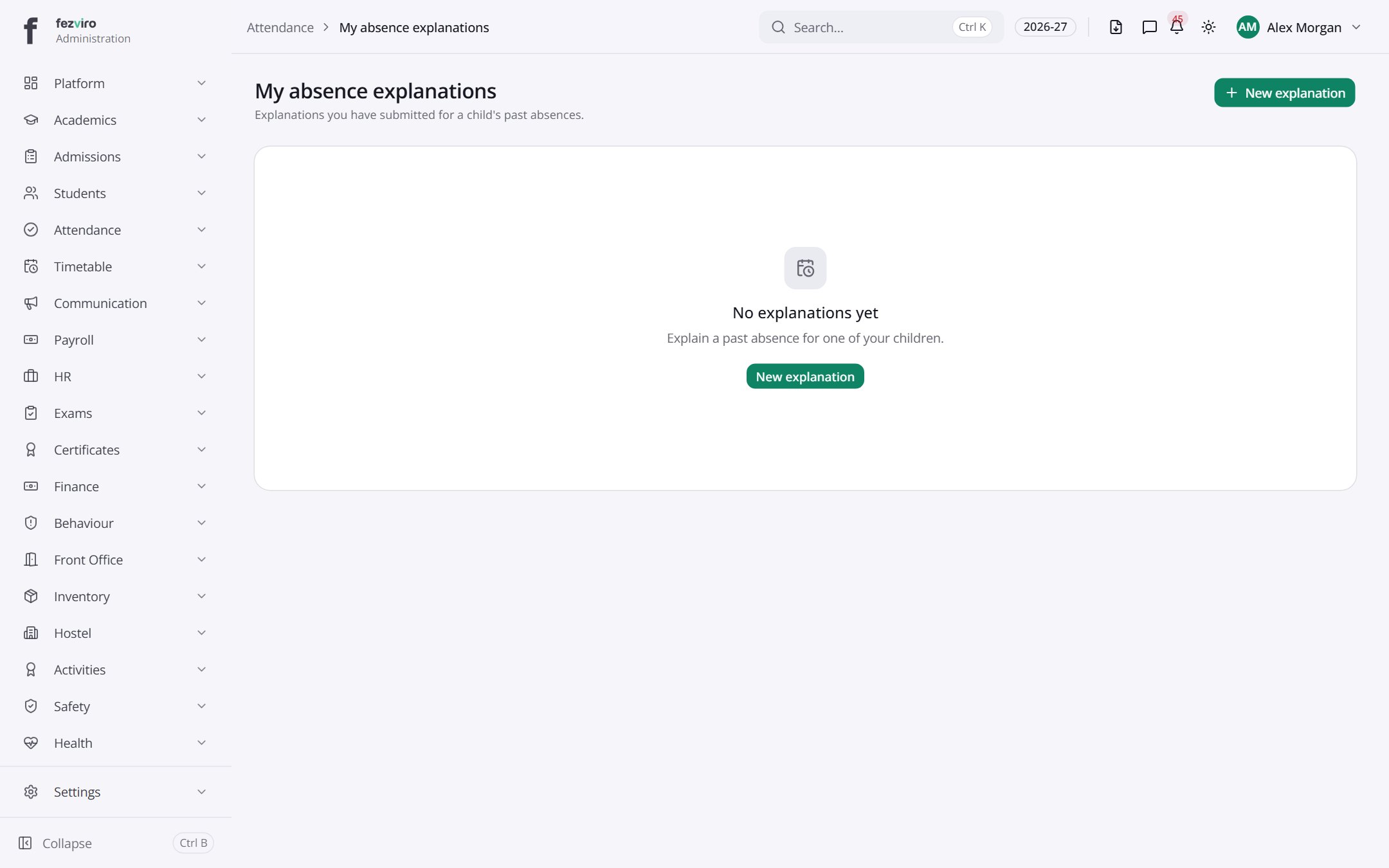
Buttons on this screen
Section titled “Buttons on this screen”- New explanation — opens a form to add a new one. See Filling in the form below.
Filling in the form
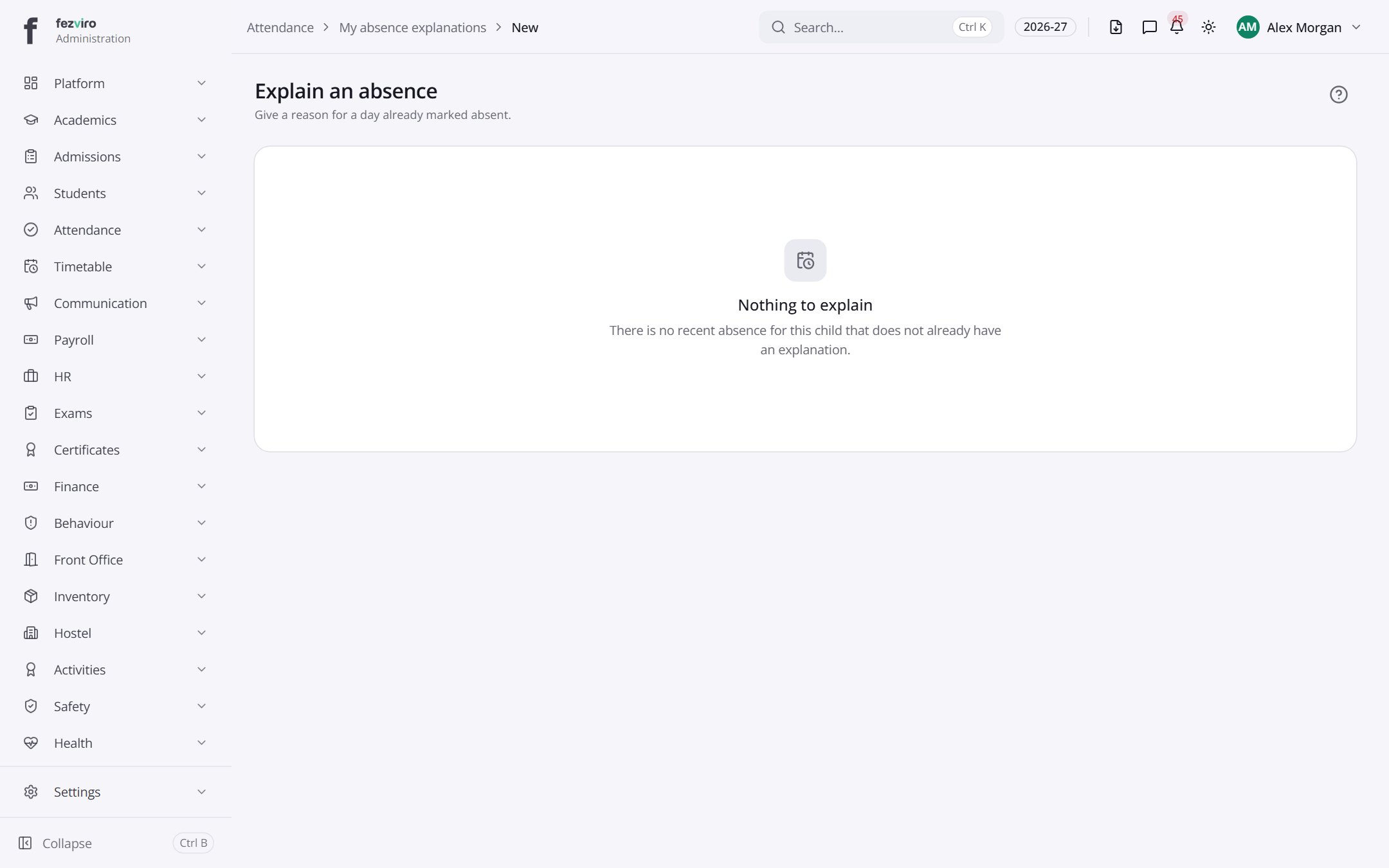
Section titled “Filling in the form”- Click the New explanation button at the top right.
- Fill in the boxes.
- Click Save at the bottom. If something is missing, the box turns red and tells you what to fix.
← Back to Attendance overview