

Waiting list
What it is
Students waiting for a hostel bed, in priority order.
Why it matters
Fills free beds fairly and keeps families informed.
When to use it
Staff offer a free bed to the next student and track their response.
Who uses it
Administrator
How to get here
Section titled “How to get here”- Sign in as Administrator (see Signing in).
- In the left menu, click Hostel to open it.
- Click Waiting list.
What you see
Section titled “What you see”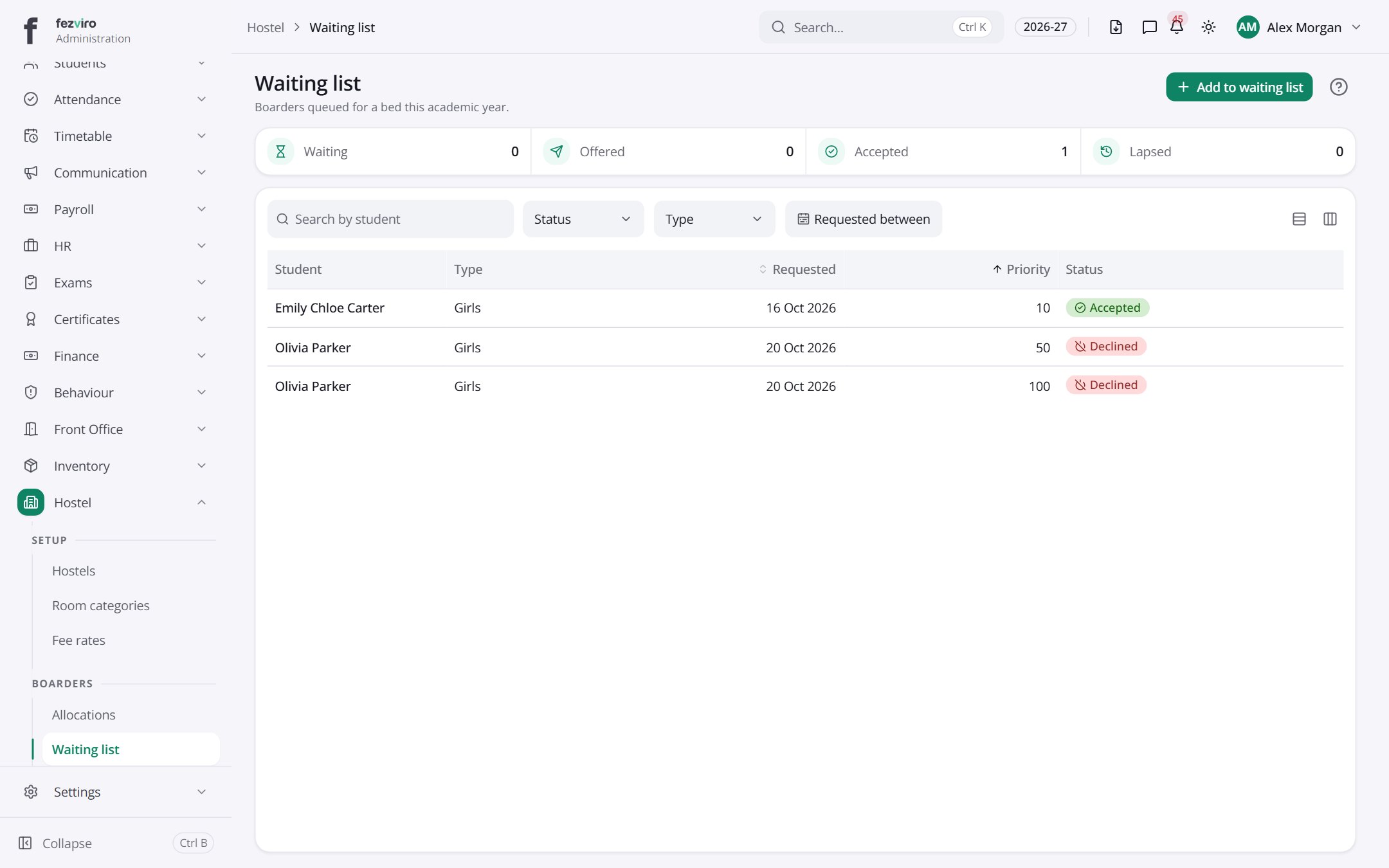
- The list has these columns: Student, Type, Requested, Priority, Status. Click a column name to sort by it.
Buttons on this screen
Section titled “Buttons on this screen”- Add to waiting list — opens a form to add a new one. See Filling in the form below.
← Back to Hostel overview